1. Производот завршиview
This WIKICO Digital Camera (Model W01) is designed for both photography and video recording, offering 4K video and 56MP photos. It features 16X digital zoom, video pause, recording while charging, loop recording, continuous shooting, silent mode, and a self-timer. The upgraded chip ensures high-definition, true-to-life images. It is a compact and lightweight camera, ideal for beginners.

Слика 1.1: WIKICO Digital Camera (Pink) with its primary accessories.

Слика 1.2: Key features of the WIKICO Digital Camera.
2. Што има во кутијата
Upon unboxing your WIKICO Digital Camera, please ensure all the following components are present:
- Digital Camera (W01)
- 2 x 1500mAh Lithium-ion Batteries
- Полнач за батерии
- 52 mm широкоаголен објектив
- Макро објектив од 52 мм
- USB 2.0 кабел за податоци
- 32 GB TF картичка
- Упатство за употреба (овој документ)

Слика 2.1: All components included in the product package.
3. Водич за поставување
3.1. Полнење на батеријата
Before first use, fully charge both included 1500mAh Lithium-ion batteries. Insert the batteries into the dual charger and connect the charger to a power source using the provided adapter and USB cable. The charging indicator light will show the charging status.
3.2. Вметнување на TF картичката
Locate the TF card slot on the side of the camera. Gently insert the 32GB TF card with the metal contacts facing down until it clicks into place. To remove, press the card inward until it springs out.
3.3. Прикачување на леќи
The camera comes with a detachable 52mm wide-angle lens and a macro lens. To attach a lens, align the threads on the lens with the threads around the camera's built-in lens and gently twist clockwise until secure. To switch between wide-angle and macro, the macro lens typically screws onto the wide-angle lens, or directly onto the camera if used alone for close-up shots.

Слика 3.1: Attaching the Wide Angle and Macro Lenses.
4. Упатства за работа
4.1. Вклучување/исклучување
Press and hold the Power button (usually located on the top or side) to turn the camera on or off. The 3.0-inch LCD screen will illuminate.
4.2. Избор на режим
Use the top-mounted knob to select desired modes: Photo, Video, Time-lapse, Playback, or Slow Motion Recording. Refer to Figure 4.1 for control layout.

Слика 4.1: Camera Controls and Mode Dial.
4.3. Фотографирање
In Photo mode, frame your shot using the LCD screen. Press the Shutter button (typically on top) halfway to focus, then fully press to capture the image. The camera supports 56MP photos.
4.4. Снимање видеа
In Video mode, press the Record button to start and stop recording. The camera supports 4K video resolution. Use the pause function to temporarily stop and resume recording within the same file. The camera also supports recording while charging for extended sessions.
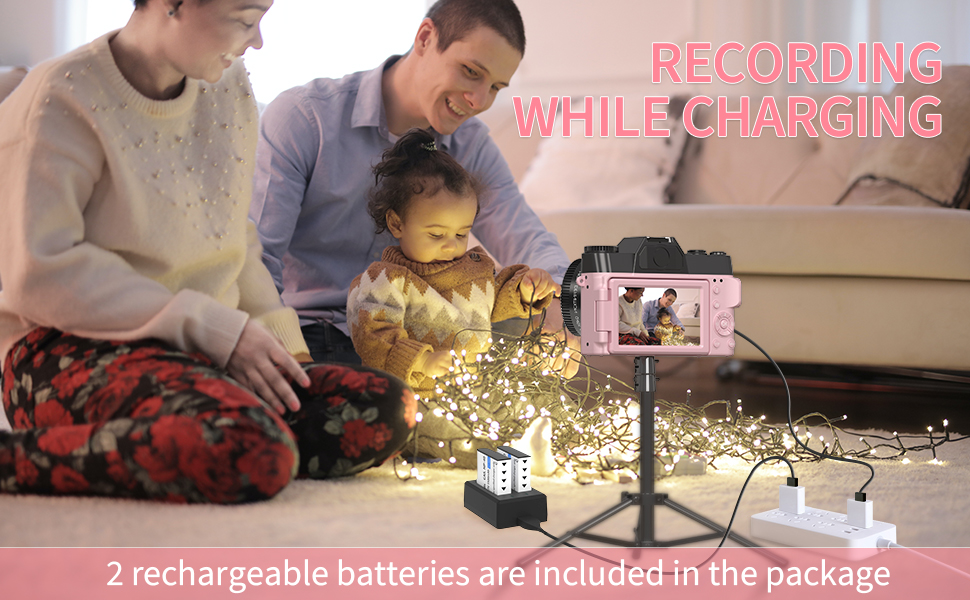
Слика 4.2: Recording while Charging.
4.5. Функција за зумирање
Utilize the T (Telephoto) and W (Wide) buttons to adjust the 16X digital zoom. Note that digital zoom may affect image quality compared to optical zoom.
4.6. Поврзување преку Wi-Fi
The camera features Wi-Fi for easy transfer of photos and videos to your smartphone or other devices. Consult the detailed user manual for specific instructions on connecting to your device via Wi-Fi.
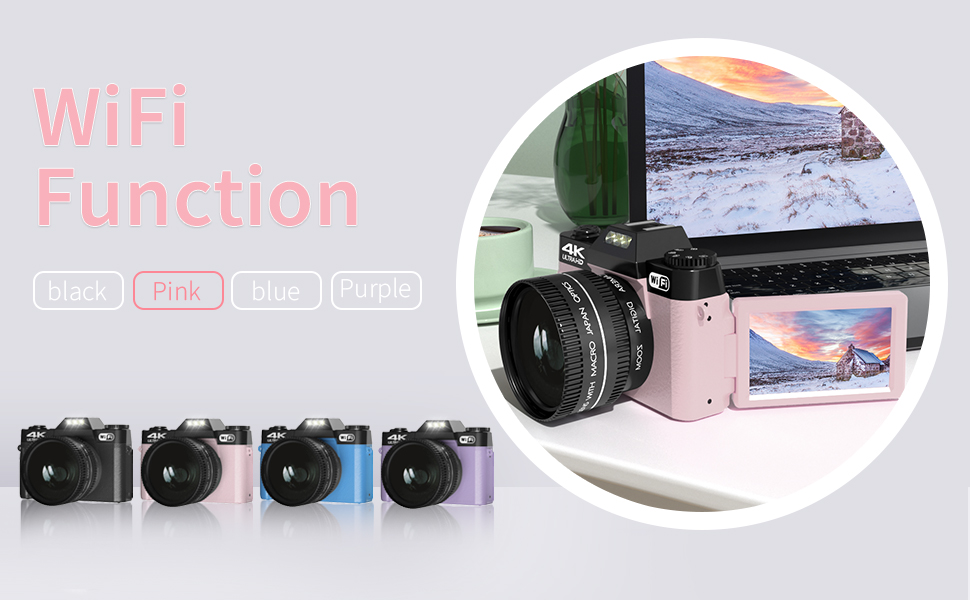
Слика 4.3: Wi-Fi Functionality.
4.7. WebФункција на камери
Connect the camera to your computer via the USB cable to use it as a webcam for live streaming, video calls, or online meetings. This function is ideal for creating professional-quality content for platforms like YouTube or Zoom.

Слика 4.4: Webcam Functionality for Vlogging and Live Streaming.
4.8. Built-In Filters
Enhance your creativity with the camera's built-in filters. Access these through the camera's menu settings to add style and personality to your photos and videos effortlessly.
4.9. LED пополнувачко светло
The camera is equipped with an LED fill light to improve photo clarity in low-light conditions. Activate this feature through the camera's settings or a dedicated button (refer to Figure 4.1 for control layout).
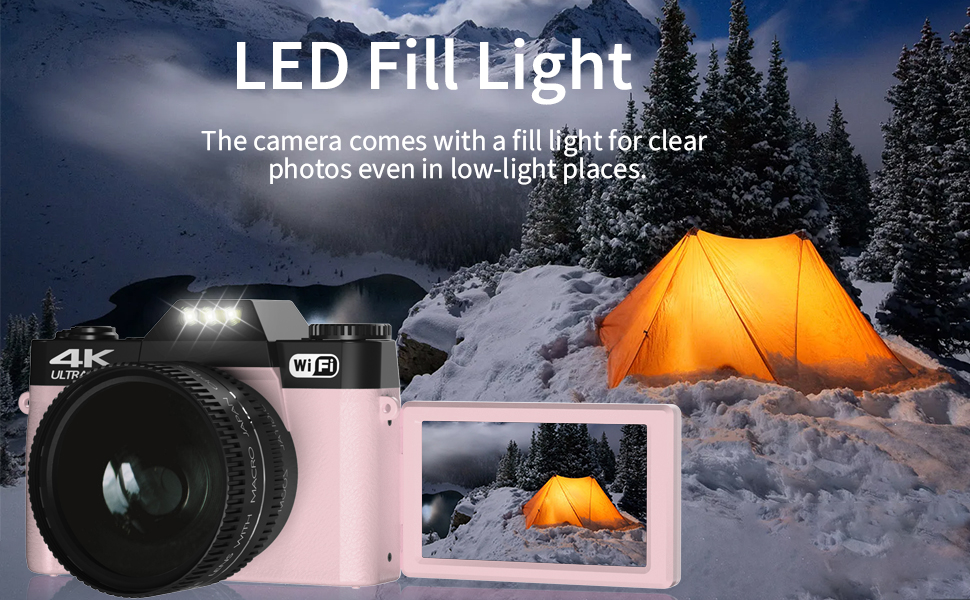
Слика 4.5: LED Fill Light in action.
5. Одржување
5.1. Чистење на камерата
Use a soft, lint-free cloth to clean the camera body. For the lens, use a specialized lens cleaning cloth and solution. Avoid using abrasive materials or harsh chemicals that could damage the camera's surface or lens coatings.
5.2. Нега на батерии
Store batteries in a cool, dry place when not in use. Avoid fully discharging batteries frequently to prolong their lifespan. If storing for an extended period, charge them to about 50% capacity.
5.3. Складирање
When not in use, store the camera in a protective case to prevent dust accumulation and accidental damage. Keep it away from extreme temperatures, high humidity, and direct sunlight.
6 Смена на проблеми
| Проблем | Можна причина | Решение |
|---|---|---|
| Камерата не се вклучува. | Батеријата е празна или неправилно вметната. | Ensure batteries are fully charged and correctly inserted. Try a different charged battery. |
| Лош квалитет на слика/видео. | Low light conditions, dirty lens, digital zoom overuse, incorrect settings. | Ensure adequate lighting (use LED fill light if needed). Clean the lens. Avoid excessive digital zoom. Check camera settings (e.g., resolution, white balance). |
| No sound or poor audio quality in videos. | Internal microphone issues, environmental noise. | Ensure recording is done in a quiet environment. Consider using an external microphone connected via the hot shoe for improved audio quality. |
| TF card error. | Картичката не е правилно вметната, картичката е полна или оштетена. | Reinsert the TF card. Delete unnecessary fileили употребете нова картичка. Форматирајте ја картичката (ова ќе ги избрише сите податоци). |
| Проблеми со Wi-Fi конекција. | Incorrect password, out of range, or software glitch. | Verify Wi-Fi password. Ensure camera is within range of the Wi-Fi network. Restart both camera and connecting device. |
7. Спецификации
| Карактеристика | Детал |
|---|---|
| Бренд | ВИКИКО |
| Име на моделот | W02 (Note: Product listing shows W01, specifications show W02. Using W01 as per product title/model) |
| Ефективна сепак резолуција | 48 MP (Max 56MP) |
| Видео резолуција | 4K UHD 2160p |
| Дигитален зум | 16 x |
| Големина на екранот | 3 инчи |
| Тип на дисплеј | LCD екран |
| Тип на фокус | Рачен фокус |
| Стабилизација на слика | Дигитален |
| Технологија за поврзување | USB, Wi-Fi |
| Големина на надворешна меморија | 32 GB (Supports up to 128 GB) |
| Тип на батерија | Lightweight Lithium-ion battery (2 included) |
| Тежина на ставката | 230 грама |
| Димензии на ставката (Д x Ш x В) | 1.7" Д x 4.5" Ш x 3" В |
| Боја | Розова |
8. Гаранција и поддршка
WIKICO is committed to providing high-quality products and professional customer support. We offer lifetime 24-hour responsive customer support to assist with any issues you may encounter. Additionally, we provide free accessory replacement within one year of purchase.
For support, please contact WIKICO customer service through the official channels provided at the time of purchase or visit the WIKICO store on Amazon: WIKICO Store.


