1. Вовед
Ви благодарам за купувањетоasing the 2BOOM BX390 Bass King Wireless Bluetooth Boombox Stereo Speaker. This manual provides essential information for setting up, operating, and maintaining your speaker to ensure optimal performance and longevity. Please read this manual thoroughly before using the product.

Image 1.1: The 2BOOM BX390 Bass King Wireless Bluetooth Boombox Stereo Speaker.
This image shows the 2BOOM BX390 Bass King speaker in blue, featuring a cylindrical design with a handle/strap attached. The front panel displays the control interface and speaker grille.
2. Содржина на пакетот
Ве молиме проверете го пакувањето за следните ставки:
- 1 x 2BOOM BX390 Bass King Speaker
- 1 x 3.5mm Aux кабел
- 1 x USB кабел за полнење
- 1 x Упатство за употреба (овој документ)
- 1 x Attachable Shoulder Strap

Image 2.1: The 2BOOM BX390 speaker shown with its detachable shoulder strap, 3.5mm Aux cable, and USB charging cable.
This image displays the blue 2BOOM BX390 speaker from an angled perspective, highlighting the included shoulder strap attached to its side rings. The USB charging cable and 3.5mm Aux cable are visible in the foreground.
3. Карактеристики на производот
- Powerful Bass Sound: Equipped with 4-inch subwoofers and vibrating disks for crisp, clear, loud sound, booming low tones, and dynamic sound effects.
- Bluetooth поврзување: Connects wirelessly to smartphones, tablets, and other Bluetooth-enabled devices up to 33 ft.
- Вграден микрофон: Supports hands-free calls.
- Издржлив и пренослив дизајн: Features a rugged, rubberized exterior and an attachable strap for easy carrying.
- Повеќе опции за внесување: Includes FM Radio, Aux-in Line, USB port, and SD Card slot.
- Интегриран контролен панел: Direct control over volume, bass, and sound equalizer.

Image 3.1: The 2BOOM BX390 speaker with visual callouts for Deep Digital Bass, FM Radio, Long-Lasting Battery, and Straps Included.
This image shows the blue 2BOOM BX390 speaker from the front, with graphic overlays pointing out its key features: deep digital bass, FM radio capability, long-lasting battery, and the inclusion of straps for portability.
4. Контроли и порти
Familiarize yourself with the control panel and input ports of your BX390 speaker:

Image 4.1: Detailed diagram of the 2BOOM BX390 control panel and input ports.
Оваа слика овозможува крупен план view of the speaker's front panel, clearly labeling each button, port, and indicator. Labels include USB, DC 5V (charging), AUX, Previous, Play/Pause, Next, Mode, EQ, SD card slot, LED display, Power ON/OFF switch, Volume controls, and Bass controls.
- USB порта: За репродукција од USB уред.
- DC 5V (порт за полнење): Поврзете го USB кабелот за полнење тука за да го наполните звучникот.
- Влез AUX: 3.5mm jack for connecting external audio devices via an Aux cable.
- Previous / Volume -: Кратко притискање за претходна песна; долго притискање за намалување на јачината на звукот.
- Пушти/Пауза: Press to play or pause audio. In FM mode, short press to auto-scan.
- Next / Volume +: Кратко притискање за следната песна; долго притискање за зголемување на јачината на звукот.
- Режим: Press to switch between Bluetooth, FM Radio, USB, SD Card, and AUX modes.
- EQ (еквалајзер): Press to cycle through different equalizer presets.
- Слот за SD-картичка: Insert an SD card for audio playback.
- Лед екран: Го прикажува тековниот режим, бројот на песната или FM фреквенцијата.
- Вклучување / исклучување на прекинувачот: Slide to turn the speaker on or off.
- Волумен +/-: Копчиња за зголемување или намалување на вкупната јачина на звук.
- Бас +/-: Buttons to increase or decrease the bass level.
5. Поставување
5.1 Полнење на звучникот
Before first use, fully charge the speaker. Connect the supplied USB charging cable to the DC 5V port on the speaker and the other end to a USB power adapter (not included) or a computer's USB port. The LED display may indicate charging status.
- Времето на полнење може да варира.
- Исклучете го полначот откако ќе се наполни целосно за да го зачувате животниот век на батеријата.
5.2 Вклучување/исклучување
За да го вклучите звучникот ON, slide the Power ON/OFF switch to the 'ON' position. You will hear an audible prompt, and the LED display will light up.
За да го вклучите звучникот ИСКЛУЧЕНО, slide the Power ON/OFF switch to the 'OFF' position.
6. Упатства за работа
6.1 режим на Bluetooth
The speaker automatically enters Bluetooth pairing mode when powered on if no other input source is connected, or after pressing the РЕЖИМ button until "Bluetooth" is indicated.
- Проверете дали звучникот е вклучен.
- На вашиот уред со Bluetooth (паметен телефон, таблет итн.), овозможете Bluetooth и пребарајте достапни уреди.
- Изберете "2BOOM BX390" or similar from the list.
- Once paired, the speaker will confirm with an audible prompt.
- Сега можете да репродуцирате аудио од вашиот уред преку звучникот.
Забелешка: Звучникот автоматски ќе се поврзе повторно со последниот поврзан уред ако е во опсег и Bluetooth е овозможен.
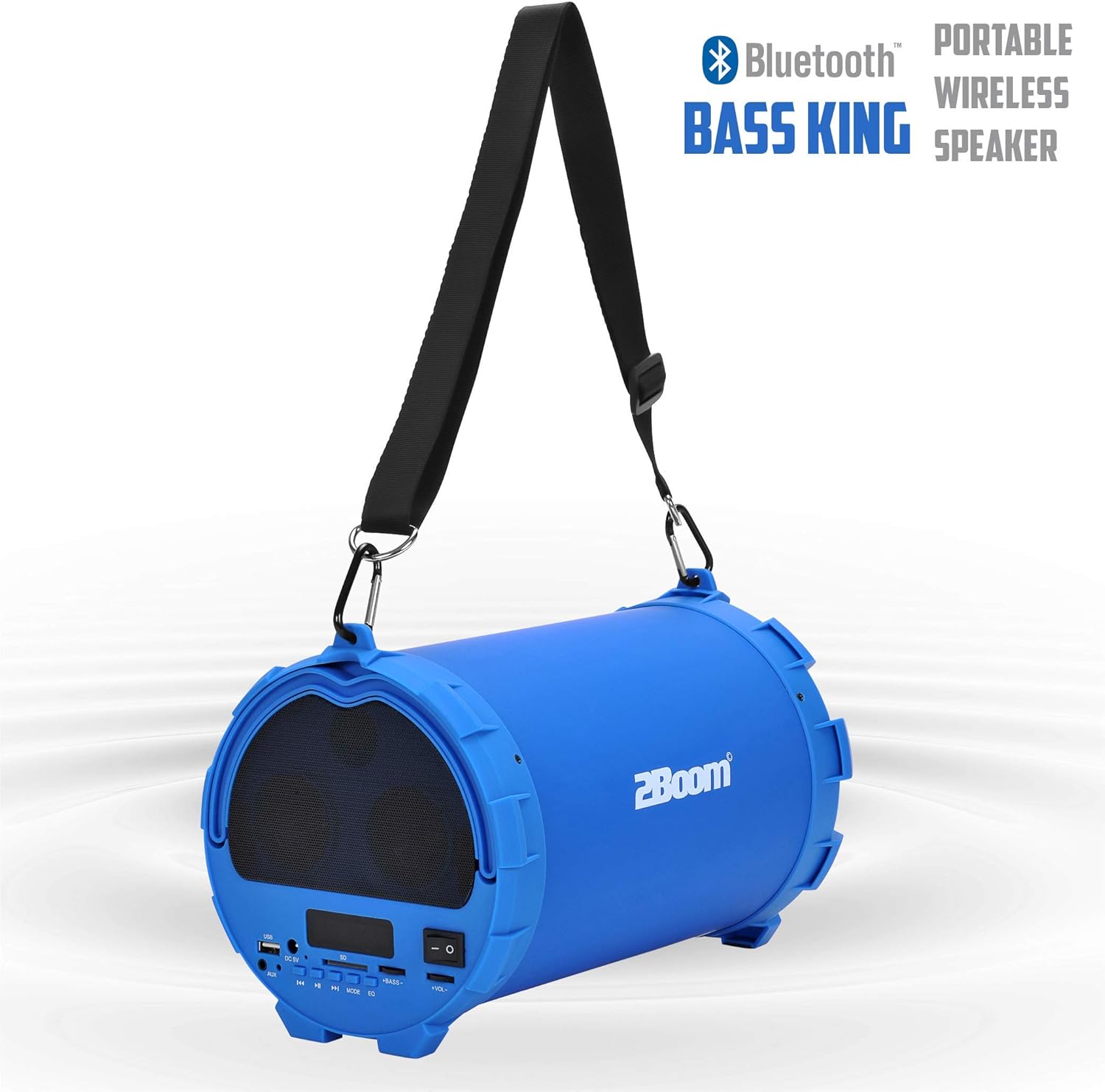
Image 6.1: The 2BOOM BX390 speaker highlighting its Bluetooth connectivity.
This image shows the blue 2BOOM BX390 speaker with a prominent "Bluetooth" logo and "PORTABLE WIRELESS BASS KING SPEAKER" text, emphasizing its wireless audio capabilities.
6.2 FM режим на радио
To switch to FM Radio mode, press the РЕЖИМ button until "FM" or the radio frequency is displayed.
- In FM mode, short press the Пушти/Пауза button to automatically scan and save available FM stations. The speaker will cycle through frequencies and store them.
- Користете го Претходна и Следно копчиња за навигација помеѓу зачуваните станици.
- For better reception, extend the antenna (if applicable, or reposition the speaker).
6.3 USB / SD Card Mode
Звучникот поддржува репродукција на аудио од USB флеш драјвови и SD картички.
- Вметнете USB флеш драјв во USB порта или SD картичка во Слот за SD картичка.
- The speaker will automatically switch to the corresponding mode (USB or SD) and begin playing audio files. Ако не е, притиснете го РЕЖИМ копче за избор.
- Користете го Претходна, Пушти/Пауза, и Следно копчиња за контрола на репродукцијата.
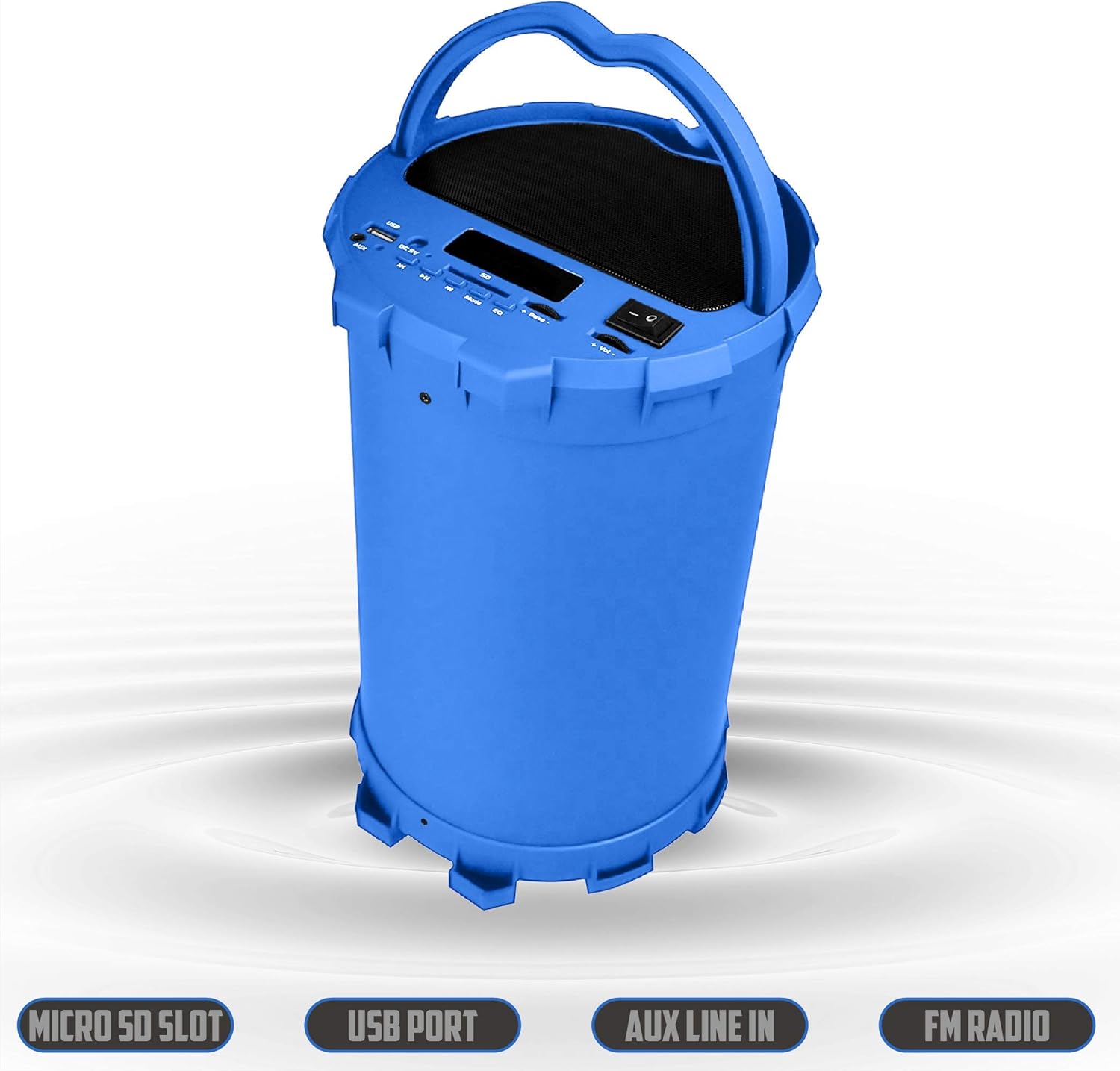
Image 6.2: The 2BOOM BX390 speaker shown upright, emphasizing the Micro SD Slot, USB Port, Aux Line In, and FM Radio capabilities.
This image displays the blue 2BOOM BX390 speaker in an upright position, with graphic overlays highlighting the Micro SD Slot, USB Port, Aux Line In, and FM Radio features on its control panel.
6.4 Режим на AUX влез
Connect external audio devices (e.g., MP3 players, computers) using the supplied 3.5mm Aux cable.
- Connect one end of the 3.5mm Aux cable to the AUX влез порт на звучникот.
- Поврзете го другиот крај со приклучокот за аудио излез на вашиот надворешен уред.
- Звучникот автоматски ќе се префрли во AUX режим. Ако не, притиснете го РЕЖИМ копче за избор.
- Контролирајте ја репродукцијата од вашиот надворешен уред.
6.5 Adjusting Volume, Bass, and Equalizer
- Волумен: Користете го Волумен +/- buttons (long press Previous/Next) to increase or decrease the overall volume.
- Бас: Користете го Бас +/- buttons to adjust the bass level to your preference.
- Еквилајзер (EQ): Притиснете го EQ button to cycle through various preset equalizer modes (e.g., Pop, Rock, Jazz, Classical, Normal) to optimize sound for different music genres.
7. Одржување
- Чистење: Користете мека, сува крпа за чистење на надворешноста на звучникот. Не користете абразивни средства за чистење или растворувачи.
- Складирање: Чувајте го звучникот на ладно и суво место, подалеку од директна сончева светлина и екстремни температури кога не го користите подолг период.
- Нега на батеријата: За да го продолжите животниот век на батеријата, избегнувајте често целосно празнење на батеријата. Полнете го звучникот редовно, дури и ако не е во употреба.
- Отпорност на вода: Овој звучник не е водоотпорен. Избегнувајте изложување на вода или прекумерна влага.
8 Смена на проблеми
| Проблем | Можна причина | Решение |
|---|---|---|
| Нема моќ | Батеријата е слаба или празна. | Наполнете го звучникот целосно со помош на испорачаниот USB кабел. |
| Нема звук | Јачината на звукот е прениска; избран е погрешен режим; уредот не е правилно поврзан. | Зголемете ја јачината на звукот на звучникот и поврзаниот уред. Притиснете РЕЖИМ to select correct input. Reconnect Bluetooth or Aux cable. |
| Спарувањето со Bluetooth не успеа | Звучникот не е во режим на спарување; уредот е предалеку; пречки. | Ensure speaker is in Bluetooth mode. Move device closer to speaker. Turn off other Bluetooth devices. Forget "2BOOM BX390" on your device and re-pair. |
| Лош FM прием | Weak signal; speaker position. | Reposition the speaker. Try auto-scanning again. |
| USB/SD картичката не се репродуцира | Неподдржано file формат; картичката/дискот не се правилно вметнати; оштетени files. | Обезбедете files are in a supported format (e.g., MP3). Reinsert the USB drive/SD card. Try a different drive/card. |
9. Спецификации
| Карактеристика | Детал |
|---|---|
| Бренд | 2BOOM |
| Модел | BX390 Bass King |
| Технологија за поврзување | Помошен, Bluetooth, USB |
| Тип на звучник | Стерео |
| Компатибилни уреди | Лаптоп, паметен телефон, таблет |
| Сабвуфери | 4-inch (Quantity not specified, but implied by "subwoofers" and "dual subwoofers" in image) |
| Опсег на Bluetooth | До 33 стапки (10 метри) |
| Влезни порти | USB, SD Card, 3.5mm AUX |
| Радио | FM радио |
10. Гаранција и поддршка
The 2BOOM BX390 Bass King speaker comes with an UNLIMITED 2BOOM WARRANTY.
For warranty claims or technical support, please contact 2BOOM customer service. Refer to the product packaging or 2BOOM's official webсајт за информации за контакт.
Ве молиме зачувајте го доказот за купување за целите на гаранцијата.


