
Вовед
This manual provides detailed instructions for the setup, operation, maintenance, and troubleshooting of your ARRIS SURFboard SBR-AC3200P AC3200 Wi-Fi Router. The SBR-AC3200P is designed to deliver high-speed Wi-Fi performance for various home networking needs, including gaming, streaming, and general internet use. It features tri-band concurrent operation and integrated RipCurrent G.hn Powerline technology for extended network coverage.
Содржина на пакетот
- SURFboard WiFi Router SBR-AC3200P
- Етернет кабел
- Кабел за напојување со наизменична струја
- Водич за брз почеток
Поставување
1. Физички врски
Before powering on your router, ensure all necessary cables are connected securely. Refer to the diagram below for port identification.
Слика: Заден дел view of the ARRIS SURFboard SBR-AC3200P AC3200 Wi-Fi Router. From left to right, the ports include the Power input, two USB ports (one USB 2.0, one USB 3.0), a blue WAN port for connecting to a modem, four yellow LAN ports (1-4) for wired devices, and a small recessed Reset button.
- Поврзете се со модем: Connect one end of the provided Ethernet cable to the WAN port (blue) on the back of the SBR-AC3200P router and the other end to your cable/DSL/fiber modem.
- Поврзете напојување: Plug the AC power cord into the Power input on the router and then into an electrical outlet. The router will begin its startup sequence.
- Вклучување: Wait for the router's indicator lights to stabilize. Refer to the Operating section for LED indicator meanings.
2. Почетна конфигурација
Можете да го конфигурирате вашиот рутер користејќи web browser or the dedicated mobile application.
- Користење на а Web Прелистувач:
- Connect a computer to one of the router's LAN ports (yellow) using an Ethernet cable, or connect wirelessly to the default Wi-Fi network (SSID and password typically found on a label on the router).
- Отвори a web browser and enter the router's default IP address (e.g.,
192.168.0.1or192.168.1.1) into the address bar. Consult the Quick Start Guide for the exact IP address and default login credentials. - Follow the on-screen instructions to set up your internet connection and customize your Wi-Fi network name (SSID) and password.
- Користење на мобилната апликација: Download the ARRIS SURFboard Manager app from your device's app store. Follow the in-app instructions to set up and manage your router.
Оперативни
LED индикатори
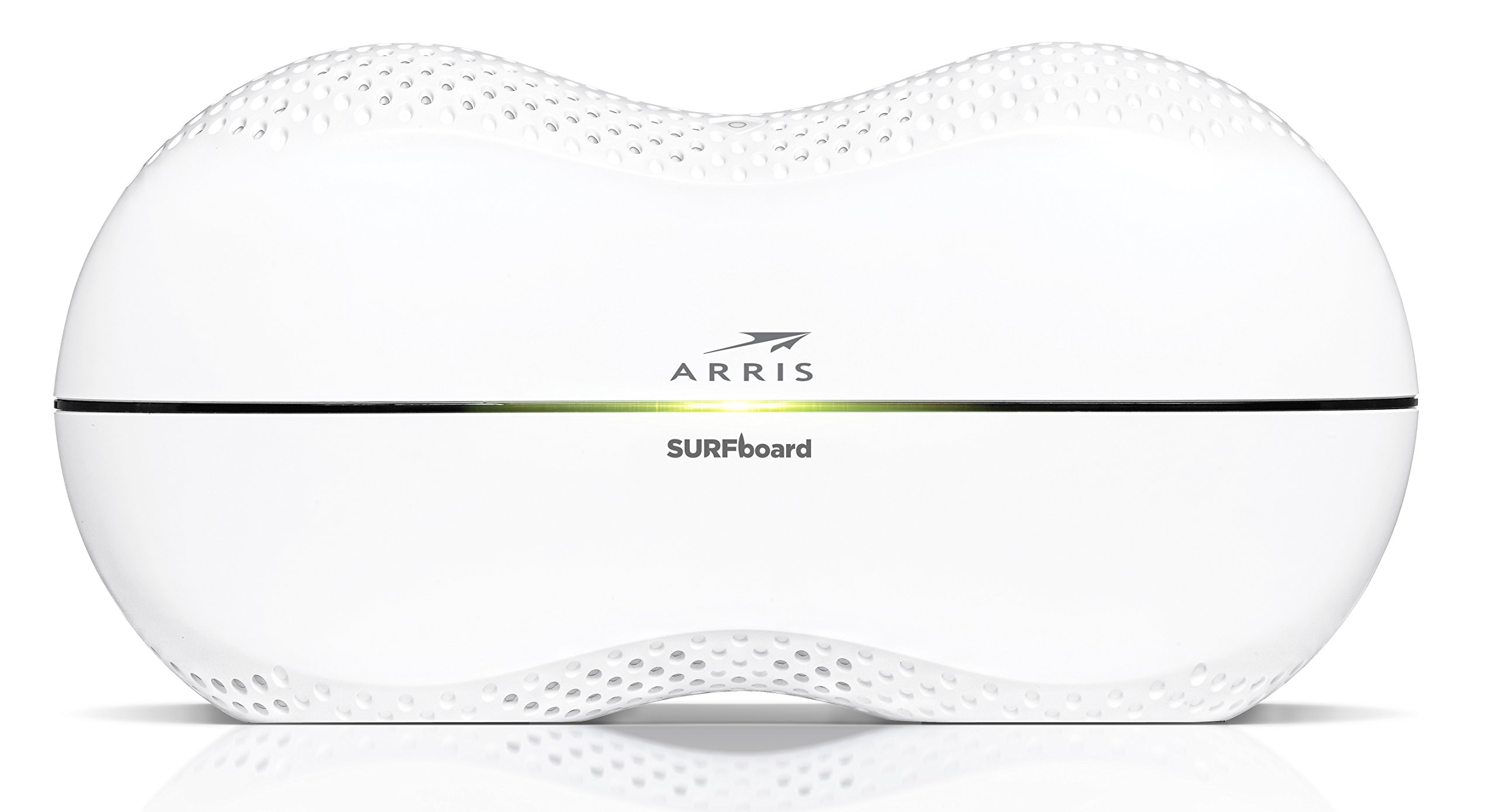
The front panel of the SBR-AC3200P features several LED indicators that provide status information:
- Напојување LED: Го означува статусот на напојување на уредот.
- Интернет LED: Ја прикажува состојбата на интернет-врската.
- Wi-Fi LEDs (2.4 GHz and 5 GHz): Indicate the activity of the wireless networks.
- RipCurrent LED: Displays the status of the G.hn Powerline network.
Refer to the Quick Start Guide for specific color and blinking patterns and their meanings.
Поврзување на уреди
- Безжични уреди: Пребарај за your customized Wi-Fi network name (SSID) on your device and enter the password you created during setup.
- Жичени уреди: Connect devices such as computers, gaming consoles, or smart TVs to the LAN ports (yellow) on the back of the router using Ethernet cables.
RipCurrent G.hn Technology
The SBR-AC3200P integrates RipCurrent G.hn Powerline technology, allowing you to expand your network coverage using your home's existing electrical wiring. This feature enables compatible SURFboard RipCurrent Wi-Fi Hotspots and network extenders (sold separately) to connect to your network through any electrical outlet, providing seamless Wi-Fi extension throughout your home.
Одржување
- Ажурирања на фирмверот: Periodically check the ARRIS support website for firmware updates. Keeping your router's firmware up-to-date ensures optimal performance, security, and access to new features. Firmware updates are typically performed through the router's web interface or the mobile app.
- Чистење: Keep the router in a clean, dust-free environment. Use a soft, dry cloth to clean the exterior. Do not use liquid cleaners or abrasive materials. Ensure ventilation openings are not blocked.
- Ресетирање на рутерот: If you experience persistent issues, you may need to reset the router. A soft reset (power cycle) can often resolve minor problems. For a factory reset, locate the recessed Reset button on the back of the router. Use a paperclip or similar pointed object to press and hold the button for approximately 10-15 seconds until the LEDs indicate a reset. Предупредување: A factory reset will erase all custom settings, including your Wi-Fi name and password, reverting the router to its default factory settings.
Решавање проблеми
- Нема интернет конекција:
- Проверете дали вашиот модем работи правилно и дали има активна интернет конекција.
- Check all Ethernet cable connections between the modem and the router's WAN port.
- Restart both your modem and router by unplugging them from power for 30 seconds and then plugging them back in, starting with the modem.
- Бавни брзини на Wi-Fi или прекинати врски:
- Осигурајте се дека рутерот е поставен на централна локација, подалеку од пречки и извори на пречки (на пр., микробранови печки, безжични телефони).
- Проверете дали има ажурирања на фирмверот.
- Consider using RipCurrent extenders to improve coverage in dead zones.
- Perform a factory reset if issues persist after other troubleshooting steps.
- Не можам да пристапам до поставките на рутерот:
- Осигурајте се дека вашиот уред е поврзан со мрежата на рутерот (жичен или безжичен).
- Verify the correct IP address for the router's web интерфејс.
- Исчистете го кешот на прелистувачот или обидете се со друг прелистувач.
Спецификации
| Карактеристика | Опис |
|---|---|
| Бренд | АРИС |
| Име на моделот | SBR-AC3200P |
| Безжичен стандард | 802.11ac |
| Класа на фреквентен опсег | Tri-Band (N450 + AC1350 + AC1350) |
| Стапка на пренос на податоци | До 3200 мегабити во секунда |
| Етернет порти | 4 гигабитни етернет порти |
| USB порти | 1x USB 2.0, 1x USB 3.0 |
| Посебни карактеристики | RipCurrent G.hn Powerline Technology, Wi-Fi Beamforming |
| Безбедносен протокол | WPA2, WPA3 |
| Контролен метод | Апликација |
| Тежина на ставката | 3.8 фунти |
Информации за гаранцијата
The ARRIS SURFboard SBR-AC3200P AC3200 Wi-Fi Router comes with a 2-годишна Ограничена гаранција. For detailed terms and conditions, please refer to the warranty documentation included with your product or visit the official ARRIS support webсајт.
Поддршка
За дополнителна помош, техничка поддршка или за пристап до дополнителни ресурси, посетете ја официјалната страница за поддршка на ARRIS. website. You can find FAQs, updated documentation, and contact information for customer service.