Sava lalana
This manual provides detailed instructions for the setup, operation, maintenance, and troubleshooting of your Amazon Basics Pro Series Wireless Noise Cancelling ANC Over Ear Headphones. Please read this manual thoroughly before using the product to ensure proper function and longevity.

Image: The Amazon Basics Pro Series Wireless Noise Cancelling ANC Over Ear Headphone in black, showcasing ny endriny tsara tarehy.
Fonosana fonosana
Hamarino fa misy ny entana rehetra ao anaty fonosana:
- Amazon Basics Pro Series Wireless Noise Cancelling ANC Over Ear Headphone
- Cable USB Type-C Charging
- Cable AUX 3.5mm
- User Manual (ity antontan-taratasy ity)
Hametraka
1. Fametrahana voalohany
Before first use, fully charge the headphones. Connect the supplied USB Type-C charging cable to the headphone's charging port and the other end to a USB power source (e.g., computer USB port or wall adapter). The LED indicator will show charging status and turn off or change color when fully charged.
A full charge provides up to 74 hours of playback at 50% volume with ANC off, or 34 hours with ANC on.
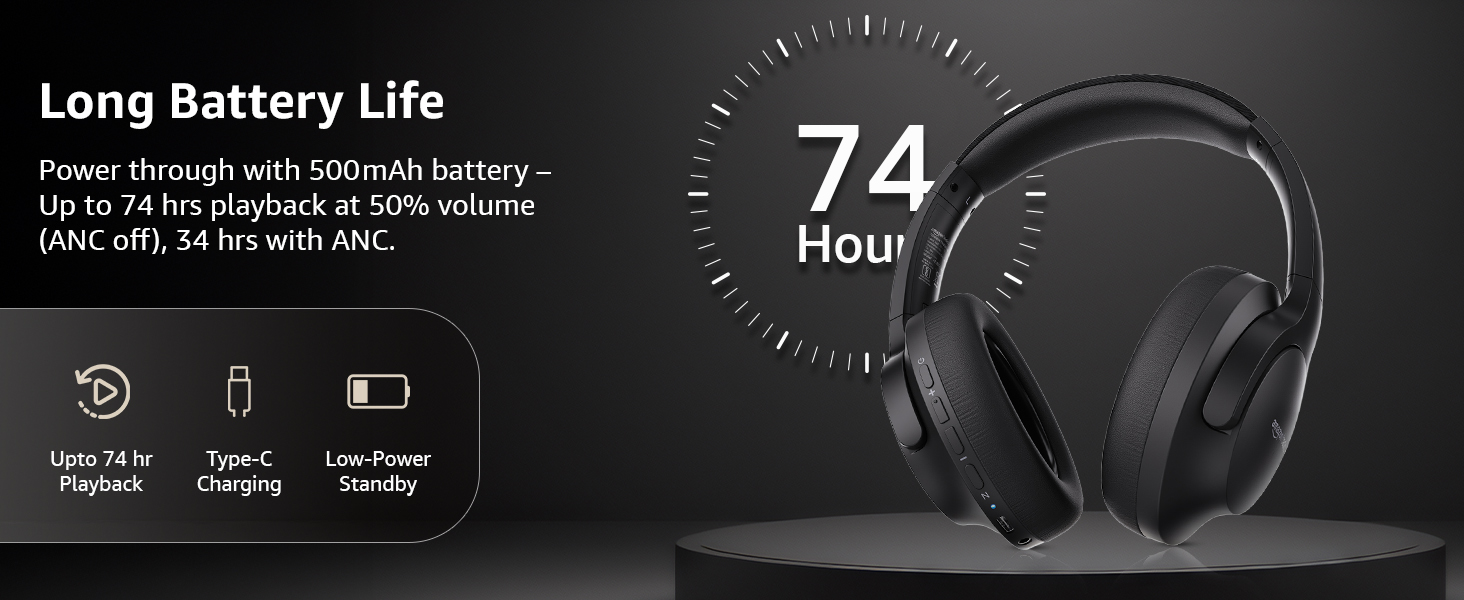
Image: An illustration highlighting the long battery life of the headphones, indicating up to 74 hours of playback.
2. Pairing Bluetooth
- Ataovy azo antoka fa voaloa sy maty ny écouteur.
- Tsindrio ary hazòny ny bokotra herinaratra mandra-pipoitra ny famantarana LED manga sy mena, manondro ny fomba fampiarahana.
- Amin'ny fitaovanao (smartphone, tablette, solosaina finday), avelao ny Bluetooth ary tadiavo ireo fitaovana misy.
- Select "AB-IBT-82ANC" from the list of found devices.
- Once connected, the LED indicator will turn solid blue or flash slowly.
The headphones support dual pairing, allowing connection to two devices simultaneously for seamless switching.

Image: The headphones shown connected to both a smartphone and a laptop, illustrating the multi-pairing capability.
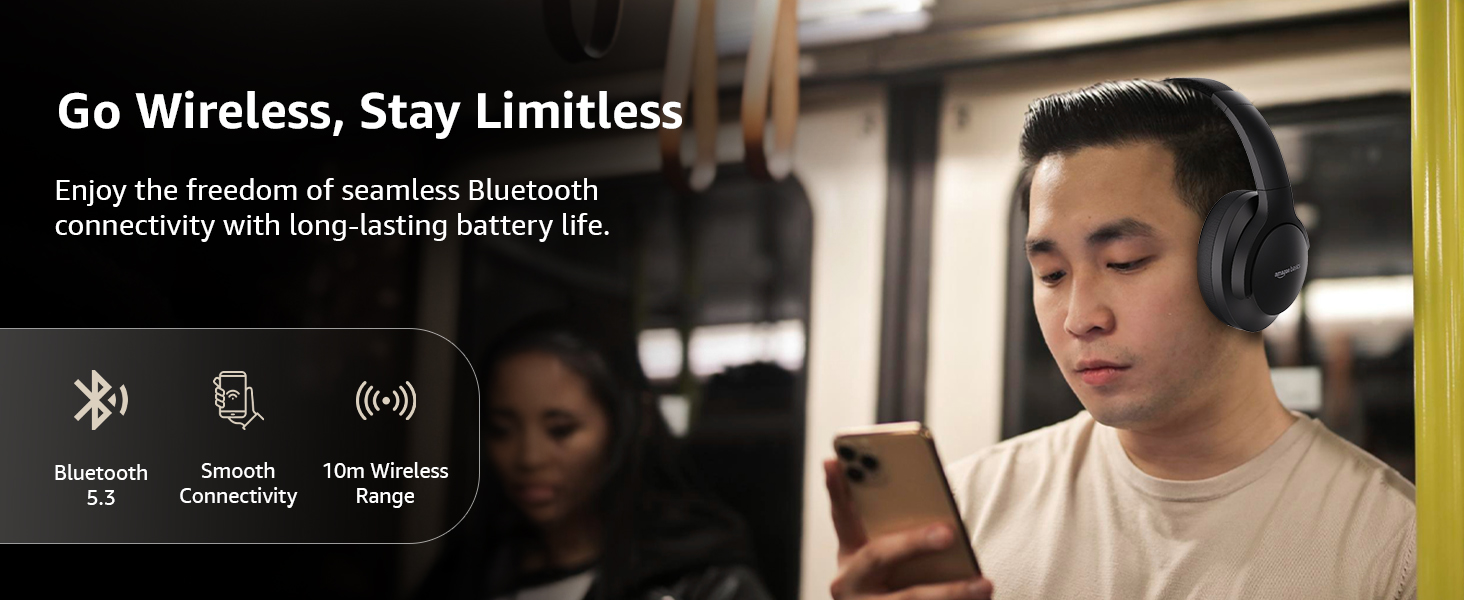
Image: A visual representation of the wireless capabilities, including Bluetooth 5.3 and a 10-meter wireless range.
3. Fifandraisana tariby (mode AUX)
For a wired connection, plug the 3.5mm AUX cable into the headphone's AUX port and the other end into your audio device's 3.5mm jack. This mode does not require battery power.
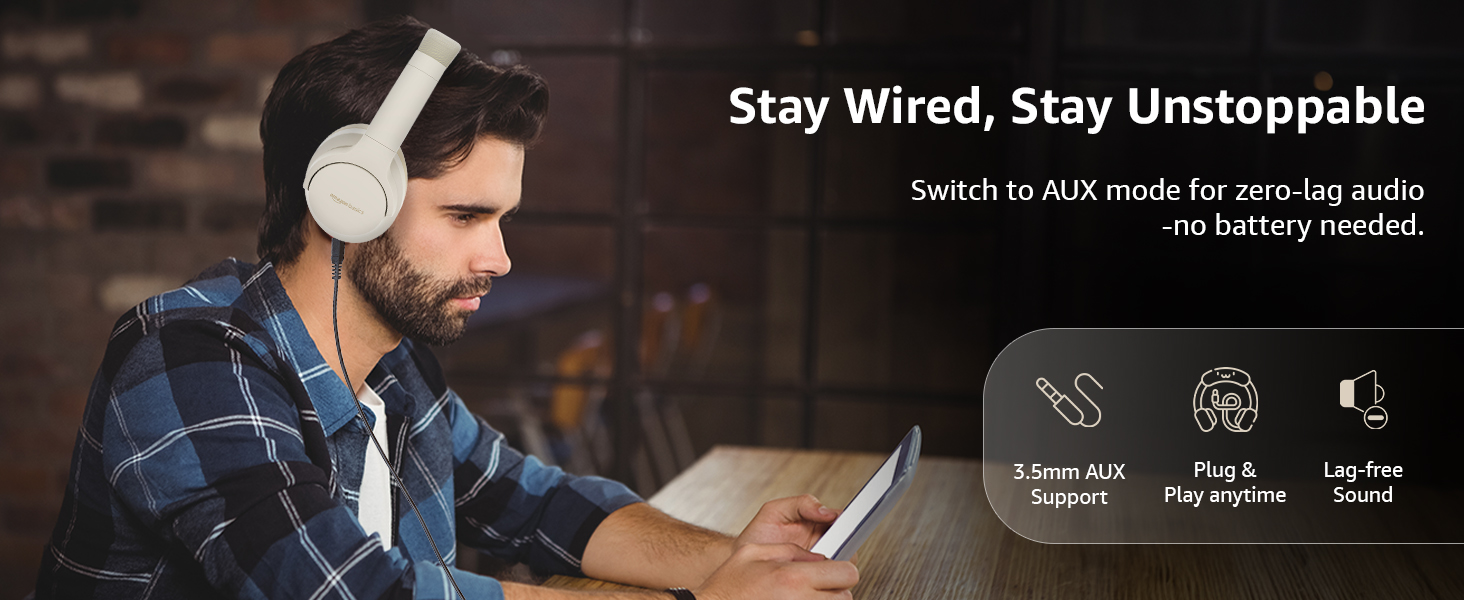
Image: A user demonstrating the wired AUX connection, emphasizing lag-free audio without needing battery power.
Torolàlana miasa
1. Power On/off
- Herim-batana: Tsindrio ary hazòny ny bokotra herinaratra mandritra ny 3 segondra eo ho eo.
- Mamono hery: Tsindrio ary hazòny ny bokotra herinaratra mandritra ny 5 segondra eo ho eo.
2. Accessible Controls
Ireo écouteur dia manana fifehezana mora ampiasaina hita eo amin'ny écouteur:
- Fiakaram-peo/Lavitra manaraka: Tsindrio fohy mba hampiakatra ny feo, tsindrio lava ho an'ny hira manaraka.
- Vola midina/Lalan-dalana teo aloha: Tsindrio fohy ho an'ny feo midina, tsindrio lava ho an'ny lalana teo aloha.
- Play/Pause/Valio ny antso: Tsindrio tokana ny bokotra multifunction.
- Hamarana ny antso: Single press the multi-function button during a call.
- Mandà ny antso: Tsindrio elaela ilay bokotra maro-asa mandritra ny antso miditra.
- Ampidiro ny Voice Assistant (Siri/Google Assistant): Tsindrio indroa ny bokotra multifunction.
- ANC On/Off: Dedicated ANC button to toggle Active Noise Cancellation.
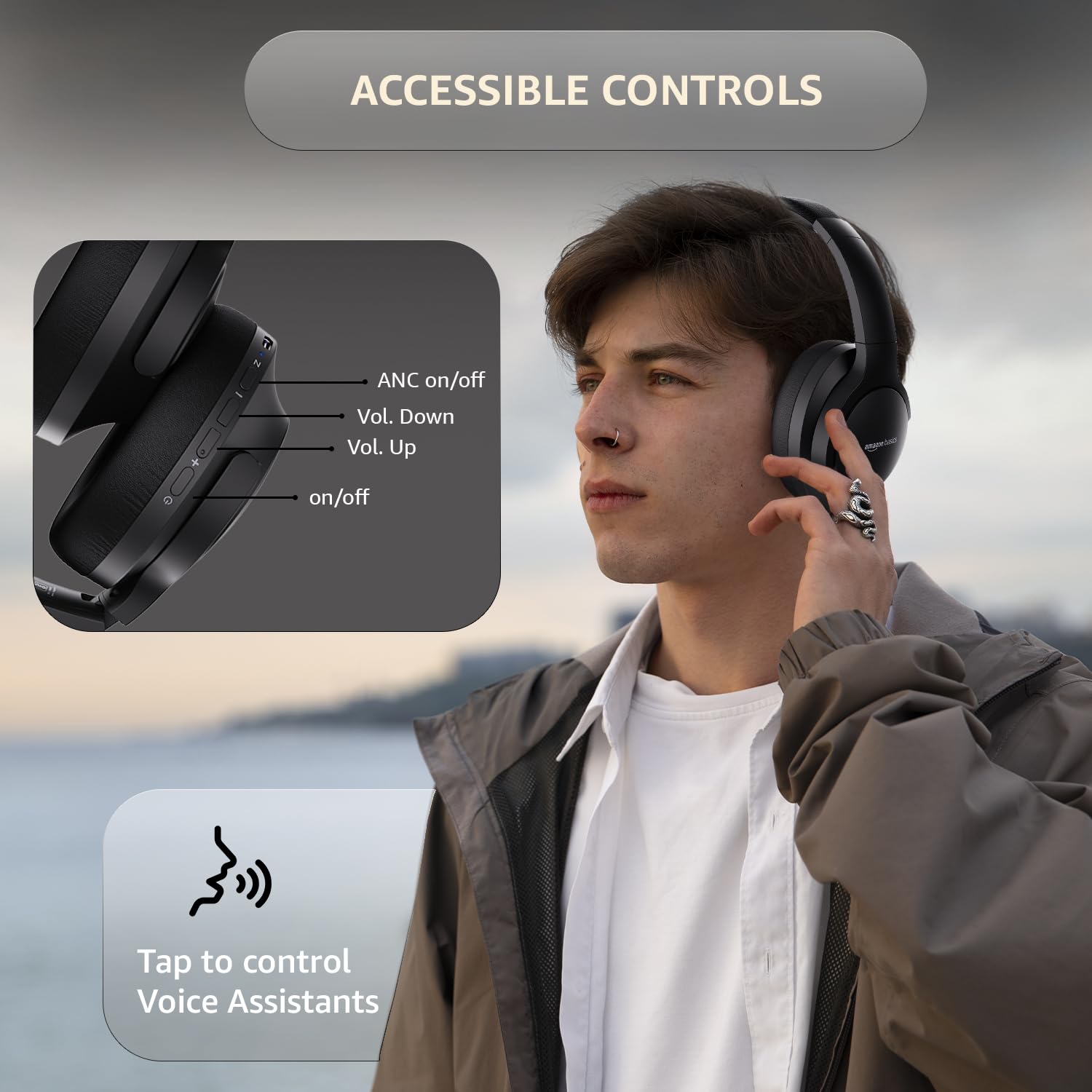
Image: A detailed diagram illustrating the location and function of the accessible controls on the headphone earcup.
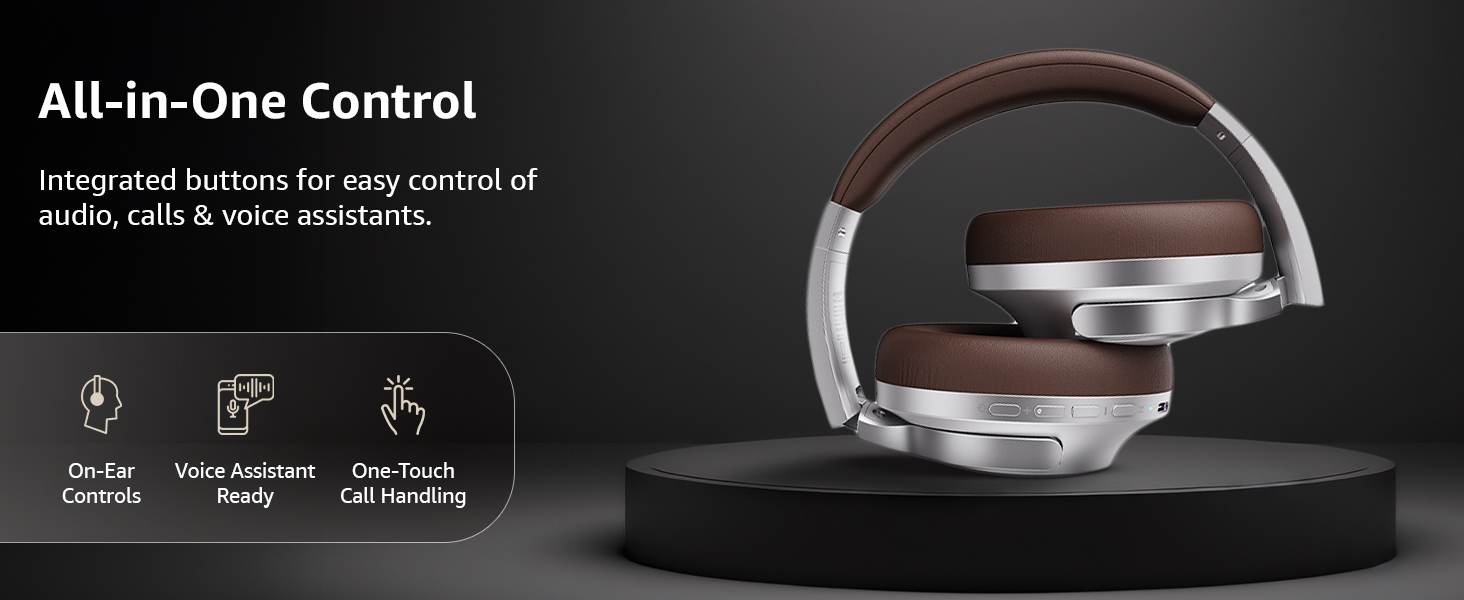
Sary: Vitaview of the integrated controls, highlighting ease of use for audio, calls, and voice assistants.
3. Fanafoanana ny tabataba mavitrika (ANC)
The Active Noise Cancellation feature reduces ambient noise, providing a more immersive listening experience. Press the dedicated ANC button to activate or deactivate this feature. Note that ANC functionality may slightly reduce overall battery life.

Image: A person wearing the headphones in a public setting, illustrating the effectiveness of Active Noise Cancellation in reducing distractions.
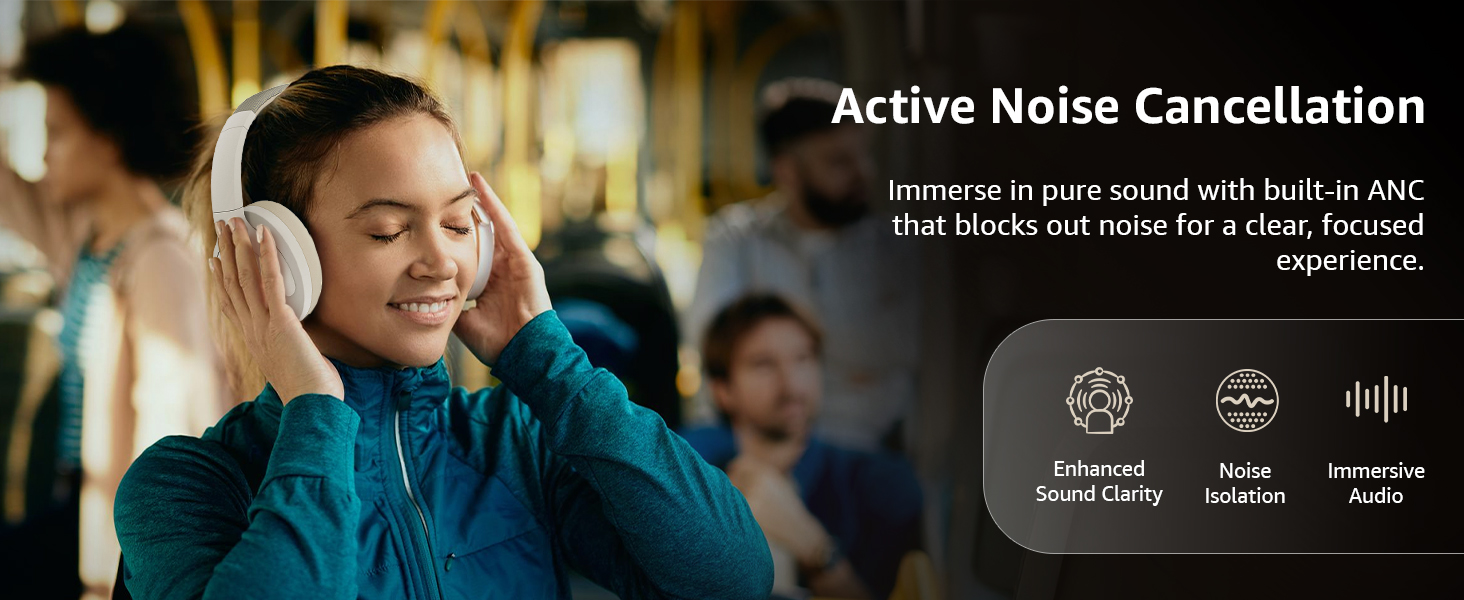
Image: A graphic emphasizing the benefits of Active Noise Cancellation, including enhanced sound clarity and immersive audio.
4. Audio Quality and Drivers
The headphones are equipped with 40mm drivers, designed to deliver rich bass, clear mids, and precise highs for a balanced audio experience.
Sary: Nisy nipoaka view diagram illustrating the 40mm drivers, which are responsible for the headphone's sound output.
fikarakarana
1. Fanadiovana
- Fafao amin'ny lamba malefaka sy maina ary tsy misy loko ny écouteur.
- Aza mampiasa mpanadio mikikisana, solvents, na famafazana fanadiovana mivantana amin'ny écouteur.
- Clean the ear cushions gently with a damp cloth if necessary, and allow them to air dry completely before use.
2. fitahirizana
When not in use, store the headphones in a cool, dry place, away from direct sunlight and extreme temperatures. The headphones feature a sleek and foldable design for convenient storage and portability.
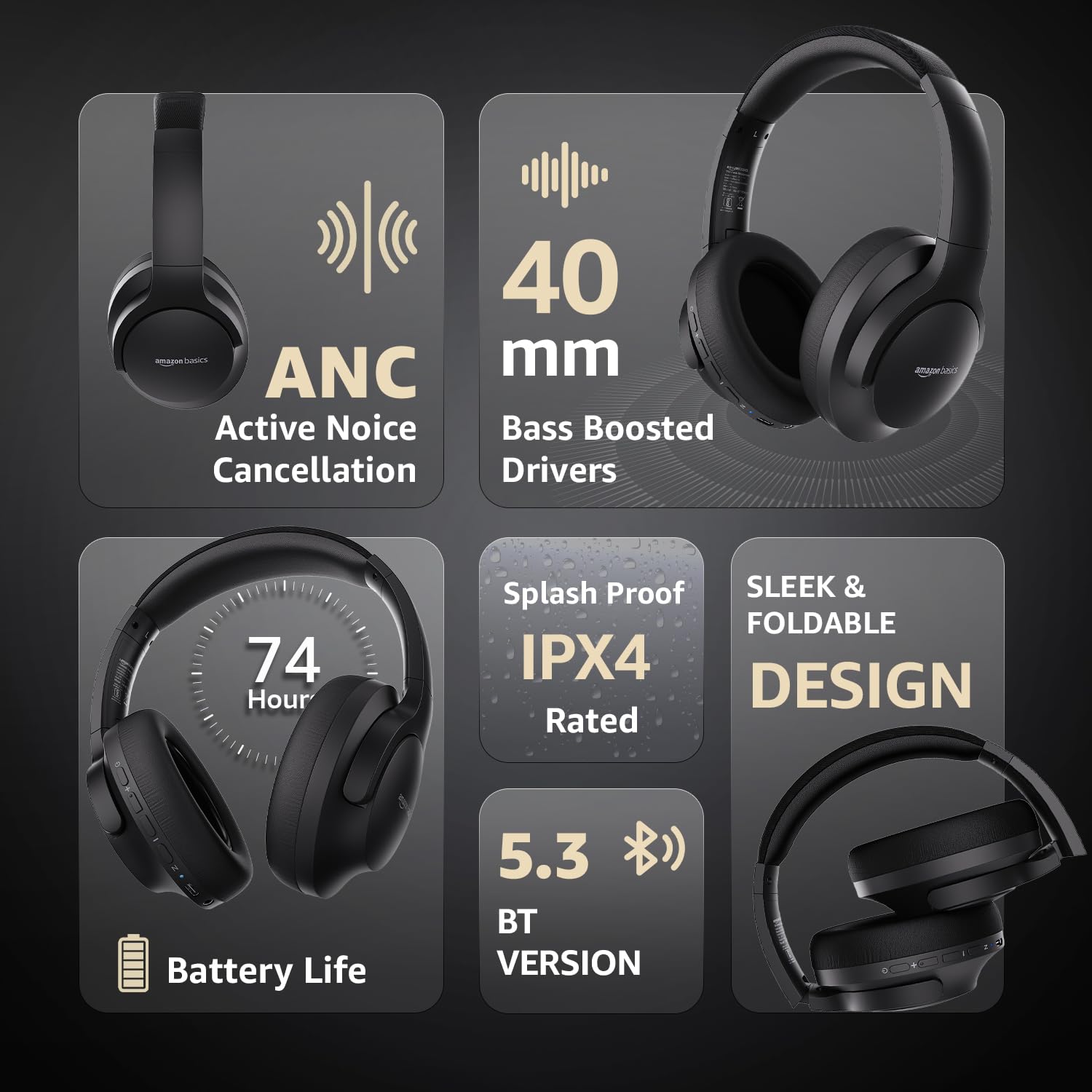
Image: An infographic highlighting key features, including the sleek and foldable design of the headphones for easy storage.
3. Fikarakarana bateria
- Fadio ny fanalana tanteraka ny bateria matetika.
- Charge the headphones regularly, even if not used for extended periods, to maintain battery health.
- Aza atao amin'ny hafanana be ny bateria.
Fanamboarana
| OLANA | Antony mety hitranga | vahaolana |
|---|---|---|
| Tsy mandeha ny écouteur. | bateria kely. | Charge the headphones fully using the supplied USB Type-C cable. |
| Tsy afaka mampiaraka amin'ny alalan'ny Bluetooth. | Headphone tsy amin'ny fomba fampiarahana; fitaovana Bluetooth maty; lavitra loatra ny fitaovana. | Ensure headphones are in pairing mode (flashing blue/red). Turn Bluetooth on your device. Move headphones closer to the device (within 10m). |
| Tsy misy feo. | Ambany loatra ny feo; diso ny loharanon-peo; tsy mifandray ny écouteur. | Increase volume on headphones and device. Verify correct audio output on device. Re-pair Bluetooth or check AUX cable connection. |
| Tsy miasa tsara ny ANC. | Tsy mandeha ny ANC; avo loatra ny tabataban'ny tontolo iainana. | Tsindrio ny bokotra ANC mba hampandeha azy. Ny ANC dia mahomby indrindra amin'ny tabataba tsy dia matetika sy tsy tapaka. |
fepetra arahana
| endri-javatra | antsipirihany |
|---|---|
| Laharana modely | AB-IBT-82ANC |
| Teknolojia fifandraisana | Wireless (Bluetooth 5.3), Wired (3.5mm AUX) |
| Haben'ny mpamily | 40 mm |
| Fahaizana bateria | 500mAh Lithium Polymer |
| Faharetan'ny bateria (ANC tsy miasa) | Hatramin'ny 74 ora (amin'ny 50% volume) |
| Faharetan'ny bateria (ANC Miasa) | Up to 34 hours (at 100% volume), 62 hours (at 50% volume) |
| Charging Port | USB Type-C |
| Wireless Range | Mahatratra 10 metatra |
| Naoty fanoherana ny rano | IPX4 (Splash Proof) |
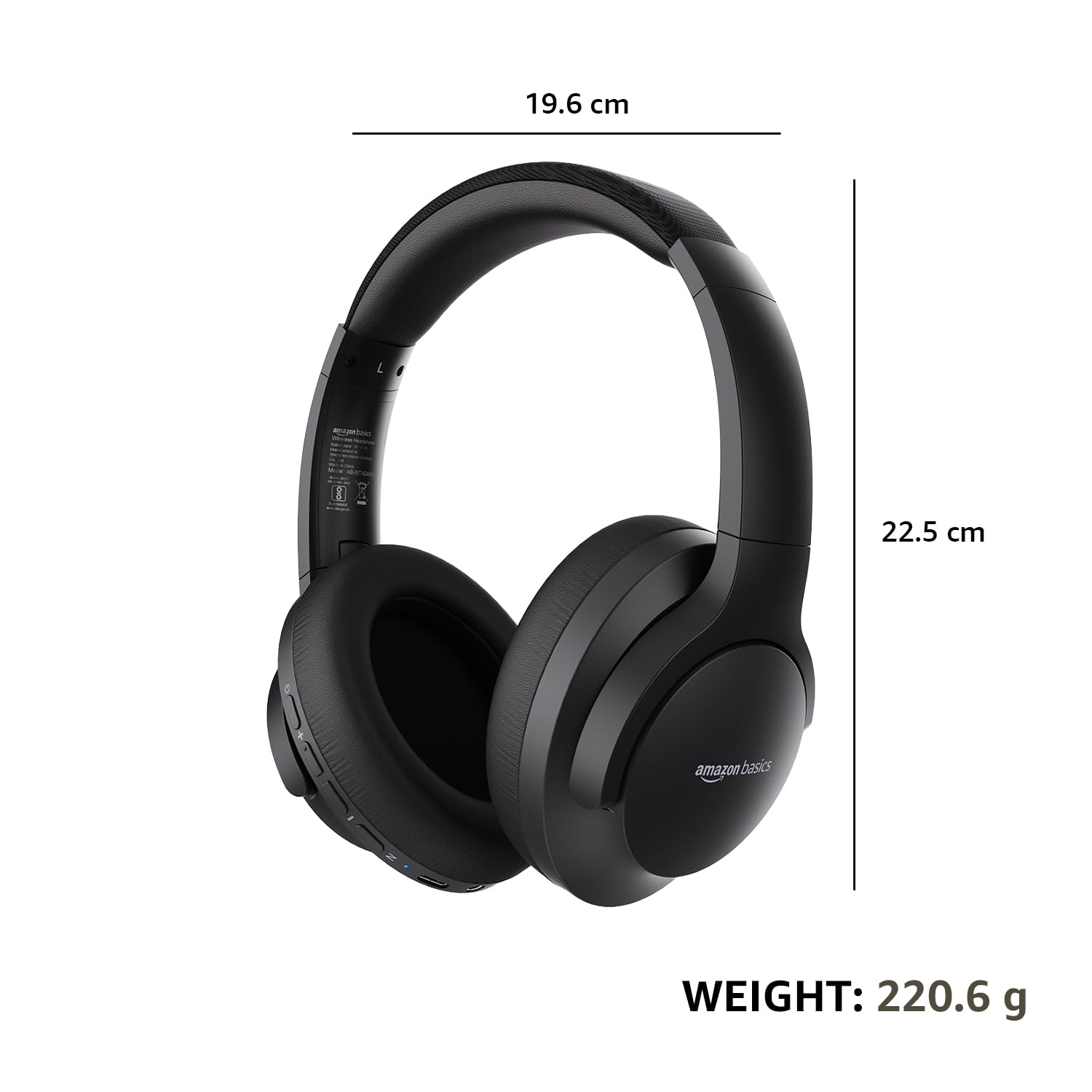
| Dimensions (Headphone) | 19.61 x 22.5 x 8.72 cm |
| Lanja (headphone) | 220.6 g |
| KEVITRA | Plastika, Polyurethane (PU) |
| Fitaovana mifanentana | Cellphones, Gaming Consoles, Laptops, Tablets |

Image: A visual representation of the headphone's dimensions and weight for reference.
Fampiononana sy famolavolana
The headphones are designed for extended wear with an over-ear fit, soft ear cushions, and an adjustable headband, ensuring comfort during long listening sessions.

Image: A person wearing the headphones, demonstrating the comfortable over-ear fit.
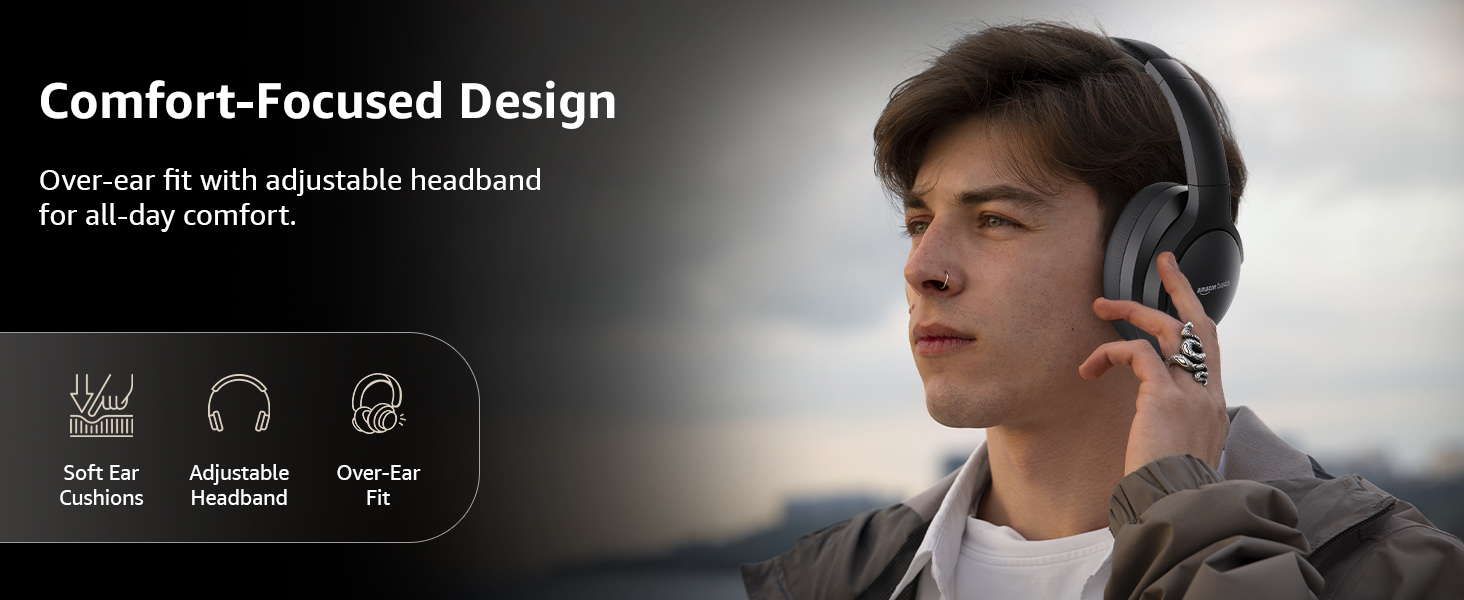
Image: A graphic detailing the comfort-focused design elements, including soft ear cushions and an adjustable headband.
Warranty sy fanohanana
Warranty information for your Amazon Basics Pro Series Wireless Noise Cancelling ANC Over Ear Headphones is typically provided with the product packaging or can be found on the Amazon Basics official website. For technical support or warranty claims, please refer to the contact information provided with your purchase or visit the Amazon Basics support page.
Azafady, tehirizo ny porofo momba ny fividiananao raha misy fanontaniana mifandraika amin'ny fiantohana.


