
1. Introduction
This manual provides essential information for the safe and efficient use of your LG G3 Series 77-Inch Class OLED evo 4K Smart TV. Please read it thoroughly before operating the product and retain it for future reference.
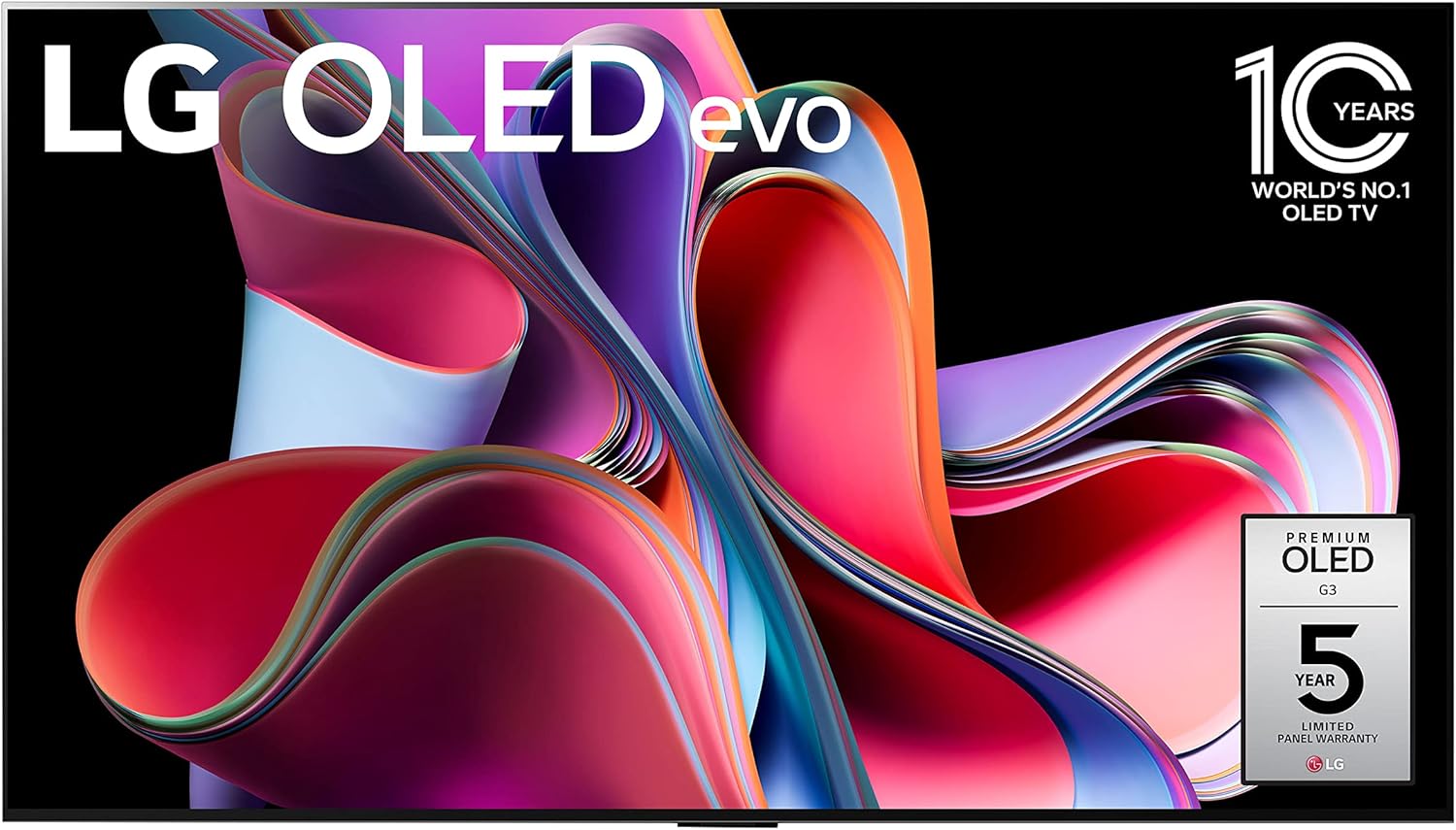
Image 1.1: Front view of the LG G3 Series 77-Inch OLED evo 4K Smart TV, showcasing its vibrant display and slim design.
2. Safety Information
Always observe the following safety precautions to prevent electric shock, fire, or injury:
- Do not expose the TV to rain or moisture.
- Ensure proper ventilation; do not block ventilation openings.
- Use only the power cord supplied with the TV.
- Do not place heavy objects on the power cord.
- Disconnect the power plug during lightning storms or when unused for long periods.
- Refer all servicing to qualified service personnel.
3. What's in the Box
Verify that all components are present:
- LG G3 Series 77-Inch OLED evo 4K Smart TV
- Magic Remote with NFC
- Remote Control Batteries (AA x 2EA)
- Power Cable
- Quick Start Guide
- E-Manual (pre-installed on TV)
- Flush Mount Bracket (for wall mounting)

Image 3.1: A visual representation of the TV's dimensions and a list of items included in the product packaging, such as the Magic Remote, power cable, and flush wall mount.
4. Setup
4.1 Physical Installation
The LG G3 Series is designed for a 'One Wall Design' with a flush mount. A wall bracket is included for this purpose. If you prefer a stand, it must be purchased separately.

Image 4.1: The LG G3 TV mounted flush against a wall, demonstrating its 'One Wall Design' with minimal gap.
4.2 Connecting Peripherals
Locate the input ports on the back and side of your TV. Connect your devices such as gaming consoles, Blu-ray players, sound systems, and antenna/cable.

Image 4.2: A close-up view of the rear input panel of the LG G3 TV, showing connections for IR Blaster, RS-232C, and Antenna/Cable.

Image 4.3: A side view of the LG G3 TV's connectivity options, including multiple USB and HDMI ports, LAN, and Optical Digital Audio Out.
4.3 Initial Power On and Setup Wizard
After connecting the power cable, press the power button on the remote or TV. The TV will guide you through the initial setup process, including network connection, channel scanning, and basic settings.
5. Operating the TV
5.1 Magic Remote Features
The included Magic Remote offers intuitive control with its pointing, clicking, scrolling, and voice recognition capabilities. Pair the remote by pointing it at the TV and pressing the 'OK' button.

Image 5.1: The LG Magic Remote, featuring a scroll wheel, directional buttons, and dedicated buttons for streaming services and voice control.
5.2 webOS 23 Smart Platform
Navigate the webOS 23 interface to access streaming services, LG Channels, and other smart features. Use Quick Cards to organize your favorite apps.

Image 5.2: A screenshot of the LG webOS 23 home screen, displaying various applications, Quick Cards, and ThinQ AI integration.
5.3 Picture Settings
The LG G3 Series features the a9 AI Processor Gen6 for optimized picture quality. Adjust settings like Brightness Booster Max for enhanced contrast and vibrant colors. Utilize FILMMAKER MODE to view content as intended by the director, and enjoy Dolby Vision for extraordinary color and brightness.

Image 5.3: An illustration explaining the Brightness Booster Max feature, showing a white tiger with bright blue eyes against a dark background, highlighting enhanced contrast.

Image 5.4: A comparison image demonstrating the superior contrast and color fidelity of Self-Lit OLED 4K technology compared to conventional displays, featuring a vibrant landscape.
5.4 Sound Settings
Experience immersive audio with Dolby Atmos and the LG Audio System. The TV can integrate with compatible LG soundbars for an enhanced sound experience.

Image 5.5: A visual representation of the LG Audio System, illustrating multi-surround sound and the WOW Orchestra feature in a living room setting.
5.5 Gaming Features
The TV supports advanced gaming features including VRR (Variable Refresh Rate), ALLM (Auto Low Latency Mode), eARC, and HGIG. Access the Game Dashboard & Optimizer for quick adjustments.

Image 5.6: Three individuals engaged in gaming on the LG G3 TV, highlighting the 'Ultimate Gameplay' experience with support for AMD FreeSync Premium, NVIDIA G-SYNC, and GeForce NOW.
5.6 ThinQ AI & Alexa Built-in
Utilize LG ThinQ AI and built-in Alexa for voice control and smart home integration. Simply say "Hi, LG" or use the remote's voice button to issue commands.
6. Maintenance
6.1 Cleaning the TV
To clean the screen, gently wipe with a soft, dry microfiber cloth. For stubborn marks, lightly dampen the cloth with water. Avoid harsh chemicals or abrasive materials. Clean the exterior with a soft, dry cloth.
6.2 Software Updates
Ensure your TV's software is up to date for optimal performance and security. You can usually check for updates in the TV's settings menu under 'Support' or 'About This TV'.
7. Troubleshooting
If you encounter issues, refer to the following common solutions. For more detailed troubleshooting, consult the E-Manual accessible through your TV's settings.
- No Power: Check if the power cable is securely connected and the outlet is functional.
- No Picture: Verify the correct input source is selected. Check cable connections to external devices.
- No Sound: Ensure volume is not muted or too low. Check audio cable connections to external sound systems.
- Remote Not Working: Replace batteries. Re-pair the Magic Remote if necessary.
- Network Connection Issues: Restart your router and modem. Reconnect to the Wi-Fi network or check Ethernet cable.
8. Specifications
| Feature | Detail |
|---|---|
| Model Number | OLED77G3PUA |
| Screen Size | 77 Inches (196 cm diagonal) |
| Display Technology | OLED evo |
| Resolution | 4K (3840 x 2160) |
| Refresh Rate | 120 Hz |
| Processor | a9 AI Processor Gen6 |
| Special Features | AI Picture, AI Upscaling, Dimming Technology, Dolby Vision, Dynamic Tone Mapping, FILMMAKER MODE, HDR (High Dynamic Range), Brightness Booster Max |
| Connectivity | HDMI, USB, Ethernet, Wi-Fi, Bluetooth |
| Dimensions (W x H x D) | 67.4 x 38.4 x 1 inches (without stand) |
| Item Weight | 109.8 pounds |
| Operating System | webOS 23 |

Image 8.1: A diagram illustrating the a9 AI Processor 4K Gen6, highlighting its capabilities such as AI Picture Pro, OLED Dynamic Tone Mapping Pro, and AI Super Upscaling.
9. Warranty and Support
9.1 5-Year Panel Warranty
The LG G3 Series OLED TV comes with a 5-year limited panel warranty. During the first year, panel, parts, and labor costs are covered. For years 2-5, only the panel is covered, and labor charges may apply. For full terms and conditions, please refer to the official LG warranty documentation or visit the LG website.
9.2 Customer Support
For technical assistance, service inquiries, or additional support, please contact LG Customer Service. Refer to the Quick Start Guide or the LG website for contact information specific to your region.


