
 BT Magic Bluetooth Module
User Guide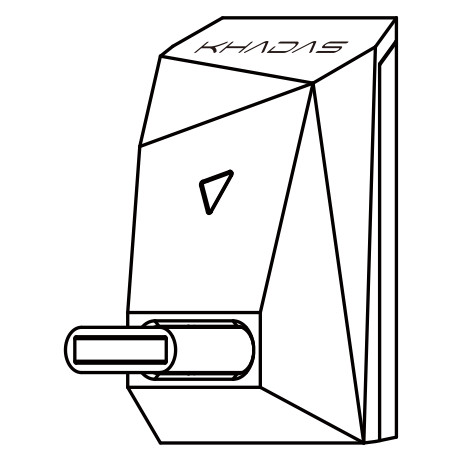
Interface Diagram

RGB LED Indicator Illustrate
| Status | Motion | Color |
| Bluetooth Disconnected | Blue (Flashing) |  |
| Bluetooth Connected | Blue (Breathing) | |
| SBC | Yellow (Breathing) |  |
| AAC | Green (Breathing) |  |
| aptX / aptX LL | Turquoise (Breathing) | |
| aptX HD | Purple (Breathing) |  |
| LDAC | White (Breathing) |  |
| Erase Paring Record | White (Triple Flash) | |
Setup Guide
Power On
Plug BT Magic into the USB-C (I2S) port, then turn on the Tone2/Tone2 Pro. BT Magic will automatically turn on.
Bluetooth Pairing
- Set Tone2/Tone2 Pro’s input mode to ‘I2S’.
- Look for ‘BT Magic’ in your smartphone or tablet’s Bluetooth pairing list. Tap on it to pair.

Music Playback
After pairing with your device, the RGB indicator will show a blue breathing light. BT Magic is now ready for music playback.
Power Off
When Tone2/Tone2 Pro is turned off, BT Magic will turn off too. In this case, the RGB indicator light will turn off.
Manufacturer: Khadas Technology Co., Ltd.
Tel: +86 755 2307 6626 E-mail: support@khadas.com
Address: Room 2709, Floor 27, Qiancheng Center, Haicheng Road,
Xixiang Street, Bao’an District, Shenzhen
Documents / Resources
 | BT Magic Bluetooth Module |
References
- Amazing Khadas, Always Amazes You!www.khadas.com
- User Manualmanual.tools
Published: December 1, 2022
Updated: December 3, 2022