
1. Johdanto
The AIMIBO Q12 Wireless USB-C & HDMI Extender provides a seamless solution for wirelessly transmitting audio and video from various devices to a TV, projector, or monitor. This device supports 4K decoding and offers both HDMI and VGA outputs, ensuring broad compatibility. With its plug-and-play design and stable 5G transmission, it is ideal for both home entertainment and professional presentations.
2. Tuotteen ominaisuudet
- Dual Input Transmitter: Features both USB-C and HDMI inputs for maximum compatibility with laptops, smartphones, cameras, and TV boxes.
- Plug & Play -toiminto: No driver installation, software, or Bluetooth connection required. Pre-paired from the factory for quick setup in approximately 10 seconds.
- 4K Decoding & 1080P Full HD Output: Supports 4K source decoding and delivers clear 1080P Full HD video output.
- Dual Output Receiver: The receiver (RX) is equipped with HDMI and VGA ports, allowing for screen mirroring or extended display on two monitors simultaneously. (VGA cable not included).
- Stable 50M (164FT) Transmission: Utilizes 2.4G/5G protocol with dual external antennas for stable transmission up to 50 meters (164 feet) in open areas. Note: Transmission through walls or obstacles reduces range to approximately 10 meters (32 feet).
- Usean lähettimen tuki: One receiver can be paired with up to 8 transmitters (TXs), allowing easy switching between multiple sources with a single button press. Additional transmitters are sold separately.
- Standalone Dongle Mode: The receiver can function independently as a wireless display dongle, supporting screen mirroring from smartphones and tablets (iOS and Android) via Airplay, Miracast, and DLNA protocols.

Image: The AIMIBO Q12 Wireless Extender, showing the compact transmitter and receiver units.

Image: Illustration of the 5G chip, highlighting stable 5 GHz transmission and low latency.
3. Pakkauksen sisältö
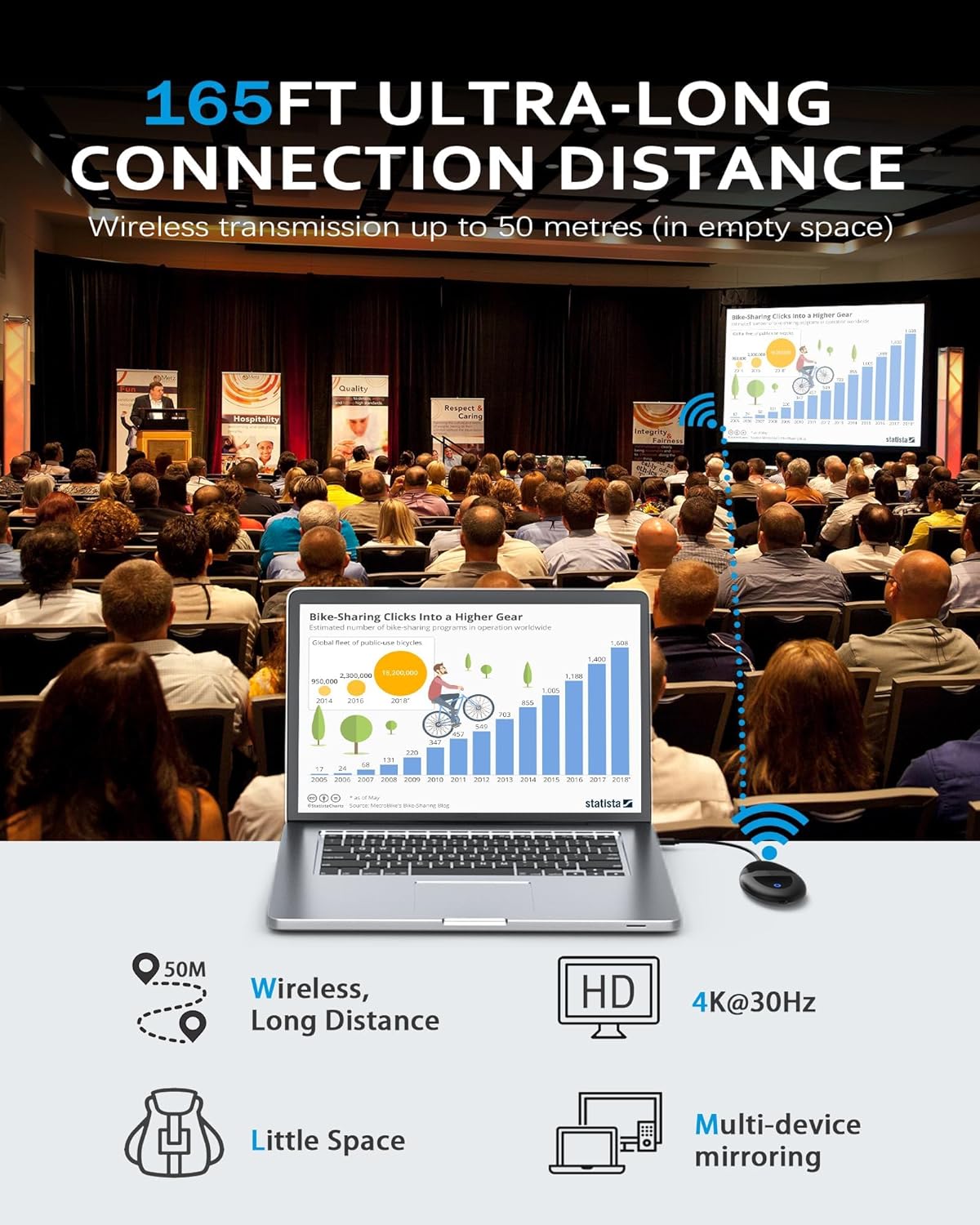
Image: All items included in the AIMIBO Q12 Wireless HD Transmitter & Receiver Kit.
- 1x vastaanotin (RX)
- 1x 2-in-1 Transmitter (TX) with USB-C and HDMI
- 1x käyttöopas
- 2x USB -kaapelia
- 1x-äänikaapeli
- 2x HDMI kaapelit
4. Asennus ja käyttöönotto
4.1 Liitäntöjen perusvaiheet

Image: A four-step diagram illustrating the connection process for the wireless extender.
- Vaihe 1: Connect the Receiver (RX) to your monitor/TV using an HDMI cable. Plug in a USB-C cable to power the receiver.
- Vaihe 2: Choose the language when the monitor/TV displays a blue screen.
- Vaihe 3: Connect the Transmitter (TX) to your laptop/TV box. Use a USB-C/HDMI cable to connect it.
- Vaihe 4: Wait 5 seconds for automatic synchronization. Enjoy your content once the connection is established quickly.
4.2 iOS/Android Screen Mirroring (Receiver Alone)
The receiver can be used alone for screen mirroring from iOS and Android devices. Follow these steps:
- Go to your iPhone's Wi-Fi settings.
- Choose the Wi-Fi network with SSID: RX-BF099E36 and enter the password: 12345678.
- Avaa a web browser on your phone and access the IP address: 192.168.203.1.
- Click "Internet" and choose your home Wi-Fi network, then enter its password. Wait for the TV screen's icon in the upper right corner to show your Wi-Fi name.
- Go back to your iPhone's Wi-Fi settings and choose your home Wi-Fi network this time.
- Tap Airplay (Screen Mirroring) and select RX-BF3AE0BF. Your screen will automatically stream.
Video: Detailed instructions on how to set up iPhone screen mirroring with the AIMIBO Q12 receiver.
5. Käyttöohjeet
5.1 Dual Screen Display (Mirror/Extend Mode)
The receiver supports both HDMI and VGA outputs, allowing you to duplicate your screen or extend it across two monitors for increased productivity. This is useful for presentations or multitasking.

Image: A dual display setup showing both extended and mirrored modes for flexible screen usage.
Video: Demonstrates screen mirroring from a laptop to two external monitors using the extender.
5.2 Multi-Transmitter (Multi-TX) Function
The receiver can be paired with up to 8 transmitters, making it ideal for conferences and presentations where multiple users need to share content from their laptops. Simply press the middle button on the desired transmitter to switch sources.

Image: Diagram showing a wireless presentation system connecting multiple laptops to a single display via the receiver.
Video: Demonstration of connecting two transmitters to two laptops and switching between them using the button on the transmitter.
6. Huolto
6.1 Cooling Design
The device features a cooling hole design to prevent rapid overheating during prolonged use, ensuring stable performance whether for work or entertainment. This design contributes to a longer product lifespan.

Image: Technical diagram illustrating the cooling hole design of the device.
6.2 Anti-Slip Design
The anti-slip design ensures the device remains stable on surfaces, preventing accidental disconnections and maintaining a reliable connection.

Image: Close-up of the device highlighting its anti-slip surface design.
7. Vianmääritys
7.1 Re-pairing Transmitter and Receiver
If the product has been paired at the factory but the connection is abnormal, you may need to re-pair the devices:
- Ensimmäinen askel: Long press the receiver's button on the bottom.
- Toinen vaihe: Press the middle button of the transmitter for 5-8 seconds.
When the indicator light flashes, it means pairing is in progress. A solid light indicates a successful connection.
7.2 Yleiset yhteysongelmat
If the RX and TX are not connecting:
- Press the button on the RX for 3 to 5 seconds.
- Then press the button on the TX for 5 to 8 seconds.
- When the indicator light flashes, it signifies successful pairing. If not, repeat the process to reset.
7.3 Power Supply Issues
If the HDMI power supply is insufficient, please connect an external power supply to the receiver/transmitter.
8. Tekniset tiedot
| Ominaisuus | Yksityiskohta |
|---|---|
| Merkki | AIMIBO |
| Mallin nimi | Q12 (B0FVLS4T22) |
| Yhteystekniikka | HDMI |
| Liittimen tyyppi | HDMI, USB-C, VGA |
| Resoluutio | 1080p (Output), 4K (Decoding) |
| Tuetut Internet-palvelut | Netflix (via mirroring) |
| Muototekijä | TV-tikku / sovitin |
| Väri | Musta |
| Tuotteen mitat | 10.5 L x 9.5 W x 6 H cm |
| Yhteensopivat laitteet | Smart TV, Smartphone, Laptop, Projector |
| Video Codec | H.265/HEVC |
| Langaton taajuus | 5G |
| Lähetysetäisyys | Jopa 50 m (164 jalkaa) avoimella kentällä |

Image: A comparison table highlighting key specifications of the AIMIBO Mini HDMI Wireless extender against other types.
9. Takuu ja tuki
For warranty information and technical support, please refer to the product packaging or contact AIMIBO customer service directly. Keep your purchase receipt for warranty claims.