
Johdanto
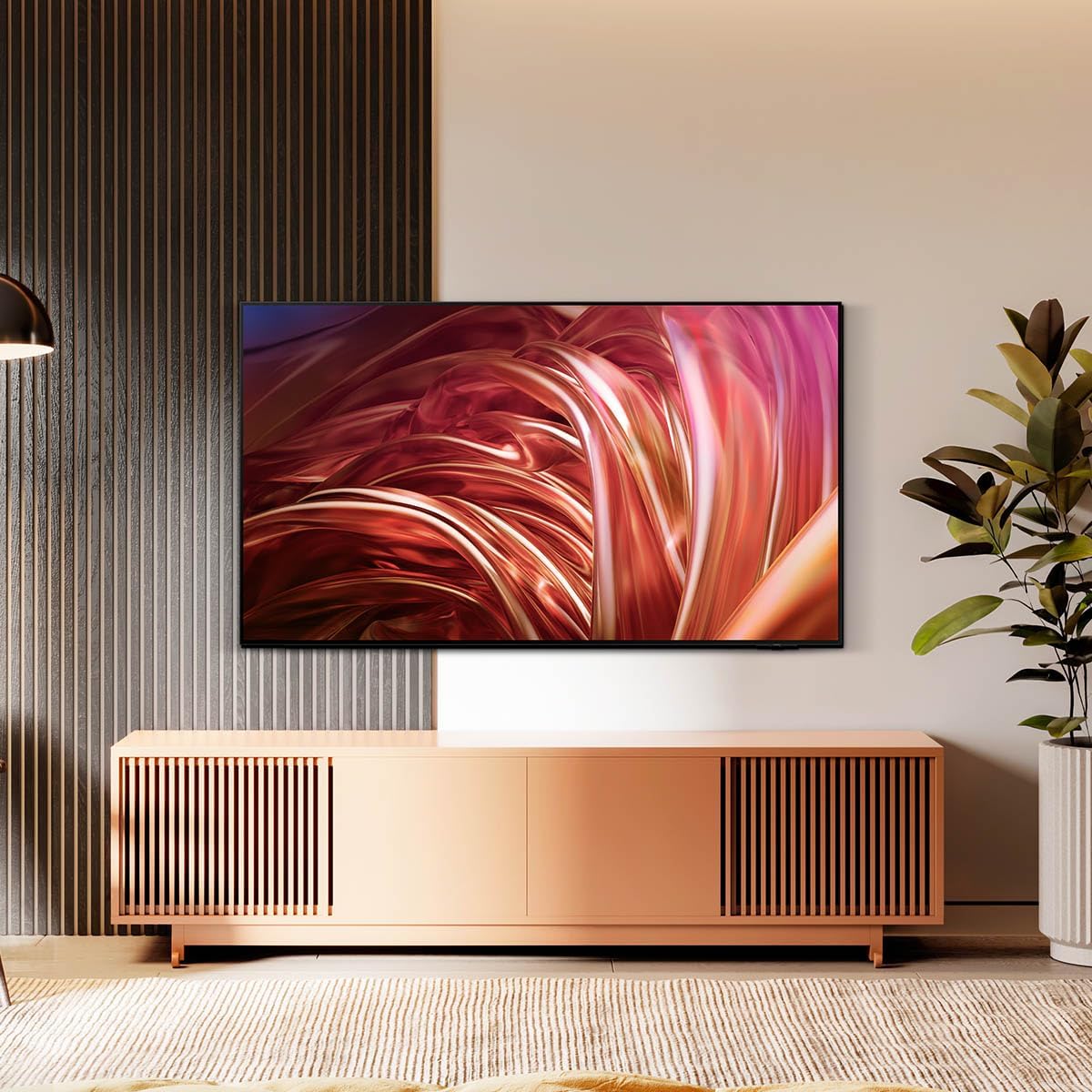
This manual provides essential information for the setup, operation, maintenance, and troubleshooting of your Samsung QN55S85DAEXZX 55-inch 4K OLED Television. The Samsung QN55S85DAEXZX features a 55-inch OLED S85D display, delivering pure blacks, balanced brightness, and Pantone validated color reproduction through its WOLED panel. Powered by the NQ4 AI Gen 2 processor, it optimizes both image and sound in real-time. With a 120 Hz refresh rate, Motion Xcelerator, and HDMI 2.1, it is suitable for gaming and sports. Its bezel-less Contour Design integrates seamlessly into any room. The television includes Tizen OS, voice control, and Dolby Atmos technology for an immersive audio experience.
Asennus
1. Pakkauksen purkaminen ja tarkastus
Carefully remove the television and all components from the packaging. Ensure the following items are present:
- Samsung QN55S85DAEXZX 55-inch 4K OLED Television
- Virtakaapeli
- Kaukosäädin
- Käyttöopas (tämä asiakirja)
2. Jalustan asennus
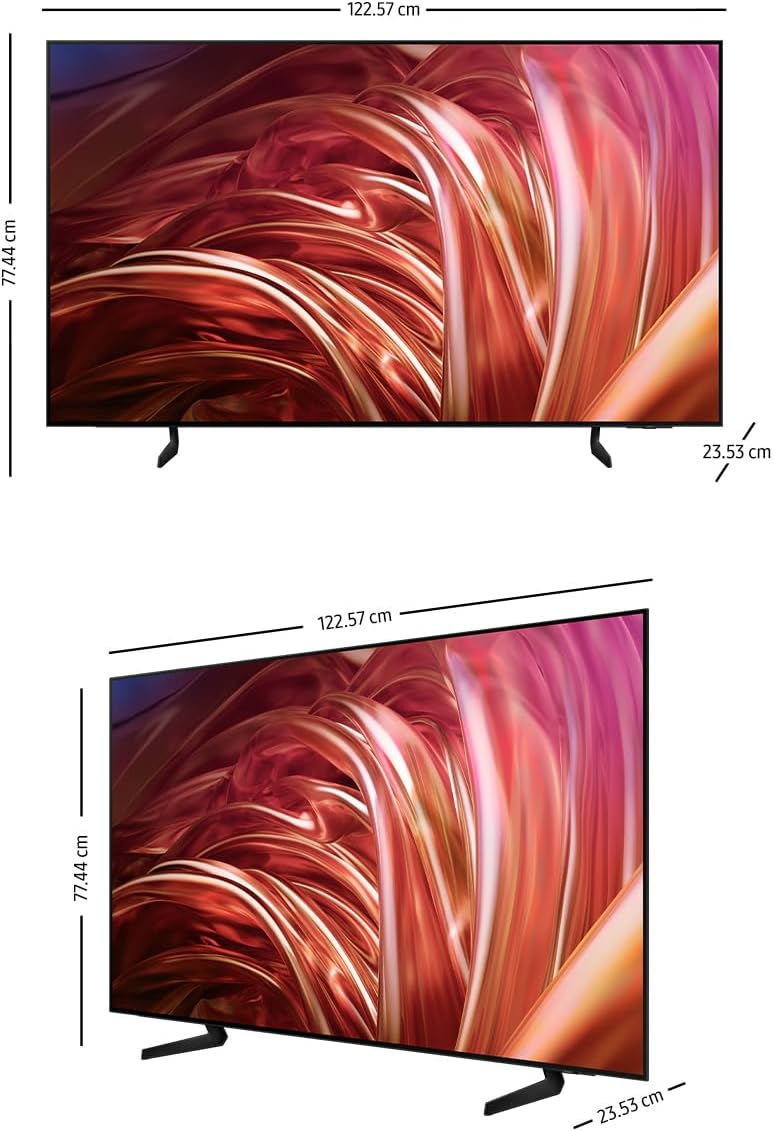
If you are not wall-mounting the television, attach the included stand. Place the television face down on a soft, flat surface to prevent screen damage. Align the stand with the mounting holes on the back of the television and secure it with the provided screws. Refer to the diagram below for proper stand attachment.

3. Ulkoisten laitteiden liittäminen
Connect your external devices (e.g., cable box, Blu-ray player, gaming console) to the appropriate HDMI or USB ports on the back of the television. The QN55S85DAEXZX features 4 HDMI ports and 2 USB ports.
4. Virtaliitäntä ja alkuasetukset
Plug the power cable into the television and then into a wall outlet. Turn on the television using the remote control. Follow the on-screen instructions for the initial setup, which includes language selection, network connection (Wi-Fi or Ethernet), and channel scanning.
Käyttöohjeet
1. Kaukosäätimen toiminnot
Use the provided remote control to navigate the television's interface. Common functions include power on/off, volume control, channel selection, input source selection, and accessing the Smart Hub.
2. Navigating Tizen OS Smart Hub
Press the Home button on your remote to access the Tizen OS Smart Hub. From here, you can launch applications like Samsung TV Plus and Gaming Hub, manage connected devices via SmartThings, and adjust various settings.
3. Kuva- ja ääniasetukset
Access the settings menu to customize picture and sound quality. The television features OLED technology for deep blacks and vibrant colors, and the NQ4 AI Gen 2 processor enhances content to 4K resolution. Dolby Atmos provides immersive audio.


4. Ääniohjaus
The television supports voice control. Press the microphone button on your remote and speak commands to control the TV, search for content, or access features.
Huolto
1. Näytön ja kehyksen puhdistaminen
Puhdista näyttö pyyhkimällä se varovasti pehmeällä, kuivalla mikrokuituliinalla. Pinttyneisiin tahroihin hankaa kevyestiampen the cloth with water or a screen-specific cleaning solution. Avoid using harsh chemicals or abrasive materials. Clean the television frame with a soft, dry cloth.
2. Ohjelmistopäivitykset
Ensure your television's software is up to date for optimal performance and security. The TV can be set to update automatically via its network connection. You can also manually check for updates in the settings menu.
3. Virransäästövinkkejä
To reduce power consumption, adjust the brightness settings, enable the Eco Sensor, and set a sleep timer when not actively watching the television.
Vianetsintä
Yleisiä ongelmia ja ratkaisuja:
- Ei virtaa: Varmista, että virtajohto on kytketty kunnolla sekä televisioon että pistorasiaan. Tarkista, toimiiko pistorasia.
- Ei kuvaa/ääntä: Verify the correct input source is selected. Check all cable connections to external devices. Restart the television.
- Kaukosäädin ei toimi: Vaihda kaukosäätimen paristot. Varmista, ettei kaukosäätimen ja television sensorin välissä ole esteitä.
- Verkkoyhteysongelmat: Check your Wi-Fi router or Ethernet cable. Restart the router and the television. Re-enter Wi-Fi password if necessary.
Tehdasasetusten palautus:
If issues persist, performing a factory reset may resolve them. This will revert all settings to their default values. Navigate to the settings menu, find 'General' or 'Support', and select 'Self Diagnosis' or 'Reset'. Follow the on-screen prompts.
Tekniset tiedot
| Ominaisuus | Erittely |
|---|---|
| Mallin nimi | QN55S85DAEXZX |
| Näytön koko | 55 tuumaa |
| Näyttötekniikka | OLED |
| Resoluutio | 4K (3840 2160 x XNUMX XNUMX) |
| Päivitystaajuus | 120 Hz |
| Prosessori | NQ4 AI Gen2 |
| Yhteydet | Bluetooth, HDMI (4 ports), USB (2 ports), Wi-Fi |
| Äänitekniikka | Dolby Atmos, Object Tracking Sound+ (OTS+) |
| Käyttöjärjestelmä | Tizen OS |
| Mitat (S x L x K) | 23.5 cm x 122.6 cm x 77.4 cm |
| Mukana olevat komponentit | Virtajohto, Kaukosäädin, Käyttöopas |
Takuutiedot
This Samsung QN55S85DAEXZX television comes with a 1-year manufacturer's limited warranty. This warranty covers defects in materials and workmanship under normal use. For specific terms and conditions, please refer to the warranty card included with your product or visit the official Samsung support websivusto.
Tukea
Jos tarvitset lisäapua, teknistä tukea tai huoltopyyntöjä, käy Samsungin virallisella tukisivustolla. website or contact Samsung customer service. You can find contact details and additional resources on the Samsung websivusto.