
1. Johdanto
The AIMIBO USB C Wireless Transmitter (Model Q3 USB C TX) is designed to provide a seamless wireless video and audio casting experience. This device allows you to extend your display from a USB-C enabled source device to an HDMI-compatible monitor, projector, or HDTV without the need for cables. It supports both 2.4GHz and 5GHz wireless frequencies for stable and high-speed transmission, making it suitable for various applications including presentations, home entertainment, and gaming.
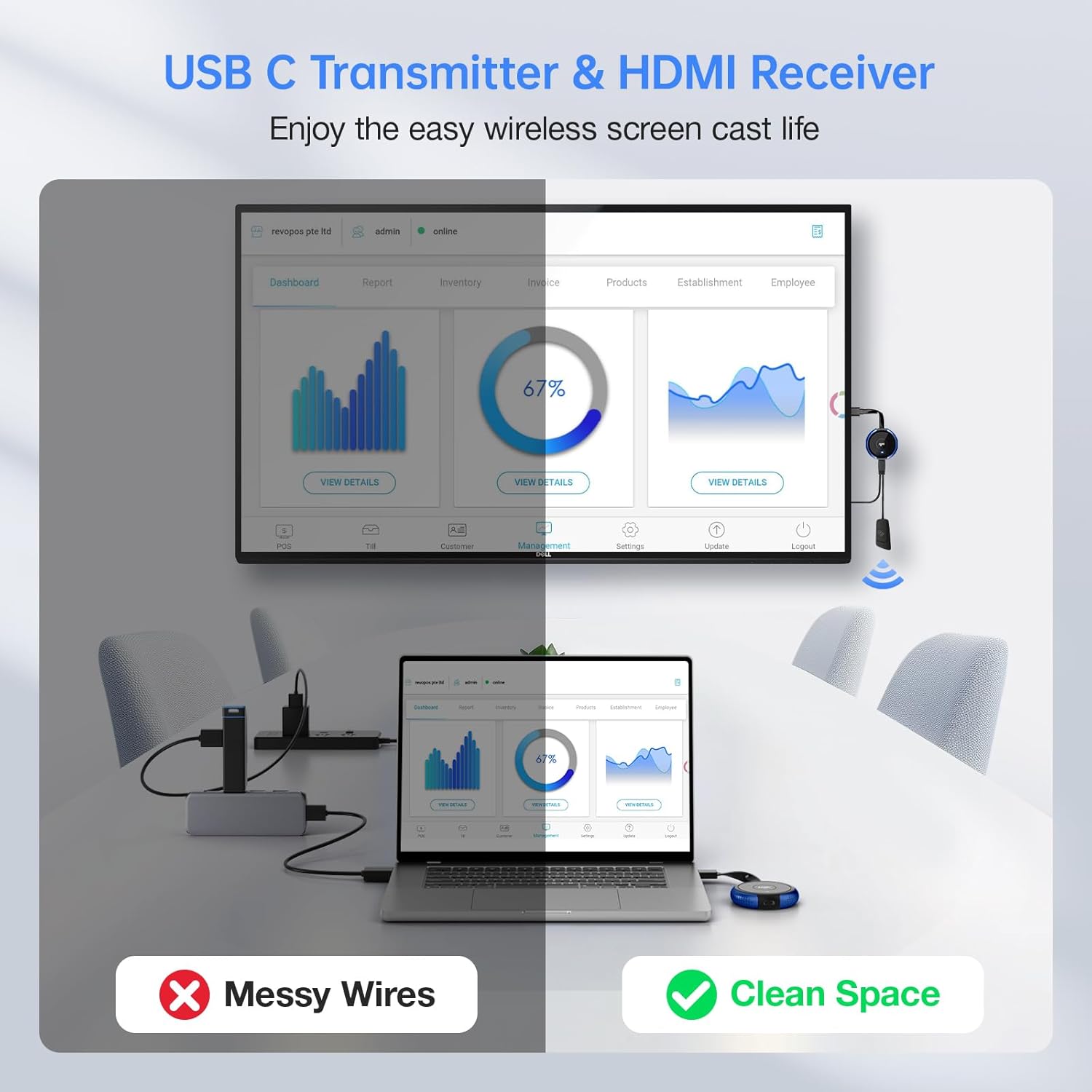
Figure 1: Wireless setup for a clean workspace.
2. Pakkauksen sisältö
Varmista, että pakkauksessasi on kaikki tarvittavat osat:
- 1 x AIMIBO USB C Wireless Transmitter (Q3 USB C TX)
- 1 x USB-latauskaapeli
3. Tuote ohiview
The AIMIBO USB C Wireless Transmitter is a compact device designed for ease of use. It features a USB-C connector for connecting to your source device and an integrated antenna for wireless transmission.

Figure 2: USB-C connection for laptops.

Figure 3: USB-C connection for iPhones.
4. Asennusohjeet
To set up your AIMIBO USB C Wireless Transmitter, follow these steps:
- Vastaanottimen virran kytkeminen: Ensure your AIMIBO HDMI Wireless Receiver (sold separately) is connected to a power source and an HDMI input on your display device (monitor, projector, HDTV).
- Liitä lähetin: Plug the USB-C connector of the AIMIBO Wireless Transmitter into the USB-C port of your source device (laptop, MacBook, Surface, iPad, iPhone 15/16, etc.).
- Lähettimen virransyöttö: If your source device does not provide sufficient power, connect the included USB charging cable to the transmitter and a USB power adapter (not included) or a powered USB port.
- Automaattinen pariliitos: The transmitter and receiver should automatically pair. A blue indicator light on the transmitter will confirm a successful connection.
- Valitse syöttö: Valitse näyttölaitteestasi oikea HDMI-tulolähde view the mirrored or extended display.
5. Käyttöohjeet
5.1 Basic Casting
Once the transmitter and receiver are paired, your source device's screen will be mirrored or extended to the connected display. Most USB-C devices with video output capabilities will automatically detect the external display.
5.2 Multi-Transmitter Pairing
One receiver can pair with up to 8 transmitters. This feature is ideal for environments like conference rooms or classrooms where multiple users need to share their screens. To switch between active transmitters, simply press the button on the desired transmitter. The display will switch to that source.

Figure 4: Multiple transmitters connected to one receiver.
5.3 Wireless Frequency Selection (2.4GHz/5GHz)
The device supports both 2.4GHz and 5GHz wireless bands. The 5GHz band offers higher speeds and less interference, ideal for high-definition video streaming. The 2.4GHz band provides a wider range. The system automatically selects the optimal frequency, but some devices may allow manual adjustment for specific environments.
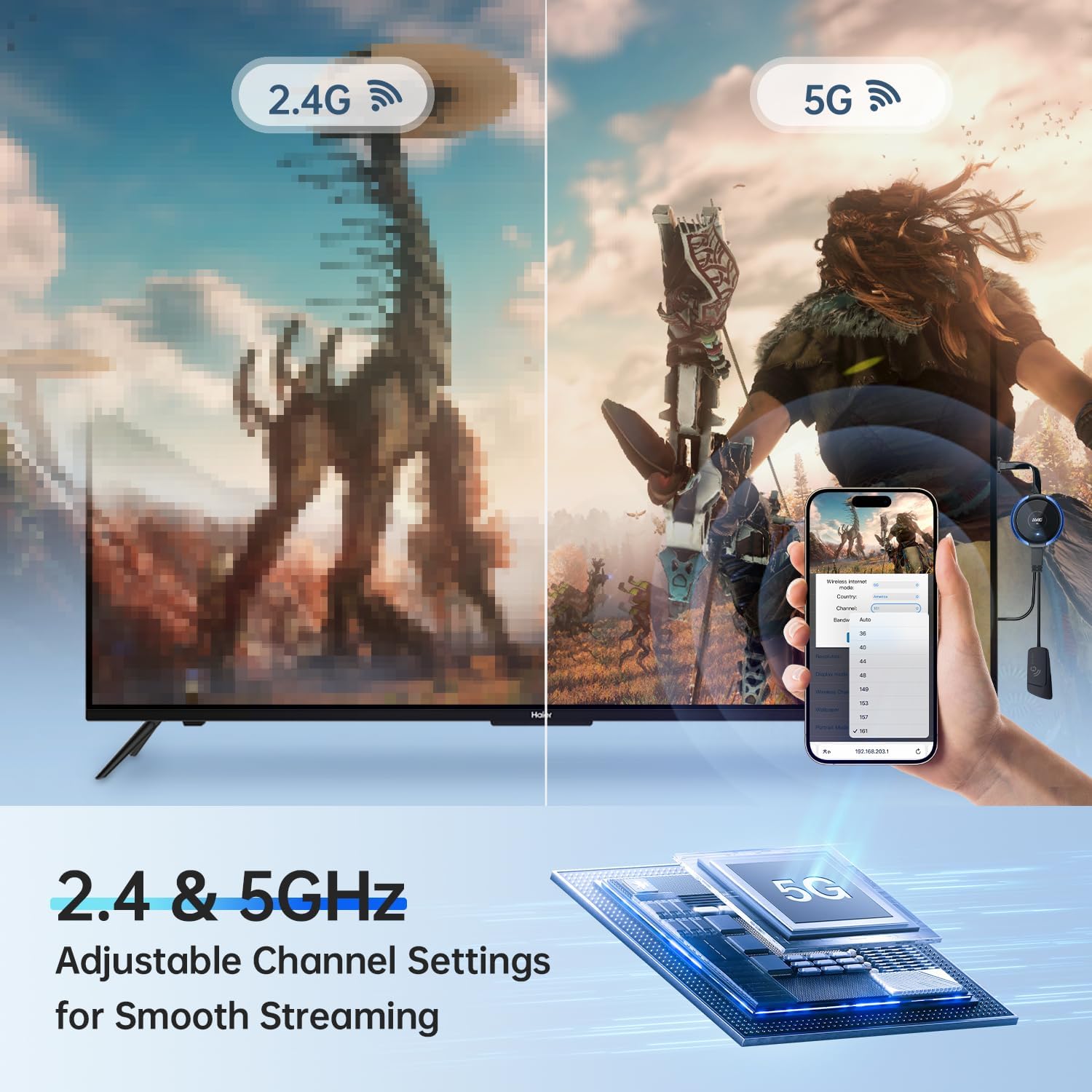
Figure 5: 2.4GHz vs 5GHz performance.
5.4 Käyttöskenaariot
- Kotiteatteri: Stream movies and shows from your device to your TV.
- Näytön peilaus: Duplicate your device's screen for presentations or sharing content.
- Live Sports: Enjoy sports events on a larger screen.
- Meeting Rooms: Facilitate collaborative presentations.
- Pelaaminen: Play mobile or laptop games on a big display.
- Outdoor Cinema: Project content outdoors for entertainment.

Kotiteatteri

Näytön peili

Live Sports

Kokoushuone

Pelaa pelejä

Outdoor Cinema
6. Huolto
- Puhdistus: Puhdista laite pehmeällä, kuivalla liinalla. Vältä nestemäisiä puhdistusaineita tai liuottimia.
- Varastointi: Store the transmitter in a cool, dry place when not in use.
- Käsittely: Avoid dropping the device or exposing it to extreme temperatures or humidity.
7. Vianmääritys
| Ongelma | Mahdollinen syy | Ratkaisu |
|---|---|---|
| Ei näyttöä näytöllä |
|
|
| Huono videonlaatu tai viive |
|
|
| Ääniongelmat |
|
|
| Cannot achieve dual monitor setup | This product is designed for a single display output per transmitter. For dual monitor setups, two separate receiver-transmitter pairs are typically required. | Purchase an additional AIMIBO USB C Wireless Transmitter and a second HDMI Wireless Receiver for each additional display. |
8. Tekniset tiedot
- Malli: Q3 USB C TX
- Merkki: AIMIBO
- Langaton taajuus: 2.4 GHz / 5 GHz
- Lähetysetäisyys: Jopa 165 jalkaa (50 metriä)
- Käyttöliittymä: USB-C (Input), Wireless (Output to Receiver)
- Yhteensopivat laitteet: Laptops, MacBooks, Surface devices, iPads, iPhones (USB-C models), and other USB-C enabled devices with video output capabilities.
- Mitat: Noin 7.08 x 2.55 x 0.59 tuumaa
- Tuotteen paino: Noin 1.44 unssia

Figure 6: Transmission range of 165ft/50m.
9. Takuutiedot
AIMIBO products are covered by a limited warranty from the date of purchase. This warranty covers manufacturing defects and workmanship. It does not cover damage caused by misuse, accidents, unauthorized modifications, or normal wear and tear. Please retain your proof of purchase for warranty claims.
10. Asiakastuki
For technical assistance, troubleshooting, or warranty inquiries, please contact AIMIBO customer support through the retailer's platform or visit the official AIMIBO website. Our support team is available to help you with any questions or issues you may encounter.

Figure 7: AIMIBO Brand Information.

Figure 8: Transparency Program details.