1. Johdanto
SONOFF S31 WiFi -älypistoke on kompakti ja älykäs laite, joka on suunniteltu muuttamaan tavalliset pistorasiasi älykkäiksi ja hallittaviksi virtalähteiksi. Sen avulla voit hallita laitteitasi etänä, seurata energiankulutusta ja integroida sen suosittuihin ääniavustajiin, kuten Amazon Alexaan ja Google Homeen. Tämä käyttöohje sisältää olennaisia tietoja S31-älypistokkeen asentamisesta, käytöstä ja ylläpidosta.
2. Tuotteen ominaisuudet
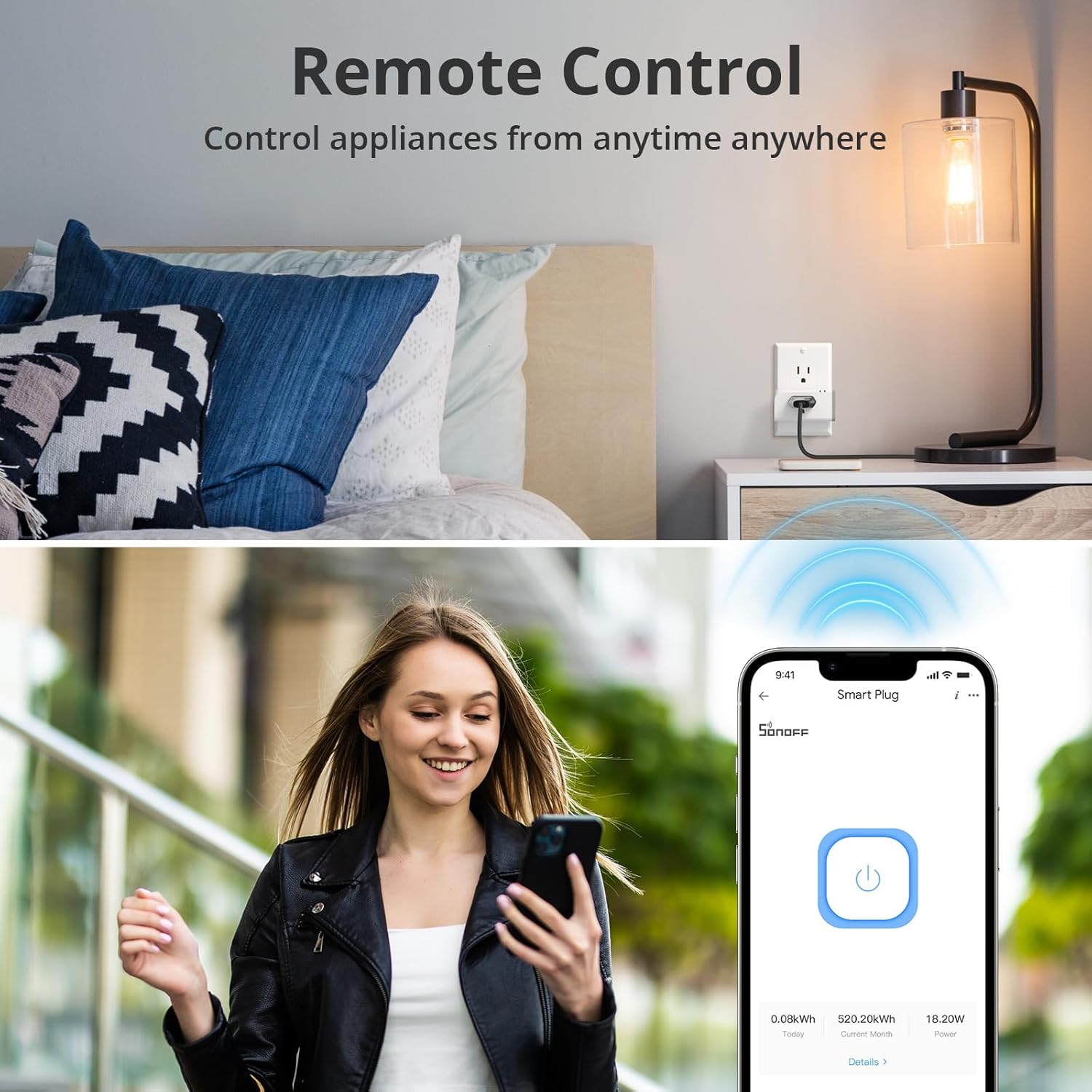
- Kaukosäädin: Kytke yhdistetyt laitteet päälle/pois mistä tahansa käyttämällä eWeLink-sovellusta älypuhelimellasi tai tabletillasi.
- Energianvalvonta: Seuraa reaaliaikaista tehoa, virtaa ja äänenvoimakkuuttataglaitteidesi energiatehokkuus. Käytä 100 päivän päivittäisiä/kuukausittaisia energiankulutustietoja ja sähkön kokonaiskustannuksia sovelluksessa.
- Ääniohjaus: Yhteensopiva Amazon Alexan ja Google Homen kanssa laitteiden handsfree-ohjaukseen.
- Aikataulutus ja ajastimet: Aseta lähtölaskenta-, kerta- tai toistuvat ajastimet kytkemään laitteet automaattisesti päälle/pois.
- Ryhmähallinta: Ohjaa useita älypistokkeita samanaikaisesti yhdellä komennolla tai napautuksella.
- Jaa ohjaus: Myönnä perheenjäsenille pääsy laitteiden hallintaan ja valvontaan.
- Turvallisuussuojaus: ETL-sertifioitu, ylikuormitussuojattu ja V-0-luokiteltu palonkestävä PC-kuori. Tukee jopa 15 A:n enimmäisvirtaa.
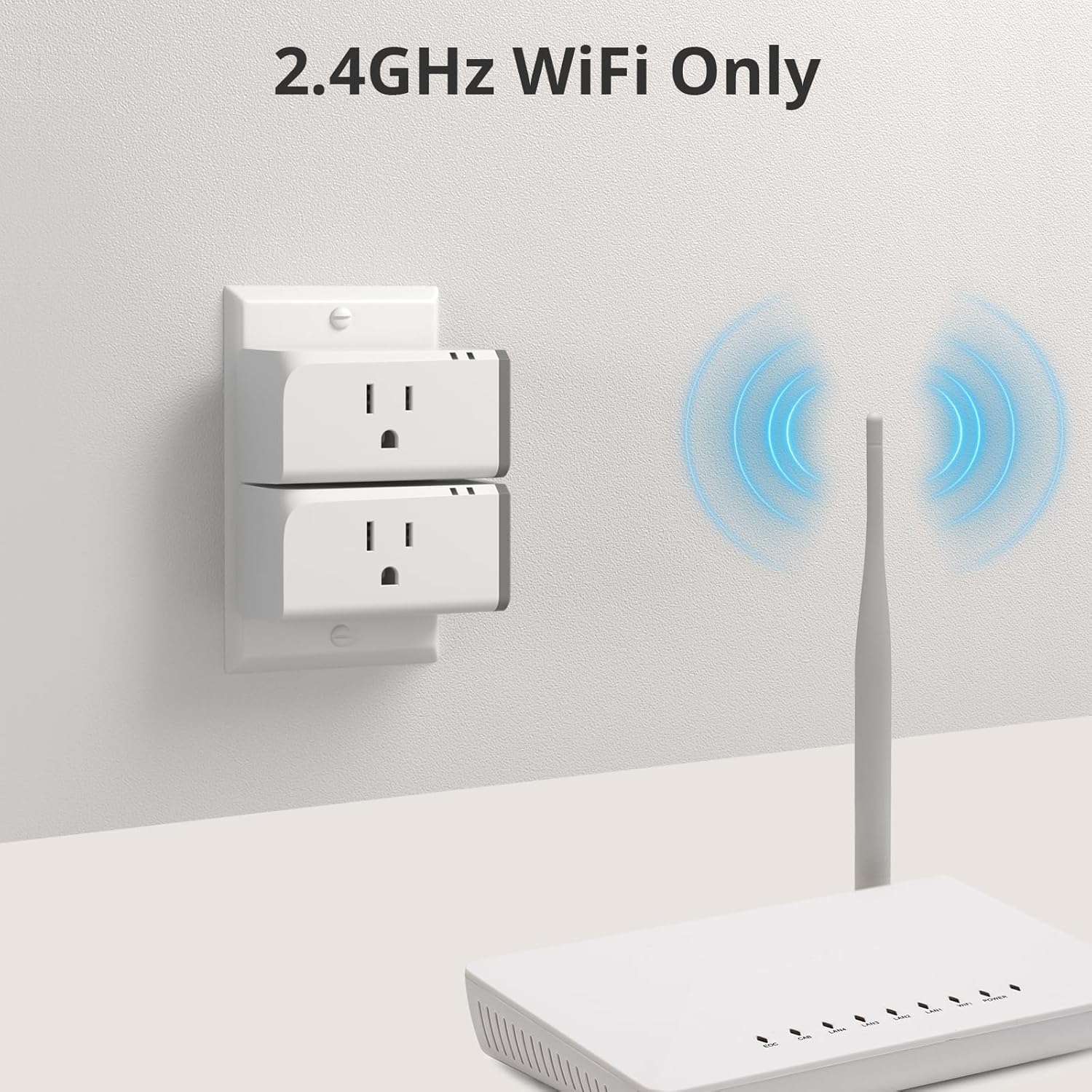
- Wi-Fi-yhteensopivuus: Toimii yksinomaan 2.4 GHz:n WiFi-verkoissa. Varmista, että reitittimessäsi on erilliset SSID:t 2.4 GHz:n ja 5 GHz:n kaistoille optimaalisen suorituskyvyn saavuttamiseksi.

Kuva: Yliview SONOFF S31 Smart Plug -ominaisuuksista, korostaen sen ominaisuuksia, kuten ääniohjausta, etäkäyttöä, aikataulutusta ja energiankulutuksen seurantaa.
3. Asennusopas
Asenna SONOFF S31 WiFi -älypistoke seuraavasti:
- Lataa eWeLink-sovellus: Etsi "eWeLink" App Storesta (iOS) tai Google Play Kaupasta (Android) ja asenna se älypuhelimeesi tai tablettiisi.
- Rekisteröidy/Kirjaudu sisään: Avaa eWeLink-sovellus ja rekisteröi uusi tili tai kirjaudu sisään olemassa olevalla tilillä.
- Kytke älypistoke pistorasiaan: Kytke SONOFF S31 -älypistoke tavalliseen pistorasiaan.
- Siirry pariliitostilaan: Paina älypistokkeen painiketta noin 5–7 sekuntia, kunnes LED-merkkivalo vilkkuu nopeasti (yleensä kolme lyhyttä ja yksi pitkä välähdys). Tämä osoittaa, että laite on pariliitostilassa.
- Lisää laite sovellukseen: Lisää uusi laite napauttamalla eWeLink-sovelluksessa alhaalla keskellä tai oikeassa yläkulmassa olevaa "+"-kuvaketta. Valitse "Nopea pariliitos" tai sopiva pariliitostapa.
- Yhdistä Wi-Fi-verkkoon: Yhdistä älypistoke 2.4 GHz:n Wi-Fi-verkkoosi noudattamalla sovelluksen ohjeita. Varmista, että myös puhelimesi on yhdistetty samaan 2.4 GHz:n verkkoon tämän prosessin aikana.
- Nimeä laitteesi: Kun pariliitos on muodostettu, voit nimetä älypistokkeesi (esim. "Olohuone L")amp", "Kahvinkeitin") helppoa tunnistusta ja ääniohjausta varten.

Kuva: Neljän SONOFF S31 -älypistokkeen sarja, joka havainnollistaa laitteen kompaktia muotoilua.
4. Käyttöohjeet
4.1 Kaukosäädin
Onnistuneen asennuksen jälkeen voit ohjata laitteitasi mistä tahansa:
- Avaa eWeLink-sovellus.
- Napauta laitteen nimeä kytkeäksesi sen päälle/pois. Sovellus näyttää nykyisen tilan.

Kuva: Käyttäjä esittelee älypistokkeen etäohjausta eWeLink-sovelluksen kautta ja kytkee kaikki päälle.amp päälle tai pois päältä kaukaa.
4.2 Ääniohjaus
Integroi Amazon Alexan tai Google Homen kanssa äänikomentoja varten:
- Alexalle: Ota "eWeLink Smart Home" -ominaisuus käyttöön Alexa-sovelluksessa. Yhdistä eWeLink-tilisi. Sen jälkeen voit sanoa komentoja, kuten "Alexa, käynnistä [laitteen nimi]".
- Google Homelle: Yhdistä "eWeLink Smart Home" -palvelu Google Home -sovellukseen. Sen jälkeen voit sanoa komentoja, kuten "Hei Google, sammuta [laitteen nimi]".

Kuva: Käyttäjä aktivoi Amazon Echo -kaiuttimen ja esittelee ääniohjaustoimintoa aktivoidakseen SONOFF S31 -älypistokkeeseen kytketyn tuulettimen.
4.3 Aikataulutus ja ajastimet
Automatisoi laitteesi aikataulujen ja ajastinten avulla:
- Valitse laitteesi eWeLink-sovelluksessa.
- Napauta "Ajastin"- tai "Aikataulu"-kuvaketta.
- Aseta laitteen käynnistymis- tai sammumisajat tai luo ajastimia tilapäistä käyttöä varten.
Kuva: Pariskunta käyttää eWeLink-sovellusta keittiökoneiden aikataulujen asettamiseen, havainnollistaen älypistokkeen ajastin- ja aikataulutusominaisuuksia.
4.4 Energiankulutuksen seuranta
Seuraa energiankulutustasi suoraan sovelluksesta:
- Valitse laitteesi eWeLink-sovelluksessa.
- Napauta "Kulutus"- tai "Virrankulutuksen seuranta" -osiota.
- View reaaliaikainen teho, virta ja volyymitage. Käytä historiatietoja päivittäisestä ja kuukausittaisesta kulutuksesta.

Kuva: Älypuhelin, jossa näkyy eWeLink-sovelluksen energiankulutuksen seurantaliittymä ja yhdistetyn laitteen yksityiskohtaiset kulutustiedot.
4.5 Ryhmäohjaus ja jako-ohjaus
- Ryhmähallinta: Luo eWeLink-sovelluksessa älypistokkeiden ryhmiä useiden laitteiden samanaikaiseen hallintaan (esim. "Kaikki makuuhuoneen valot").
- Jaa ohjaus: Jaa laitteen hallinta muiden eWeLink-käyttäjien kanssa kutsumalla heidät sovelluksen kautta.
Kuva: eWeLink-sovelluksen käyttöliittymä, jossa demonstroidaan ryhmäohjausta, jonka avulla käyttäjät voivat hallita useita älypistorasioita eri huoneissa yhdeltä näytöltä.
5. Median resurssit
5.1 Viralliset tuotevideot
SONOFF S31 WiFi-älypistokkeen ominaisuudetview
Video: Tämä video tarjoaa kattavan kuvanview SONOFF S31 WiFi -älypistokkeesta ja sen tärkeimmistä ominaisuuksista, kuten energiankulutuksen seurannasta, Alexan ja Google Homen yhteensopivuudesta sekä IFTTT-tuesta. Se havainnollistaa käytännön sovelluksia älykotiympäristössä.
SONOFF S31 15A WiFi-älypistoke virrankulutuksen seurannalla
Video: SONOFF S31 15A WiFi -älypistokkeen esittely, jossa keskitytään sen virrankulutuksen seurantaominaisuuksiin ja siihen, miten se integroituu päivittäisiin rutiineihin mukavuuden ja energianhallinnan parantamiseksi.
6. Huolto
SONOFF S31 -älypistokkeen optimaalisen suorituskyvyn ja pitkän käyttöiän varmistamiseksi:
- Pidä laite puhtaana ja pölyttömänä. Käytä puhdistukseen kuivaa, pehmeää liinaa.
- Vältä älypistokkeen altistamista äärimmäisille lämpötiloille, kosteudelle tai suoralle auringonvalolle.
- Älä pura tai yritä korjata laitetta itse. Tämä voi mitätöidä takuun ja aiheuttaa turvallisuusriskejä.
- Tarkista säännöllisesti laiteohjelmistopäivitykset eWeLink-sovelluksen kautta varmistaaksesi, että käytössäsi on uusimmat ominaisuudet ja tietoturvaparannukset.
7. Vianmääritys
Jos SONOFF S31 -älypistokkeen kanssa ilmenee ongelmia, katso seuraavia yleisiä ratkaisuja:
- Laite offline-tilassa:
- Varmista, että älypistoke on päällä ja 2.4 GHz:n Wi-Fi-reitittimen kantaman sisällä.
- Tarkista Wi-Fi-verkkoyhteytesi. Käynnistä reititin tarvittaessa uudelleen.
- Varmista, että Wi-Fi-verkossasi on erilliset SSID:t 2.4 GHz:n ja 5 GHz:n taajuusalueille. S31 tukee vain 2.4 GHz:n taajuusaluetta.
- Pariliitos epäonnistui:
- Varmista, että älypistoke on pariliitostilassa (LED-valo vilkkuu nopeasti).
- Varmista, että puhelimesi on yhteydessä 2.4 GHz:n Wi-Fi-verkkoon pariliitoksen muodostamisen aikana.
- Kokeile nollata älypistoke irrottamalla se pistorasiasta ja kytkemällä se uudelleen ja siirtymällä sitten takaisin pariliitostilaan.
- Ääniohjaus ei toimi:
- Varmista, että "eWeLink Smart Home" -taito/palvelu on käytössä ja linkitetty Alexa- tai Google Home -sovelluksessasi.
- Tarkista, että äänikomennossa käytetty laitteen nimi vastaa eWeLink-sovelluksessa näkyvää nimeä.
- Epätarkka energiankulutuksen seuranta:
- Varmista, että laite on kytketty oikein ja että se käyttää virtaa.
- Varmista, että eWeLink-sovellus on päivitetty uusimpaan versioon.
Jos tarvitset lisätietoja, ota yhteyttä SONOFFin asiakastukeen.
8. Tekniset tiedot
| Mallinumero | S31 |
| Merkki | SONOFF |
| Tuotteen mitat | 3 x 2 x 1.02 tuumaa |
| Tuotteen paino | 13.12 unssia |
| Nykyinen luokitus | 15 Amps |
| Käyttö Voltage | 120 volttia |
| Liittimen tyyppi | Kytke |
| Kytkimen tyyppi | Kosketa |
| Materiaali | Kupari |
| Wi-Fi-standardin | Vain 2.4 GHz |
| Sertifikaatit | ETL-sertifioitu |
9. Takuu ja tuki
SONOFF-tuotteet on suunniteltu luotettaviksi ja tehokkaiksi. Takuutiedot ja tekninen tuki löytyvät SONOFFin viralliselta verkkosivulta. websivustolta tai ota yhteyttä suoraan heidän asiakaspalveluunsa. Säilytä ostokuitti ostotodistuksena takuuvaatimuksia varten.
Yhteystiedot:
- Virallinen Websivusto: www.sonoff.com
- Asiakastuki: Katso lisätietoja websivusto yhteystiedot.


