Introducción
This manual provides detailed instructions for the setup, operation, maintenance, and troubleshooting of your 3PLUS Vibe Pro Smart Watch. Please read this manual thoroughly to ensure proper use and to maximize the features of your device.

Image: The 3PLUS Vibe Pro Smart Watch, featuring a black watch body with a black silicone band, accompanied by an additional pink silicone band. The watch display shows time, date, activity metrics, and weather.
Configuración
1. Carga del dispositivo
Before initial use, fully charge your 3PLUS Vibe Pro Smart Watch. Connect the magnetic charging cable to the charging contacts on the back of the watch and plug the USB end into a power adapter (not included) or a computer USB port. The watch display will indicate charging status.
2. Instalación de la aplicación
To unlock the full potential of your smart watch, download the official 3Plus app on your smartphone. The app is compatible with both iPhone and Android devices.
- Buscar "3Plus" in the Apple App Store (for iOS) or Google Play Store (for Android).
- Descargue e instale la aplicación.
- Siga las instrucciones en pantalla para crear una cuenta o iniciar sesión.
3. Emparejamiento de su reloj inteligente
Asegúrese de que el Bluetooth de su teléfono inteligente esté habilitado.
- Open the 3Plus app on your smartphone.
- Navigate to the device pairing section (usually found under 'Devices' or 'Profile').
- Select 'Add New Device' or similar option.
- The app will search for nearby 3PLUS Vibe Pro Smart Watches. Select your watch from the list.
- Confirme la solicitud de emparejamiento tanto en su reloj como en su teléfono inteligente.
Instrucciones de funcionamiento
Navegación básica
- Pantalla táctil: Desliza el dedo hacia la izquierda/derecha, arriba/abajo para navegar por los menús y las pantallas. Toca para seleccionar una opción.
- Botón lateral: Pulsa para volver a la pantalla de inicio o reactivar el dispositivo. Mantén pulsado para acceder a las opciones de energía.
Características principales
Seguimiento GPS
The integrated GPS allows for accurate tracking of outdoor activities without needing your phone. Ensure GPS is enabled in the watch settings for outdoor workouts.
Monitoreo de la frecuencia cardíaca
El reloj monitorea continuamente tu frecuencia cardíaca. View real-time data on the watch or detailed trends in the 3Plus app.
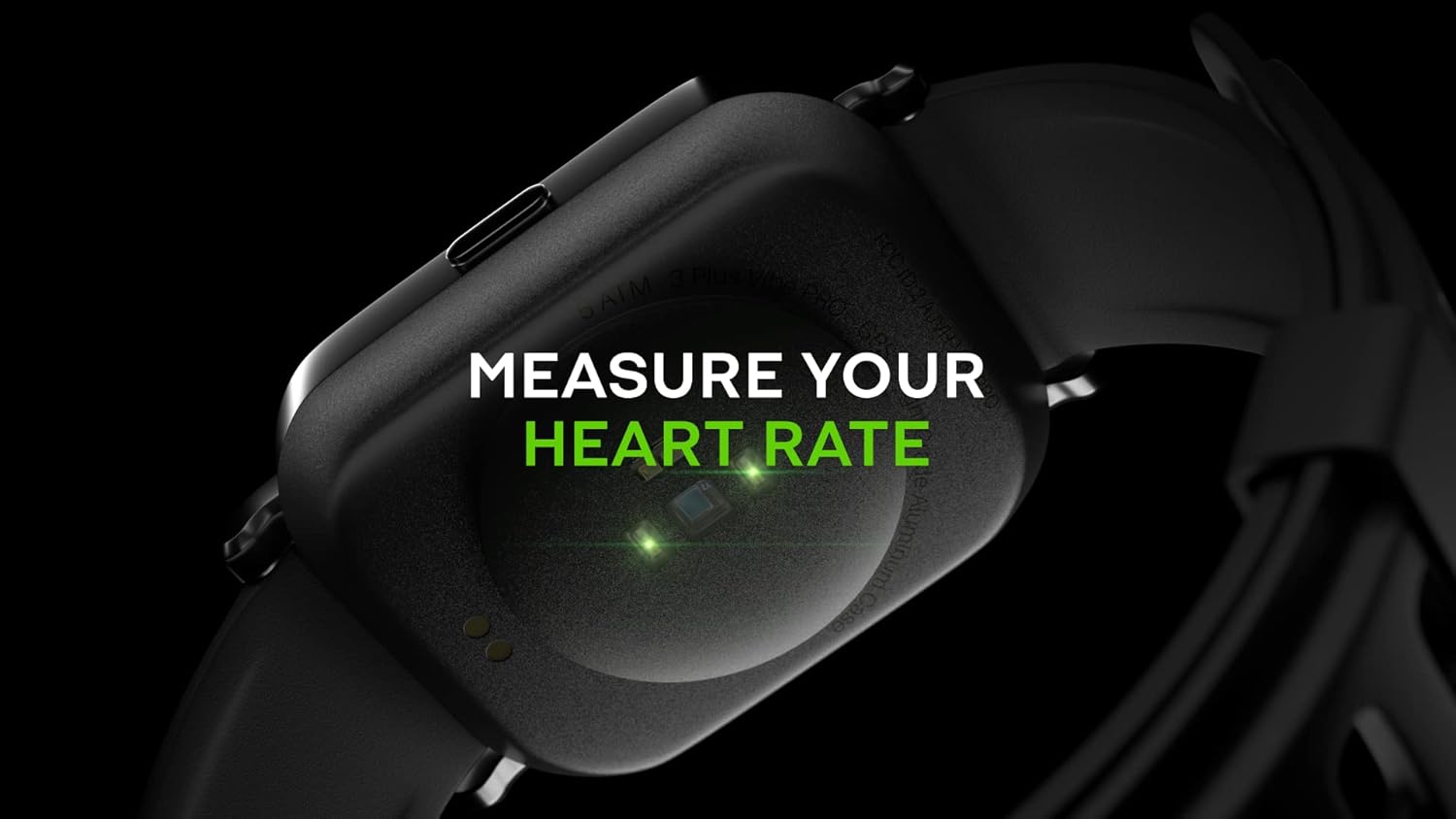
Image: Close-up of the back of the 3PLUS Vibe Pro Smart Watch, showing green LED lights indicating heart rate measurement in progress. Text overlay reads "MEASURE YOUR HEART RATE".
Monitoreo de oxígeno en sangre (SpO2)
Measure your blood oxygen saturation levels directly from your wrist. For accurate readings, remain still during measurement.

Image: The 3PLUS Vibe Pro Smart Watch display showing a blood oxygen measurement in progress, with a circular animation and text instructing the user to stay still. Text overlay reads "MEASURE YOUR BLOOD OXYGEN".
Monitoreo del sueño
El reloj rastrea automáticamente tus patrones de sueño, incluidos el sueño profundo, el sueño ligero y los tiempos de vigilia.view your sleep data in the 3Plus app to understand your sleep quality.

Image: A person sleeping with the 3PLUS Vibe Pro Smart Watch on their wrist, showing the watch display with sleep data (deep sleep, light sleep, awake time). Text overlay indicates "6 HOURS 52 MINUTES SLEPT".
Múltiples modos de deportes
Select from various sports modes to track specific activities like running, cycling, basketball, and more. Each mode provides relevant metrics for your workout.

Image: The 3PLUS Vibe Pro Smart Watch display showing a list of workout modes, including Basketball and Soccer, with a basketball player in the background. Text overlay reads "MULTIPLE SPORTS MODES".
Notificaciones inteligentes
Receive notifications for calls, messages, and app alerts directly on your wrist when connected to your smartphone.

Image: The 3PLUS Vibe Pro Smart Watch display showing various notifications from messaging apps like Messenger, Instagram, and Facebook. Speech bubbles representing these apps are floating around the watch.
Resistencia al agua 5ATM
The watch is rated 5ATM water resistant, meaning it can withstand pressures equivalent to a depth of 50 meters. It is suitable for swimming and showering but not for diving or high-pressure water activities.

Image: The 3PLUS Vibe Pro Smart Watch covered in water droplets, emphasizing its water resistance. Text overlay reads "5 ATM RATED WATER RESISTANT".
Mantenimiento
Limpieza de su reloj inteligente
- Regularly clean the watch body and bands with a soft, damp paño.
- For the charging contacts and sensors on the back, use a dry cotton swab to gently remove any dirt or debris.
- Evite utilizar productos químicos agresivos o materiales abrasivos, ya que pueden dañar el dispositivo.
Cuidado de la banda
If your watch comes with silicone bands, clean them regularly with mild soap and water to prevent skin irritation, especially after workouts or prolonged wear. Ensure the band is completely dry before reattaching it to the watch.
Solución de problemas
El reloj no se enciende
- Asegúrese de que el reloj esté completamente cargado. Conéctelo al cargador durante al menos 30 minutos.
- Try performing a soft reset by pressing and holding the side button for 10-15 seconds.
No se puede emparejar con el teléfono inteligente
- Asegúrese de que Bluetooth esté habilitado en su teléfono inteligente.
- Asegúrese de que el reloj esté dentro del alcance de Bluetooth (normalmente 10 metros o 33 pies).
- Reinicie tanto el reloj como el teléfono inteligente.
- Compruebe si la aplicación 3Plus está actualizada a la última versión.
- Si ya estaba emparejado, intente desvincular el dispositivo de la configuración de Bluetooth de su teléfono y luego vuelva a emparejarlo a través de la aplicación.
Inaccurate Readings (Heart Rate, SpO2, Sleep)
- Asegúrese de que el reloj esté ajustado cómodamente en su muñeca, aproximadamente a un dedo por encima del hueso de la muñeca.
- Mantenga el sensor limpio y libre de suciedad o sudor.
- For SpO2, remain still during the measurement.
Las notificaciones no aparecen
- Verify that the watch is connected to your smartphone via Bluetooth.
- Check notification settings within the 3Plus app to ensure app notifications are enabled.
- Ensure your phone's notification settings allow the 3Plus app to send notifications.
Presupuesto
| Característica | Especificación |
|---|---|
| Nombre del modelo | Reloj inteligente Vibe Pro |
| Tamaño de la pantalla | 1.78 Inches AMOLED Color Touchscreen |
| Resistencia al agua | 5ATM (hasta 50 metros) |
| Conectividad | Bluetooth |
| GPS | GPS incorporado |
| Sensores | Monitor de frecuencia cardíaca, monitor de oxígeno en sangre |
| Compatibilidad | iPhone y Android |
| Peso del artículo | 7.8 onzas |
| Dimensiones del paquete | 6.69 x 4.09 x 2.28 pulgadas |
| Primero disponible | 14 de enero de 2022 |
Garantía y soporte
For warranty information and customer support, please refer to the official 3Plus website or contact their customer service directly. Details can typically be found on the product packaging or within the 3Plus mobile application.
Official 3Plus Store: Visit the 3Plus Store on Amazon
Vídeos oficiales de productos
No se encontraron vídeos de vendedores oficiales para este producto en los datos proporcionados.


