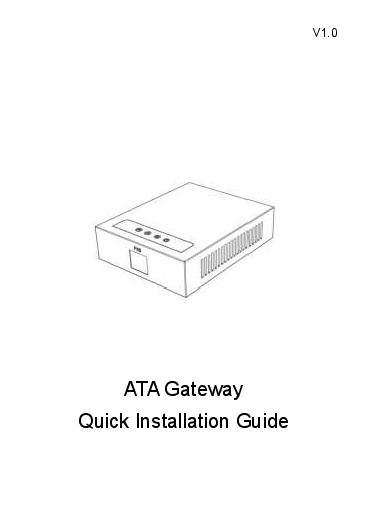
Introduction to the Fanvil GA10 ATA Gateway
This guide provides essential information for the quick installation and setup of the Fanvil GA10 ATA Gateway. The Fanvil GA10 is designed to bridge traditional analog telephony devices with modern Voice over IP (VoIP) networks, offering a reliable and efficient solution for businesses and home offices.
Key Features and Components
The Fanvil GA10 ATA Gateway facilitates seamless integration of analog phones into VoIP systems. Key aspects covered include:
- Packaging Contents: Details the items included in the box, such as the ATA Gateway unit, Ethernet Cable, Power Adapter, and the Quick Installation Guide itself.
- Status Indicators: Explains the meaning of various LED indicators (Power, Network, SIP Registration, FXS) for easy monitoring of the device's operational status.
- Device Ports: Identifies and describes the function of each port, including DC 5V IN for power, WAN for network connectivity, and FXS for analog phone connections. It also details the function of the Reset (RST) button for restoring default settings.
Installation and Configuration
The guide outlines a straightforward process for setting up the device:
- Device Connection: Step-by-step instructions on connecting analog telephones via the FXS port, linking the gateway to the network via the WAN port, and connecting the power adapter.
- Obtaining the IP Address: Methods to identify the device's IP address, typically obtained via DHCP, including using the connected analog phone's voice menu.
- Configuration: Instructions for configuring the ATA Gateway through two primary methods:
- Via Web Interface: Connecting a computer to the same network and accessing the gateway's web portal for detailed settings.
- Via Voice Menu: Using the connected analog phone to navigate through a menu system to adjust various parameters, with a provided list of function codes.
This guide ensures users can efficiently deploy their Fanvil GA10 ATA Gateway for VoIP communication.


