📘 iTools Store manuals • Free online PDFs
iTools Store logo

iTools Store Manuals & User Guides

Provider of specialized Bluetooth peripherals and iOS management solutions, known for multi-function joysticks used in gaming and location simulation.

Tip: include the full model number printed on your iTools Store label for the best match.

About iTools Store manuals on Manuals.plus

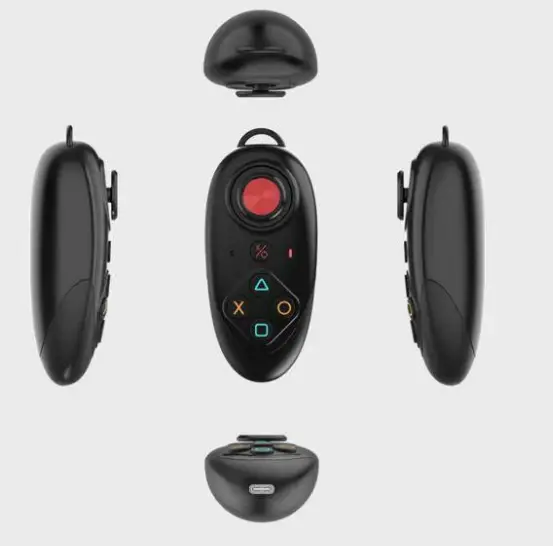
iTools Store (associated with ThinkSky) specializes in hardware and software accessories for Apple iOS devices. The brand is best known for its Bluetooth multi-function joysticks and dongles, which provide 360-degree omnidirectional control for mobile applications.

These devices are frequently used in conjunction with iTools software for location simulation and enhanced gaming control on iPhones and iPads. The hardware features long battery life, macro button support, and compatibility with various third-party apps via Test Flight integration.

iTools Store manuals

Selected manuals from manuals+ curated for this brand.

iTools Store support FAQ

Common questions about manuals, registration, and support for this brand.

  • How do I pair the iTools Bluetooth Joystick?

    Long press the power button to turn it on, then go to your iOS Bluetooth settings and pair with the device name ending in '.Core'.

  • Does the joystick support macro functions?

    Yes, the device supports macro buttons to execute program functions with a single button press without switching apps.

  • Can I use the joystick on multiple iOS devices?

    The Bluetooth device typically connects to one iOS device at a time. To use it with multiple devices simultaneously, you may need multiple units.