
msi B14WFK-810
MSI Katana 15 HX Gaming Laptop User Manual
Model: B14WFK-810
Introduction
This manual provides essential information for setting up, operating, maintaining, and troubleshooting your MSI Katana 15 HX Gaming Laptop. Please read this guide thoroughly to ensure optimal performance and longevity of your device.
The MSI Katana 15 HX is a high-performance gaming laptop featuring a 15.6-inch 165Hz WQHD IPS display, powered by a 14th Gen Intel i7-14650HX 16-Core processor and NVIDIA GeForce RTX 5060 graphics. It comes with 16GB DDR5 RAM and a 1TB NVMe SSD, running Windows 11 Home.
Setup
1. Unpacking
Carefully remove the laptop and all accessories from the packaging. Ensure the following items are present:
- MSI Katana 15 HX Gaming Laptop
- AC Adapter (240W)
- Power Cord
- Documentation (this manual, warranty card)
- COU 32GB USB Drive
2. Connecting Power
Connect the AC adapter to the laptop's power input port and then plug the power cord into a wall outlet. The laptop can be used while charging, but it is recommended to fully charge the battery before initial use.
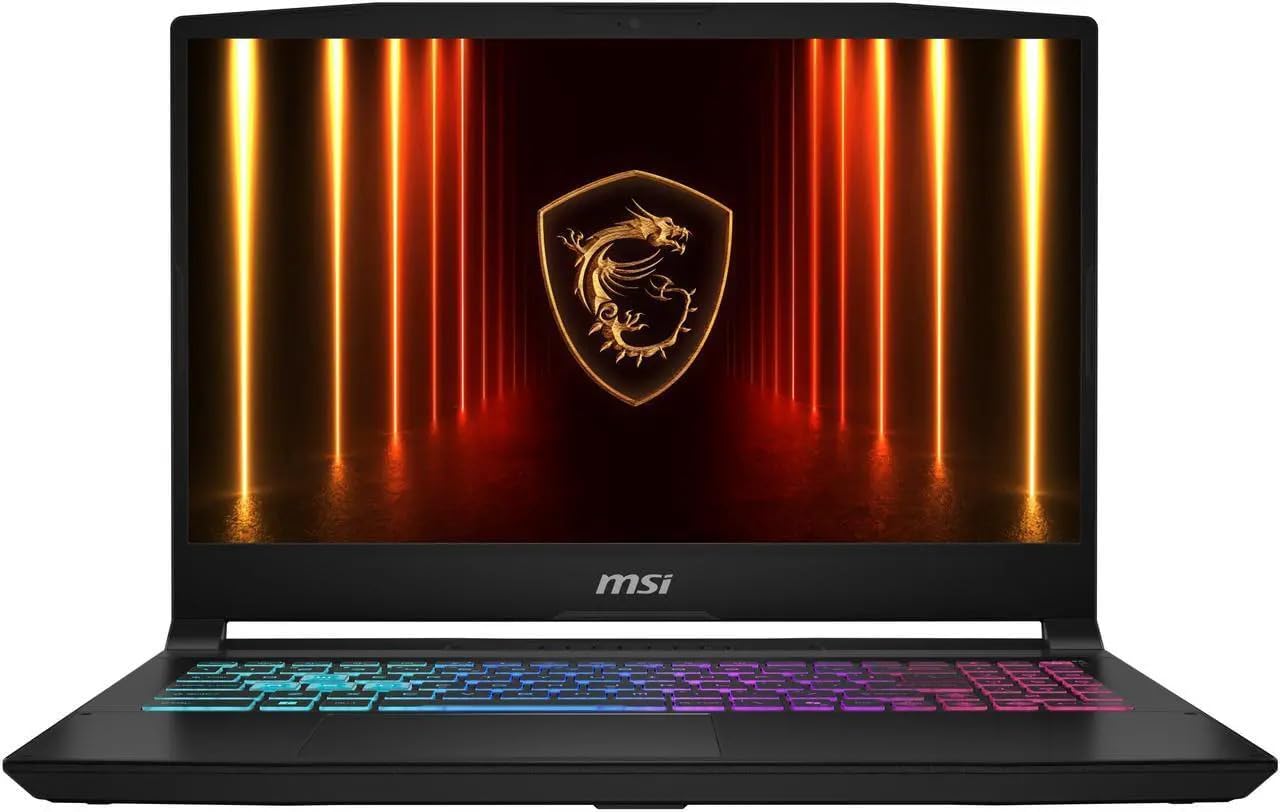
Image: The MSI Katana 15 HX Gaming Laptop connected to its power adapter.
3. Initial Boot-up
Open the laptop lid and press the power button, usually located on the keyboard deck. The system will guide you through the Windows 11 Home setup process. Follow the on-screen instructions to configure your operating system, network, and user account.
Operating Your Laptop
1. Keyboard and Touchpad
The laptop features a full-size Four-Zone RGB Backlit Keyboard with a Numpad. Adjust backlight settings through MSI software or dedicated function keys. The touchpad supports multi-touch gestures for navigation.

Image: Top-down view of the laptop's keyboard, showcasing the Four-Zone RGB backlighting and integrated numeric keypad.
2. Display
The 15.6-inch WQHD (2560 x 1440) 165Hz IPS display offers a high refresh rate and resolution for gaming and productivity. Adjust brightness using the function keys (Fn + F3/F4).
3. Ports and Connectivity
Your laptop is equipped with various ports for external devices and network connectivity:
- USB-C 3.2 Gen 2: 1 port (supports Data Transfer, Power Delivery, DisplayPort 1.4, 10Gbps)
- USB 3.2 Gen 2: 3 ports (10Gbps)
- RJ-45: 1 port for wired Ethernet connection
- HDMI 2.1: 1 port for external display output
- Headphone/Microphone Combo Jack: 1 port for audio peripherals
Wireless connectivity includes Intel Wi-Fi 6 AX211 (2x2) and Bluetooth 5.3.

Image: Left side of the laptop displaying USB ports and audio jack.
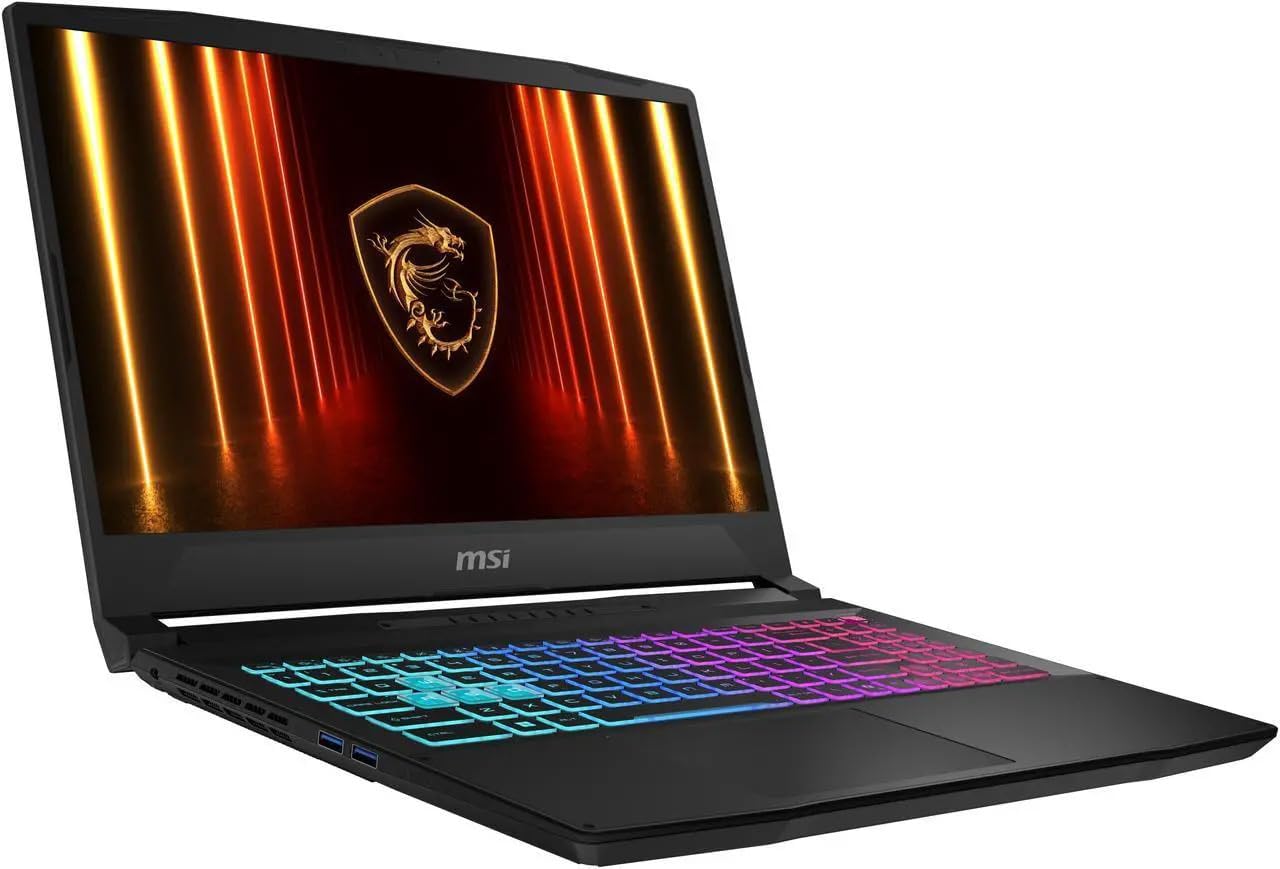
Image: Right side of the laptop displaying additional USB ports and the Ethernet port.
Maintenance
1. Cleaning
- Screen: Use a soft, lint-free cloth lightly dampened with water or a screen cleaner. Do not spray liquid directly onto the screen.
- Keyboard and Chassis: Use a soft cloth to wipe surfaces. For dust in crevices, use compressed air.
- Vents: Regularly check and clean the cooling vents to prevent dust buildup, which can affect performance.

Image: Underside of the laptop, showing the hexagonal cooling vents for proper airflow.
2. Battery Care
To prolong battery life:
- Avoid extreme temperatures.
- Do not fully discharge the battery frequently.
- If storing the laptop for an extended period, ensure the battery is charged to approximately 50-60%.
3. Software Updates
Regularly update your operating system, drivers, and MSI software to ensure optimal performance, security, and compatibility.
Troubleshooting
1. No Power
- Ensure the AC adapter is securely connected to both the laptop and a working power outlet.
- Verify the power outlet is functional by plugging in another device.
- If the battery is completely drained, allow it to charge for at least 30 minutes before attempting to power on.
2. Display Issues
- Blank Screen: Connect an external monitor via HDMI to check if the issue is with the laptop's display or the graphics card.
- Dim Screen: Adjust brightness using Fn + F3/F4 keys.
- Incorrect Resolution: Right-click on the desktop, go to Display settings, and adjust the resolution to 2560 x 1440.
3. Performance Problems
- Close unnecessary applications running in the background.
- Ensure cooling vents are clear and not obstructed. Overheating can lead to performance throttling.
- Update graphics drivers and system software.
- Run a system scan for malware or viruses.
Specifications
| Feature | Detail |
|---|---|
| Brand | msi |
| Model Name | Katana 15 HX B14WFK |
| Model Number | B14WFK-810 |
| Screen Size | 15.6 inches |
| Display Resolution | 2560 x 1440 (WQHD), 165Hz, IPS, Anti-glare, 300 nits, 100% DCI-P3 |
| Processor | Intel i7-14650HX 16-Core (up to 5.2 GHz) |
| Graphics Coprocessor | NVIDIA GeForce RTX 5060 with 8GB GDDR7 |
| RAM Memory | 16GB DDR5 5600 MHz (Upgradable to 64GB) |
| Storage | 1TB NVMe M.2 SSD |
| Operating System | Windows 11 Home |
| Keyboard | Four-Zone RGB Backlit Keyboard with Numpad |
| Wireless Connectivity | Intel Wi-Fi 6 AX211 (2x2), Bluetooth 5.3 |
| Ports | 1x USB-C 3.2 Gen 2 (DP/PD/10Gbps), 3x USB 3.2 Gen 2 (10Gbps), 1x RJ-45, 1x HDMI 2.1, 1x Headphone/Mic Combo Jack |
| Camera | 720p HD Camera |
| Battery | 75Wh Lithium-Ion (up to 6 hours) |
| Dimensions (L x W x H) | 14.13" x 10.31" x 0.99" |
| Weight | 5.29 lbs |
| Color | Black |
| UPC | 730636847297 |
Warranty Information
Your MSI Katana 15 HX Gaming Laptop comes with a 1 Year Manufacturer Warranty. Please retain your proof of purchase for warranty claims. For detailed terms and conditions, refer to the warranty card included in your product packaging or visit the official MSI support website.
Support
For technical assistance, driver downloads, or further support, please visit the official MSI support website. You can also find FAQs and community forums there.
MSI Official Website: www.msi.com
When contacting support, please have your laptop's model number (B14WFK-810) and serial number ready.
Related documentsB14WFK-810


Ask a question about this manual
Ask about setup, troubleshooting, compatibility, parts, safety, or missing instructions. Manuals+ will review the question and use this page’s manual context to help answer it.