
Introduction
This manual provides instructions for the Arkaia Replacement Remote Control, designed for use with Digihome TV models 65US172, 65UW172, and 75UW181. This remote control offers full functionality as a direct replacement for your original remote, ensuring reliable operation without complex setup.
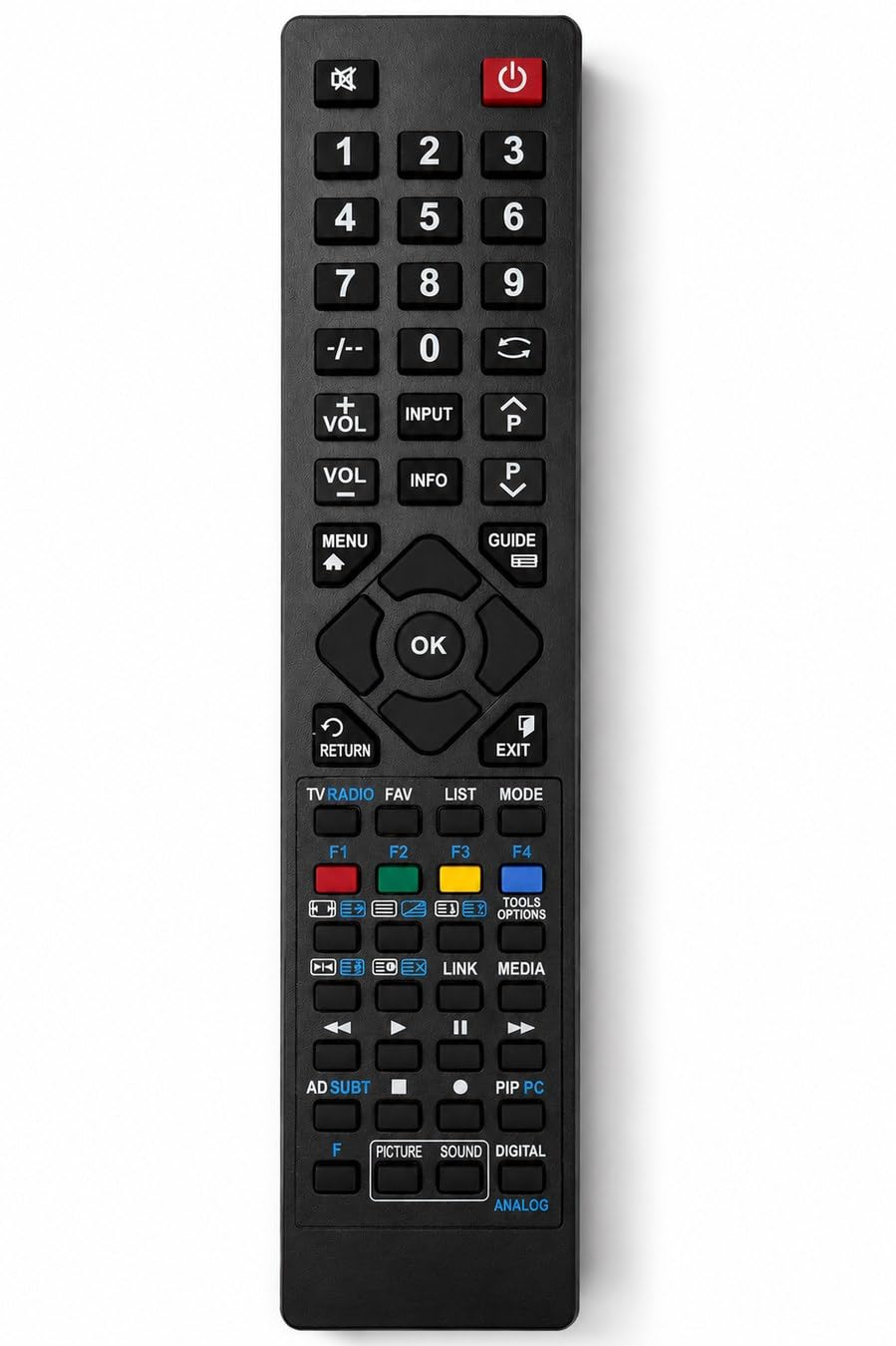
Figure 1: Front view of the Arkaia Replacement Remote Control.
Setup and First Use
The Arkaia Replacement Remote Control is designed for immediate use with compatible Digihome TV models. No programming, pairing, or complex installation is required.
- Install Batteries: Locate the battery compartment on the back of the remote control. Insert two (2) AAA batteries, ensuring correct polarity (+/-). Batteries are not included with the remote control.
- Ready for Use: Once batteries are installed, the remote control is ready to operate your Digihome TV. Point the remote control towards your TV and begin using its functions.

Figure 2: Illustrates the remote control being held, indicating the general location for battery compartment access.
Operating Instructions
This replacement remote control supports all essential functions of your original Digihome TV remote. The buttons are clearly arranged for intuitive operation.
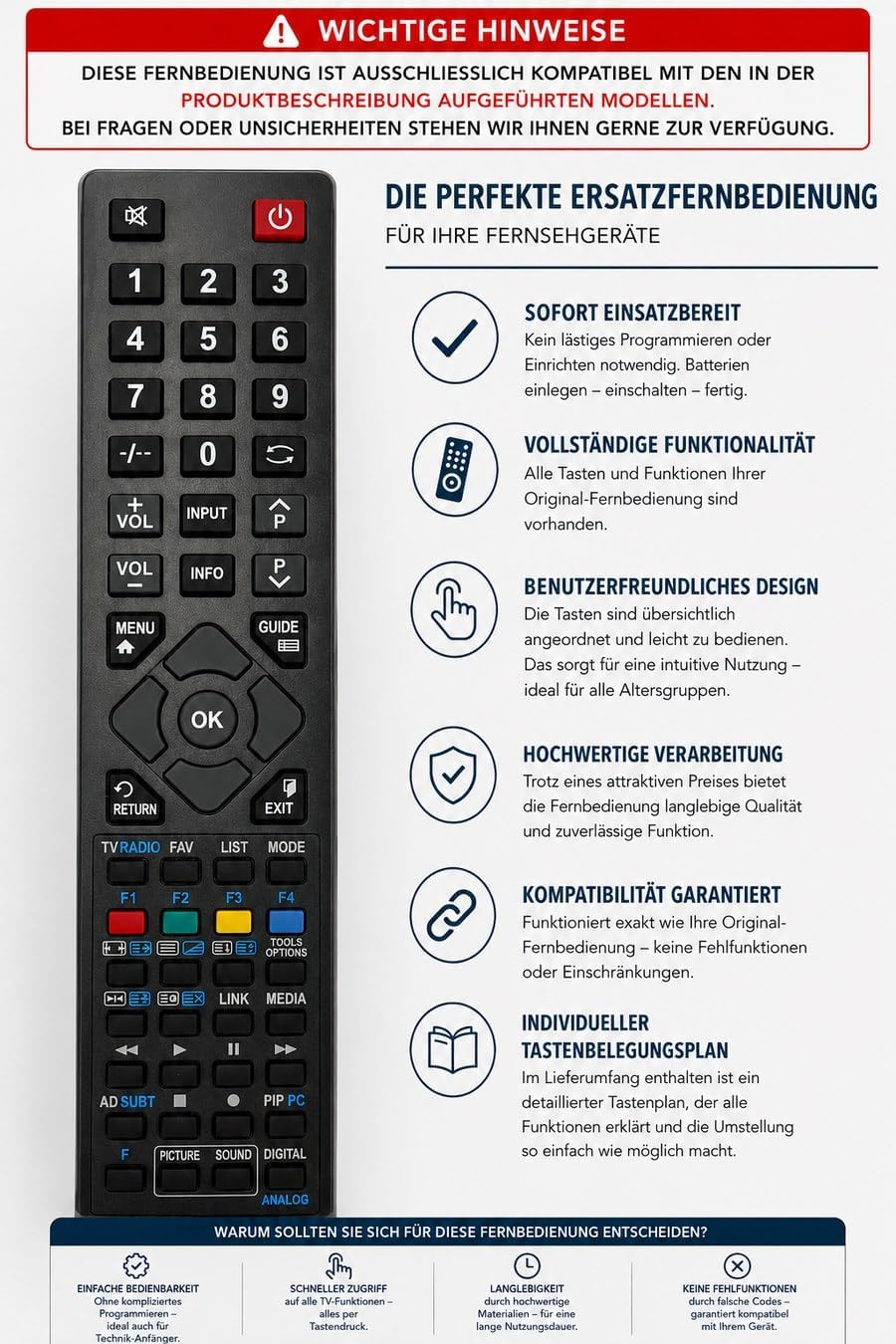
Figure 3: Overview of the remote control's design and key features.
Key Functions:
- Power: Turns the TV on or off.
- Volume Control: Adjusts the sound level (VOL+ / VOL-).
- Channel Selection: Changes TV channels (P+ / P-).
- Numeric Keypad: Direct channel input.
- Menu/Home: Accesses the TV's main menu or home screen.
- Navigation (Arrow Keys & OK): Moves through menus and confirms selections.
- Input: Selects input sources (HDMI, AV, etc.).
- Guide: Displays the electronic program guide.
- Color Buttons: (Red, Green, Yellow, Blue) Perform specific functions depending on the TV menu or application.
- Playback Controls: (Play, Pause, Stop, Fast Forward, Rewind) For media playback.
Detailed Button Functions:
Refer to the table below for a comprehensive list of button functions.
| Button | Function (English) |
|---|---|
| ① | Standby |
| 1 | 1, .@/… |
| 2 | 2, abc |
| 3 | 3, def |
| 4 | 4, ghi |
| 5 | 5, jkl |
| 6 | 6, mno |
| 7 | 7, pqrs |
| 8 | 8, tuv |
| 9 | 9, wxyz |
| -/- | No Function |
| 0 | 0 |
| ← | Previous Program |
| VOL+ | Volume + |
| INPUT | Sources, AV |
| P↑ | Program + |
| VOL- | Volume - |
| INFO | Info |
| MENU | Program - |
| ⌂ | Menu |
| GUIDE ☰ | EPG |
| ▲ | Cursor Up |
| ◄ | Cursor < |
| OK | OK, Select |
| ► | Cursor > |
| ▼ | Cursor Down |
| RETURN ↺ | Back, Return |
| EXIT | Exit |
| TV RADIO | TV, List |
| FAV | Favourites |
| LIST | My Button1, Disp., Audio |
| MODE | My Button2, DVB-T/C/S, Still |
| F1 ❌ | Red, DVD Zoom |
| F2 ✅ | Green, DVD Repeat |
| F3 🟡 | Yellow, DVD Root |
| F4 🔵 | Blue, DVD Title |
| Format | Format |
| Text | Text |
| TOOLS OPTIONS | Quick Menu, Option |
| No Function | No Function |
| No Function | No Function |
| LINK | Web Browser |
| MEDIA | Media Browser |
| ◀◀ | Backward |
| ► | Play |
| ⏸ | Pause |
| ▶▶ | Forward |
| AD SUBT | Audio, Language, Sound |
| ■ | Stop |
| ● | Record |
| PIP PC | NETFLIX |
| F | Shift Key |
| F + ⏲ | Sleep Timer |
| F + ◀◀ | Skip Backward |
| F + ▶▶ | Skip Forward |
| F + SUBT | Subtitle |
| PICTURE | Preset Picture Mode |
| SOUND | Sound Mode, Sports |
| DIGITAL ANALOG | No Function |
Figure 4: Detailed button function mapping for the remote control.
Maintenance
- Cleaning: Use a soft, dry cloth to clean the remote control. Do not use liquid cleaners or abrasive materials, as these can damage the surface or internal components.
- Battery Replacement: Replace batteries when the remote control's response becomes sluggish or stops working. Always replace both batteries at the same time with new AAA batteries. Do not mix old and new batteries or different types of batteries.
- Storage: If the remote control will not be used for an extended period, remove the batteries to prevent leakage and potential damage. Store in a cool, dry place away from direct sunlight.
Troubleshooting
- Remote not responding:
- Check if the batteries are inserted correctly with the correct polarity.
- Replace the batteries with new ones.
- Ensure there are no obstructions between the remote control and the TV's infrared receiver.
- Make sure you are within the effective range of the TV's IR receiver.
- Specific buttons not working:
- Verify that the button is intended for your TV model's functions. Some buttons may be specific to certain TV features or menus.
- Clean the remote control, especially around the problematic button, to ensure no debris is interfering.
Specifications
- Brand: Arkaia
- Compatible Devices: Digihome TV models 65US172, 65UW172, 75UW181
- Connectivity Technology: Infrared
- Controller Type: Remote Control
- Power Source: 2 x AAA Batteries (not included)
- Manufacturer: ARKAIA
- Part Number: CLC1-IRC87201-65US172
- ASIN: B0H7J7NF9D
Warranty and Support
This Arkaia replacement remote control comes with a 2-year warranty, ensuring reliable quality and performance. For any questions, uncertainties, or support needs regarding your remote control, please contact Arkaia customer service through your retailer or the official Arkaia support channels.