
1. Introduction
This manual provides detailed instructions for the Generic Smart Remote Control, Model Genericdsfe7wlv8a. This remote is designed as a replacement for various television models, offering essential functions without the need for complex programming. Its user-friendly design ensures straightforward navigation and reliable performance.
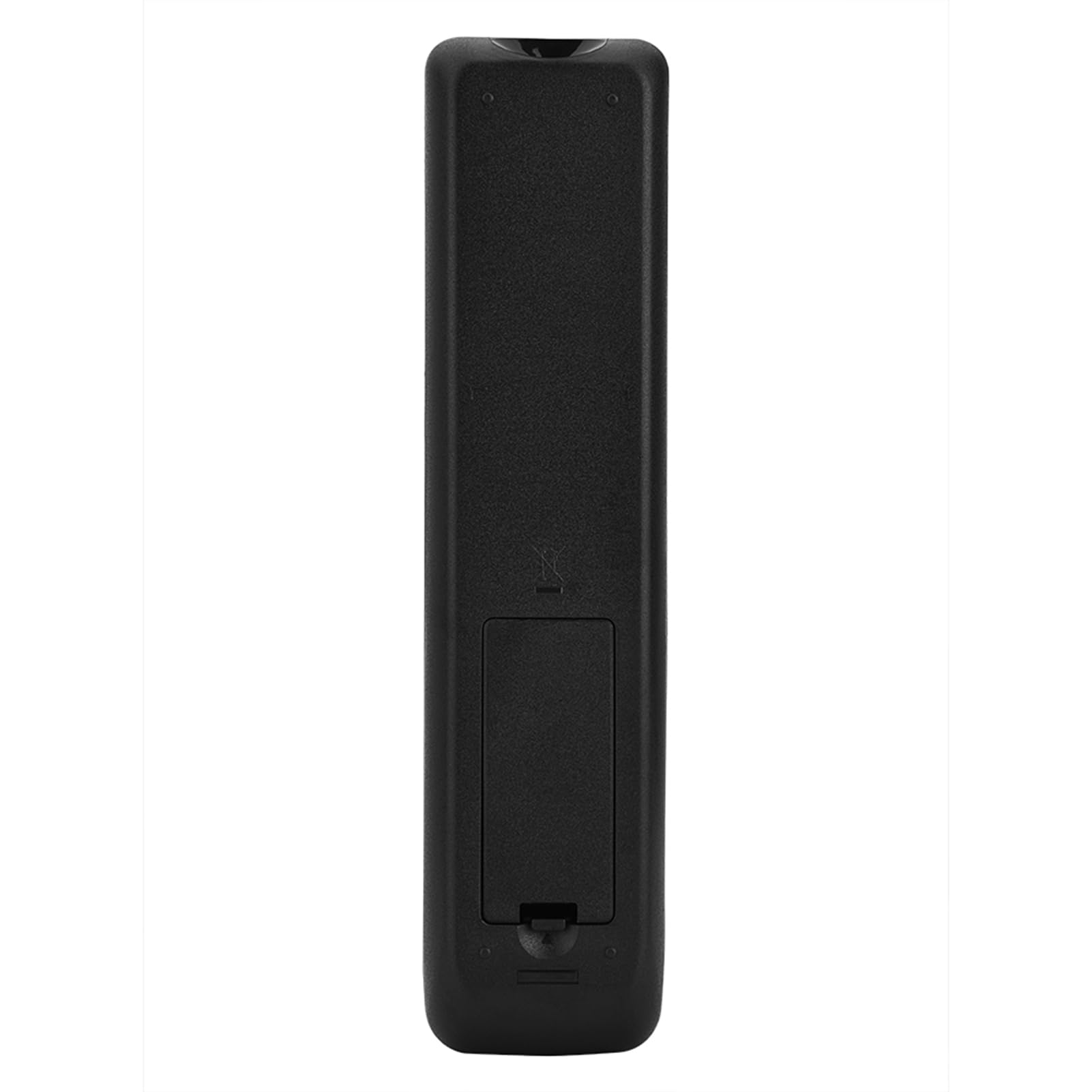
Figure 1: Front view of the Generic Smart Remote Control.
2. Setup
The Generic Smart Remote Control requires no programming or configuration. Simply install two AAA batteries to begin operation.
2.1 Battery Installation
- Locate the battery compartment on the back of the remote control.
- Slide the battery compartment cover downwards or outwards to open it.
- Insert two AAA batteries (not included), ensuring the positive (+) and negative (-) terminals match the diagrams inside the compartment.
- Replace the battery compartment cover by sliding it back into place until it clicks securely.
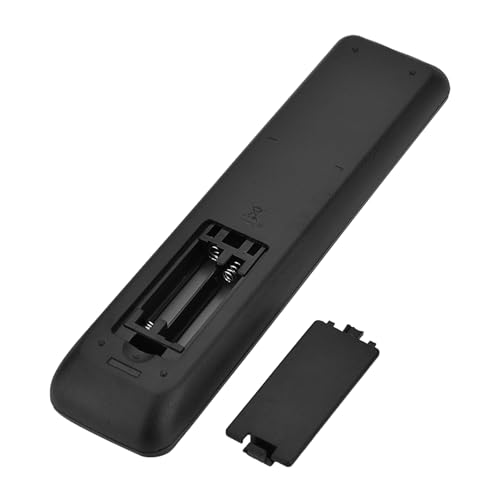
Figure 2: Battery compartment with cover removed, showing battery placement.
Once batteries are installed, the remote control is ready for immediate use with your television.
3. Operating Instructions
This remote control provides standard functions for television operation. Familiarize yourself with the button layout for optimal use.
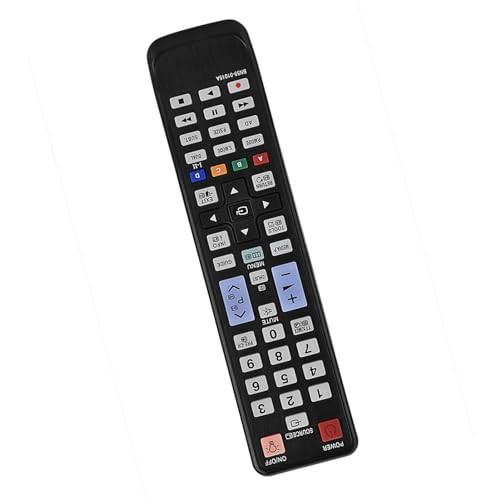
Figure 3: Layout of the remote control buttons.
3.1 Basic Functions
- Power Button: Turns the television on or off.
- Volume Up/Down: Adjusts the audio volume.
- Channel Up/Down: Changes the television channel.
- Mute Button: Silences the television audio.
- Number Buttons (0-9): For direct channel input.
3.2 Navigation and Menu Access
- Menu Button: Accesses the television's main menu.
- Arrow Buttons (Up, Down, Left, Right): Navigates through menus and options.
- OK/Enter Button: Confirms selections within menus.
- Back/Exit Button: Returns to the previous screen or exits the current menu.
Point the remote control directly at your television's infrared receiver for optimal signal transmission.
4. Maintenance
Proper care and maintenance will ensure the longevity and reliable performance of your remote control.
4.1 Cleaning
- Wipe the remote control with a soft, dry cloth.
- For stubborn dirt, lightly dampen the cloth with water or a mild, non-abrasive cleaner.
- Avoid using harsh chemicals, solvents, or abrasive materials, as these can damage the remote's surface or internal components.
4.2 Battery Replacement
Replace batteries when the remote's response becomes sluggish or it stops functioning. Refer to Section 2.1 for battery installation instructions.
4.3 Storage
When not in use for extended periods, store the remote control in a cool, dry place. Remove batteries if storing for several months to prevent leakage.
5. Troubleshooting
If you encounter issues with your remote control, refer to the following common problems and solutions:
| Problem | Possible Cause | Solution |
|---|---|---|
| Remote not responding. | Dead or incorrectly installed batteries. Obstruction between remote and TV. Remote out of range. | Replace batteries, ensuring correct polarity. Remove any obstructions. Move closer to the TV (within 8 meters). |
| Limited transmission range. | Weak batteries. Interference. | Replace batteries. Ensure no strong light sources or other IR devices are interfering. |
| Specific buttons not working. | Dirt or debris under the button. Internal malfunction. | Clean the remote surface. If problem persists, contact support. |
6. Specifications
| Feature | Detail |
|---|---|
| Brand | Generic |
| Model Name | Genericdsfe7wlv8a |
| Material | Plastic |
| Battery Type | 2 x AAA (not included) |
| Transmission Distance | Up to 8 meters (26 feet) |
| Package Weight | 110g |
| Max Number of Supported Devices | 1 |
| Connectivity Technology | Infrared (IR) |
7. Warranty Information
This product is covered by a manufacturer's warranty for 90 days from the date of purchase. This warranty covers defects in materials and workmanship under normal use. It does not cover damage caused by misuse, accidents, unauthorized modifications, or normal wear and tear. Please retain your proof of purchase for warranty claims.
8. Support
For further assistance, technical support, or warranty inquiries, please refer to the retailer where the product was purchased or visit the manufacturer's official website for contact information. Please have your model number (Genericdsfe7wlv8a) and proof of purchase ready when contacting support.