
Introduction
This manual provides detailed instructions for the assembly, operation, maintenance, and troubleshooting of your VASAGLE Computer Desk, Model ULWD121K01V1. Please read all instructions carefully before beginning assembly and retain this manual for future reference.
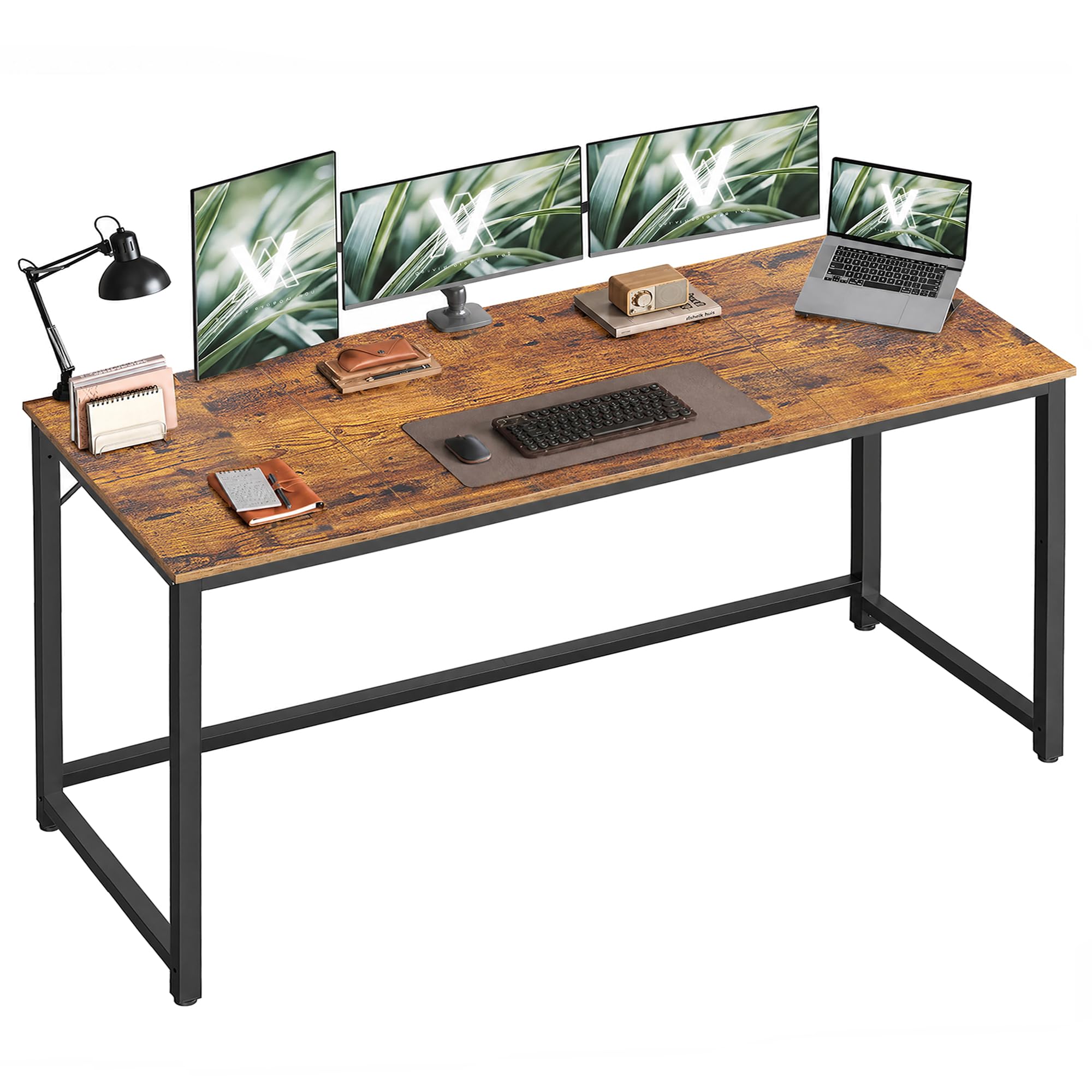
Image: The VASAGLE Computer Desk (Model ULWD121K01V1) set up in a modern home office environment, featuring a rustic brown desktop and matte black steel frame.
Setup and Assembly
The VASAGLE Computer Desk is designed for straightforward assembly. All components are clearly labeled, and step-by-step instructions are included to ensure a smooth setup process.
Before You Begin:
- Verify all parts are present according to the included accessory kit list.
- Ensure you have the necessary tools (typically a screwdriver or Allen wrench, often included).
- Assemble the desk on a soft, clean surface to prevent scratches.
Assembly Steps:
- Attach the steel frame components using the provided screws and fasteners.
- Secure the desktop panels to the assembled frame.
- Install the adjustable leveling feet at the bottom of the desk legs.
- Tighten all screws to ensure stability, being careful not to overtighten, especially when securing the desktop.

Image: An exploded diagram illustrating the four easy assembly steps for the VASAGLE Computer Desk, with labeled parts and clear instructions.
Assembly Video:
Video: An official VASAGLE video demonstrating the assembly process of the computer desk, highlighting key steps and features.
Operating Instructions
Your VASAGLE Computer Desk is designed for versatile use in home offices, gaming setups, or as a general study table. Observe the following guidelines for optimal use:
Weight Capacity:
The desk is built with a heavy-duty steel frame and thick particleboard, supporting a maximum static load of up to 50 kg (110 lb). Distribute weight evenly across the desktop to maintain stability.

Image: A visual representation of the desk's robust construction, featuring a 50 kg weight placed on the desktop to illustrate its maximum static load capacity.
Adjustable Leveling Feet:
The desk is equipped with adjustable leveling feet. These can be rotated to compensate for uneven floors, ensuring the desk remains stable and preventing wobbling. They also protect your flooring from scratches.
Ergonomics:
The desk provides ample legroom (approximately 28 inches or 71.5 cm from the floor to the bottom of the desktop) to support an ergonomic posture during extended use.
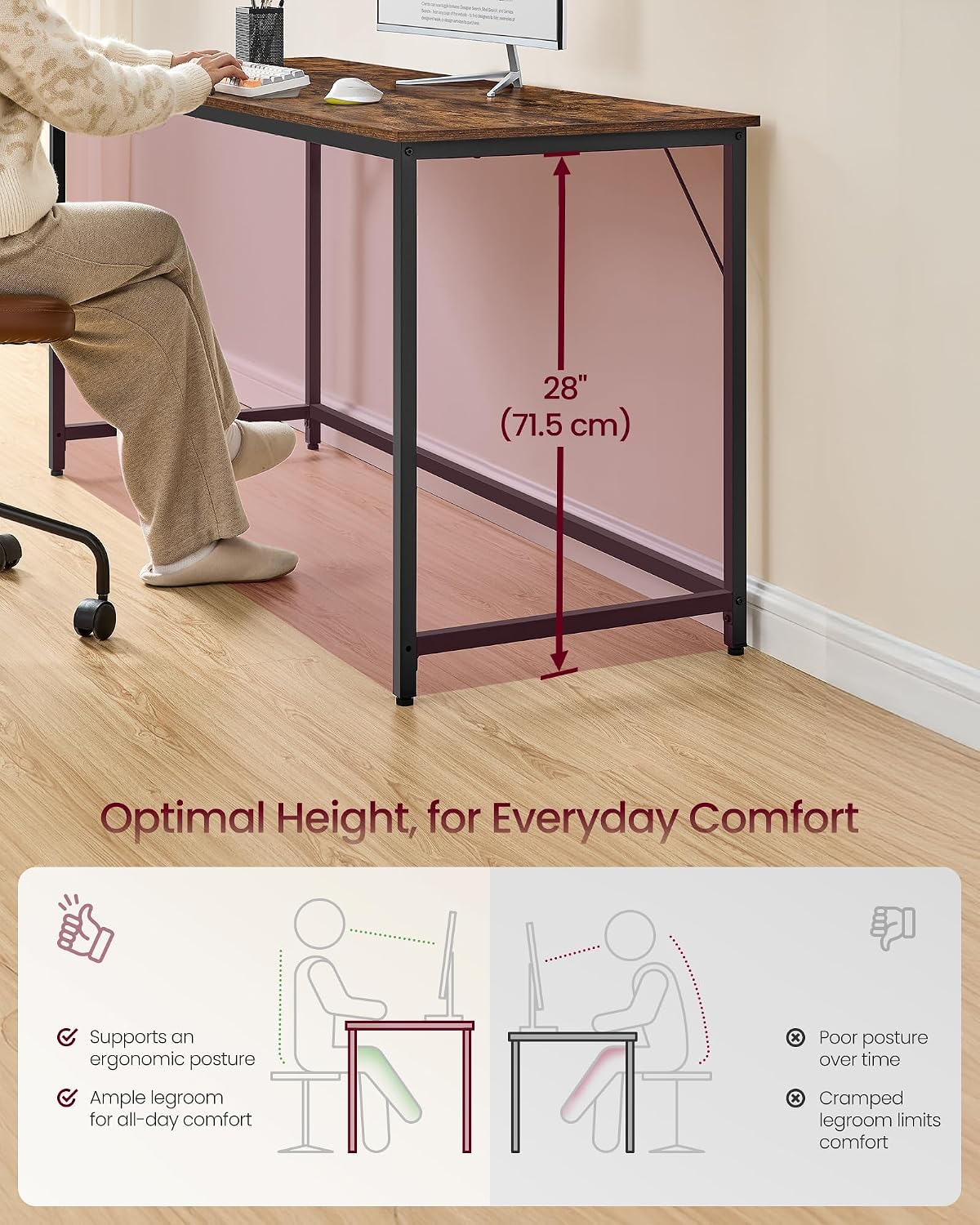
Image: A diagram highlighting the optimal height and legroom of the desk, promoting comfortable and ergonomic seating for users.
Maintenance
To ensure the longevity and appearance of your VASAGLE Computer Desk, follow these maintenance guidelines:
- Cleaning: Wipe the desktop and frame with a soft, damp cloth. Avoid harsh chemicals or abrasive cleaners that may damage the finish.
- Spills: Promptly clean up any spills to prevent water damage or staining. The rustic brown finish offers some resistance to moisture.
- Protection: While the surface is designed to be durable, using coasters for drinks and mouse pads can further protect the desktop from wear and tear.
- Tighten Fasteners: Periodically check and tighten all screws and fasteners to maintain the desk's structural integrity.

Image: A hand wiping water droplets from the desk surface, demonstrating its water-resistant properties.

Image: A key being dragged across the desk surface, illustrating the desk's scratch-resistant finish.
Troubleshooting
If you encounter any issues with your VASAGLE Computer Desk, refer to the following common problems and solutions:
| Problem | Possible Cause | Solution |
|---|---|---|
| Desk wobbles after assembly. | Uneven floor or loose fasteners. | Adjust the leveling feet at the bottom of each leg until the desk is stable. Ensure all screws are securely tightened. |
| Screws protrude through the desktop. | Overtightening of screws. | This can occur if screws are tightened excessively. Always tighten screws until snug, but avoid applying excessive force. If damage has occurred, contact customer support. |
| Missing parts or damaged components. | Packaging error or transit damage. | Do not proceed with assembly. Contact VASAGLE customer support immediately with your model number and a description of the issue for assistance. |
Specifications
| Feature | Detail |
|---|---|
| Brand | VASAGLE |
| Model Number | ULWD121K01V1 |
| Product Dimensions (D x W x H) | 23.6" x 63" x 29.9" (60 cm x 160 cm x 76 cm) |
| Color | Rustic Brown + Matte Black |
| Material | Steel, Particleboard |
| Item Weight | 29 pounds (13.15 kg) |
| Maximum Weight Recommendation | 50 kg (110 lb) |
| Special Feature | Adjustable Leveling Feet |
| Included Components | 1 x Computer Desk, 1 x Accessory Kit, 1 x Instructions |

Image: A detailed diagram illustrating the key dimensions of the VASAGLE Computer Desk, including length, width, and height, along with its maximum static load capacity.
Warranty Information
VASAGLE products are manufactured with quality and durability in mind. For specific warranty details regarding your ULWD121K01V1 Computer Desk, please refer to the warranty card included in your packaging or visit the official VASAGLE website. Typically, warranties cover manufacturing defects under normal use.
Customer Support
Should you require further assistance, have questions about assembly, or need to report a missing/damaged part, please contact VASAGLE customer support. Have your model number (ULWD121K01V1) and purchase information ready for faster service.
Online Support: Visit the official VASAGLE website for FAQs, product registration, and contact forms.
Email Support: Refer to your product packaging or the VASAGLE website for the most current customer service email address.
Phone Support: Check the VASAGLE website for available phone support numbers and operating hours.


