
1. Introduction
Thank you for choosing the ALONEFIRE X107 365nm UV Flashlight. This high-power, USB rechargeable UV flashlight is designed for various applications, including fluorescence detection, mineral inspection, and pet stain detection. This manual provides essential information for safe and effective use of your device.
2. Safety Information
- Eye Protection: Always wear the provided yellow protective glasses or other suitable UV-blocking eyewear when operating the flashlight to prevent eye damage. Direct exposure to 365nm UV light can be harmful to eyes.
- Skin Exposure: Avoid prolonged direct exposure of skin to UV light.
- Children: Keep the flashlight out of reach of children.
- Heat: The flashlight may become warm during extended use. This is normal. Do not cover the flashlight while in operation.
- Water: This flashlight is not waterproof. Avoid exposing it to water or high humidity.
- Disassembly: Do not attempt to disassemble or modify the flashlight. This will void the warranty and may cause damage or injury.
- Battery Safety: Use only the specified Lithium Ion battery. Do not expose the battery to extreme temperatures or dispose of it in fire.
3. Product Overview
The ALONEFIRE X107 is a compact and powerful UV flashlight featuring a pure 365nm UV output, zoomable focus, and a built-in rechargeable battery.
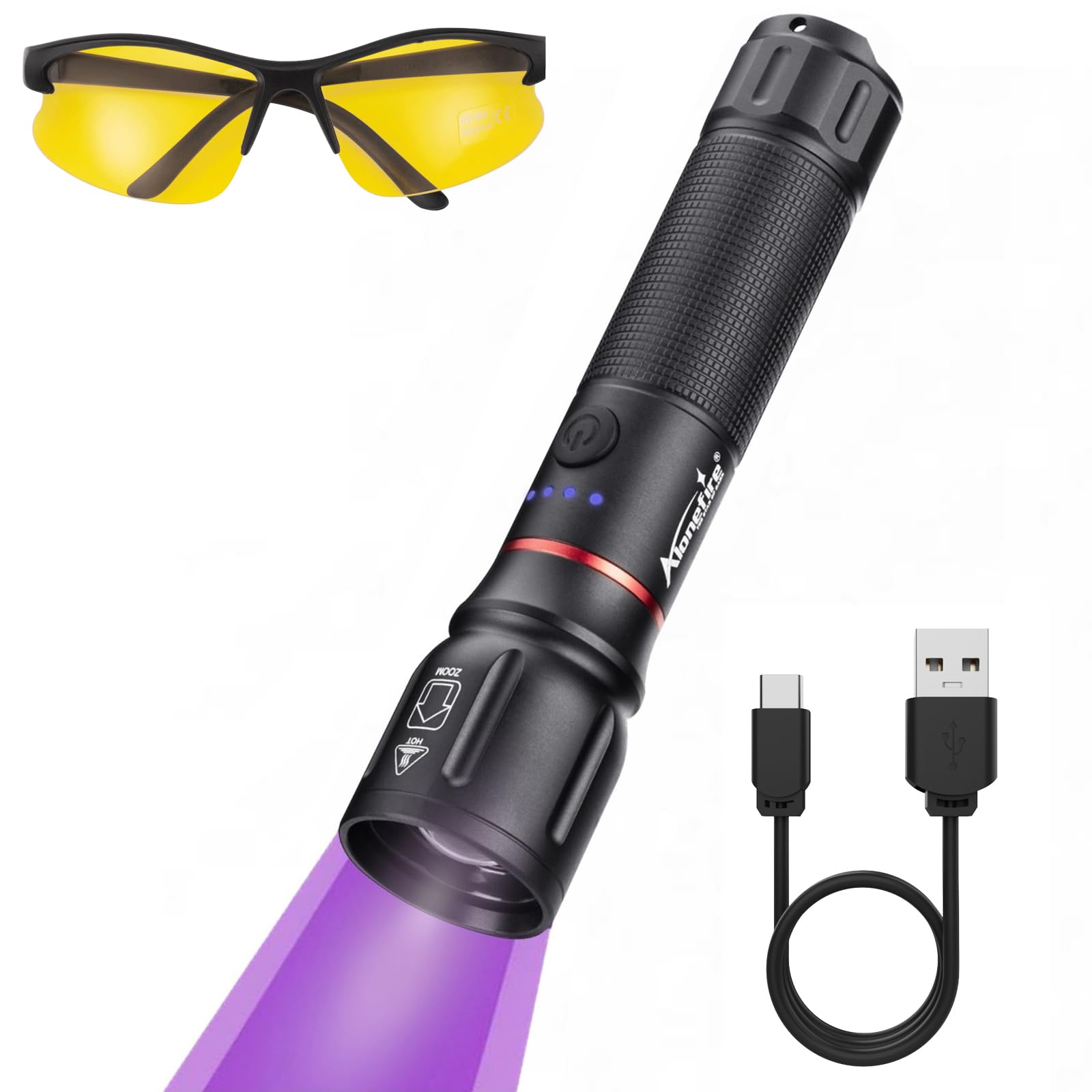
Figure 3.1: ALONEFIRE X107 UV Flashlight highlighting Pure 365nm UV, Zoomable Focus, 5W High Power, Built-in Rechargeable Battery, and Aluminum Alloy Body.
Package Contents:
- ALONEFIRE X107 365nm UV Flashlight
- Yellow Protective Glasses
- USB-C Charging Cable
- Lanyard (pre-attached or included separately)
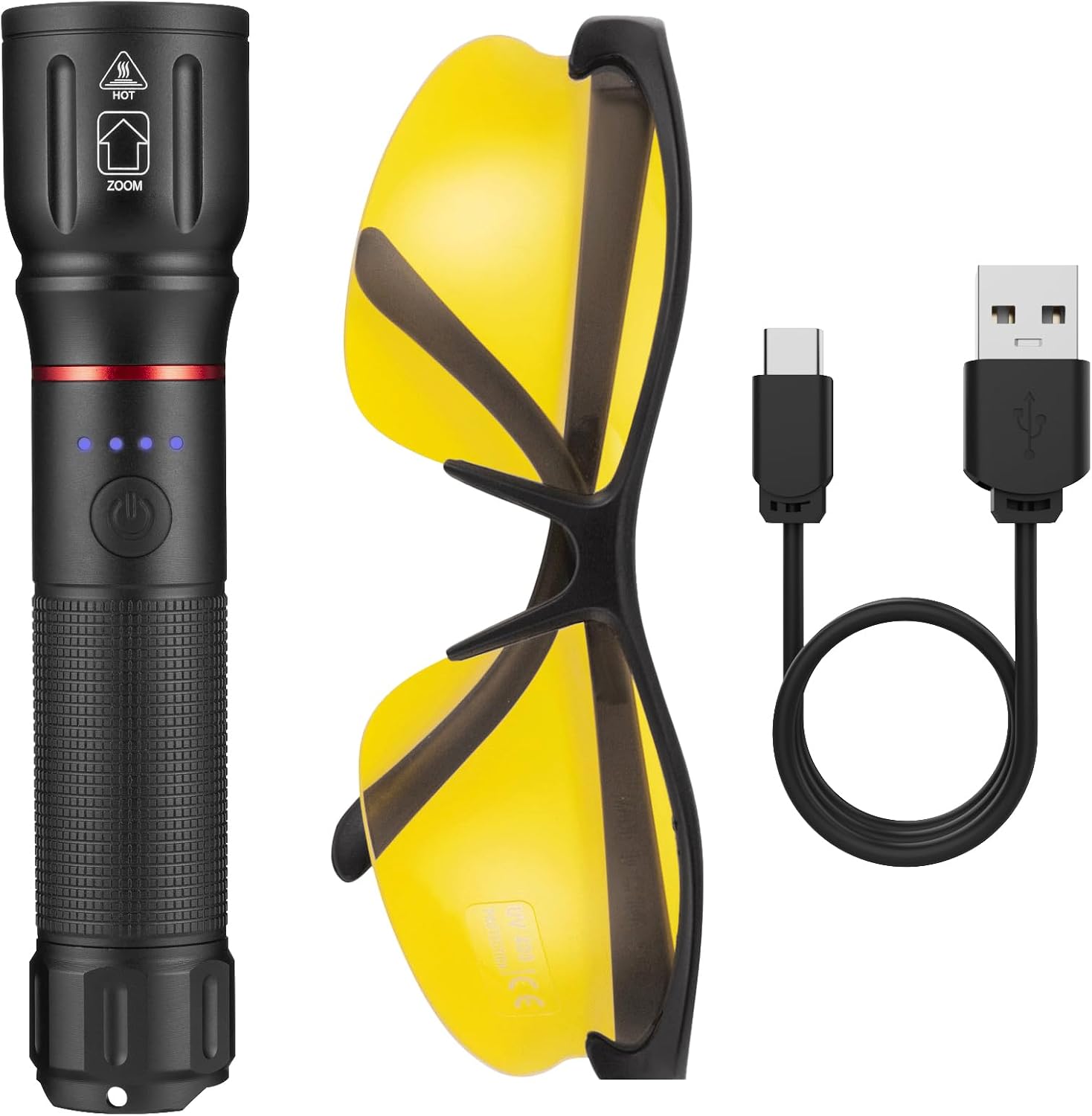
Figure 3.2: Included components: ALONEFIRE X107 UV Flashlight, yellow protective glasses, and USB-C charging cable.
4. Setup
- Unpack: Carefully remove all components from the packaging.
- Inspect: Check the flashlight and accessories for any signs of damage.
- Initial Charge: It is recommended to fully charge the flashlight before first use. Refer to Section 5 for charging instructions.
- Attach Lanyard: If not already attached, secure the lanyard to the flashlight for easier handling and to prevent accidental drops.
5. Charging
The ALONEFIRE X107 features a built-in Lithium Ion battery and is rechargeable via a USB-C port.
- Connect: Insert the USB-C end of the charging cable into the flashlight's charging port.
- Power Source: Connect the USB-A end of the cable to a standard USB power adapter (e.g., phone charger, computer USB port, power bank).
- Charging Indicator: The battery indicator lights on the flashlight will illuminate to show the charging status. Typically, these lights will blink during charging and become solid when fully charged.
- 1 light: 0-25%
- 2 lights: 25-50%
- 3 lights: 50-75%
- 4 lights: 75-100%
- Charging Time: A full charge typically takes 2-3 hours.
- Disconnect: Once fully charged, disconnect the charging cable.

Figure 5.1: Charging the ALONEFIRE X107 UV Flashlight via its USB-C port, with battery indicator showing charge level.
6. Operating Instructions
- Wear Eye Protection: Before activating the flashlight, always put on the provided yellow protective glasses.
- Power On/Off: Press the power button located on the side of the flashlight to turn the UV light on. Press it again to turn it off.
- Usage: Direct the UV light towards the area you wish to inspect.
Zoomable Focus:
The ALONEFIRE X107 features an adjustable focus mechanism, allowing you to switch between a wide flood beam and a concentrated spot beam.
- Adjusting Focus: Gently slide the head of the flashlight forward or backward to adjust the beam from a wide flood (for broader area illumination) to a tight spot (for concentrated inspection).
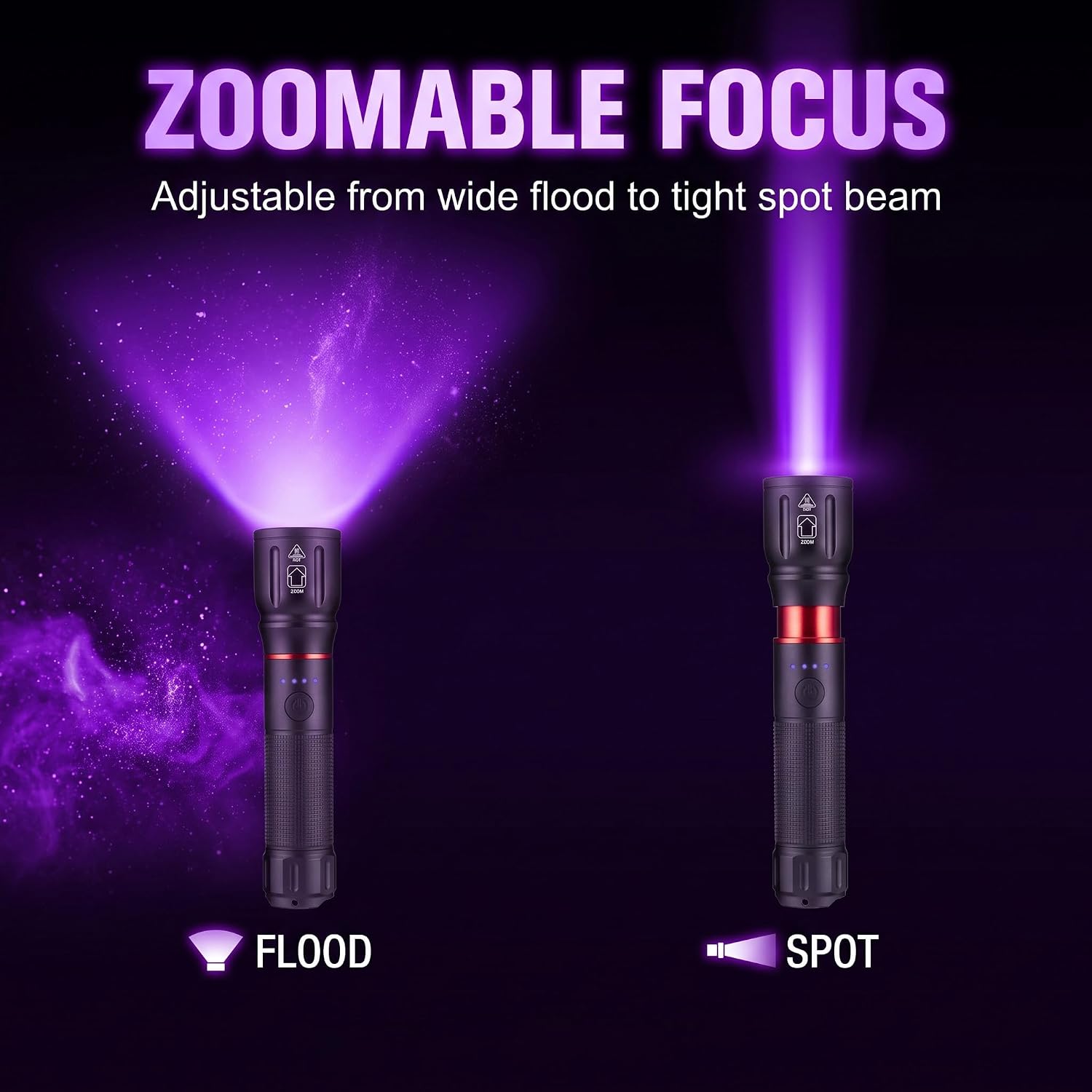
Figure 6.1: The zoomable focus feature, showing the flashlight emitting a wide flood beam and a concentrated spot beam.
7. Applications
The ALONEFIRE X107 UV Flashlight is suitable for a variety of tasks:
- Fluorescence Detection: Identifying fluorescent agents in various materials.
- Mineral & Gemstone Inspection: Observing fluorescence in certain minerals and gemstones.
- Pet Stain Detection: Locating dried pet urine stains on carpets, rugs, or upholstery.
- Outdoor Night Hiking & Camping: Illuminating fluorescent objects in natural environments.
- Authenticity Verification: Checking currency, passports, and other documents for UV security features.

Figure 7.1: Examples of multi-scene applications for the UV flashlight, including outdoor use, fluorescence, mineral inspection, and pet stain detection.
8. Maintenance
- Cleaning: Wipe the flashlight body with a soft, damp cloth. Do not use abrasive cleaners or solvents.
- Lens Care: Gently clean the lens with a lens cleaning cloth to maintain optimal light output.
- Storage: Store the flashlight in a cool, dry place away from direct sunlight and extreme temperatures.
- Battery Longevity: For optimal battery life, avoid fully discharging the battery frequently. Recharge the flashlight when the battery indicator shows a low charge. If storing for extended periods, charge the battery to approximately 50% every 3-6 months.
9. Troubleshooting
| Problem | Possible Cause | Solution |
|---|---|---|
| Flashlight does not turn on. | Battery is depleted. | Charge the flashlight fully (refer to Section 5). |
| Light output is dim. | Low battery. Dirty lens. | Recharge the battery. Clean the lens with a soft cloth. |
| Flashlight gets hot during use. | Normal operation for high-power devices. | Reduce continuous usage time if discomfort occurs. Ensure proper ventilation. |
| Cannot adjust focus. | Mechanism might be stiff. | Gently apply force to slide the head. Avoid excessive force. |
10. Specifications
| Feature | Detail |
|---|---|
| Model | X107 365nm |
| UV Wavelength | 365nm (Pure UV) |
| Light Source Wattage | 5 Watts |
| Material | Anodized Aluminum |
| Battery Type | Built-in Lithium Ion |
| Charging Port | USB-C |
| Charging Time | Approximately 2-3 hours |
| Battery Life (Runtime) | Approximately 10-11 hours |
| Focus | Zoomable (Flood to Spot) |
11. Warranty and Support
ALONEFIRE products are manufactured to high-quality standards. For warranty information or technical support, please refer to the documentation provided with your purchase or contact your retailer. Please retain your proof of purchase for warranty claims.