
1. Introduction
This manual provides instructions for the installation, use, and maintenance of your 2-pack screen protector designed specifically for the ZZB ZB10 (10 Inch) Android Tablet. This tempered glass screen protector is engineered to provide enhanced protection for your device's display.
2. Product Features
- Compatibility: Specifically designed for the ZZB ZB10 (10 Inch) Android Tablet. Please verify your tablet model for an exact fit.
- 9H Hardness Tempered Glass: Offers robust protection against scratches, impacts, and daily wear from objects like keys and coins.
- Ultra-thin HD Clarity: Features an oleophobic coating to resist smudges and fingerprints. The 0.3mm thickness maintains original touch sensitivity and ensures vivid display clarity.
- Lag-free Touch Response: The thin design and smooth, low-friction coating ensure immediate and precise touch interaction.
- Anti-Bubble Application: Designed for a smooth, bubble-free installation process.
- Rounded Edges: The screen protector features rounded corners for a smooth feel and to prevent sharp edges.
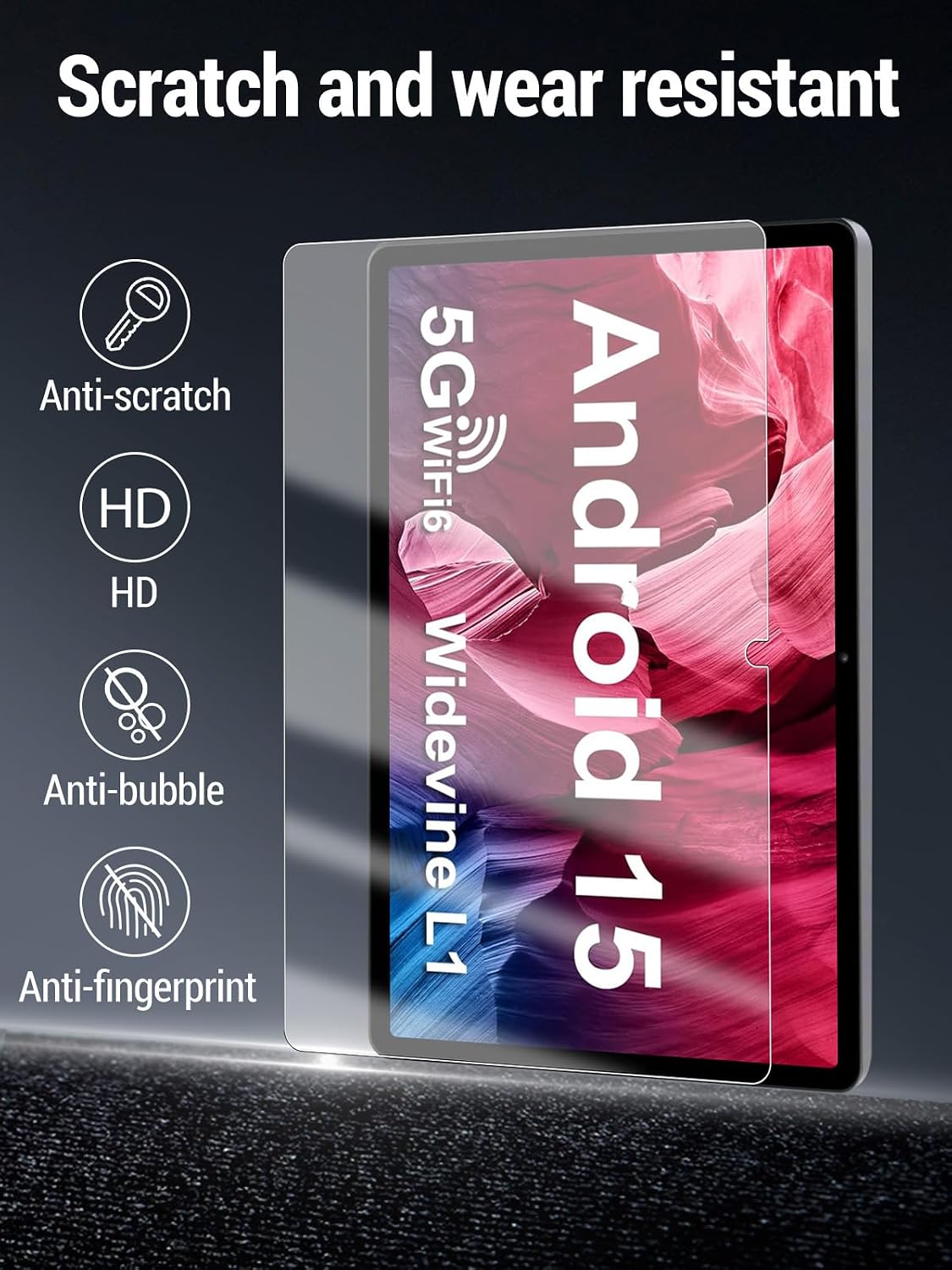
Image 2.1: Overview of screen protector features including scratch resistance, HD clarity, anti-bubble, and anti-fingerprint properties.

Image 2.2: Illustration of the screen protector's high light transmittance, preserving original image quality and true color display.

Image 2.3: The screen protector provides high-definition protection against drops, scratches, and dust, safeguarding the tablet's display.

Image 2.4: A visual representation of the screen protector's scratch and wear resistance, showcasing its ultra-high hardness.

Image 2.5: Detail of the screen protector's rounded chamfer, designed for a smooth feel and to prevent cutting hands.
3. What's Included
Your package contains the following items:
- Screen Protector (2 units)
Note: Cleaning accessories (e.g., alcohol wipe, microfiber cloth, dust removal sticker) are typically included with screen protectors to aid in installation. Please check your packaging for these items.
4. Installation Guide (Setup)
Proper installation is crucial for optimal performance and longevity of your screen protector. Follow these general steps:
- Clean the Tablet Screen: Use an alcohol wipe to thoroughly clean the tablet screen, removing all dirt, oil, and fingerprints.
- Dry the Screen: Use a microfiber cloth to dry the screen completely. Ensure no lint or dust remains.
- Remove Dust: Use a dust-absorber sticker to pick up any remaining dust particles from the screen surface. Work in a dust-free environment if possible.
- Align the Protector: Carefully peel off the protective film from the adhesive side of the screen protector. Align the screen protector with the tablet screen, paying attention to cutouts for the camera and sensors.
- Apply the Protector: Once aligned, gently lower the screen protector onto the tablet screen. It will begin to adhere automatically.
- Remove Bubbles: Use a squeegee or a clean, soft cloth to gently push any air bubbles towards the edges of the screen.
For best results, avoid touching the adhesive side of the screen protector during installation.
5. Usage and Care (Operating & Maintenance)
To ensure the longevity and clarity of your screen protector:
- Cleaning: Wipe the screen protector regularly with a soft, lint-free cloth. For stubborn smudges, lightly dampen the cloth with water or a screen cleaner designed for electronics.
- Avoid Harsh Chemicals: Do not use abrasive cleaners, solvents, or alcohol-based solutions directly on the screen protector, as these can damage the oleophobic coating.
- Protect from Sharp Objects: While the protector is 9H hard, extreme force or very sharp objects can still cause damage.

Image 5.1: A user interacting with the tablet, demonstrating the screen protector's seamless integration and touch responsiveness during daily use.
6. Troubleshooting
Common issues and their solutions:
- Bubbles After Installation: Small bubbles often disappear within 24-48 hours. For larger bubbles, gently lift the nearest edge of the protector and re-apply, pushing the bubble out with a squeegee.
- Dust Under the Protector: If dust particles are trapped, carefully lift the corner of the protector closest to the dust. Use a dust-absorber sticker to remove the particle from both the screen and the protector's adhesive side, then re-apply.
- Edges Not Sticking: Ensure the screen was thoroughly cleaned and free of oil or residue before application. If the issue persists, the protector may be misaligned or damaged.
7. Specifications
| Brand | Generic |
| Compatible Devices | ZZB ZB10 (10 Inch) Android Tablet |
| Material | Tempered Glass |
| Item Hardness | 9H |
| Product Dimensions | 0.1"L x 0.1"W (Approximate) |
| Special Feature | 9H Surface Hardness |
| Finish Type | Glossy |
| Color | Transparent |
| Model Number | ZB10 |
8. Warranty and Support
This product comes with a 1-year warranty. We are committed to providing durable protection and professional customer support.
If you encounter any issues with the product or require assistance, please contact the seller or manufacturer directly for worry-free after-sales service.


