
Introduction
Thank you for choosing the GREYOLK V4 Open Ear Headphones. This manual provides essential information for setting up, operating, and maintaining your new wireless headset. The V4 headphones are designed for comfort and clear communication, featuring an AI noise-canceling microphone, Bluetooth 5.4 connectivity, and an open-ear design to keep you aware of your surroundings.
Setup
1. What's in the Box
Upon unboxing, please ensure all items are present:
- GREYOLK V4 Open Ear Headphones
- USB-C Charging Cable
- User Manual (this document)

Image: GREYOLK V4 headphones, charging cable, and user manual laid out next to the product box.
2. Charging the Headphones
Before first use, fully charge your GREYOLK V4 headphones.
- Connect the provided USB-C charging cable to the charging port on the headphones.
- Connect the other end of the cable to a USB power source (e.g., computer, wall adapter).
- The LED indicator on the headphones will show charging status (e.g., red for charging, blue for fully charged).
- A full charge takes approximately 2 hours.

Image: Close-up of the GREYOLK V4 headphones showing the USB-C charging port with a cable connected and a blue light indicating charging.
The headphones offer up to 12 hours of talk time or 8 hours of listening time on a full charge. A 5-minute quick charge can provide 2 hours of talk time.
3. Pairing with a Device
Follow these steps to connect your headphones via Bluetooth:
- Ensure the headphones are charged and powered off.
- Press and hold the multi-function button (often indicated by a power symbol or "M") for approximately 3-5 seconds until the LED indicator flashes red and blue, indicating pairing mode.
- On your device (smartphone, tablet, laptop), enable Bluetooth and search for available devices.
- Select "V4" from the list of available devices.
- Once connected, the LED indicator will typically show a solid blue light or flash slowly.

Image: A two-step visual guide demonstrating how to power on the headphones by pressing a button and how to select "V3" (referring to V4) in a phone's Bluetooth settings for pairing.
The GREYOLK V4 headphones support connecting to two devices simultaneously. After pairing with the first device, put the headphones back into pairing mode and connect to the second device. The headphones will automatically switch between the two connected devices.
Operating Instructions
1. Power On/Off
- Power On: Press and hold the multi-function button for 3 seconds. The LED indicator will flash blue.
- Power Off: Press and hold the multi-function button for 5 seconds. The LED indicator will flash red and then turn off.
2. Call Functions
- Answer/End Call: Press the multi-function button once.
- Reject Call: Press and hold the multi-function button for 2 seconds.
- Mute/Unmute Microphone: During a call, press the microphone mute button (if available, refer to product diagram for exact location).
- Voice Assistant: Double-press the multi-function button to activate your device's voice assistant.

Image: A woman wearing the GREYOLK V4 headphones with the microphone extended, working at a computer. An overlay illustrates the 99% noise cancellation effect of the AI microphone.
3. Music Playback
- Play/Pause: Press the multi-function button once.
- Next Track: Double-press the multi-function button.
- Previous Track: Triple-press the multi-function button.
- Volume Up: Press the Volume + button.
- Volume Down: Press the Volume - button.
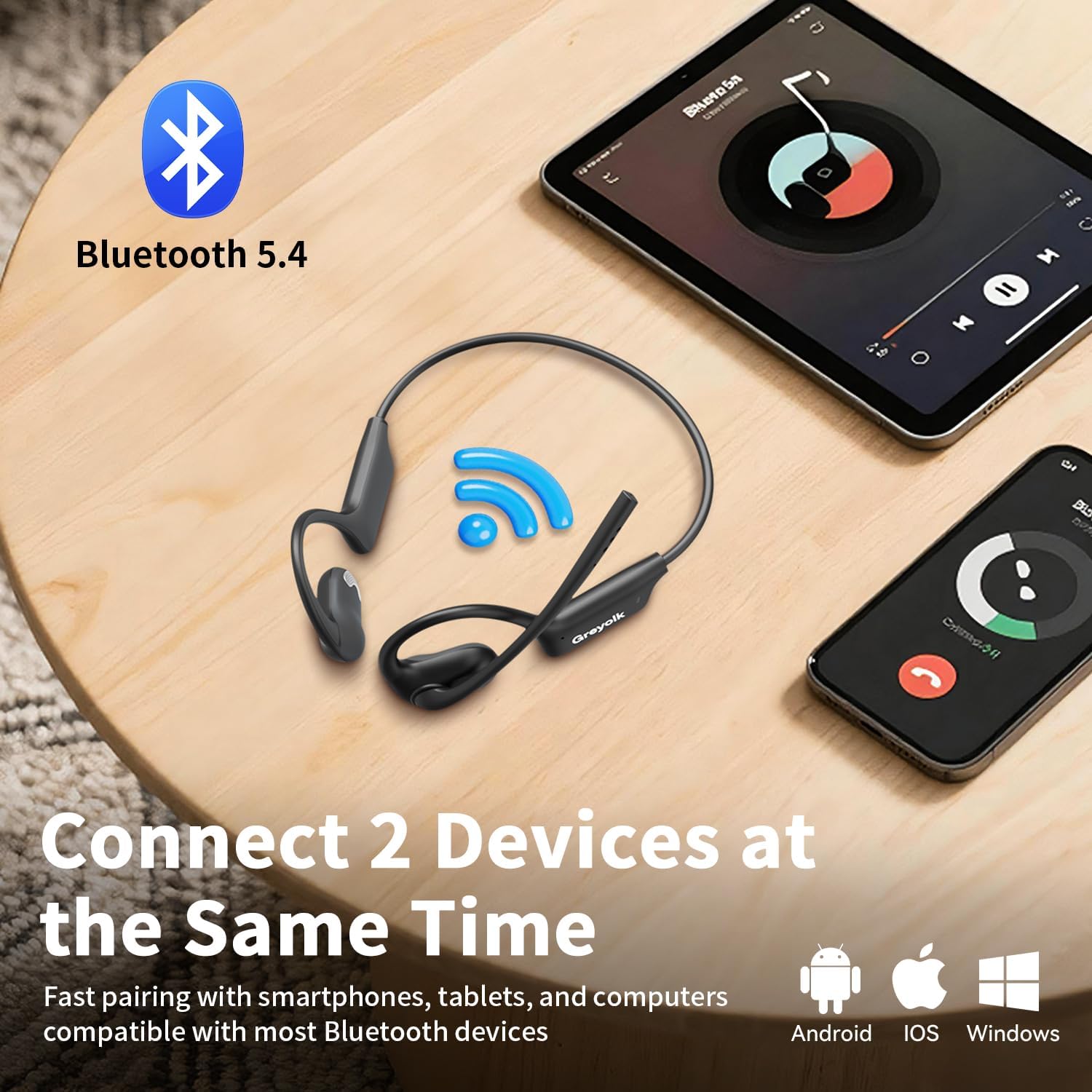
Image: The GREYOLK V4 headphones resting on a wooden table between a smartphone and a tablet, illustrating their ability to connect to two devices simultaneously via Bluetooth 5.4.
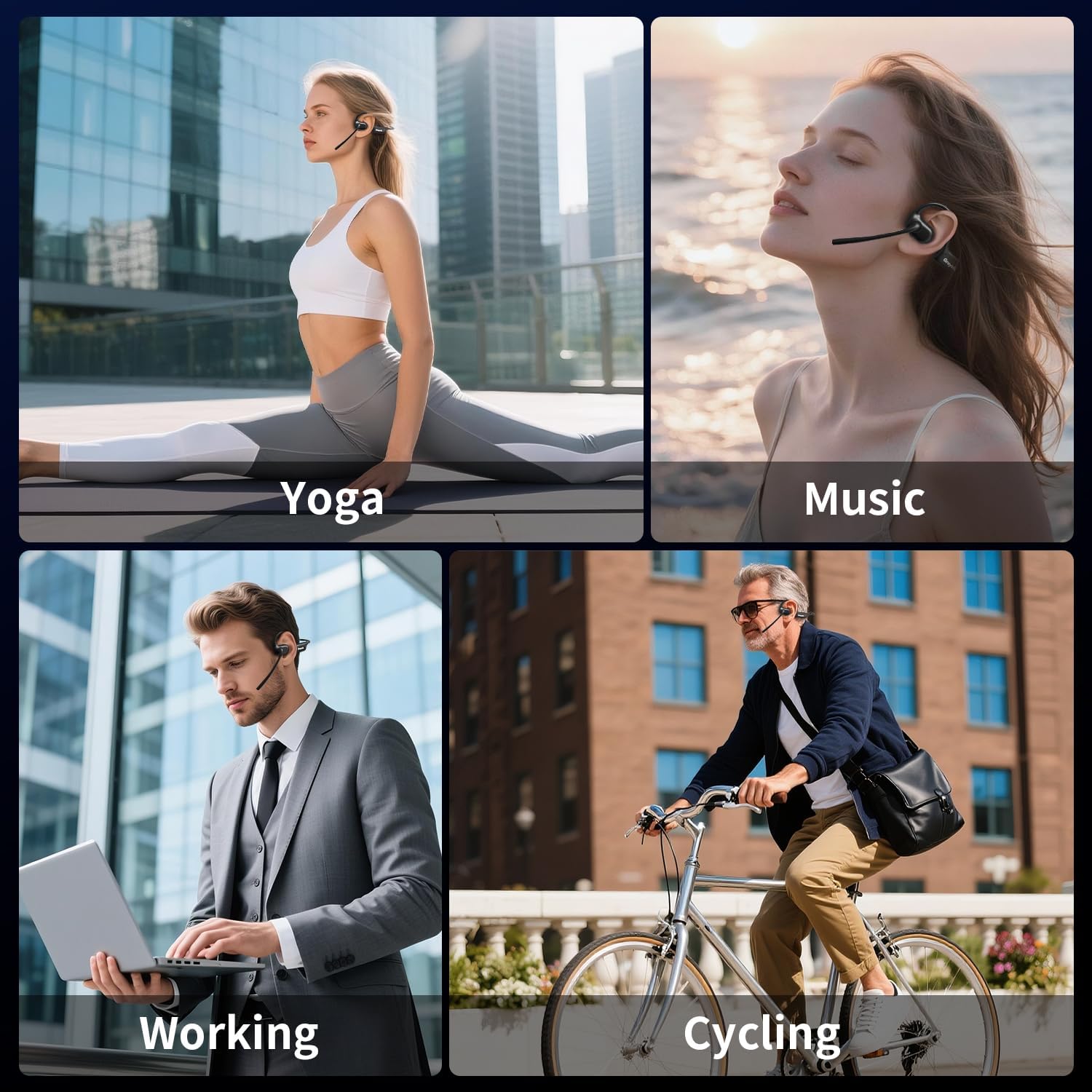
Image: A four-panel collage showing individuals using the GREYOLK V4 headphones in various activities: yoga, listening to music outdoors, working on a laptop, and cycling.
Maintenance
- Cleaning: Use a soft, dry, lint-free cloth to clean the headphones. Do not use abrasive cleaners or solvents.
- Storage: Store the headphones in a cool, dry place away from direct sunlight and extreme temperatures.
- Battery Care: To prolong battery life, avoid fully discharging the headphones frequently. Charge them regularly, even if not in use for extended periods.
- Water Resistance: The headphones are designed for daily use but are not fully waterproof. Avoid submerging them in water.
Troubleshooting
1. Cannot Power On
- Ensure the headphones are fully charged. Connect them to a power source and try again after a few minutes.
2. Cannot Pair with Device
- Make sure the headphones are in pairing mode (LED flashing red and blue).
- Ensure Bluetooth is enabled on your device.
- Move the headphones closer to your device (within 10 meters).
- Turn off and on your device's Bluetooth, then try searching again.
- If previously paired, try "forgetting" the device in your Bluetooth settings and re-pairing.
3. No Sound or Poor Sound Quality
- Check the volume levels on both the headphones and your connected device.
- Ensure the headphones are properly connected to your device.
- Move away from sources of interference (e.g., Wi-Fi routers, other Bluetooth devices).
- Restart both the headphones and your device.
4. Microphone Not Working
- Ensure the microphone is not muted.
- Check your device's audio input settings to confirm the headphones are selected as the microphone.
- Ensure the microphone boom is positioned correctly towards your mouth.
Specifications
| Feature | Detail |
|---|---|
| Brand | GREYOLK |
| Model Number | V4 |
| Color | Black |
| Ear Placement | Open Ear |
| Form Factor | True Wireless |
| Item Weight | 32g (headset only) |
| Noise Control | AI Noise Cancelling Microphone (for calls) |
| Audio Driver Size | 15mm Dynamic Driver |
| Connectivity Technology | Wireless (Bluetooth) |
| Bluetooth Version | 5.4 |
| Bluetooth Range | Up to 10 meters (33 feet) |
| Battery Life (Talk Time) | Up to 12 hours |
| Battery Life (Listening Time) | Up to 8 hours |
| Battery Charge Time | Approx. 2 hours |
| Charging Port | USB-C |
| Compatible Devices | Cellphones, Laptops (any Bluetooth-enabled device) |
| Enclosure Material | Acrylonitrile Butadiene Styrene (ABS) |
Note: Specifications are subject to change without prior notice.
Warranty Information
The GREYOLK V4 Open Ear Headphones come with a 2-year warranty from the date of purchase. This warranty covers manufacturing defects and workmanship under normal use. It does not cover damage caused by misuse, accidents, unauthorized modifications, or normal wear and tear. Please retain your proof of purchase for warranty claims.
Customer Support
For further assistance, technical support, or warranty inquiries, please contact GREYOLK customer service.
- Email: Refer to your product packaging or the official GREYOLK website for contact details.
- Website: Visit the official GREYOLK website for FAQs and support resources.
When contacting support, please have your product model (V4) and proof of purchase ready.
Product Videos
Bluetooth Headset with AI Noise Cancellation Microphone
Video: This video demonstrates the features of the GREYOLK V4 Bluetooth headset, focusing on its AI noise cancellation microphone for clear communication.
Open Ear Headphones with Mic for Work
Video: This video highlights the utility of the GREYOLK V4 open-ear headphones with a microphone, specifically for professional work environments and calls.