
1. Introduction
Thank you for choosing the VirtuFit Rower Variation. This rowing machine is designed to provide an effective full-body workout, improving your physical condition, burning calories, and strengthening core muscles. This manual contains important information regarding the safe assembly, operation, and maintenance of your rower. Please read it thoroughly before first use and keep it for future reference.
2. Safety Instructions
To ensure safe operation and prevent injury, please adhere to the following safety guidelines:
- Consult a physician before starting any new exercise program.
- Always warm up before exercising and cool down afterward.
- Ensure the rower is placed on a stable, level surface with adequate clearance around it.
- Keep children and pets away from the equipment during use.
- Inspect the rower for loose or damaged parts before each use. Do not use if any components are compromised.
- Wear appropriate athletic footwear and clothing.
- Do not exceed the maximum user weight of 150 kg (330 lbs).
- Stop exercising immediately if you feel faint, dizzy, or experience pain.
3. Package Contents
Upon unpacking, please verify that all components are present and undamaged. The package typically includes:
- VirtuFit Rower Variation main frame
- Seat and rail assembly
- Foot pedals with straps
- Handlebar
- LCD monitor
- Assembly tools and hardware kit
- User manual
4. Setup and Assembly
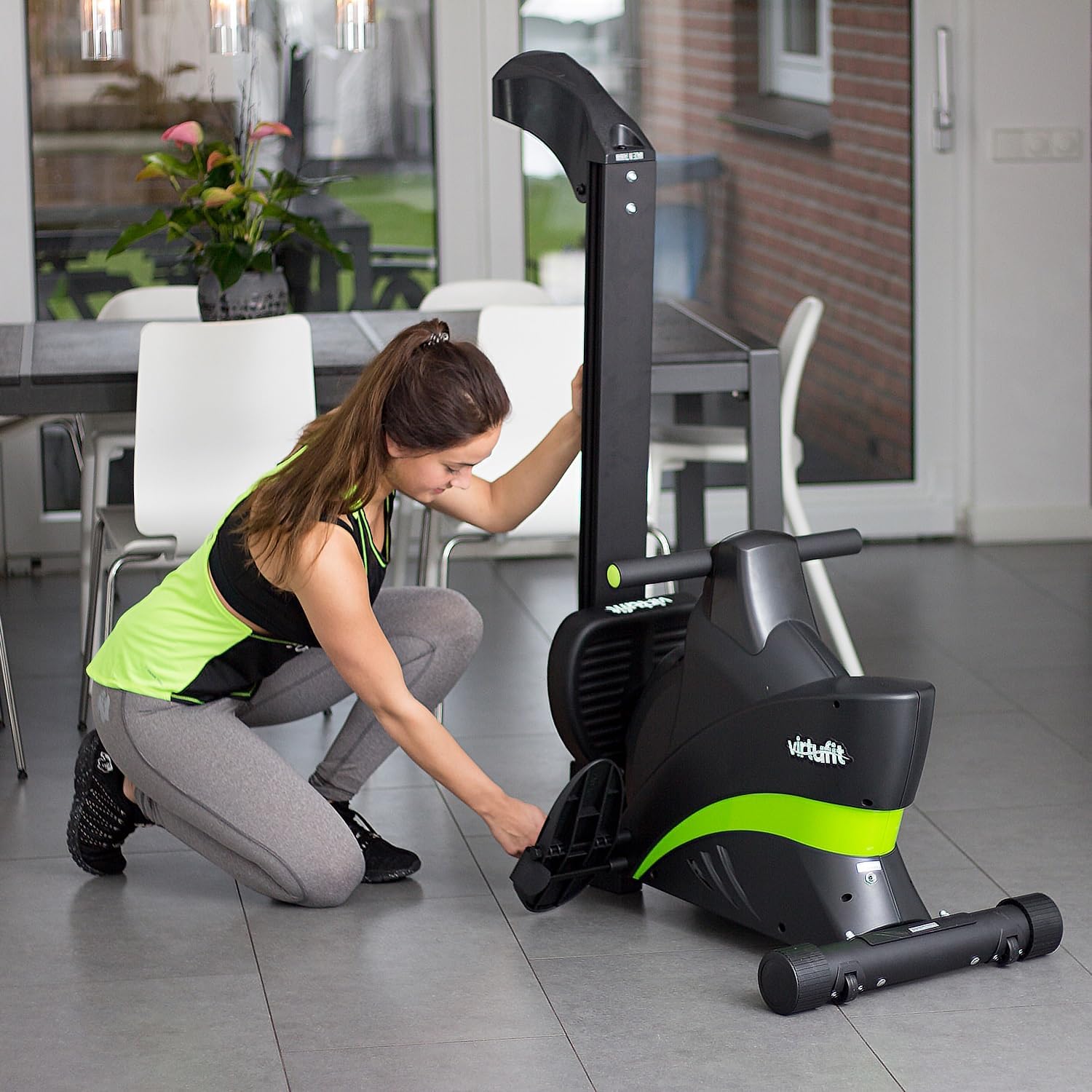
The VirtuFit Rower Variation is designed for easy assembly and convenient storage. Follow these steps to set up your rower:
- Unpack Components: Carefully remove all parts from the packaging and lay them out on a clean, flat surface.
- Attach Stabilizers: Secure the front and rear stabilizers to the main frame using the provided bolts and tools.
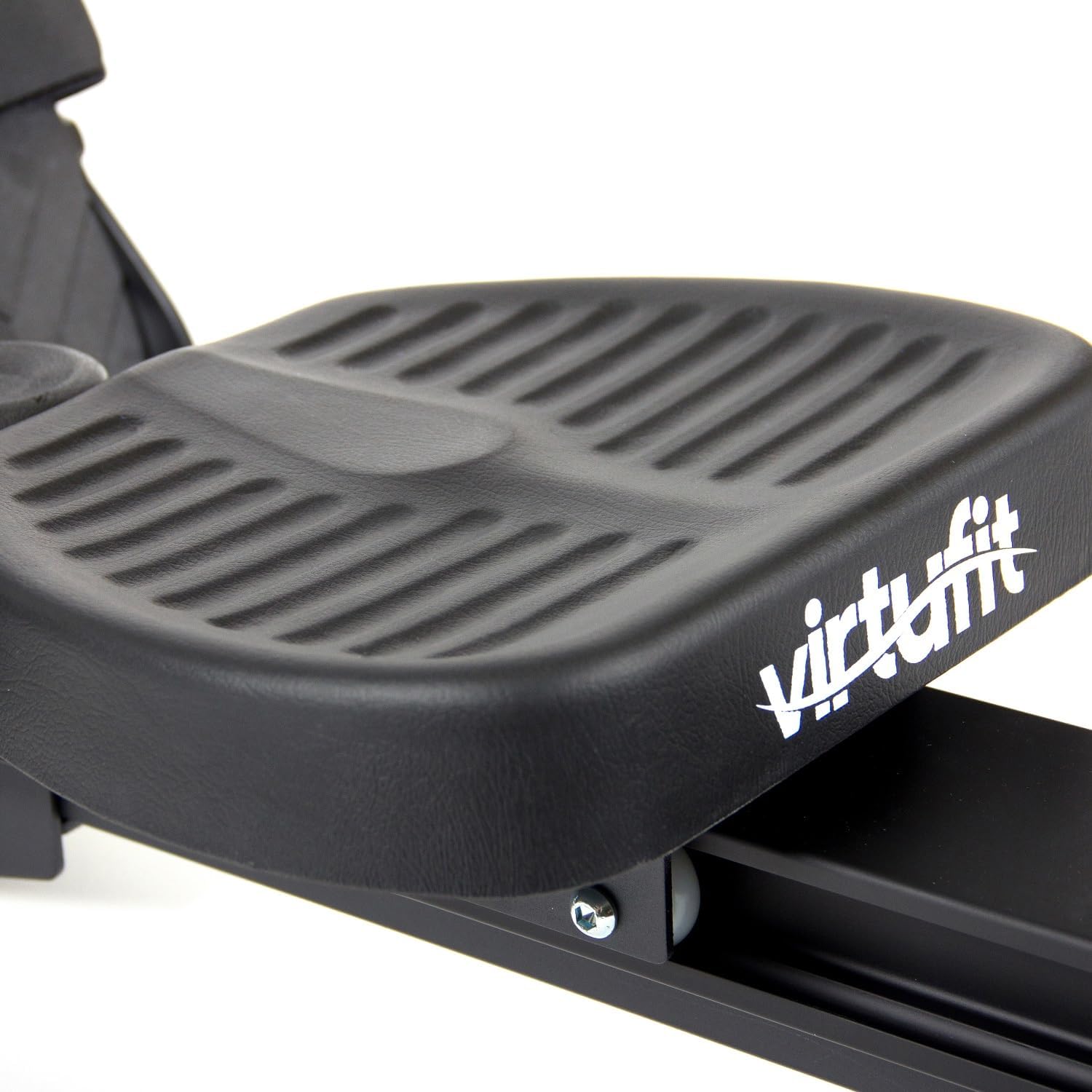
- Assemble Seat Rail: Connect the seat rail to the main frame. Ensure the seat slides smoothly along the rail.
- Install Pedals: Attach the foot pedals to the designated points on the rower. Adjust the foot straps to fit your shoe size.
- Connect Monitor: Attach the LCD monitor to its bracket and connect any necessary sensor cables.
- Final Check: Before use, double-check all bolts and connections to ensure they are tight and secure.

5. Operating Instructions
The VirtuFit Rower Variation offers a smooth and effective workout. Follow these instructions for proper use:
5.1 Getting Started
- Adjust Foot Straps: Place your feet on the pedals and secure them firmly with the adjustable straps.
- Adjust Resistance: The rower features 8 levels of magnetic resistance. Turn the resistance knob, usually located near the front of the machine, to your desired intensity. Higher numbers indicate greater resistance.
- Seating Position: Sit on the seat, ensuring your back is straight and your core is engaged.

5.2 Rowing Technique
Proper rowing technique is crucial for an effective workout and injury prevention:
- The Catch: Start with knees bent, shins vertical, and arms extended forward, gripping the handlebar.
- The Drive: Push off with your legs, then lean back slightly from your hips, and finally pull the handlebar towards your abdomen.
- The Finish: Your legs should be extended, body leaning back slightly, and the handlebar near your lower ribs.
- The Recovery: Extend your arms forward, then lean forward from your hips, and finally bend your knees to slide the seat back to the starting position.


5.3 Using the LCD Monitor
The integrated LCD monitor displays key workout data to help you track your progress:
- Time: Duration of your workout.
- Count: Number of strokes performed.
- Distance: Estimated distance covered.
- Calories: Estimated calories burned.
- Scan: Automatically cycles through all display functions.
Refer to the monitor's specific instructions for detailed navigation and reset functions.

6. Maintenance
Regular maintenance ensures the longevity and optimal performance of your VirtuFit Rower Variation:
- Cleaning: Wipe down the rower with a damp cloth after each use to remove sweat and dust. Avoid abrasive cleaners.
- Rail Cleaning: Periodically clean the seat rail to ensure smooth movement of the seat.
- Check Connections: Regularly check all bolts, nuts, and moving parts for tightness and wear. Tighten as necessary.
- Lubrication: The magnetic resistance system typically requires no lubrication. Consult the manufacturer if you notice any unusual friction.
- Storage: When not in use, the rower can be folded for compact storage. Store in a dry, cool place away from direct sunlight.

7. Troubleshooting
If you encounter any issues with your rower, refer to the following common problems and solutions:
| Problem | Possible Cause | Solution |
|---|---|---|
| Monitor not displaying data | Loose cable connection, dead batteries | Check all cable connections. Replace batteries in the monitor. |
| Seat not sliding smoothly | Dirt or debris on the rail, loose rollers | Clean the seat rail and rollers. Check if rollers are securely attached. |
| Unusual noises during operation | Loose components, worn parts | Inspect all connections and moving parts. Tighten any loose bolts. If noise persists, contact customer support. |
| Resistance not changing | Resistance mechanism issue | Ensure the resistance knob is functioning correctly. If the issue persists, contact customer support. |
If you cannot resolve the issue using the table above, please contact VirtuFit customer support.
8. Specifications
| Feature | Detail |
|---|---|
| Brand | VirtuFit |
| Model Name | Rower (VIFROWSP) |
| Color | Black |
| Special Feature | Foldable |
| Resistance Mechanism | Magnetic |
| Resistance Levels | 8 levels |
| Product Dimensions (L x W x H) | 205 x 64 x 51 cm (80.7 x 25.2 x 20.1 inches) |
| Maximum Weight Recommendation | 150 Kilograms (330 lbs) |
| Meter Type | LCD |
| Frame Material | Aluminium |
| Components Included | Rower |
9. Warranty and Support
9.1 Warranty Information
The VirtuFit Rower Variation comes with a 2-year warranty. This warranty covers manufacturing defects and material faults under normal use conditions. Please retain your proof of purchase for warranty claims. The warranty does not cover damage caused by improper assembly, misuse, neglect, or unauthorized modifications.
9.2 Customer Support
For any questions, technical assistance, or warranty claims, please contact VirtuFit customer support. You can typically find contact information on the VirtuFit official website or through your retailer. When contacting support, please have your model number (VIFROWSP) and proof of purchase ready.