
1. Introduction
Thank you for choosing the Generic T800 Ultra Smart Watch. This device is designed to enhance your daily life by providing seamless connectivity, comprehensive fitness tracking, and a vibrant HD display. This manual will guide you through the setup, operation, and maintenance of your new smartwatch to ensure optimal performance and user experience.
2. What's in the Box
Upon unboxing your T800 Ultra Smart Watch, please verify that all the following items are included:
- T800 Ultra Smart Watch (with Orange Silicone Strap)
- Charging Cable
- User Manual

Image 2.1: Contents of the T800 Ultra Smart Watch package, showing the watch, orange strap, charging cable, and user manual.
3. Product Overview
The T800 Ultra Smart Watch features a sleek design with an aluminium case and a comfortable silicone strap. Its 1.99-inch IPS LCD touchscreen provides a clear and vibrant display for all your interactions.
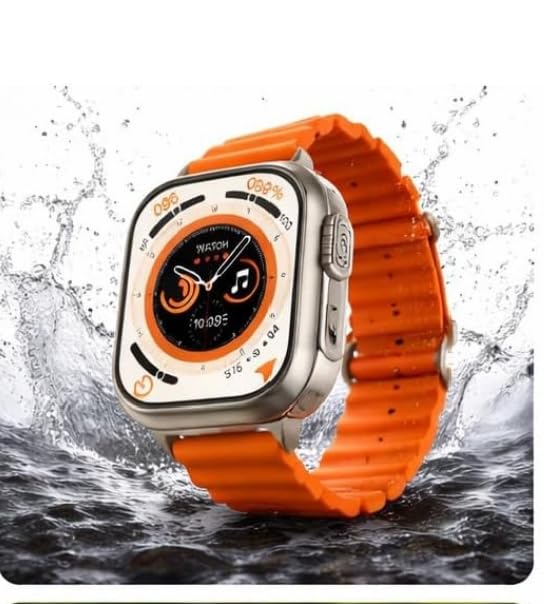
Image 3.1: The T800 Ultra Smart Watch being worn on a user's wrist, highlighting its design and display size.
Key Components:
- Display: 1.99-inch IPS LCD Touch Screen for interactive control.
- Side Button/Crown: For navigation and power control.
- Microphone: For Bluetooth calling functionality.
- Speaker: For audio output during calls and notifications.
- Heart Rate Sensor: Located on the back for fitness tracking.
- Charging Contacts: On the back for magnetic charging.
4. Setup
4.1 Charging the Smart Watch
Before initial use, fully charge your T800 Ultra Smart Watch. The watch has a 250 mAh battery capacity and typically takes approximately 2 hours to fully charge, providing an average battery life of up to 72 hours depending on usage.
- Connect the charging cable to a USB power adapter (not included) or a computer's USB port.
- Align the magnetic end of the charging cable with the charging contacts on the back of the watch. The watch will vibrate and display a charging indicator.
- Allow the watch to charge until the battery indicator shows full.
4.2 Power On/Off
- To Power On: Press and hold the side button/crown until the screen lights up.
- To Power Off: Press and hold the side button/crown, then select the "Power Off" option on the screen.
4.3 App Installation and Pairing
To unlock the full potential of your T800 Ultra Smart Watch, you need to pair it with your smartphone via Bluetooth and a dedicated application. Refer to the small user manual included in the box for the specific app name and QR code for download.
- Download and install the companion app on your Android smartphone.
- Ensure Bluetooth is enabled on both your smartphone and the watch.
- Open the app, create an account if prompted, and follow the on-screen instructions to search for and pair with your T800 Ultra Smart Watch.
- Confirm the pairing request on both your phone and watch.
5. Operating Your Smart Watch
5.1 Basic Navigation
- Touch Screen: Swipe left/right, up/down to navigate through menus and features. Tap to select.
- Side Button/Crown: Press to return to the home screen or wake the display. Rotate (if applicable) to scroll through lists or adjust settings.
5.2 Bluetooth Calling
Once paired with your smartphone, the T800 Ultra allows you to make and receive calls directly from your wrist. Ensure your watch is within Bluetooth range of your phone for this feature to work.
- Receiving Calls: When a call comes in, the watch will display the caller ID. You can answer or reject the call directly from the watch screen.
- Making Calls: Access the dialer or contact list on your watch to initiate a call.
5.3 Fitness Tracking
The watch monitors various health and fitness metrics:
- Heart Rate Monitor: Provides real-time heart rate data.
- Step Counter: Tracks your daily steps.
- Calorie Tracker: Estimates calories burned based on activity.
- Sport Modes: Select specific sport modes (e.g., Running) for more accurate tracking during workouts.
Detailed data and historical trends can be viewed in the companion smartphone app.
5.4 Notifications
Receive notifications for calls, messages, and app alerts directly on your wrist. Configure which app notifications you wish to receive through the companion app settings.
5.5 Watch Faces
Customize the appearance of your watch by selecting from multiple pre-installed watch faces or downloading more through the companion app.
6. Maintenance
6.1 Cleaning Your Smart Watch
To maintain the appearance and functionality of your watch:
- Wipe the screen and strap regularly with a soft, damp, lint-free cloth.
- Avoid using harsh chemicals, abrasive cleaners, or solvents.
- Ensure the charging contacts are clean and dry before charging.
6.2 Water Resistance
The T800 Ultra Smart Watch is rated IP67 for water resistance, meaning it is protected against dust and can withstand immersion in water up to 1 meter for up to 30 minutes. It is suitable for daily use and activities like hand washing or light rain.
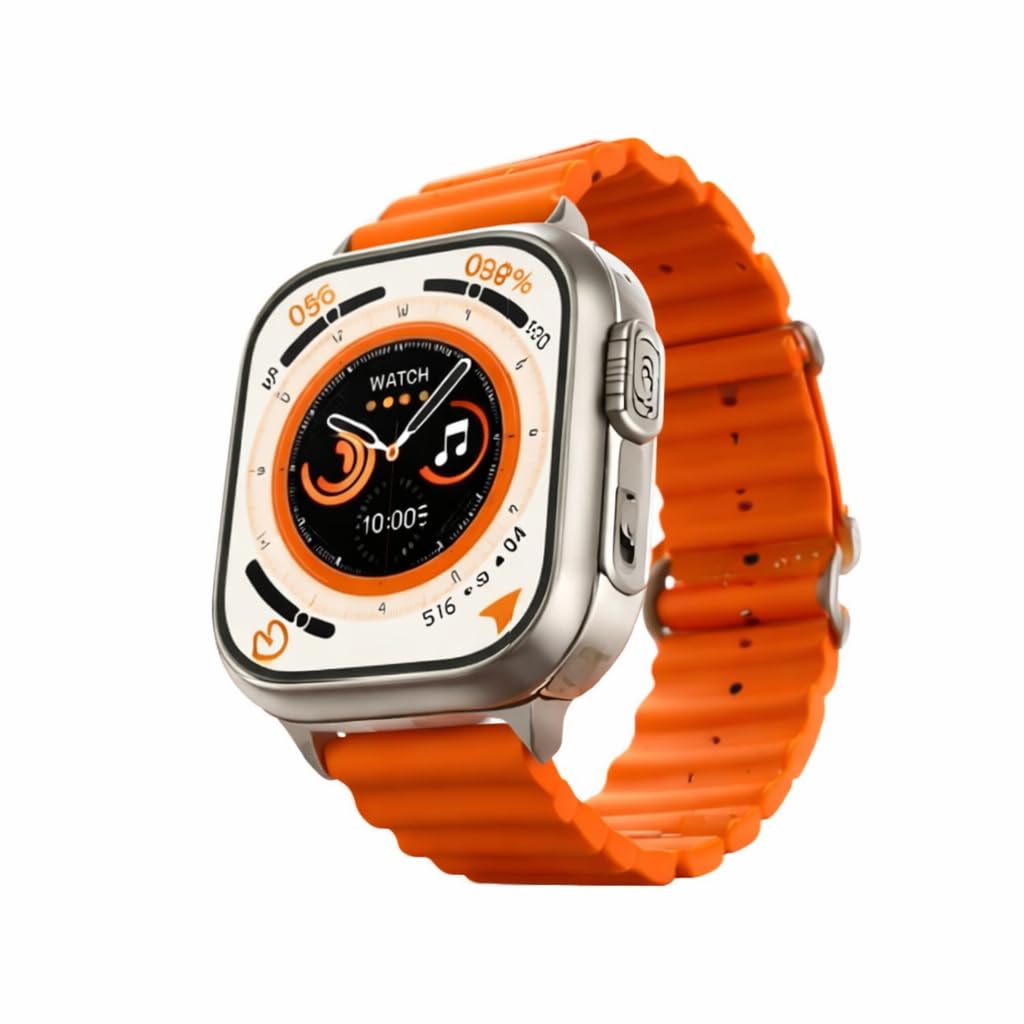
Image 6.1: The T800 Ultra Smart Watch submerged in water, illustrating its water-resistant capabilities.
Important: While water-resistant, it is not recommended for swimming, diving, or exposure to high-pressure water jets. Avoid contact with hot water, steam, or corrosive liquids, as these can compromise the water resistance.
7. Troubleshooting
If you encounter issues with your T800 Ultra Smart Watch, refer to the following common solutions:
| Problem | Possible Solution |
|---|---|
| Watch does not power on. | Ensure the watch is fully charged. Connect it to the charger for at least 30 minutes. |
| Cannot pair with smartphone. |
|
| Notifications are not received. |
|
| Inaccurate fitness data. | Ensure the watch is worn snugly on your wrist, not too loose or too tight. Clean the sensor area. |
| Watch is unresponsive. | Perform a force restart by pressing and holding the side button/crown for approximately 10-15 seconds. |
8. Specifications
| Feature | Detail |
|---|---|
| Model Name | T800 Ultra |
| Brand | Generic |
| Operating System | RTOS |
| Display Type | IPS LCD Touch Screen |
| Screen Size | 1.99 Inches |
| Connectivity | Bluetooth |
| Battery Capacity | 250 mAh |
| Battery Life (Average) | 72 Hours |
| Charge Time | 2 Hours |
| Water Resistance | IP67 (30 Metres) |
| Band Material | Silicone |
| Case Material | Aluminium |
| Weight | 120 Grams |
| Compatible Devices | Android Smartphones |
| Metrics Measured | Heart rate monitor |
| Special Features | Bluetooth calling, Fitness Tracking |
9. Warranty and Support
The T800 Ultra Smart Watch comes with a Manufacturer Warranty. Please refer to the product packaging or the small user manual included in the box for specific warranty terms, conditions, and duration.
For technical support or warranty claims, please contact the manufacturer, Addi Creations, or your point of purchase. Keep your purchase receipt as proof of purchase.


