
1. Introduction
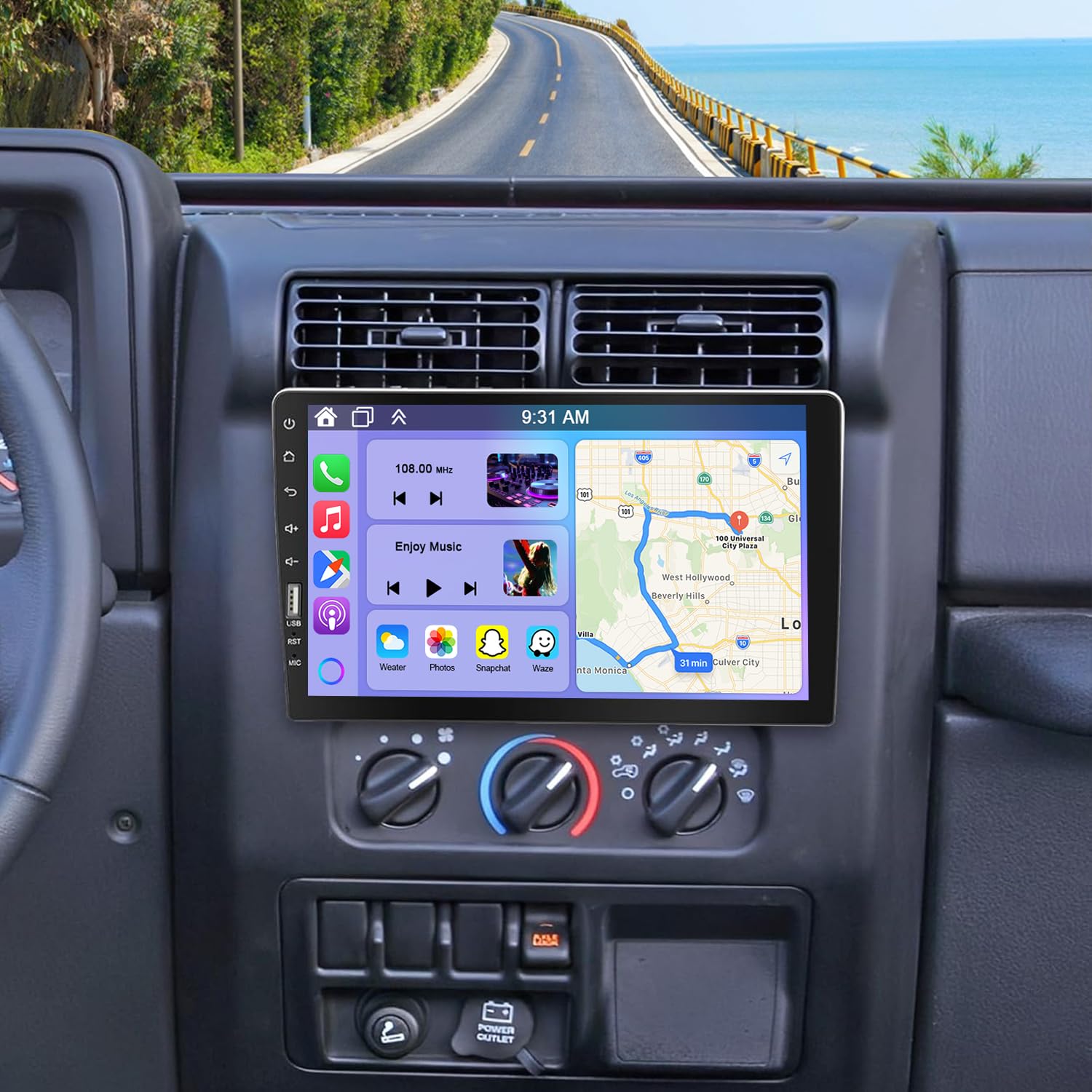
This manual provides detailed instructions for the installation, operation, and maintenance of your Oskkude 9-inch Single DIN Car Radio Stereo. This unit is designed to enhance your driving experience with features such as Wireless CarPlay, Android Auto, Bluetooth, FM/AM radio, and support for a backup camera. Please read this manual thoroughly before installation and use to ensure proper function and safety.
2. Safety Information
- This unit is designed for 12V vehicles only. Do not install in 24V vehicles (e.g., most trucks or heavy-duty equipment) to prevent damage.
- This 1 DIN car audio receiver head unit does NOT support factory CAN-bus systems. It is best suited for non-CAN-bus vehicles (older or base-trim models with basic 12V wiring).
- If your vehicle has factory features like door chimes, a factory amplifier, or an OEM info display linked to the original radio, this unit may not be compatible without significant modifications.
- Always consult a professional for installation if you are unsure about any wiring procedures.
- Do not operate the unit in a way that distracts you from driving. Always prioritize road safety.
3. Package Contents
Verify that all items are present in the package:
- Oskkude 9-inch Single DIN Car Radio Stereo Unit
- Power Cord (ISO interface power cable)
- User Manual
- RCA Cables
- USB Cable
- Backup Camera with necessary wiring
- Mounting Accessories (screws, brackets)

4. Setup and Installation
This product is compatible with vehicles equipped with a single-pin size factory center console and without CAN-bus functionality. The power connector uses an ISO interface. If your vehicle's factory power plug is a standard ISO interface, it is plug-and-play. For other types of connectors, you will need to use the included ISO interface power cable to rewire.

4.1 General Wiring Connections
- Power: Connect the included ISO power cable to the unit and your vehicle's wiring harness. Ensure correct polarity (12V positive, ground).
- Speakers: Connect speaker wires to the corresponding outputs on the unit.
- Antenna: Connect your vehicle's radio antenna to the ANT port.
- USB: Connect the USB cable for media playback or phone charging.
- Backup Camera: Connect the camera's video output to the 'CAM IN' RCA port and the power/trigger wire as per the camera's instructions.
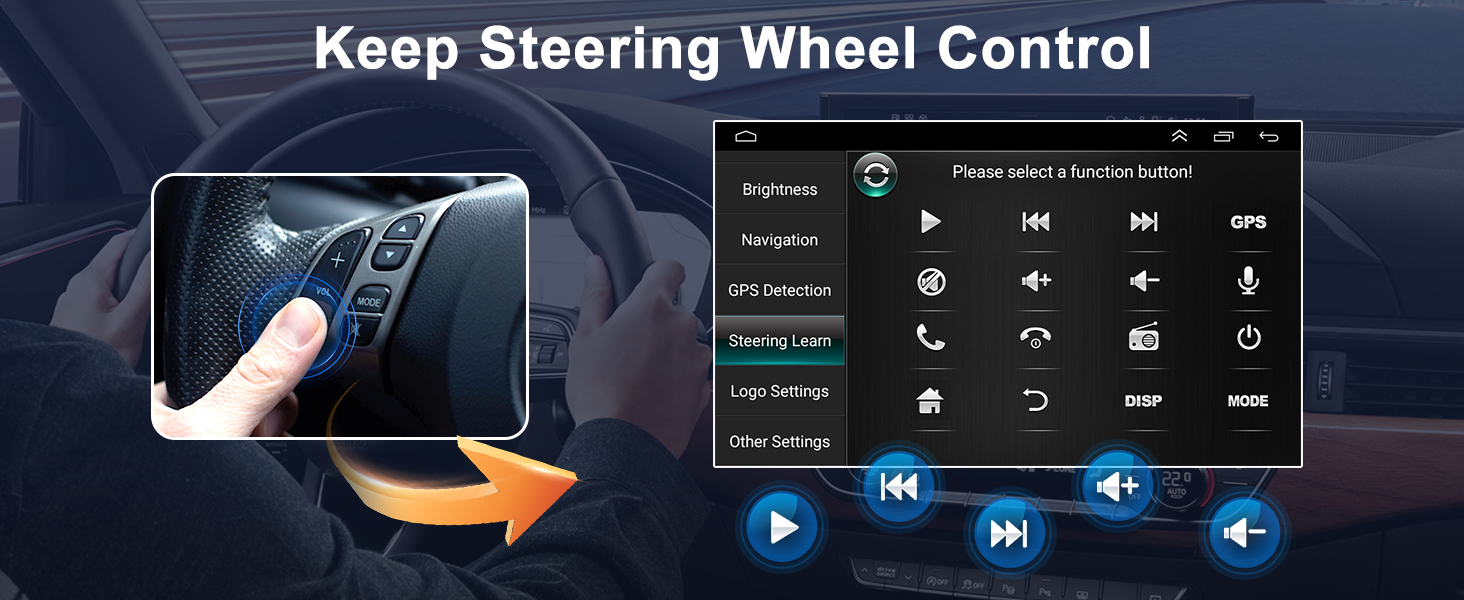
- Steering Wheel Control (SWC): Connect the SWC wires if your vehicle supports it. Configuration will be done in the unit's settings.

4.2 Backup Camera Format and Resolution Setup
To ensure proper display of the backup camera, follow these steps to configure its settings:
- Tap the settings icon on the main screen to open the settings menu.
- Select "Factory Settings", then enter the password "8888".
- Navigate to "Protocol Parameter Settings".
- Select "Reverse video resolution settings".
- Choose the correct setting based on your camera type. For the included camera, keep the default AHD/25. For OEM cameras, choose NTSC/PAL as appropriate.


5. Operating Instructions
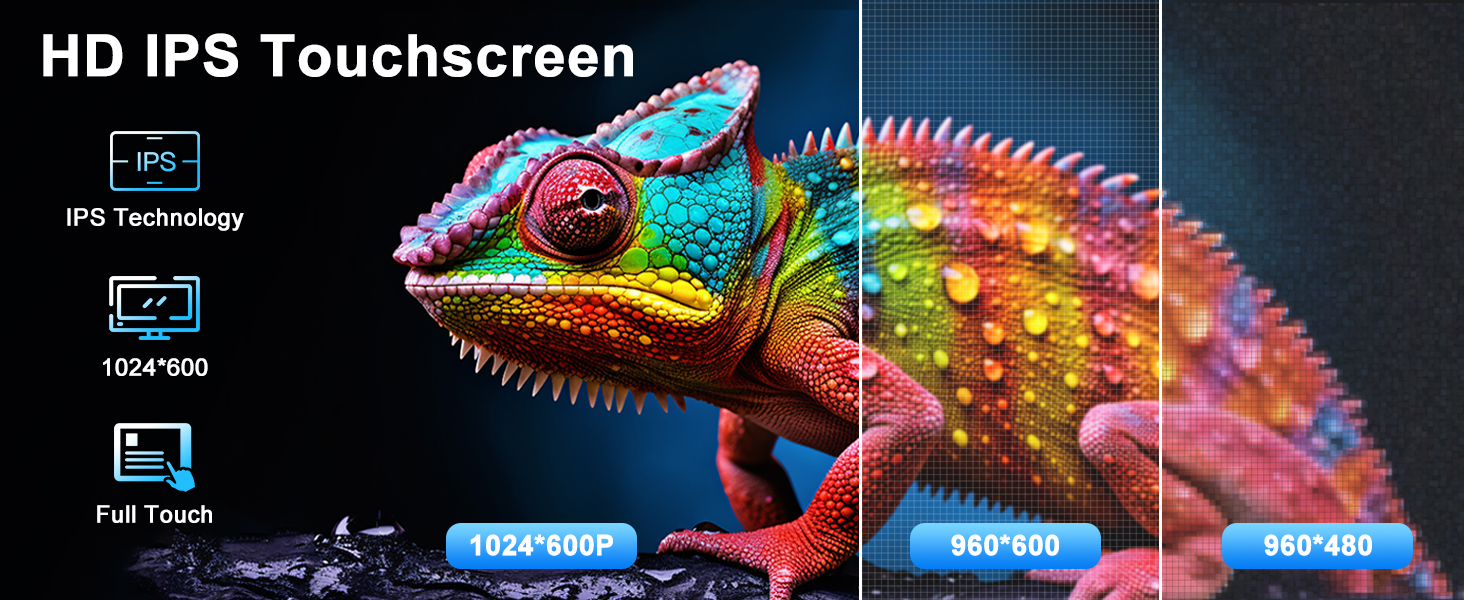
The unit features a responsive HD IPS touchscreen (1024x600 resolution) for intuitive control.
5.1 Wireless CarPlay and Android Auto
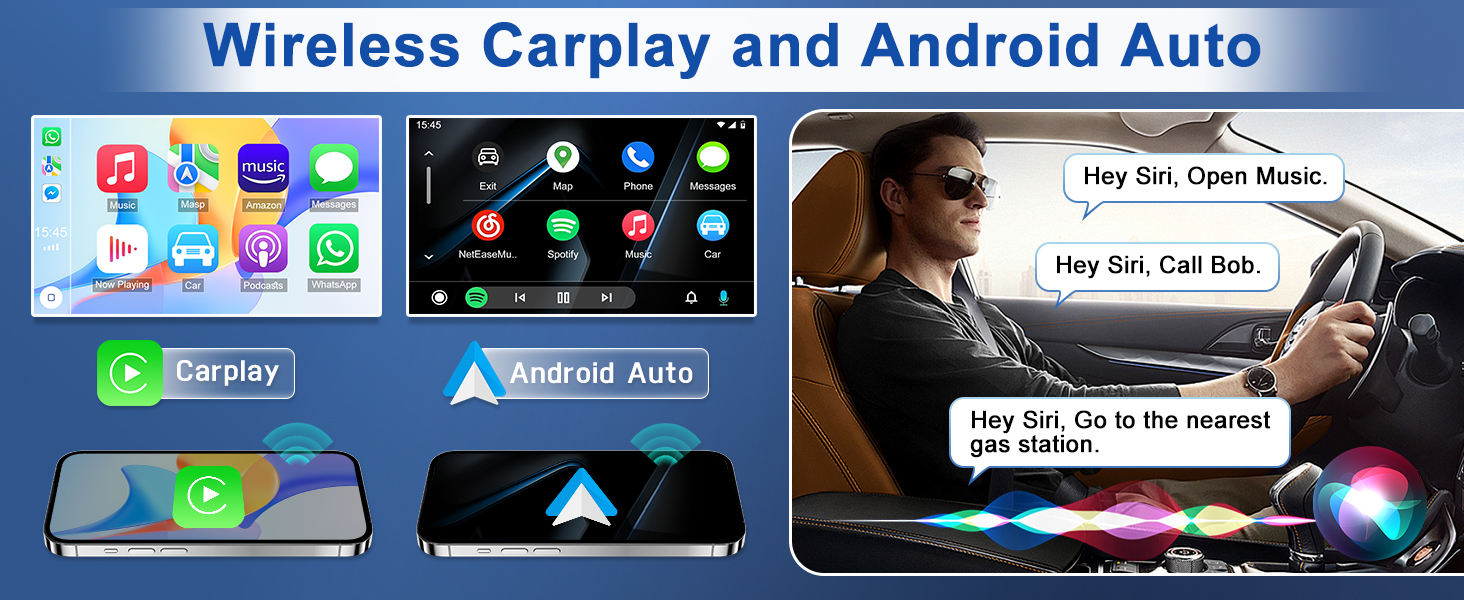
Connect your iPhone or Android smartphone wirelessly to access navigation, make calls, send messages, and listen to music through the car stereo. Use voice commands (Siri or Google Assistant) to control functions while staying focused on the road.

5.2 Bluetooth and FM/AM Radio
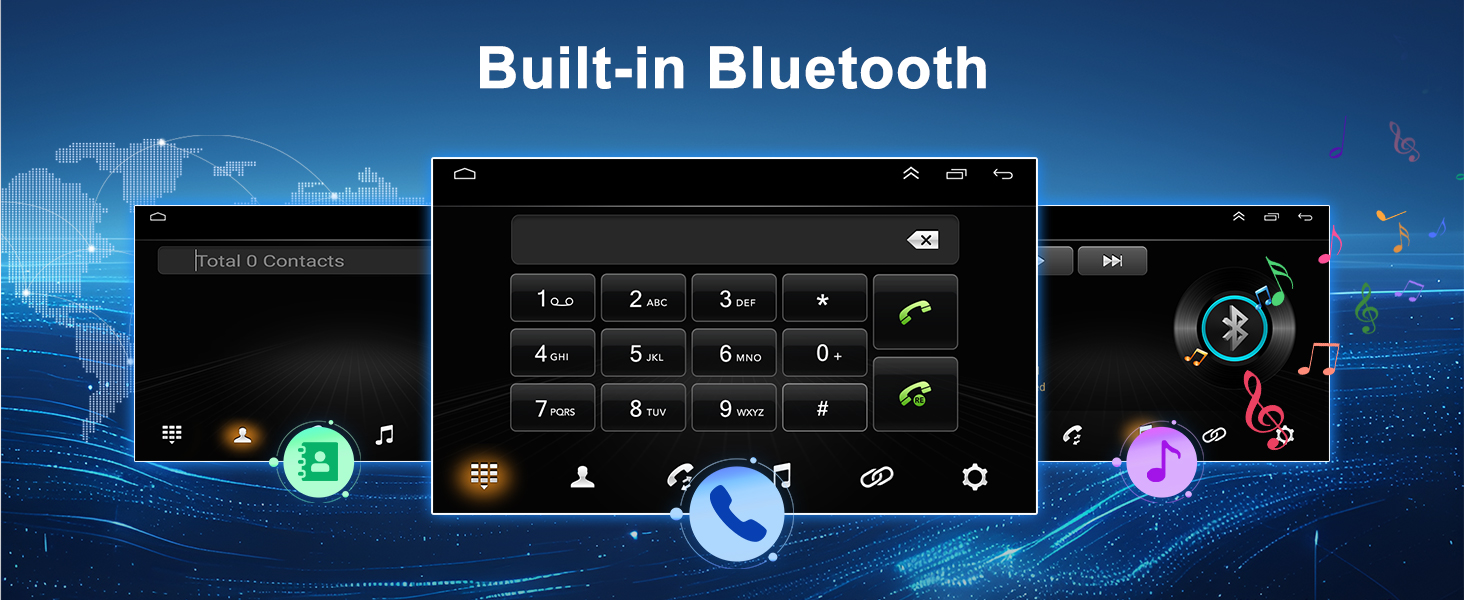
Pair your mobile device via Bluetooth for hands-free calling, music streaming, and phonebook access. The unit also supports AM/FM radio for real-time news and entertainment broadcasts.


5.3 Steering Wheel Control (SWC)
If your vehicle supports steering wheel controls, you can configure the unit to respond to these controls, allowing you to manage media and volume without taking your hands off the wheel.

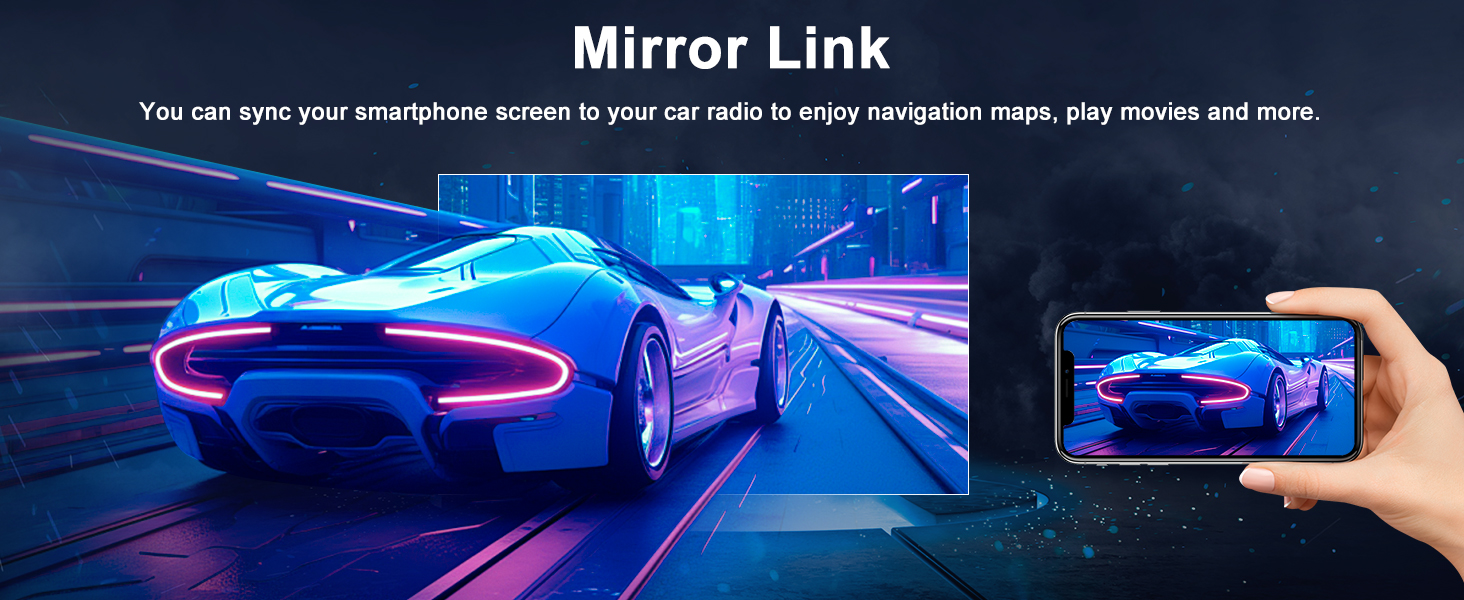
5.4 Mirror Link
Mirror Link functionality allows you to display your smartphone's screen content directly onto the car radio's large display. This enables viewing navigation maps, videos, and other apps from your phone.
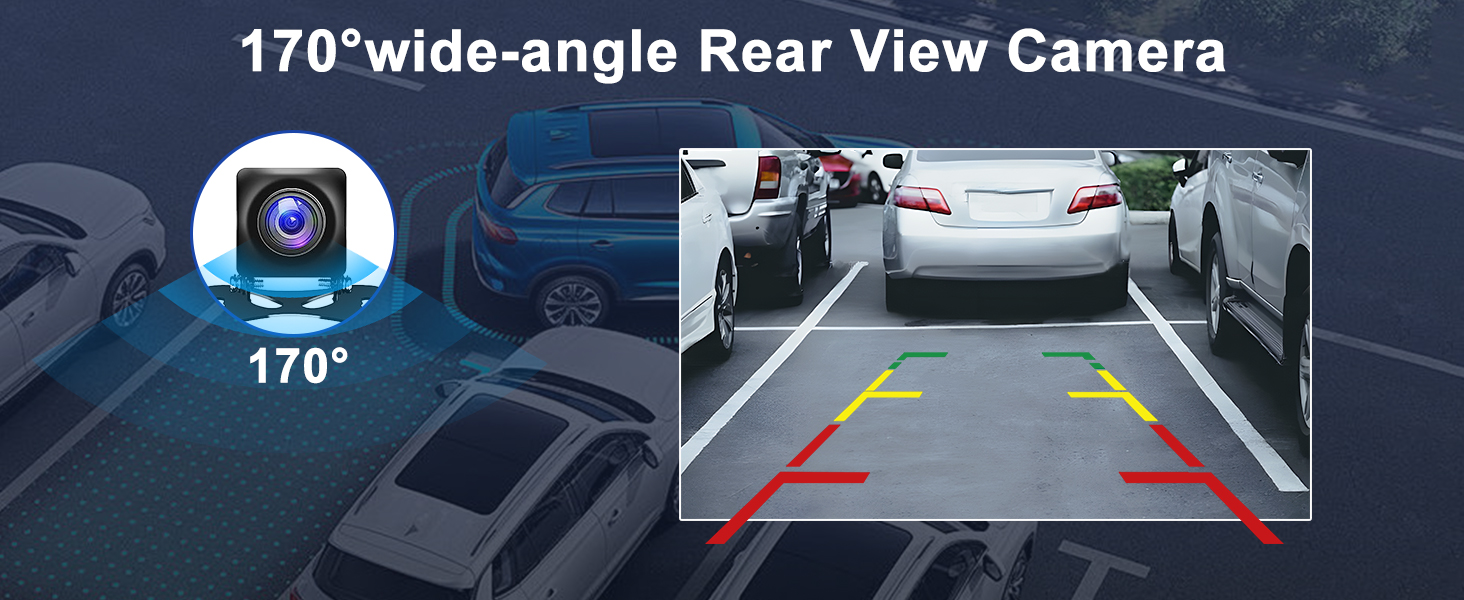
5.5 Rear View Camera
The unit supports a rear view camera, automatically displaying the camera feed when reversing. This provides clearer images and parking assistance, especially at night.
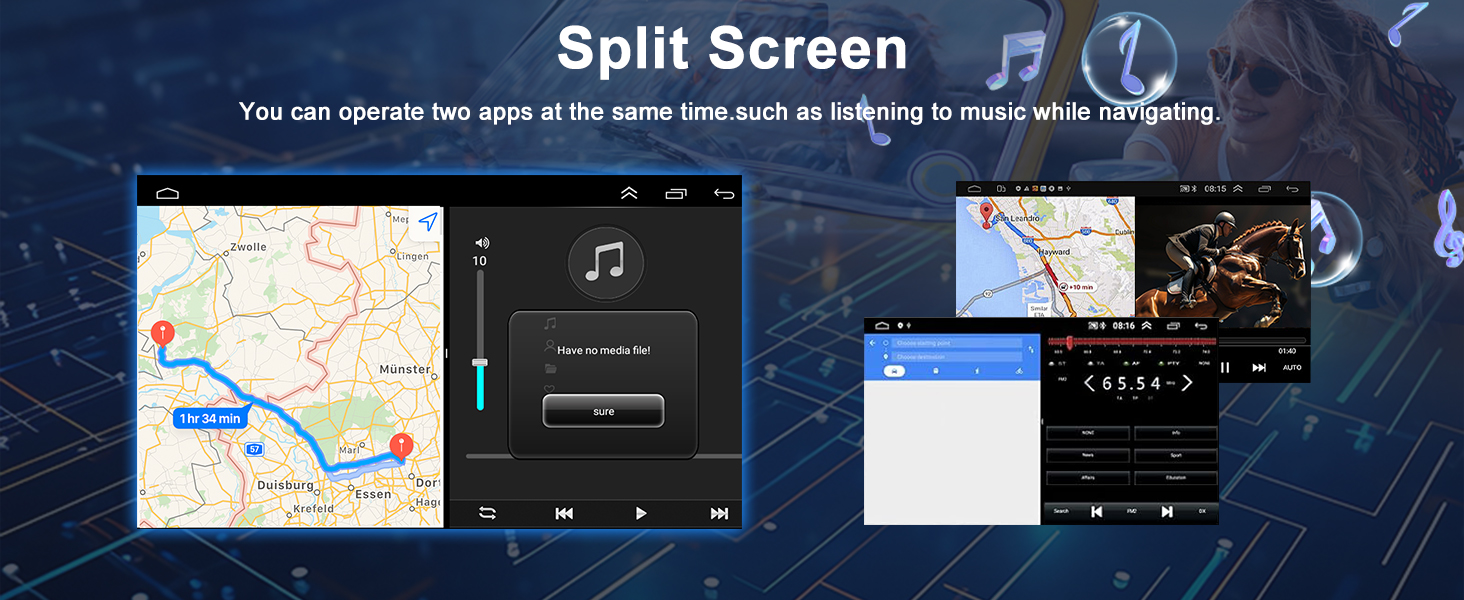
5.6 Split Screen Functionality
The split-screen feature allows you to run two applications simultaneously on the display, such as navigation on one side and music playback on the other.
6. Maintenance
- Cleaning: Use a soft, dry cloth to clean the screen and unit. Avoid abrasive cleaners or solvents.
- Software Updates: Periodically check the manufacturer's website for any available software updates to ensure optimal performance and access to new features.
- Environmental Conditions: Avoid exposing the unit to extreme temperatures, direct sunlight for prolonged periods, or excessive moisture.
7. Troubleshooting
If you encounter issues, refer to the following common problems and solutions:
| Problem | Possible Cause | Solution |
|---|---|---|
| No power | Incorrect wiring, blown fuse | Check power connections (12V, ground). Inspect vehicle's fuse box and unit's fuse. |
| No sound | Speaker wires disconnected, volume too low, mute enabled | Check speaker wiring. Increase volume. Disable mute function. |
| Bluetooth not connecting | Bluetooth off on phone/unit, pairing mode not active | Ensure Bluetooth is enabled on both devices. Put unit in pairing mode and search from phone. |
| Backup camera not displaying | Incorrect wiring, camera settings, faulty camera | Check camera power and video connections. Verify camera format settings (Section 4.2). |
| Steering Wheel Controls not working | Incorrect wiring, not configured | Ensure SWC wires are connected. Perform "Steering Learn" in settings. |
If the problem persists, please contact customer support.
8. Specifications
- Brand: Oskkude
- Model Number: TISU-04-DYY-26X0082X
- Compatible Devices: Jeep Wrangler 1997-2001
- Connectivity Technology: Bluetooth, USB
- Special Features: Wireless CarPlay, Wired Android Auto, Steering Wheel Control, Bluetooth, Touchscreen, Split Screen, Backup Camera Support, FM/AM Radio, Mirror Link
- Audio Output Mode: Stereo
- Control Method: Touch
- Power Requirement: 12V vehicles only
9. Warranty and Support
For warranty information and technical support, please refer to the warranty card included with your product or visit the official Oskkude website. Keep your purchase receipt as proof of purchase.