
Globluum SU9
Globluum SU9 MP3 Player User Manual
Model: SU9
Introduction
The Globluum SU9 MP3 Player is a versatile portable media device designed for music, audiobooks, videos, and e-reading. Featuring Bluetooth 5.0, dual-band Wi-Fi, a 4-inch touchscreen, and 160GB of storage, it offers a comprehensive entertainment experience. This manual provides essential information for setting up, operating, maintaining, and troubleshooting your device.
Package Contents
Verify that all items are present in the package:
- Globluum SU9 MP3 Player
- 128GB microSDXC card
- 3.5mm Wired Earphones
- Protective Case
- Type-C Charging Cable
- User Manual (this document)

Image: Globluum SU9 MP3 Player with its accessories, including a 128GB microSDXC card, Type-C charging cable, wired earphones, and a protective case.
Setup
1. Initial Power On
To power on the device, press and hold the side button for approximately 3 seconds. The screen will illuminate, and the device will boot up.
2. Charging the Device
Connect the provided Type-C charging cable to the device's charging port and a compatible USB power adapter (not included). The battery indicator on the screen will show charging status. A full charge provides approximately 25 hours of audio playback with the screen off and wired headphones.
3. Storage and MicroSD Card
The device comes with 32GB of built-in storage and an additional 128GB microSDXC card pre-installed, totaling 160GB. This allows for ample space for music, videos, and other files.
4. Google Account Synchronization
You can sync your Google account with the player. This allows for automatic app updates via Google Play and keeps your playlists, favorites, and subscriptions consistent across your phone, tablet, and the player.

Image: The MP3 player displaying Google Play, illustrating how playlists and apps sync across devices via a Google account.
Operating Instructions
1. Basic Navigation
The device features a 4-inch touchscreen. Touch the screen to select icons, navigate menus, and control playback. Swipe gestures are used for scrolling and accessing different screens.
2. Music Playback
The player comes preloaded with various music streaming applications, including Spotify, Spotify Kids, Amazon Music, Pandora, Deezer, TIDAL, and YouTube Music. You can also use HiBy Music for lossless playback of local audio files with flexible sound modes.

Image: The Globluum SU9 MP3 Player showing a music track playing on its screen, with headphones connected.
3. Audiobook Playback
For audiobooks, the device includes preloaded applications such as Audible, Libby (for library books), and LibriVox (for classic tales). These apps provide access to a wide range of audio content.

Image: The Globluum SU9 MP3 Player displaying an audiobook on its screen, with headphones nearby.
4. Video Playback
The MX Player is preinstalled, supporting video formats such as MKV, AVI, MP4, and MOV. This allows for direct playback of most video files without conversion. The player also auto-loads SRT/ASS/SUB subtitles.

Image: The Globluum SU9 MP3 Player playing a video, positioned on a treadmill.
5. E-Reading
Kindle and Moon+ Reader Pro are available for reading e-books. These applications support EPUB, PDF, MOBI, and TXT formats, allowing you to read online or offline and sync your library across devices.
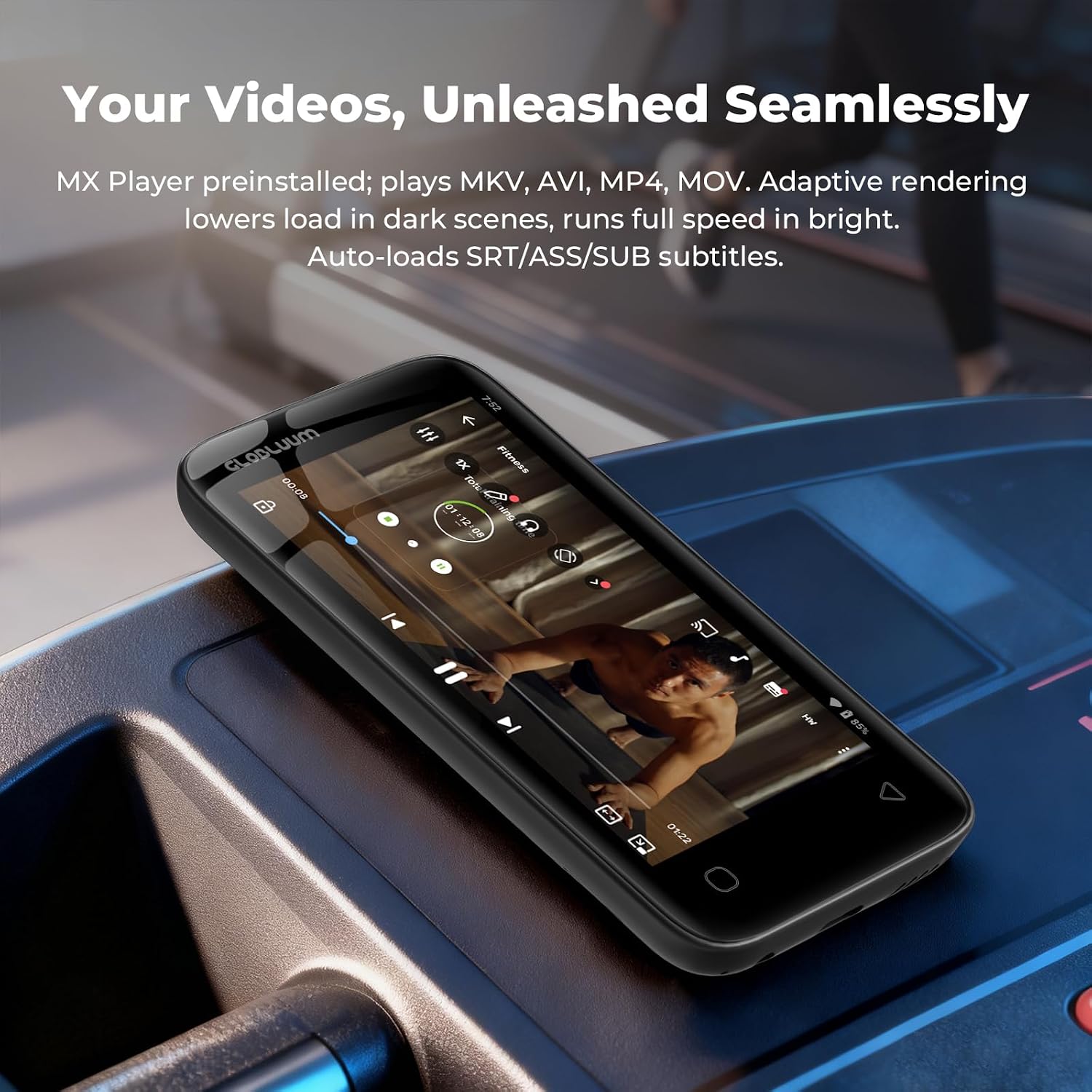
Image: A user reading an e-book on the Globluum SU9 MP3 Player during a flight.
6. Connectivity
The device supports Bluetooth 5.0 for stable wireless connections with headphones, speakers, and other compatible devices. Dual-band Wi-Fi (2.4GHz and 5GHz) ensures reliable internet access for streaming and app updates.
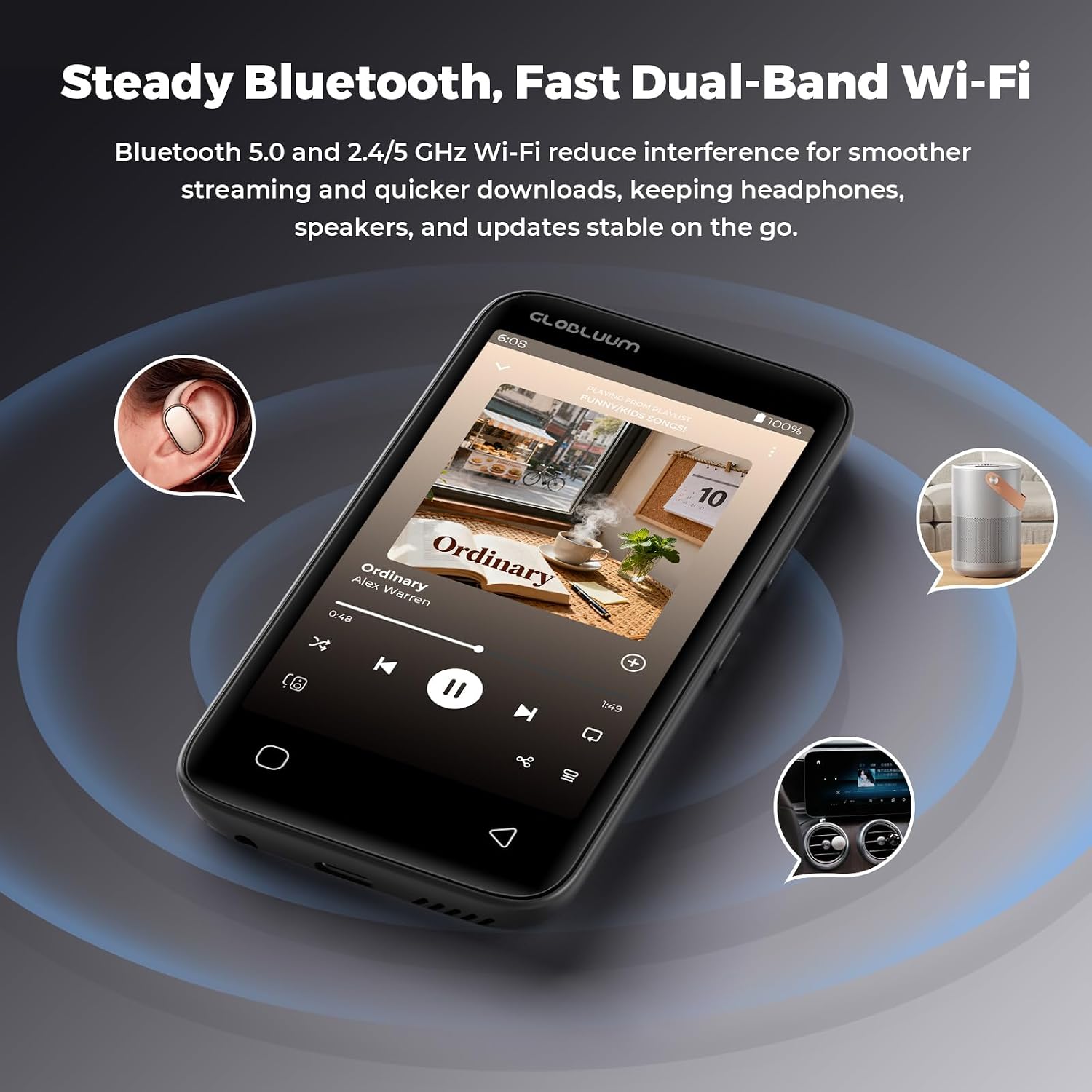
Image: The Globluum SU9 MP3 Player demonstrating its Bluetooth and Wi-Fi connectivity with various devices.
Maintenance
1. Cleaning
Use a soft, dry, lint-free cloth to clean the device's screen and body. Avoid using abrasive cleaners or solvents, which can damage the finish.
2. Storage
Store the device in a cool, dry place away from direct sunlight and extreme temperatures. The included protective case can help guard against bumps and scratches during transport.
3. Water Exposure
This device is not waterproof. Do not immerse it in water or expose it to excessive moisture. Strictly prohibit operation or storage in high-temperature environments exceeding 55°C (131°F).
Troubleshooting
1. Device Not Powering On
- Ensure the device is sufficiently charged. Connect it to a power source using the Type-C cable and allow it to charge for at least 30 minutes before attempting to power on again.
- Press and hold the side power button for 3-5 seconds. If it still doesn't respond, try holding it for up to 10-15 seconds for a forced restart.
2. Screen Unresponsive or Frozen
- If the screen freezes, press and hold the side power button for an extended period (10-15 seconds) to force a shutdown. Then, power it on normally.
- Ensure the screen is clean and free of debris.
3. Bluetooth Connectivity Issues
- Ensure Bluetooth is enabled on both the MP3 player and the device you are trying to connect to.
- Move the devices closer to each other to ensure they are within range.
- Try unpairing and re-pairing the devices.
- Restart both the MP3 player and the Bluetooth accessory.
4. Wi-Fi Connection Problems
- Verify that Wi-Fi is enabled on the player and that you are connected to the correct network.
- Check your Wi-Fi router to ensure it is functioning correctly.
- Try forgetting the network on the player and reconnecting.
5. App Performance Issues (e.g., Audible shutting off)
- Ensure the app is updated to its latest version via Google Play.
- Check for sufficient storage space on the device.
- Clear the app's cache and data in the device settings.
- If an app consistently crashes or stops, try uninstalling and reinstalling it.
- For streaming apps, ensure a stable Wi-Fi connection.
Specifications
| Brand | Globluum |
| Model Name | SU9 |
| Memory Storage Capacity | 160 GB (32GB built-in + 128GB Micro SD card) |
| Screen Size | 4 inches |
| Connectivity Technology | Aux, Bluetooth 5.0, USB Type-C, Wi-Fi (2.4GHz & 5GHz) |
| Special Features | Built-In Speaker, Equalizer, FM Radio, Touch Screen, Video Playback |
| Compatible Devices | Headphones, Personal Computer, Smartphone, Speakers |
| Supported Media Type | Micro SD, Micro SDHC, Micro SDXC |
| Display Technology | LCD |
| Battery Average Life | Up to 25 hours (audio playback, screen off, wired headphones) |
| Item Weight | 98 g |
| Dimensions (D x W x H) | 0.43"D x 2.44"W x 4.65"H |
| Operating System | Android 14 (implied by Google Play and app ecosystem) |
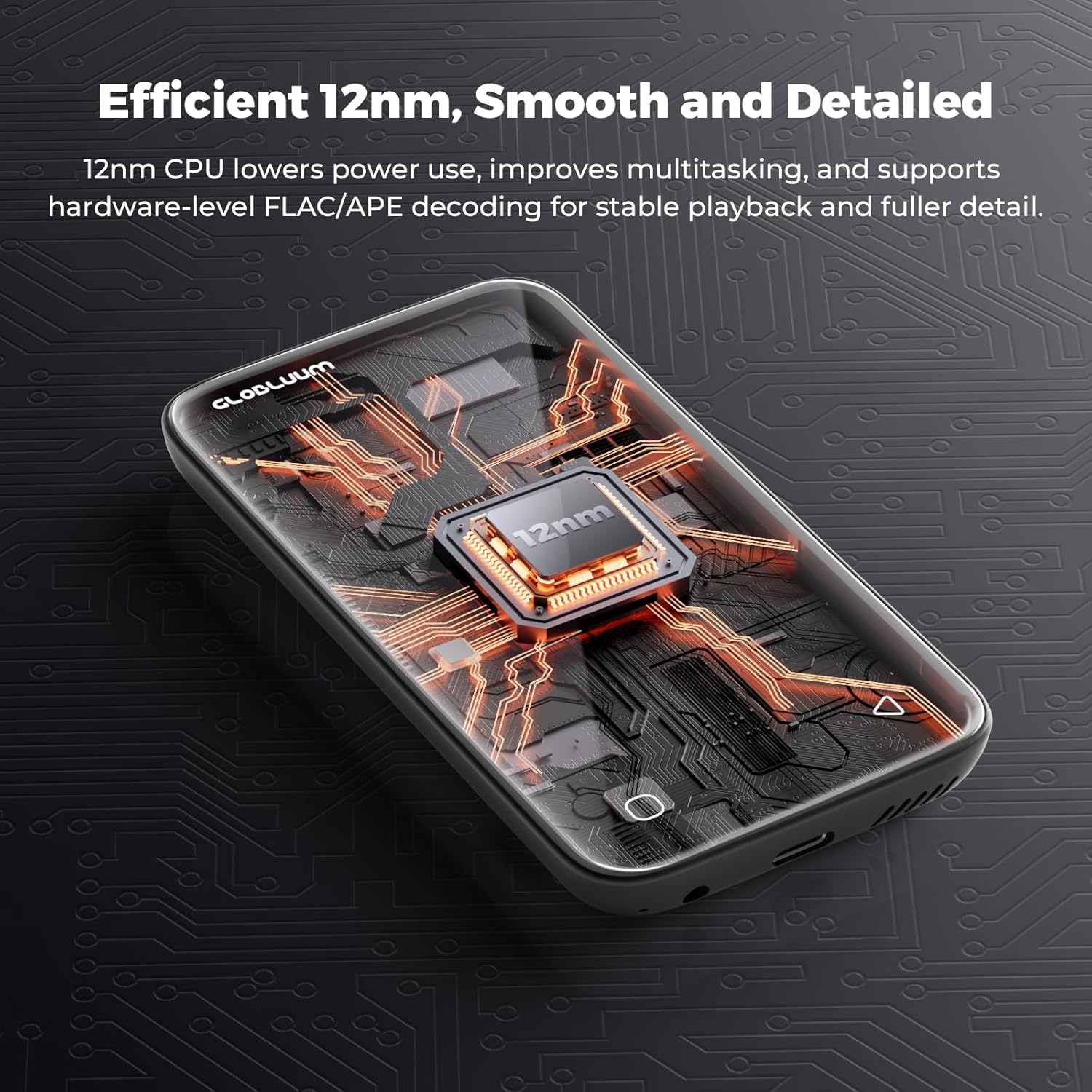
Image: Internal view of the Globluum SU9 MP3 Player, showcasing its 12nm CPU for efficient performance.
Warranty
The Globluum SU9 MP3 Player comes with a 1-Year Manufacturer Warranty. Please retain your proof of purchase for warranty claims. For specific terms and conditions, refer to the warranty information provided with your product or contact Globluum customer support.
Support
For further assistance, technical support, or inquiries regarding your Globluum SU9 MP3 Player, please visit the official Globluum website or contact their customer service department. Contact information can typically be found on the product packaging or the manufacturer's website.
Related documentsSU9


Ask a question about this manual
Ask about setup, troubleshooting, compatibility, parts, safety, or missing instructions. Manuals+ will review the question and use this page’s manual context to help answer it.