
Important Safety Instructions
Please read all instructions carefully before using this appliance. Retain this manual for future reference.
- This appliance is for household use only. Do not use outdoors or on wet surfaces.
- Do not allow children to operate the vacuum cleaner. Close supervision is necessary when used near children.
- Do not pick up flammable or combustible liquids, such as gasoline, or use in areas where they may be present.
- Do not pick up anything that is burning or smoking, such as cigarettes, matches, or hot ashes.
- Do not use without dust cup and filters in place.
- Turn off the appliance before connecting or disconnecting the motorized brush, extension tube, or other accessories.
- Use only the charger supplied by the manufacturer to recharge the battery.
- Do not handle the charger or appliance with wet hands.
- If the power cord is damaged, it must be replaced by the manufacturer, its service agent, or similarly qualified persons to avoid a hazard.
Product Overview
Components
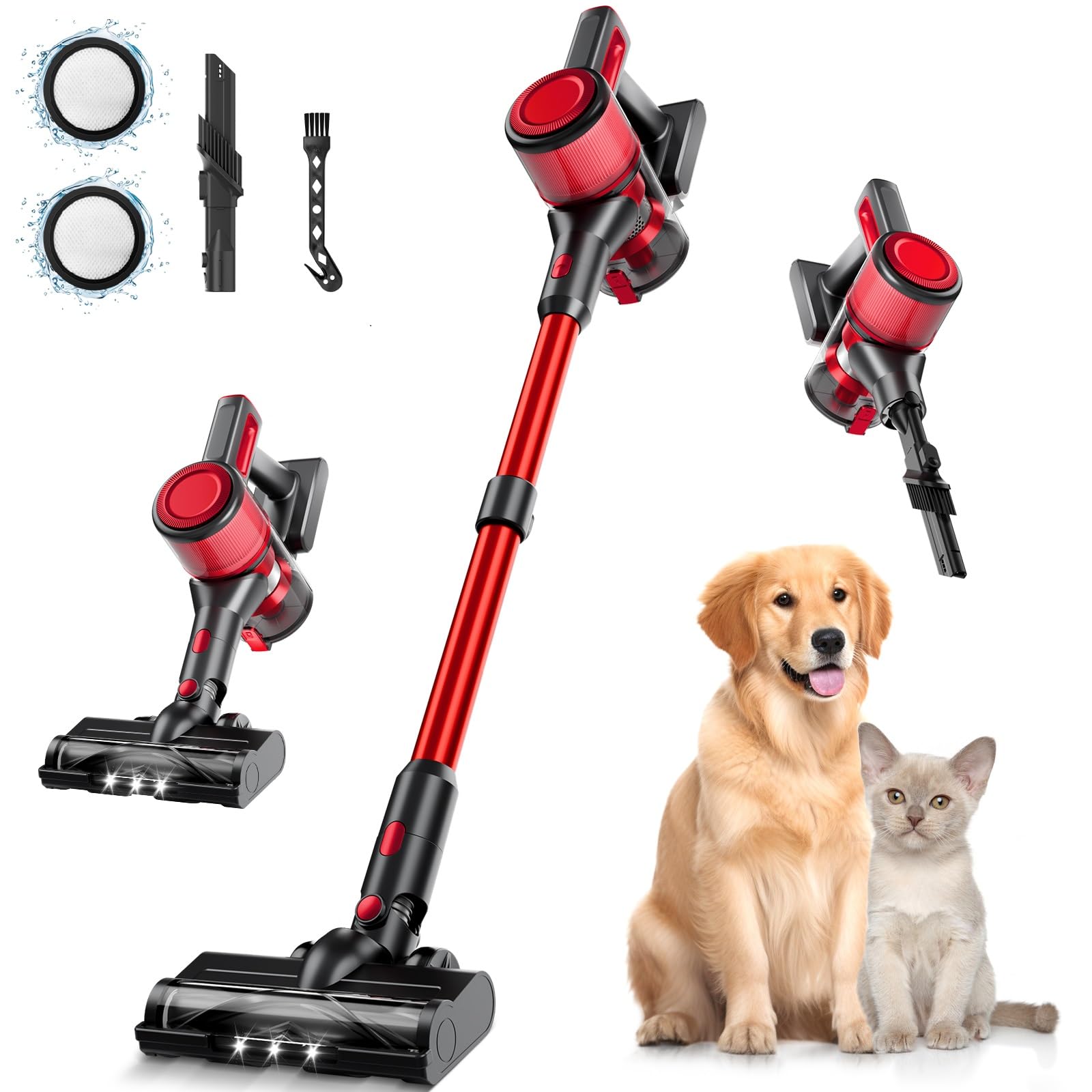
The BSNAW N501 Cordless Vacuum Cleaner includes the following components:
- Main Motor (Handheld Unit)
- Retractable Metal Tube (Extension Tube)
- Motorized Brush (Floor Head)
- 2-in-1 Brush
- Crevice Nozzle
- Wall Mount Plate
- Adapter (Charger)
- Manual Instruction

Assembly
Step-by-Step Assembly
- Attach the Extension Tube: Insert the top end of the retractable metal tube into the main motor unit until it clicks securely into place.
- Connect the Motorized Brush: Insert the bottom end of the retractable metal tube into the motorized brush head until it clicks securely into place.
- Install Accessories: For handheld use, attach the 2-in-1 brush or crevice nozzle directly to the main motor unit. For extended reach, attach them to the end of the extension tube.
- Charge the Battery: Before first use, fully charge the battery. Connect the adapter to the charging port on the main motor unit or directly to the detachable battery. Plug the adapter into a power outlet. The charging indicator will show the charging status.

Operation
Using Your Vacuum Cleaner
- Power On/Off: Press the power button on the main motor unit to turn the vacuum cleaner on or off.
- Select Suction Mode: The vacuum cleaner offers multiple power levels. Press the mode selection button to switch between Eco Mode (for longer runtime) and Max Power Mode (for stronger suction). The LED display will indicate the current mode.
- LED Display: The real-time LED display shows battery level, current suction mode, and potential blockages.
- Maneuverability: The motorized brush features a 180° sideways and 90° up-down swivel, allowing for easy cleaning around furniture and in tight spaces.
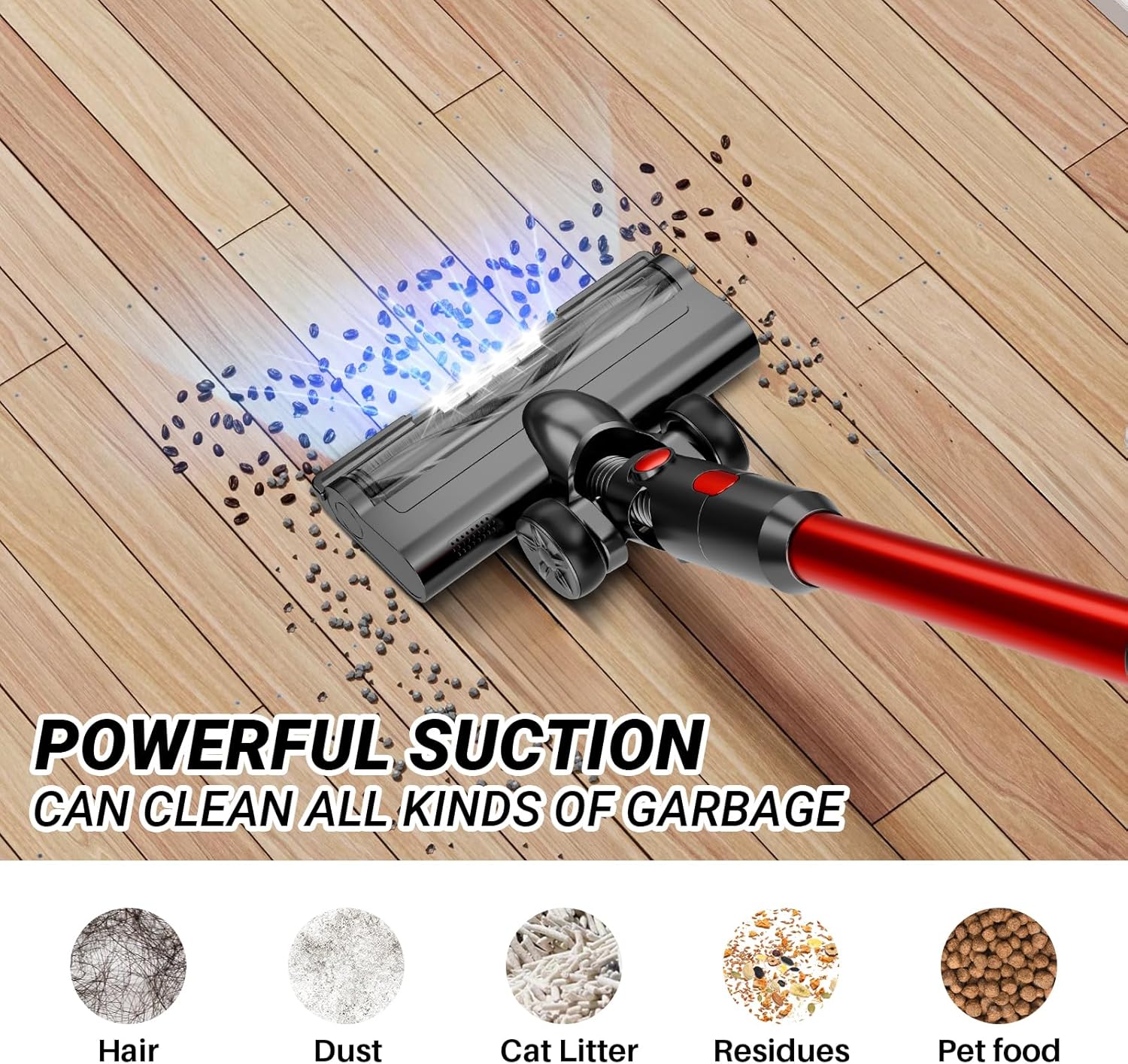
- Integrated LED Light: The LED lights on the motorized brush illuminate dark areas, helping to spot hidden dust and debris.
- Versatile Cleaning: Convert the stick vacuum into a handheld unit by detaching the extension tube. Use the 2-in-1 brush for upholstery and delicate surfaces, and the crevice nozzle for narrow gaps and corners.
Maintenance
Cleaning and Care
Regular maintenance ensures optimal performance and extends the lifespan of your vacuum cleaner.
- Emptying the Dust Cup: The 1-liter dust cup features a one-touch dump design for hygienic waste disposal. Press the release button to open the bottom flap and empty contents into a trash bin. Empty regularly to prevent loss of suction.
- Cleaning the Filtration System: The vacuum cleaner is equipped with a 6-stage HEPA filtration system (HEPA filter, stainless steel filter, sponge filters).
- Remove the dust cup from the main motor unit.
- Separate the filter components.
- Tap off loose dust. Rinse the HEPA filter, stainless steel filter, and sponge filters under running water.
- Ensure all filter components are completely dry before reassembling and placing them back into the dust cup. Do not use the vacuum with wet filters.
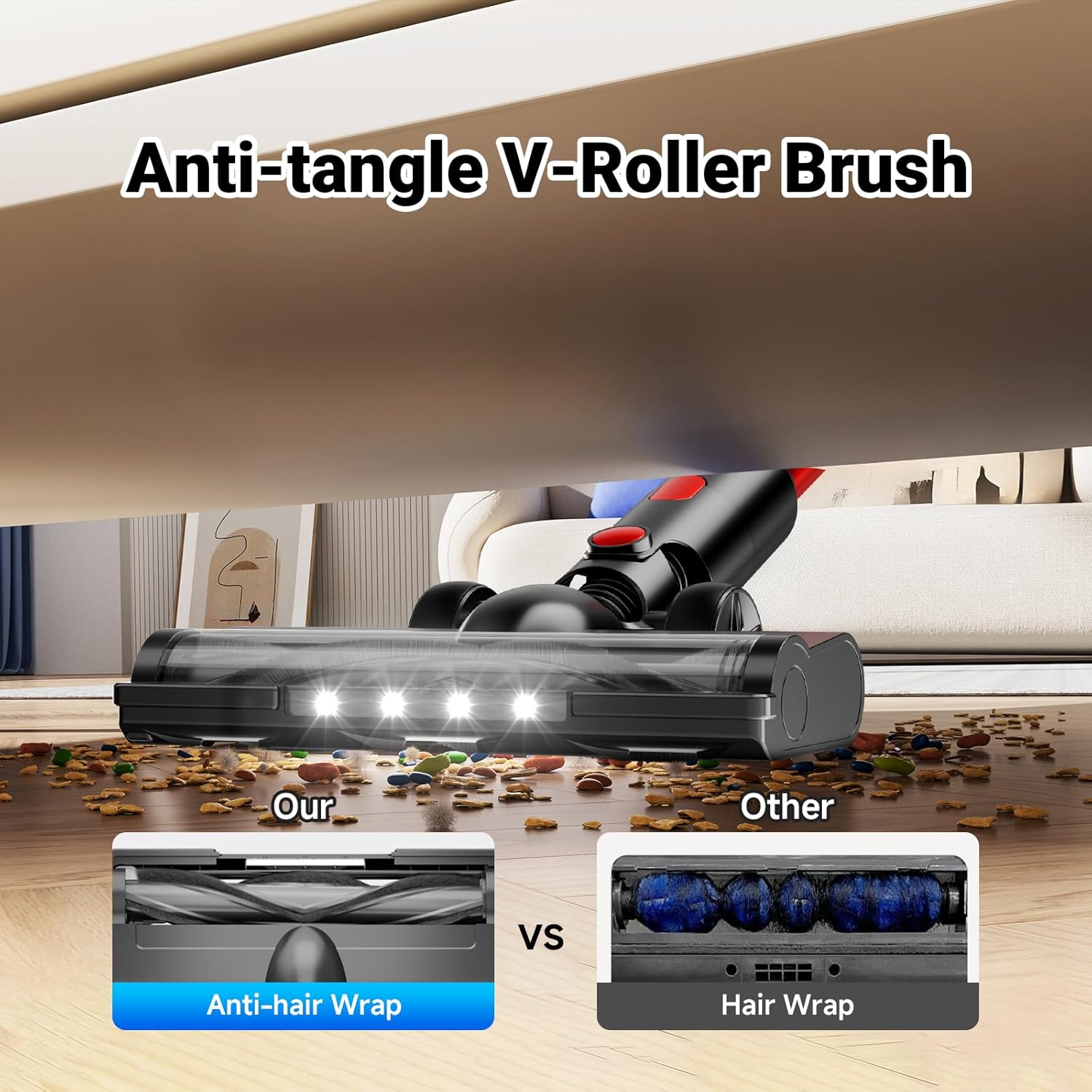
- Cleaning the Anti-Tangle V-Roller Brush: The motorized brush features an anti-tangle design. Periodically check the brush roll for any tangled hair or debris. Use scissors to cut away any wrapped hair and remove it.

Troubleshooting
Common Issues and Solutions
| Problem | Possible Cause | Solution |
|---|---|---|
| Vacuum does not turn on | Battery is not charged or not properly installed. | Ensure the battery is fully charged and correctly inserted into the main motor unit. |
| Reduced suction power | Dust cup is full, filters are clogged, or there is a blockage in the tube/brush. | Empty the dust cup. Clean all filters thoroughly. Check the extension tube and motorized brush for any obstructions and remove them. |
| Brush roll not spinning | Hair or debris tangled in the brush roll, or a blockage. | Turn off the vacuum and remove any tangled hair or debris from the brush roll. Check for blockages in the brush head. |
| Unusual noise | Blockage in the air path or foreign object in the brush roll. | Turn off the vacuum and inspect all parts for blockages or foreign objects. Remove any found. |
Specifications
Technical Data
- Brand: BSNAW
- Model Name: N501 (XL-613H)
- Motor Power: 250W (Upgraded)
- Suction Power: Up to 30000Pa (Max Mode)
- Voltage: 22.2 Volts (DC)
- Battery Capacity: 6 * 2200mAh (Lithium-Ion)
- Runtime: Up to 45 minutes (Eco Mode), 20 minutes (Max Power Mode)
- Charging Time: Approximately 4 hours
- Dust Cup Capacity: 1 Liter
- Filtration System: 6-stage HEPA filtration, captures 99.99% of 0.1-micron dust
- Surface Recommendation: Hard Floor, Carpet
- Special Features: Lightweight, Cordless, LED Display, Anti-Tangle V-Roller Brush, Flexible Head, LED Headlights, Wall Mount
- Item Dimensions (L x W x H): 76.2 x 25.4 x 38.1 Centimetres
Warranty and Customer Support
BSNAW is committed to providing high-quality products and excellent customer service.
This product comes with a lifetime customer service guarantee and exchange service. If you encounter any issues with your BSNAW N501 Cordless Vacuum Cleaner, please do not hesitate to contact our support team.
For assistance, please refer to the contact information provided on your purchase receipt or visit the official BSNAW website for support options.