
1. Product Overview
The Jojoka 12 Drawer Dresser is a versatile storage solution designed for bedrooms, living rooms, and hallways. It features twelve spacious drawers for organizing various items and includes a built-in charging station for electronic devices. This unit can also serve as a TV stand, supporting screens up to 65 inches.
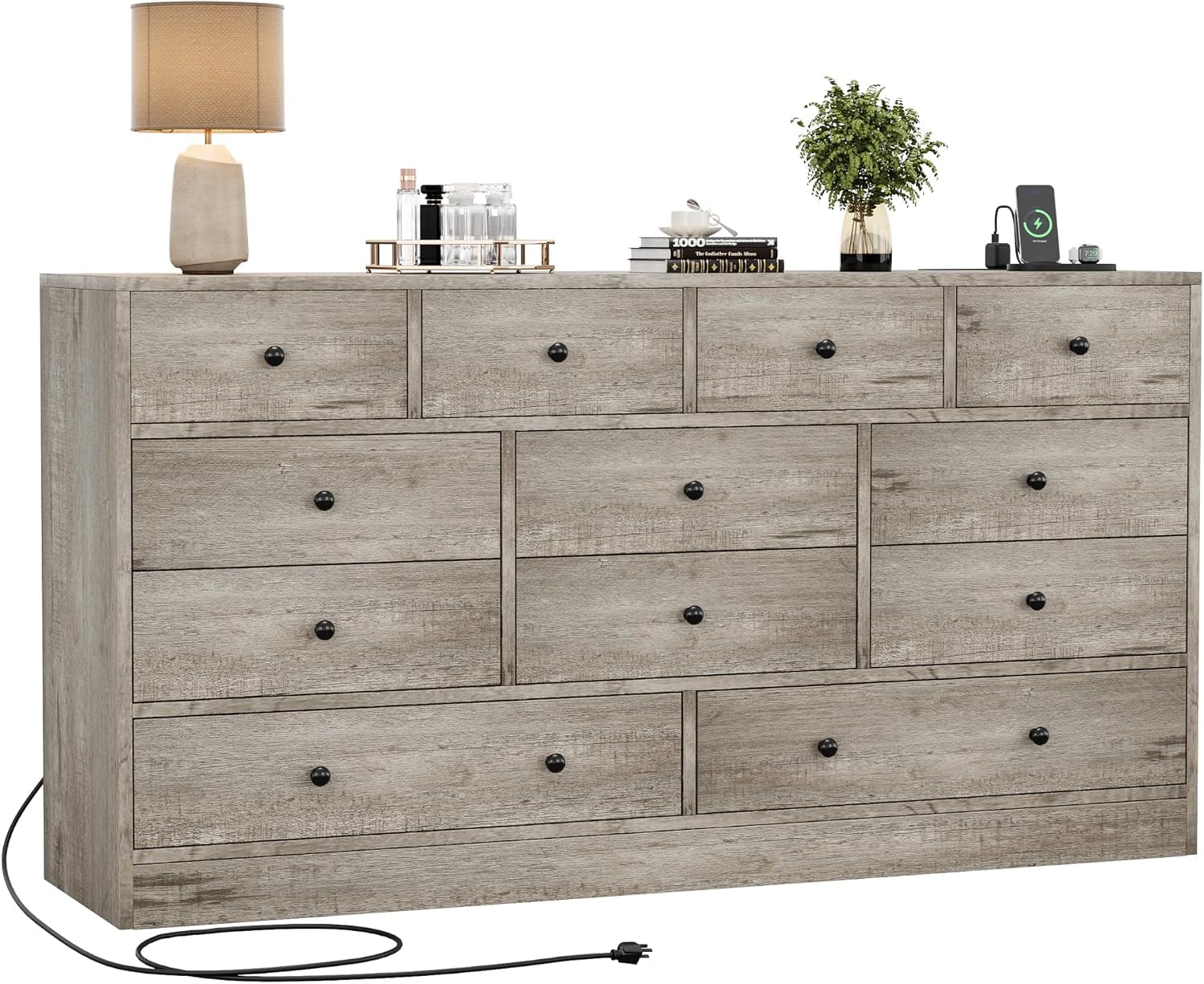
Image 1.1: The Jojoka 12 Drawer Dresser in a living room, functioning as a TV stand.
2. Safety Instructions
Please read and follow all safety instructions carefully before assembly and use to prevent injury or damage.
- Anti-Tip Kit: Always install the included anti-tip hardware to secure the dresser to the wall. This is crucial for stability and preventing tip-over accidents, especially in households with children or pets.
- Weight Distribution: Distribute weight evenly across drawers and the top surface. Avoid placing heavy items on the edges or in only one section.
- Drawer Use: Do not allow children to climb on or play with the drawers. Open only one drawer at a time to maintain stability.
- Electrical Safety: When using the charging station, ensure all devices are compatible with the power output. Do not overload the outlets. Keep liquids away from the charging station.
- Assembly: Assemble the unit on a soft, clean surface to prevent scratches. Ensure all screws and fasteners are tightened securely before use.
3. Setup and Assembly
The Jojoka 12 Drawer Dresser requires assembly. Follow the detailed instructions provided in the included assembly manual. All necessary hardware is supplied.
3.1 Included Components
- 1 x 12 Drawer Dresser (shipped in 2 packages)
- 1 x Power Outlet (for charging station)
- 1 x Hardware Pack (screws, fasteners, anti-tip kit)
- 1 x Assembly Instruction Manual
3.2 Assembly Steps (General Guidelines)
- Unpack all components and verify against the parts list in the assembly manual.
- Identify and separate similar parts.
- Follow the step-by-step diagrams and instructions in the manual to construct the dresser frame.
- Install the drawer slides and assemble the drawers.
- Insert the assembled drawers into the frame.
- Install the power outlet for the charging station according to the manual.
- Securely attach the anti-tip kit to the dresser and to a wall stud using appropriate hardware.

Image 3.1: Dimensions of the dresser and individual drawers, illustrating the product's size and packaging.
4. Operating Instructions
4.1 Drawer Usage
The dresser features twelve drawers of varying sizes, designed for organized storage. Each drawer runs on metal slides for smooth operation.
- To open a drawer, gently pull the knob.
- To close, push the drawer firmly until it is fully seated.
- Avoid forcing drawers open or closed.
- Utilize the different drawer sizes to categorize and store clothing, accessories, linens, or other household items efficiently.

Image 4.1: The dresser with drawers open, demonstrating its large storage capacity and organization potential.
4.2 Charging Station
The integrated charging station provides convenient access to power for your electronic devices.
- Plug the dresser's power cord into a standard wall outlet.
- The charging station includes 2 AC outlets and USB ports.
- Connect your phone, tablet, lamp, or other compatible devices to the available ports.
- Ensure devices are properly connected for charging.
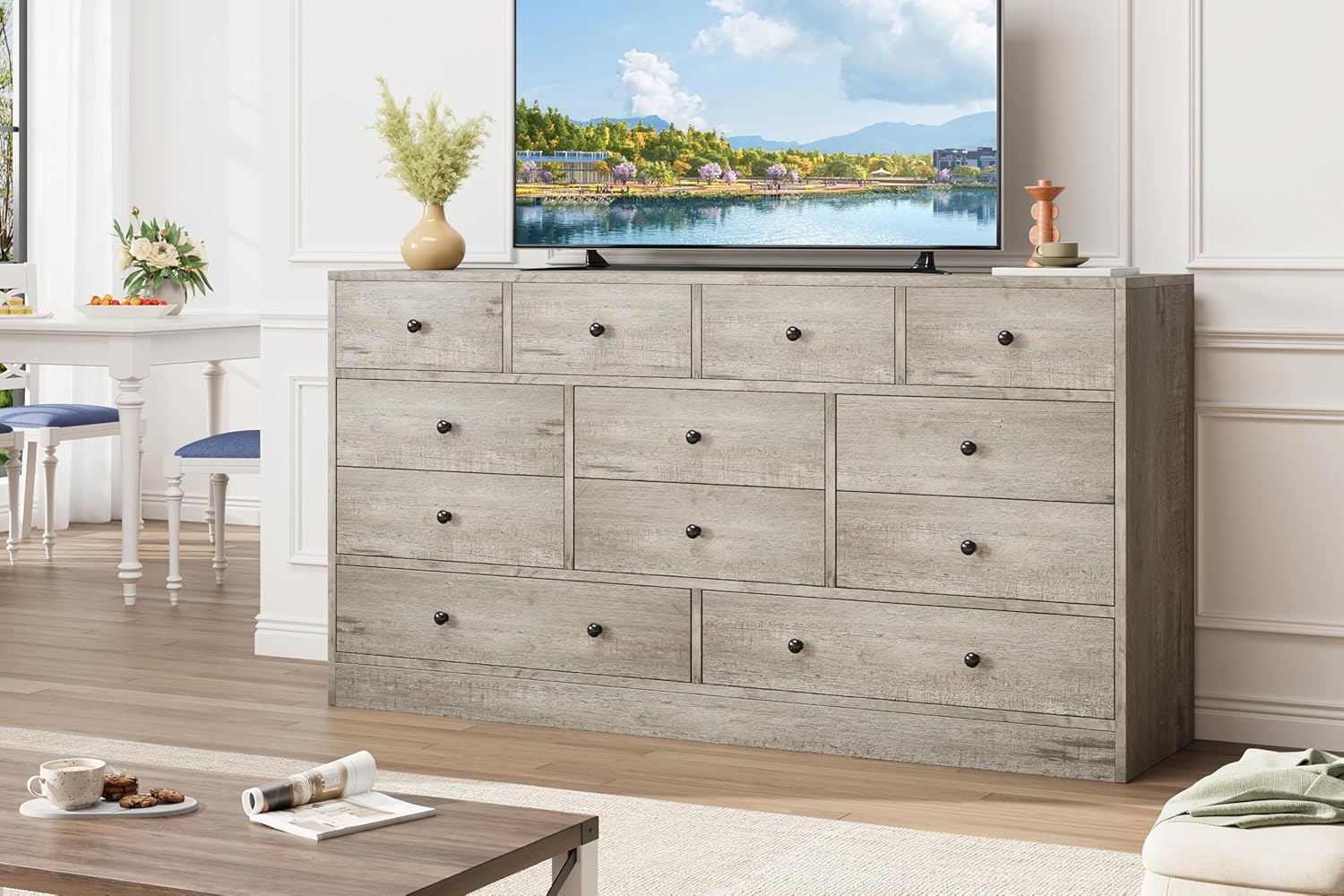
Image 4.2: Detailed view of the charging station and other structural features of the dresser.
5. Maintenance
Proper maintenance ensures the longevity and appearance of your Jojoka dresser.
- Cleaning: Wipe the surface with a soft, slightly damp cloth. Avoid harsh chemicals or abrasive cleaners, which can damage the finish.
- Dusting: Regularly dust the dresser with a dry, soft cloth.
- Fasteners: Periodically check all screws and fasteners and tighten them if necessary to maintain stability.
- Spills: Clean up spills immediately to prevent staining or damage to the engineered wood.
- Sunlight: Avoid prolonged exposure to direct sunlight, which can cause fading or discoloration.
6. Troubleshooting
If you encounter any issues with your dresser, refer to the following common solutions:
- Drawers stick or do not slide smoothly:
- Check if the drawer is overloaded. Remove some items.
- Ensure the drawer is correctly aligned on its slides.
- Verify that the metal slides are clean and free of obstructions.
- Check if all assembly screws for the slides are tight.
- Dresser feels wobbly:
- Ensure all assembly screws are fully tightened.
- Verify the dresser is placed on a level surface.
- Confirm the anti-tip kit is securely installed to the wall.
- Charging station not working:
- Check if the dresser's main power cord is securely plugged into a functional wall outlet.
- Ensure the power outlet component is correctly installed within the dresser.
- Test the wall outlet with another device to confirm it has power.
- Avoid overloading the charging station with too many high-power devices.
7. Specifications
| Brand | Jojoka |
| Model Name | 5LO-PUIM-3FFRBVYV-6QRB9NAB7PF |
| Model Number | Gray-NTSBTRR |
| Material | Engineered Wood (MDF) |
| Color | Grey |
| Product Dimensions (Overall) | 61" W x 15.7" D x 31.4" H |
| Number of Drawers | 12 |
| Charging Station | 2 AC Outlets + USB Ports |
| Assembly Required | Yes |
| Item Weight | 149.14 Pounds |
| UPC | 827283229740 |
Note: Overall product dimensions are based on the product description and visual information.
8. Warranty and Support
8.1 Return Policy
This product is eligible for a 30-day easy return policy. Please refer to the retailer's return policy for specific terms and conditions regarding refunds or replacements.
8.2 Customer Support
For assembly assistance, missing parts, or any other product-related inquiries, please contact the seller, Luyiwei, directly through the platform where the purchase was made. Responsive customer support is available to ensure a smooth experience.
You can typically find seller contact information on your order details page or by visiting the Luyiwei seller page.