
Introduction
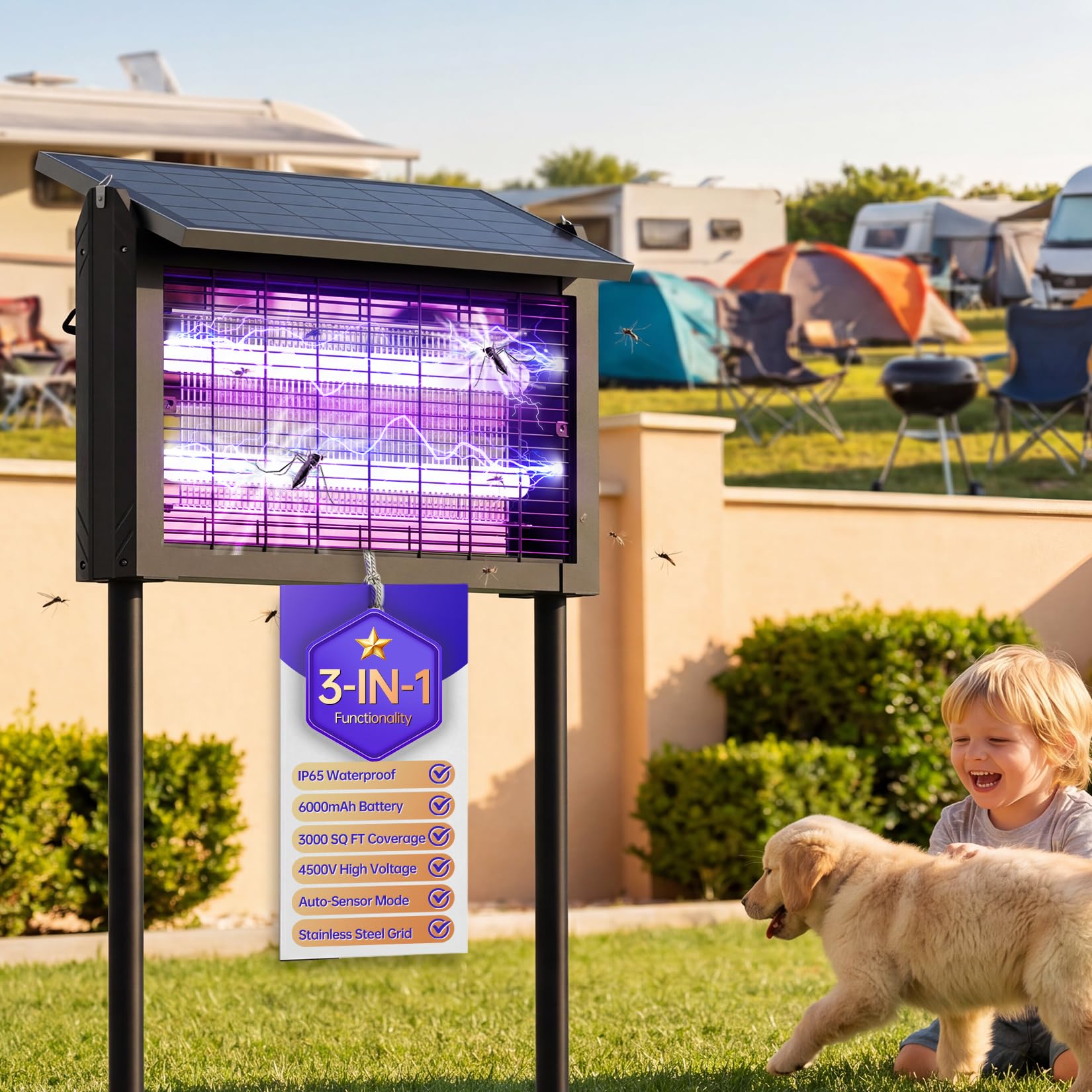
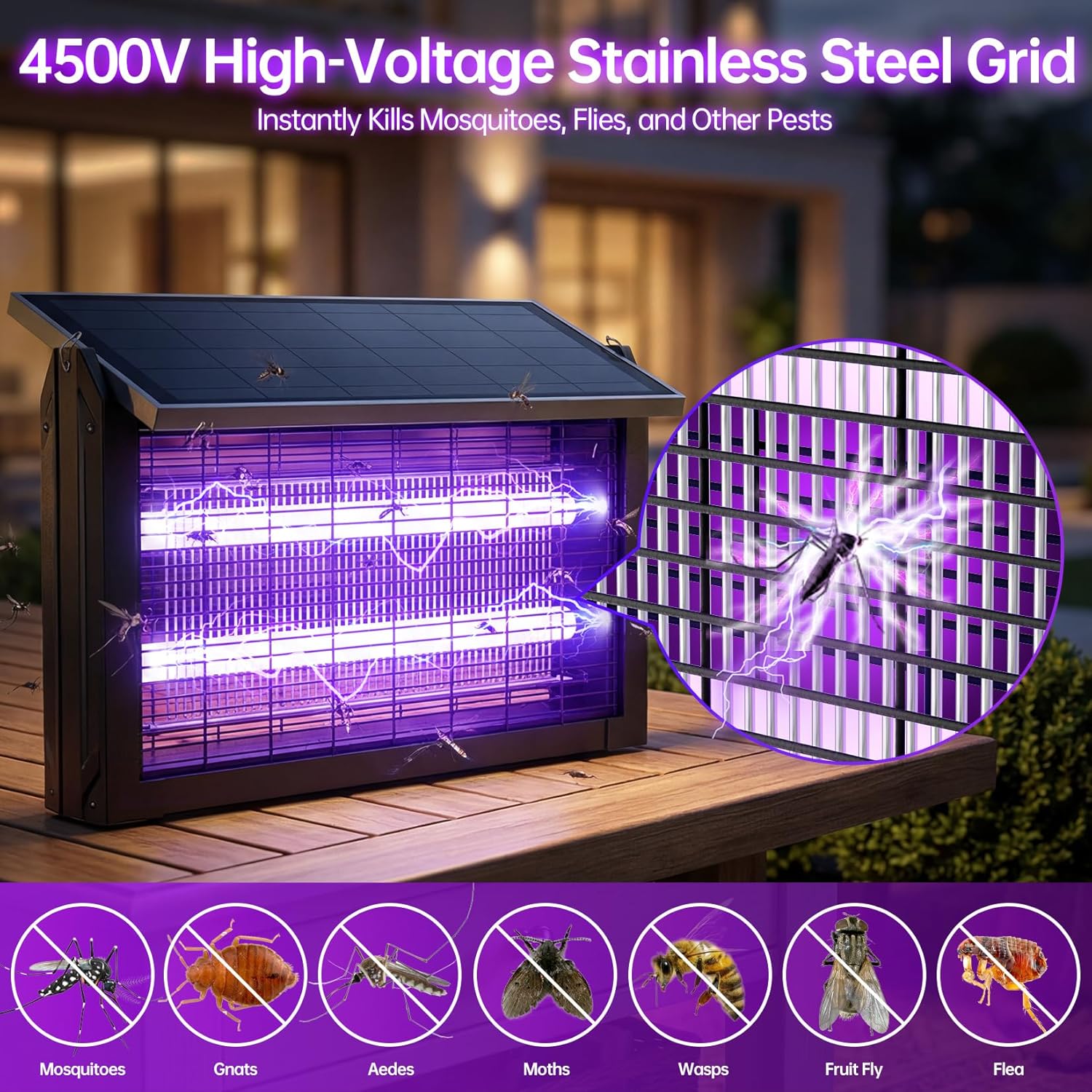
The Aeroguard ZD25-912 Solar Bug Zapper is designed to attract and eliminate flying insects such as mosquitoes, gnats, moths, and fruit flies using UV light and a high-voltage grid. This device features dual charging options (solar and USB-C), multiple operating modes, and a waterproof design for versatile indoor and outdoor use. This manual provides essential information for the safe and effective operation and maintenance of your bug zapper.
Safety Information
- High Voltage: The internal grid operates at 4500V. Do not touch the internal grid with bare hands or conductive materials when the device is powered on.
- Children and Pets: Keep the device out of reach of children and pets.
- Waterproof Rating: The device is IP65 waterproof, meaning it is protected against dust and low-pressure water jets. However, ensure the power switch is in the OFF position before rinsing or cleaning with water. Avoid submerging the device in water.
- Placement: Place the bug zapper at least 20-25 feet away from areas of human activity to draw insects away from people.
- Power Source: Use only the provided USB-C cable for charging. Ensure the power source meets the device's specifications.
- Maintenance: Always turn off and unplug the device before performing any cleaning or maintenance.
Package Contents
Verify that all items are present in the package:
- Bug Zapper Unit (x1)
- Ground Brackets (x2)
- Solar Panel (x1)
- Screws (x2)
- Hanging Chain (x1)
- Cleaning Brush (x1)
- 10ft Extension Charging Cable (USB-C) (x1)
- User Manual (x1)

Setup
The Aeroguard ZD25-912 offers three installation methods:
- Stake Installation: Attach the two ground brackets to the bottom of the bug zapper unit using the provided screws. Insert the assembled unit firmly into the ground in your desired outdoor location.
- Hanging Installation: Attach the hanging chain to the designated hooks on the top of the bug zapper unit. Hang the unit from a hook, branch, or other suitable support.
- Stand Placement: The unit can also be placed directly on a flat surface such as a countertop, table, or floor without additional attachments.
Ensure the solar panel is positioned to receive maximum direct sunlight for optimal charging. If placing in a shaded area, utilize the 10ft extension USB-C cable to position the solar panel in a sunnier spot.


Video 1: Demonstrates the waterproof feature and outdoor placement of the solar bug zapper.
Operating Instructions
The bug zapper features a power switch with three positions: OFF, Mode I (Light-sensitive), and Mode II (Always-on).
- Power On: Locate the power switch on the side of the unit.
- Select Mode: Slide the switch to either Mode I or Mode II based on your preference.
- Power Off: Slide the switch to the OFF position to turn off the device.

Video 2: Shows the power switch and how to select operating modes.
Modes of Operation
- Light-sensitive Mode (Mode I): In this mode, the bug zapper charges during the day via the solar panel and automatically activates at night when ambient light levels are low. It will turn off automatically when daylight returns. This mode is recommended for extending battery life.
- Always-on Mode (Mode II): This mode provides continuous operation, eliminating mosquitoes and other insects regardless of daylight conditions. The device will continue to operate while solar charging.
Charging
The Aeroguard ZD25-912 offers two charging methods:
- Solar Charging: The integrated 15W solar panel charges the 6000mAh rechargeable battery during daylight hours. In Light-sensitive Mode, the device will charge during the day and operate at night.
- USB-C Charging: For faster charging or during periods of low sunlight, use the included 10ft USB-C cable to charge the device. A full charge typically takes approximately 4 hours via USB-C and can provide up to 13 hours of operation.
Maintenance
Regular cleaning ensures optimal performance and extends the lifespan of your bug zapper.
- Power Off: Always turn off the device and disconnect any charging cables before cleaning.
- Clean the Grid: Use the provided cleaning brush to gently remove dead insects from the high-voltage grid. Avoid using metal objects that could damage the grid or cause a shock.
- Exterior Cleaning: Wipe the exterior of the unit with a damp cloth. Ensure the power switch is in the OFF position if rinsing the unit with water, as per the IP65 rating.
- Solar Panel: Keep the solar panel clean and free of dust or debris to ensure efficient charging.
Video 3: Demonstrates the bug zapper in operation and highlights its features, including ease of maintenance.
Troubleshooting
| Problem | Possible Cause | Solution |
|---|---|---|
| Zapper does not turn on. | Battery is depleted. | Charge the device fully using the USB-C cable (approx. 4 hours) or place it in direct sunlight for solar charging. |
| Zapper does not turn on at night in Light-sensitive Mode. | Insufficient solar charging during the day. | Ensure the solar panel receives at least 6-8 hours of direct sunlight. Consider USB-C charging if solar conditions are poor. |
| Short operating time after full charge. | Battery degradation or extreme temperatures. | Ensure the battery is fully charged. Operating in very cold conditions can reduce battery performance. If the issue persists, contact customer support. |
| Fewer insects are being zapped. | Grid is dirty or UV light is obstructed. | Clean the high-voltage grid with the provided brush. Ensure the UV light is not blocked by debris. |
| Device appears damaged or faulty. | Manufacturing defect or physical damage. | Do not attempt to repair the device yourself. Contact Aeroguard customer support for assistance. |
Specifications
- Brand: Aeroguard
- Model Number: ZD25-912
- Color: Black
- High Voltage Grid: 4500V
- UV Wavelength: 365-395nm
- Coverage Area: Up to 2100 sq. ft. (approximately 1/2 acre)
- Solar Panel: 15W
- Battery Capacity: 6000mAh rechargeable battery
- Charging Time (USB-C): Approximately 4 hours
- Operating Time (Full Charge): Up to 13 hours
- Waterproof Rating: IP65
- UPC: 783970069306

Warranty and Support
For warranty information or technical support, please refer to the product packaging or contact Aeroguard customer service directly. Keep your purchase receipt as proof of purchase for any warranty claims.