
1. Introduction
The ALIENTEK EL15 is a compact, high-precision, and high-power density DC electronic load designed for various testing applications. It features a 1.9-inch IPS LCD for clear display, 24-bit high-performance ADC for excellent readback accuracy, and supports multiple operating modes including Constant Current (CC), Constant Voltage (CV), Constant Resistance (CR), and Constant Power (CP). This manual provides essential information for the safe and efficient operation of your EL15 electronic load.
2. Safety Information
Please read and understand all safety instructions before operating the ALIENTEK EL15. Failure to follow these instructions may result in electric shock, fire, or damage to the device or other equipment.
- Do not operate the device in wet or damp conditions.
- Ensure proper ventilation to prevent overheating. The device is equipped with 13000RPM dual fans for heat dissipation.
- Do not exceed the maximum input voltage (60V), current (12A), or power (150W) ratings.
- Always connect the load to the power source before applying power.
- Use only the provided accessories or approved replacements.
- Do not attempt to disassemble or modify the device. Refer all servicing to qualified personnel.
- Keep the device away from flammable materials.
3. Package Contents
Verify that all items listed below are included in your package. If any items are missing or damaged, please contact your supplier.

The package includes the ALIENTEK EL15 Electronic Load unit, an Alligator Clip Power Cable, a DIP Connector (XT30U-F Female Connector), and a 1.2m USB Type-C Cable.
- ALIENTEK EL15 Electronic Load Unit
- Alligator Clip Power Cable
- DIP Connector (XT30U-F Female Connector)
- USB Type-C Cable (1.2m)
4. Product Overview
The ALIENTEK EL15 is a versatile electronic load with advanced features for precise testing and analysis.

The ALIENTEK EL15 is a Mini DC Electronic Load designed for various testing applications including battery capacity, scan, power supply dynamic, DCR internal resistance, and automatic test list functions. It supports Constant Current (CC), Constant Voltage (CV), Constant Resistance (CR), and Constant Power (CP) modes, with an input range of 0.1-60V, 0-12A, and a maximum power of 150W.
Key Features:
- Compact Design: High power density in a small form factor.
- High Precision: Equipped with a 24-bit high-performance ADC for excellent readback accuracy.
- Efficient Cooling: Features 13000RPM dual fans for effective heat dissipation.
- Clear Display: 1.9-inch IPS LCD provides a delicate and rich display of parameters.
- Robust Protection: Incorporates six-fold protection mechanisms for safe and reliable use.
- Premium Build: Full aluminum CNC craftsmanship ensures a durable and high-quality finish.
- Bluetooth Connectivity: Supports mobile app control via 'ATK-xTOOL' for Android and iOS.
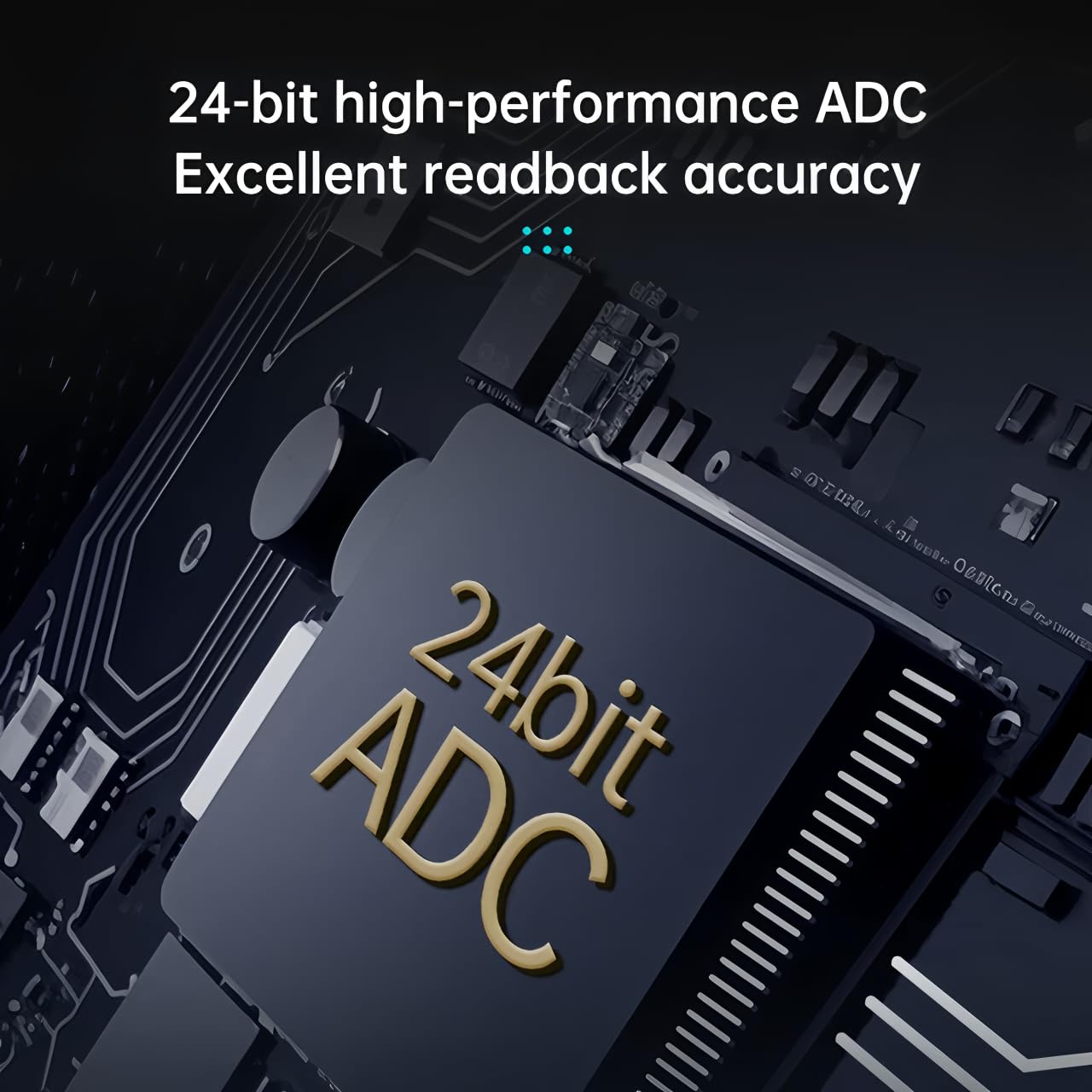
The EL15 features a 24-bit high-performance Analog-to-Digital Converter (ADC) for precise and accurate measurement readouts.

The device includes Bluetooth functionality, allowing control and monitoring via the 'ATK-xTOOL' mobile application, compatible with both Android and iOS devices.

Despite its compact size, the EL15 offers a high power capacity of 150W, making it significantly smaller than traditional electronic loads.
5. Setup
5.1 Initial Inspection
Before connecting the device, inspect the EL15 and all accessories for any signs of damage. Ensure all components listed in Section 3 are present.
5.2 Connecting the Load
The EL15 supports both local and remote measurement configurations. Choose the appropriate wiring method based on your testing requirements.

The EL15 supports both local and remote measurement configurations. For local measurement, only two load wires (positive and negative) are connected between the electronic load and the source. For remote measurement, four wires are used: two load wires for current transmission and two remote compensation wires (connected to the XT30 male connector) for detecting the actual output voltage of the source under test, ensuring high-precision measurements.
- Local Measurement: Connect the positive and negative terminals of the power source under test directly to the corresponding input terminals on the EL15 using the provided alligator clip power cable. This method is suitable for quick measurements.
- Remote Measurement: For high-precision measurements, especially with long cables or high currents, use the four-wire remote sensing method. Connect two load wires for current and two separate compensation wires (via the XT30U-F connector) to the sense points at the load of the power source. This compensates for voltage drops across the load wires.
5.3 Powering On
Connect the EL15 to a suitable power supply using the USB Type-C cable. The device will power on and display the main interface on the IPS LCD.
6. Operating Instructions
The ALIENTEK EL15 offers several basic measurement modes to meet various testing requirements.

The EL15 supports four basic measurement modes: Constant Current Mode (CC) where the load draws current at a set value regardless of input voltage changes; Constant Voltage Mode (CV) where the load maintains a constant input voltage by drawing current; Constant Resistance Mode (CR) where the load acts as a constant resistor, dynamically adjusting current based on input voltage; and Constant Power Mode (CP) where the load dynamically adjusts current to maintain constant power consumption.
6.1 Basic Measurement Modes
- Constant Current Mode (CC): In this mode, the electronic load draws a constant current from the power source, irrespective of changes in the input voltage. This is useful for testing power supply current limits or battery discharge characteristics.
- Constant Voltage Mode (CV): The load maintains a constant input voltage by adjusting the current drawn. This mode is suitable for testing voltage regulators or battery charging circuits.
- Constant Resistance Mode (CR): The load simulates a constant resistance. The current drawn will be proportional to the input voltage (I = V/R). This is useful for testing power supplies under varying load conditions.
- Constant Power Mode (CP): The load maintains a constant power consumption (P = V * I) by dynamically adjusting the current drawn as the input voltage changes. This mode is ideal for testing power supplies under constant power demands.
6.2 Navigation and Settings
Use the navigation buttons on the device to select and adjust parameters for each mode. Refer to the on-screen interface for specific menu options and value adjustments. The 1.9-inch IPS LCD provides clear visual feedback.
6.3 Mobile App Control (Bluetooth)
Download the 'ATK-xTOOL' app from your device's app store (Android/iOS). Enable Bluetooth on your mobile device and pair it with the EL15. The app allows for remote control, monitoring, and data logging, enhancing the usability of the electronic load.
7. Maintenance
7.1 Cleaning
Regularly clean the exterior of the EL15 with a soft, dry cloth. Do not use abrasive cleaners or solvents. Ensure the ventilation openings are free from dust and debris to maintain optimal cooling performance.
7.2 Storage
When not in use, store the EL15 in a cool, dry place, away from direct sunlight and extreme temperatures. Keep it protected from dust and moisture.
8. Troubleshooting
If you encounter issues with your ALIENTEK EL15, refer to the following common troubleshooting steps:
- Device not powering on: Ensure the USB Type-C cable is securely connected to a functional power source.
- No load current: Check all wiring connections, especially the positive and negative load terminals. Verify that the selected operating mode and set parameters are appropriate for your test.
- Overheating: Ensure the device's ventilation fans are not obstructed and that there is adequate airflow around the unit. Reduce the load if operating continuously at maximum power.
- Inaccurate readings: For high-precision measurements, ensure you are using the remote sensing (four-wire) connection method. Check for loose connections or damaged cables.
- Bluetooth connectivity issues: Ensure Bluetooth is enabled on your mobile device and the EL15. Restart both devices and try pairing again. Confirm you have the correct 'ATK-xTOOL' app installed.
If the problem persists after attempting these steps, please contact customer support.
9. Specifications
| Parameter | Value |
|---|---|
| Model Number | EL15 |
| Maximum Power | 150W |
| Voltage Range | 0.1V - 60V |
| Current Range | 0A - 12A |
| ADC Resolution | 24-bit |
| Display | 1.9-inch IPS LCD |
| Cooling System | Dual 13000RPM Fans |
| Connectivity | Bluetooth (ATK-xTOOL App) |
| Manufacturer | Guangzhou xingyi electronic technology co., ltd |
| Country of Origin | China |
10. Warranty and Support
10.1 Warranty Information
The ALIENTEK EL15 DC Electronic Load comes with a 1-year warranty from the date of purchase. This warranty covers defects in materials and workmanship under normal use. It does not cover damage caused by misuse, accident, unauthorized modification, or improper operation.
10.2 Customer Support
For technical assistance, warranty claims, or any questions regarding the operation of your ALIENTEK EL15, please contact your retailer or the manufacturer's customer support. Please have your model number and purchase date available when contacting support.

