
1. Important Safety Information
Please read all instructions carefully before using your XIAOWTEK S58 Wireless Earbuds. Retain this manual for future reference.
- Do not expose earbuds or charging case to extreme temperatures or direct sunlight.
- Avoid contact with liquids, although the earbuds are IPX7 water-resistant, the charging case is not.
- Do not attempt to disassemble or modify the product. This may void the warranty and cause damage.
- Keep out of reach of children and pets.
- Dispose of batteries and electronic components responsibly according to local regulations.
2. Package Contents
Verify that all items are present in your package:
- XIAOWTEK S58 Wireless Earbuds (L/R)
- Charging Case
- USB Type-C Charging Cable
- User Manual

Image: Contents of the XIAOWTEK S58 Earbuds package, including earbuds, charging case, and cable.
3. Product Overview
The XIAOWTEK S58 Wireless Earbuds feature an ergonomic in-ear design and come with a compact charging case. The charging case includes a dual digital LED display to show the battery levels of both the earbuds and the case itself.

Image: The S58 earbuds in their charging case, illustrating the LED power display for both earbuds and the case.
4. Charging
4.1 Charging the Charging Case
- Connect the provided USB Type-C cable to the charging port on the case.
- Connect the other end of the cable to a USB power adapter (not included) or a computer's USB port.
- The LED display on the case will show the charging progress, flashing from 1 to 100, indicating the battery percentage.
- Once fully charged, the display will show '100' steadily.
4.2 Charging the Earbuds
- Place the earbuds into their respective slots in the charging case. Ensure the charging contacts align.
- Close the charging case lid. The earbuds will automatically begin charging.
- The LED display on the case will show individual battery levels for each earbud.
- A full charge provides approximately 6 hours of playtime per earbud. The fully charged case can provide an additional 4 full charges, totaling up to 50 hours of music time.
Video: This video demonstrates the unboxing, initial setup, and charging process for the S58 Wireless Earbuds, including connecting to a device and using them during various activities.
5. Setup
5.1 First-Time Pairing
- Ensure the earbuds are charged.
- Open the charging case. The earbuds will automatically power on and enter pairing mode.
- On your device (smartphone, tablet, laptop), enable Bluetooth.
- Search for Bluetooth devices and select "S58" from the list.
- Once connected, you will hear an audio prompt, and the earbuds will be ready for use.
The S58 earbuds feature an upgraded Bluetooth 5.4 chip, offering lower power consumption, stronger signal penetration, and a stable connection within 15 meters for smooth, synced audio.
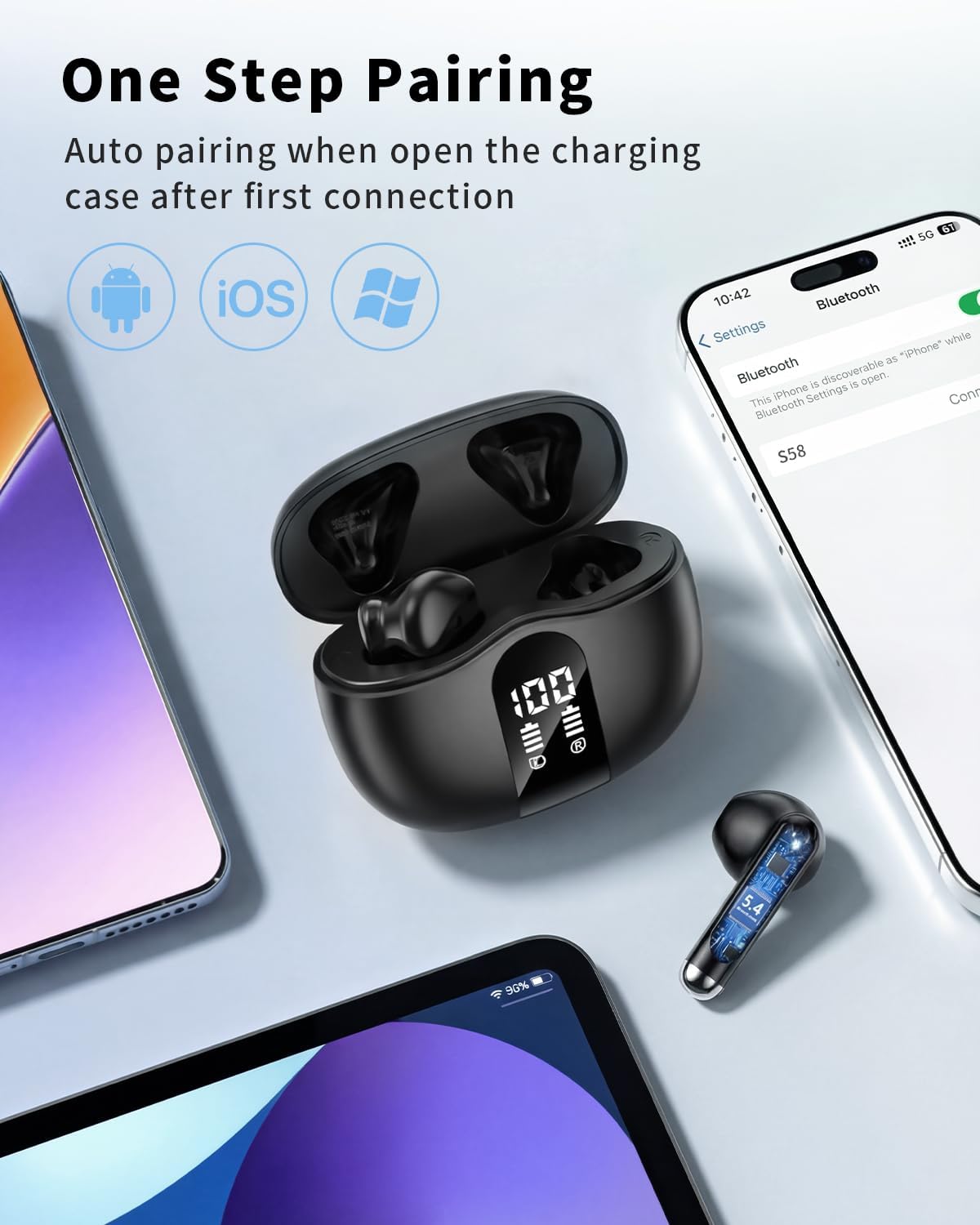
Image: The S58 earbuds demonstrating one-step auto-pairing with various devices like smartphones and tablets.
5.2 Wearing the Earbuds
- Identify the left (L) and right (R) earbuds.
- Gently insert each earbud into your ear canal.
- Adjust the earbud for a comfortable and secure fit. The ergonomic design and soft silicone tips help ensure stability and passive noise isolation.
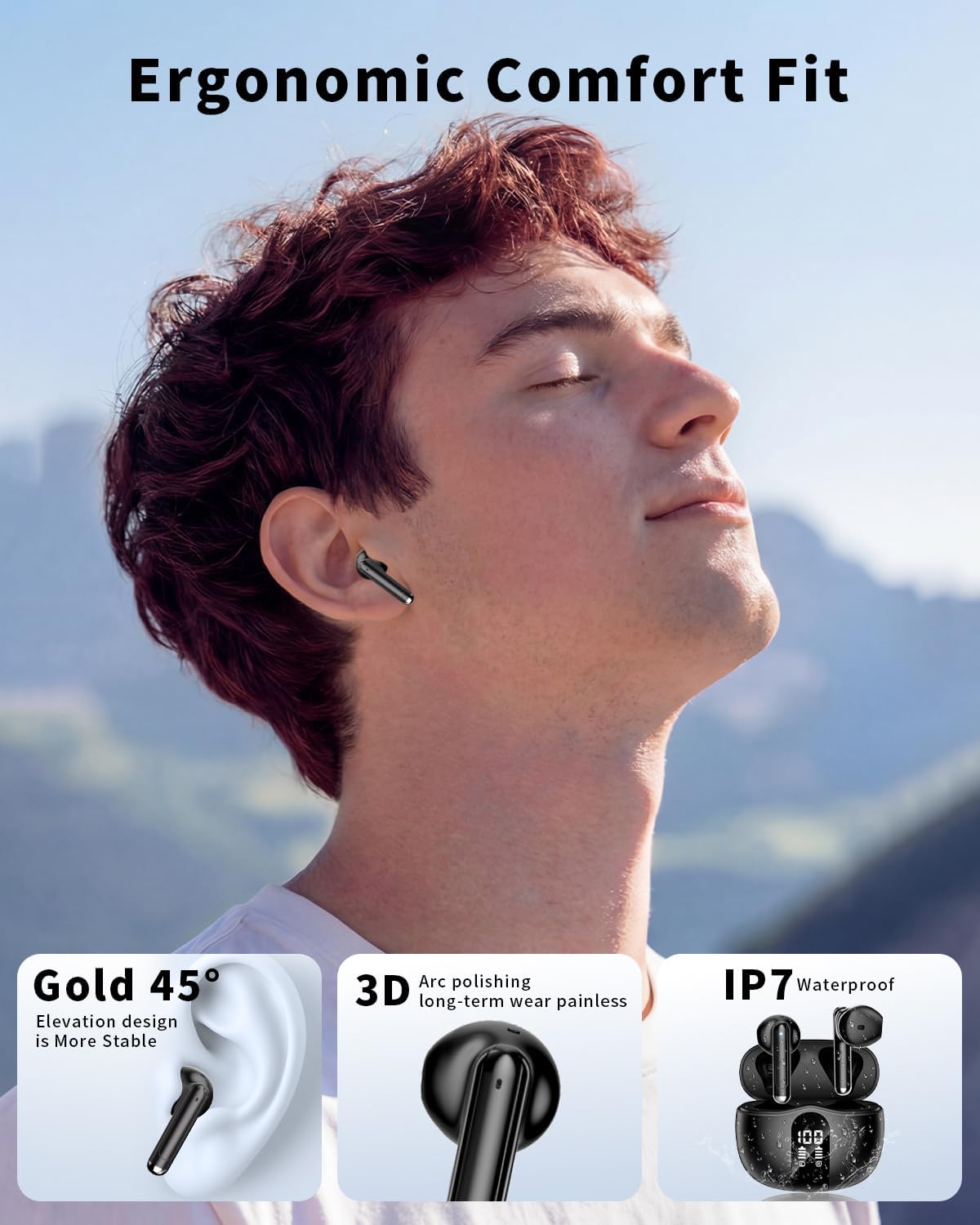
Image: A person wearing the S58 earbuds, illustrating the ergonomic comfort fit and mentioning IPX7 waterproof rating.
6. Operating Instructions
6.1 Touch Controls
The S58 earbuds feature smart touch controls on the outer surface of each earbud. Refer to the diagram below for specific functions:
- Single Tap:
- Right Earbud: Increase volume
- Left Earbud: Decrease volume
- Double Tap:
- Both Earbuds: Play/Pause music, Answer/End call
- Triple Tap:
- Both Earbuds: Activate Voice Assistant
- Press and Hold (2 seconds):
- Right Earbud: Next track
- Left Earbud: Previous track
- Both Earbuds (during incoming call): Reject incoming call

Image: Detailed diagram illustrating the touch control functions for both the left and right S58 earbuds.
6.2 Call Functions
The S58 earbuds are equipped with 4 ENC (Environmental Noise Cancellation) microphones to ensure clear call quality by reducing background noise.
- Answer/End Call: Double tap either earbud.
- Reject Call: Press and hold either earbud for 2 seconds during an incoming call.
7. Maintenance
7.1 Cleaning
Regular cleaning helps maintain optimal performance and hygiene:
- Use a soft, dry, lint-free cloth to wipe the earbuds and charging case.
- Do not use abrasive cleaners, solvents, or harsh chemicals.
- Gently clean the charging contacts on both the earbuds and the case to ensure proper charging.
7.2 Water Resistance
The S58 earbuds are IPX7 waterproof, meaning they can withstand sweat, splashes, and light rain. They are not designed for swimming, showering, or submersion in water. The charging case is not water-resistant.
7.3 Storage
When not in use, store the earbuds in their charging case to protect them and keep them charged. Store the case in a cool, dry place away from direct sunlight.
8. Troubleshooting
If you encounter issues with your earbuds, try the following steps:
- Earbuds not pairing:
- Ensure both earbuds are fully charged.
- Make sure Bluetooth is enabled on your device.
- Place earbuds back in the case, close the lid, wait a few seconds, then open to re-enter pairing mode.
- On your device, forget/delete "S58" from your Bluetooth list and attempt to re-pair.
- Only one earbud working:
- Place both earbuds into the charging case, close the lid, and then open it again. This often resets the connection.
- Ensure both earbuds have sufficient battery.
- No sound:
- Check the volume level on both your device and the earbuds.
- Ensure the earbuds are properly connected to your device.
- Try playing audio from a different application or source.
- Charging issues:
- Verify that the charging cable is securely connected to both the case and the power source.
- Ensure the power source is functional.
- Clean the charging contacts on the earbuds and inside the case.
9. Specifications
| Feature | Specification |
|---|---|
| Brand | XIAOWTEK |
| Model Name | S58 |
| Bluetooth Version | 5.4 |
| Earbud Playtime (Single Charge) | Up to 6 hours |
| Total Playtime (with Charging Case) | Up to 50 hours |
| Charging Case Battery Capacity | 470mAh |
| Driver Size | 13mm |
| Microphones | 4 ENC (Environmental Noise Cancellation) Mics |
| Waterproof Rating | IPX7 (Earbuds only) |
| Compatibility | Android 4.4+, iOS 8.0+, Bluetooth 4.0+ devices |
| Form Factor | In Ear |
| Connectivity Technology | Wireless |
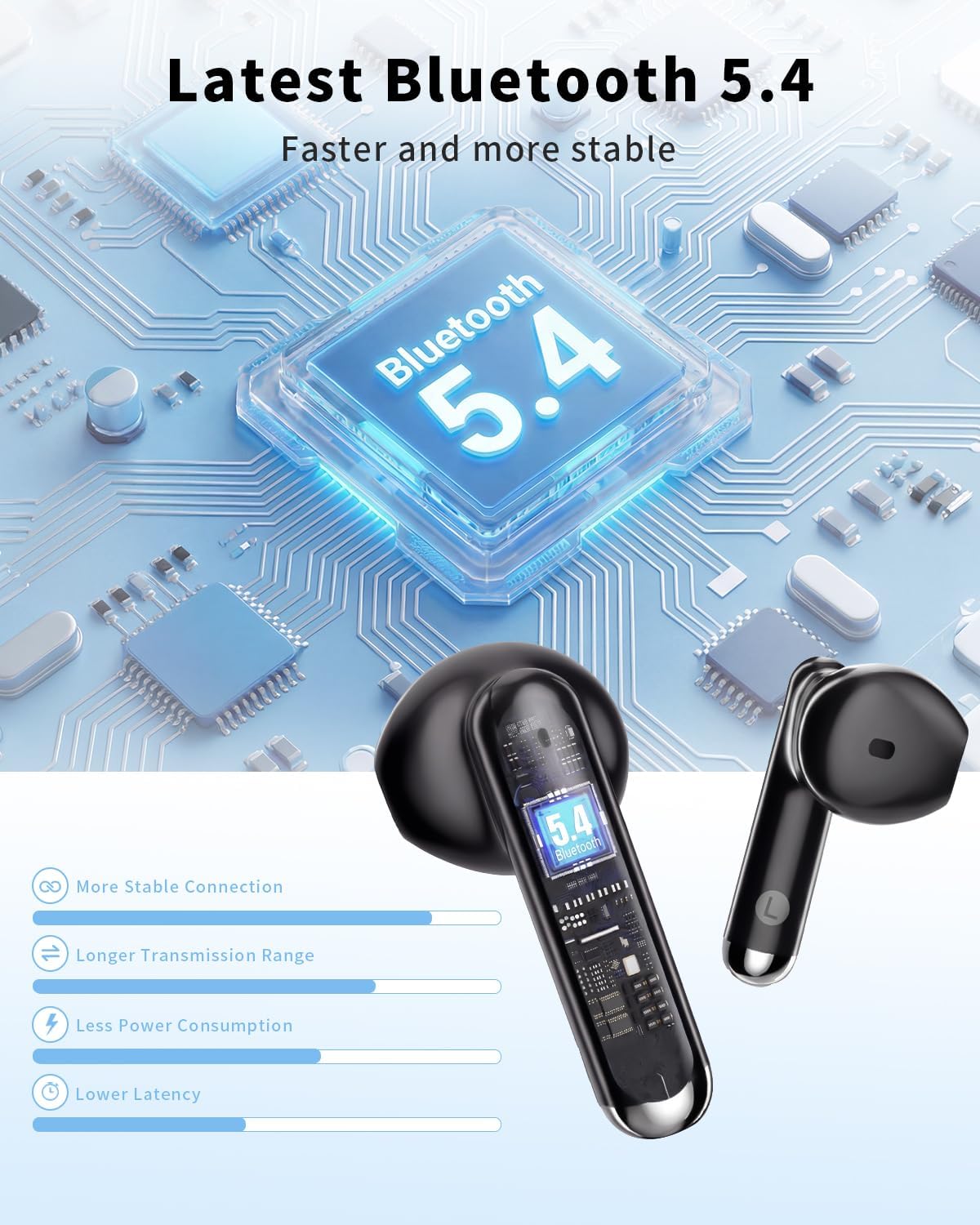
Image: Visual representation of the Bluetooth 5.4 technology, highlighting its faster and more stable connection benefits.
10. Warranty Information
The XIAOWTEK S58 Wireless Earbuds come with a 1 Year Manufacturer Warranty. Please retain your proof of purchase for warranty claims. For detailed terms and conditions, refer to the warranty card included in your package or contact customer support.
11. Customer Support
If you have any questions, concerns, or require further assistance with your XIAOWTEK S58 Wireless Earbuds, please contact our customer support team. Refer to your purchase documentation or the product packaging for specific contact information (e.g., email address, website).