
1. Introduction
This manual provides essential information for the proper setup, operation, and maintenance of your ELEGOO UNO R4 WIFI Super Starter Kit. This kit is designed for individuals interested in electronics, programming, and IoT projects, offering a comprehensive set of components and a powerful microcontroller board. It is fully compatible with the Arduino IDE and original Arduino shields, making it suitable for both beginners and experienced users.
2. Product Overview
The ELEGOO UNO R4 WIFI board is a versatile microcontroller featuring a 32-bit, 48 MHz Renesas RA4M1 processor. It includes a USB-C port for connectivity, an 8x12 LED matrix for visual feedback, a Qwiic connector for easy expansion, and integrated Wi-Fi and Bluetooth capabilities for wireless projects. This board serves as the core of the Super Starter Kit, enabling a wide range of interactive STEM and IoT applications.

Image: Detailed view of the ELEGOO UNO R4 WIFI board, showing the main chip, USB-C port, LED matrix, and various pin headers.

Image: Close-up of the ELEGOO UNO R4 WIFI board's processor, detailing its 48 MHz clock speed and 32 KB Flash memory.
3. Kit Contents
The ELEGOO UNO R4 WIFI Super Starter Kit includes over 200 components and practical modules to facilitate diverse projects. The kit is designed to provide a progressive learning path from basic programming to advanced prototypes.

Image: All components of the ELEGOO UNO R4 WIFI Super Starter Kit laid out, including the UNO R4 board, various sensors, wires, and other electronic parts.
Key Components:
- ELEGOO UNO R4 WIFI Control Board
- Ultrasonic Sensor
- PIR Motion Sensor
- RFID Module
- OLED Display
- Keypad
- Joystick Module
- Relay Module
- Servo Motor
- Stepper Motor
- DC Motor and Fan
- Temperature and Humidity Sensor
- Breadboard
- Jumper Wires
- LEDs (various colors)
- Resistors (various values)
- USB-C Cable
- 9V Battery Connector
- And many more essential electronic components.
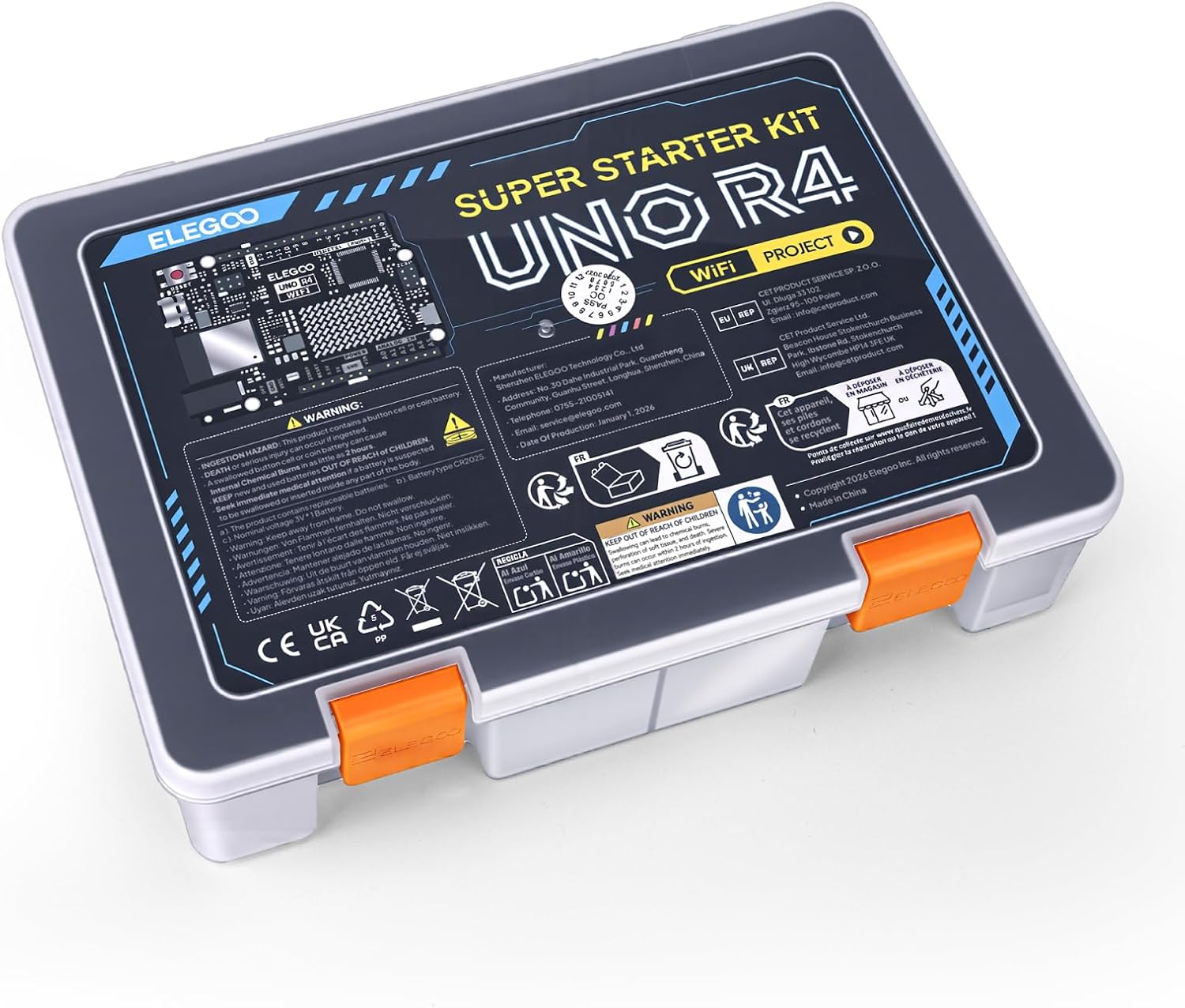
Image: The ELEGOO UNO R4 WIFI Super Starter Kit neatly organized within its clear plastic storage box.
4. Setup Instructions
To begin using your ELEGOO UNO R4 WIFI Super Starter Kit, follow these general setup guidelines. Detailed, step-by-step tutorials with clear wiring diagrams and example code are available online to guide you through various projects.
4.1 Software Installation:
- Download Arduino IDE: Visit the official Arduino website (www.arduino.cc/en/software) to download and install the latest version of the Arduino Integrated Development Environment (IDE) compatible with your operating system (Mac, Windows).
- Install Board Support Package: Within the Arduino IDE, navigate to the Board Manager and install the necessary board support package for the Arduino UNO R4 WIFI.
- Install Libraries: For specific components in your kit, you may need to install additional libraries. These can typically be found and installed via the Library Manager in the Arduino IDE.
4.2 Hardware Connection:
- Connect the UNO R4 WIFI Board: Use the provided USB-C cable to connect your ELEGOO UNO R4 WIFI board to your computer. This connection provides power and allows for code uploads.
- Assemble Circuits: Refer to the online tutorials for specific project wiring diagrams. Use the breadboard and jumper wires to connect components (sensors, LEDs, motors, etc.) to the UNO R4 WIFI board. Ensure all connections are secure and correctly aligned to prevent damage.
- Power Supply: For projects requiring more power or standalone operation, connect an external 7-9V DC power supply to the board's DC input jack.

Image: A child engaging with the ELEGOO UNO R4 WIFI kit, assembling components on a breadboard while following instructions on a tablet.

Image: Hands connecting wires to a breadboard, illustrating the practical assembly of electronic circuits.
5. Operating Instructions
Once your hardware is connected and software is installed, you can proceed with programming and operating your projects.
5.1 Programming and Uploading:
- Open Example Code: Utilize the provided example code from the online tutorials or write your own sketch in the Arduino IDE.
- Select Board and Port: In the Arduino IDE, select "Arduino UNO R4 WIFI" from the Tools > Board menu and choose the correct serial port for your connected board.
- Verify and Upload: Click the "Verify" button to compile your code and check for errors. If successful, click the "Upload" button to transfer the compiled code to your UNO R4 WIFI board.
5.2 Utilizing Wireless Features:
The integrated Wi-Fi and Bluetooth capabilities allow for advanced projects involving network communication and remote control. Refer to specific tutorials for examples on how to configure and use these features for IoT applications.

Image: A child observing data on a smartphone, connected to an electronic project built using the kit.
6. Maintenance
Proper care and maintenance will extend the lifespan of your ELEGOO UNO R4 WIFI Super Starter Kit components.
- Storage: Store all components in their original packaging or a dedicated storage box in a dry, cool environment, away from direct sunlight and moisture.
- Handling: Handle the circuit board and sensitive components by their edges to avoid touching pins or integrated circuits directly, which can cause damage from static electricity or oils from your skin.
- Cleaning: If necessary, gently clean the board and components with a soft, dry brush or a lint-free cloth. Avoid using liquids or abrasive cleaners.
- Power Off: Always disconnect power before making any changes to your circuit connections.
7. Troubleshooting
If you encounter issues, consider the following common troubleshooting steps:
- Board Not Detected: Ensure the USB-C cable is securely connected to both the board and your computer. Verify that the correct drivers are installed and the serial port is selected in the Arduino IDE.
- Code Upload Failure: Check for compilation errors in the Arduino IDE. Ensure the correct board and port are selected. Disconnect and reconnect the USB cable.
- Component Not Working: Double-check all wiring connections against the schematic. Ensure the component is correctly oriented (e.g., LEDs, diodes). Verify that the component requires external power and that it is supplied correctly.
- Power Issues: If using an external power supply, ensure it provides the correct voltage (7-9V DC) and sufficient current.
- Unexpected Behavior: Review your code for logical errors. Test individual parts of your circuit to isolate the problem.
For persistent issues, refer to the online tutorials and community forums, or contact ELEGOO technical support.
8. Specifications
| Feature | Specification |
|---|---|
| Brand | ELEGOO |
| Model Name | UNO R4 Super Starter Kit |
| Model Number | ELEGOO UNO R4 |
| Manufacturer Part Number | EL-KIT-0025 |
| Processor Manufacturer | Renesas |
| Number of Processors | 1 |
| RAM Size | 32 KB |
| RAM Technology | SRAM |
| Connectivity Technology | USB, Wi-Fi |
| Total USB Ports | 1 (USB-C) |
| Operating Systems | MAC, Windows |
| Package Contents | UNO R4 Board, over 200 components |
| Country of Origin | China |
9. Warranty Information
The ELEGOO UNO R4 WIFI Super Starter Kit comes with a 2-year manufacturer warranty. Please retain your proof of purchase for any warranty claims. For details regarding warranty terms and conditions, please contact ELEGOO customer support.
10. Support
ELEGOO is committed to providing timely technical support for installation, programming, wiring, and troubleshooting. For further assistance, please utilize the following resources:
- Online Tutorials: Access professional online tutorials and step-by-step graphical manuals provided by ELEGOO.
- Community Forums: Engage with the ELEGOO and Arduino communities for shared knowledge and problem-solving.
- Technical Support: Contact ELEGOO directly for dedicated technical assistance. Refer to the product packaging or the official ELEGOO website for contact information.


