
1. Introduction
This manual provides detailed instructions for the installation, operation, and maintenance of your Memphis ME-AMP80.4 Class D 4-Channel Amplifier. Please read this manual thoroughly before attempting to install or operate the amplifier to ensure proper use and optimal performance. Keep this manual for future reference.
2. Safety Information
Always observe the following safety precautions during installation and operation:
- Disconnect the vehicle's negative battery terminal before starting any electrical work.
- Ensure all wiring is properly routed and secured to prevent damage or short circuits.
- Use appropriate gauge wiring for power and ground connections as specified in the installation section.
- Install the amplifier in a location that allows for adequate ventilation to prevent overheating.
- Avoid installing the amplifier in areas exposed to moisture or direct sunlight.
- If you are unsure about any part of the installation process, consult a professional car audio installer.
3. Package Contents
Verify that all items are present in the package:
- 1x Memphis ME-AMP80.4 Class D 4-Channel Amplifier
- User Manual (this document)
- Mounting hardware (screws, washers)
4. Product Overview
The Memphis ME-AMP80.4 Class D 4-channel amplifier is engineered to deliver power, efficiency, and high-quality sound for car audio systems. It provides a maximum power of 1600W and an output of 80W RMS per channel, ensuring stable and precise amplification for speakers. Its Class D architecture enhances energy efficiency and reduces heat generation, contributing to reliable performance. This amplifier is specifically designed for speakers, providing balanced reproduction of mid and high frequencies with detail and power. Integrated protections against overheating, short circuit, and overload ensure safety and durability.
Key Features:
- Class D 4-channel amplifier for car audio systems.
- 1600W Max Power, 80W x4 RMS.
- High energy efficiency with reduced heat generation.
- Professional audio with superior fidelity and performance.
- Integrated protections against overheating, short circuit, and overload.
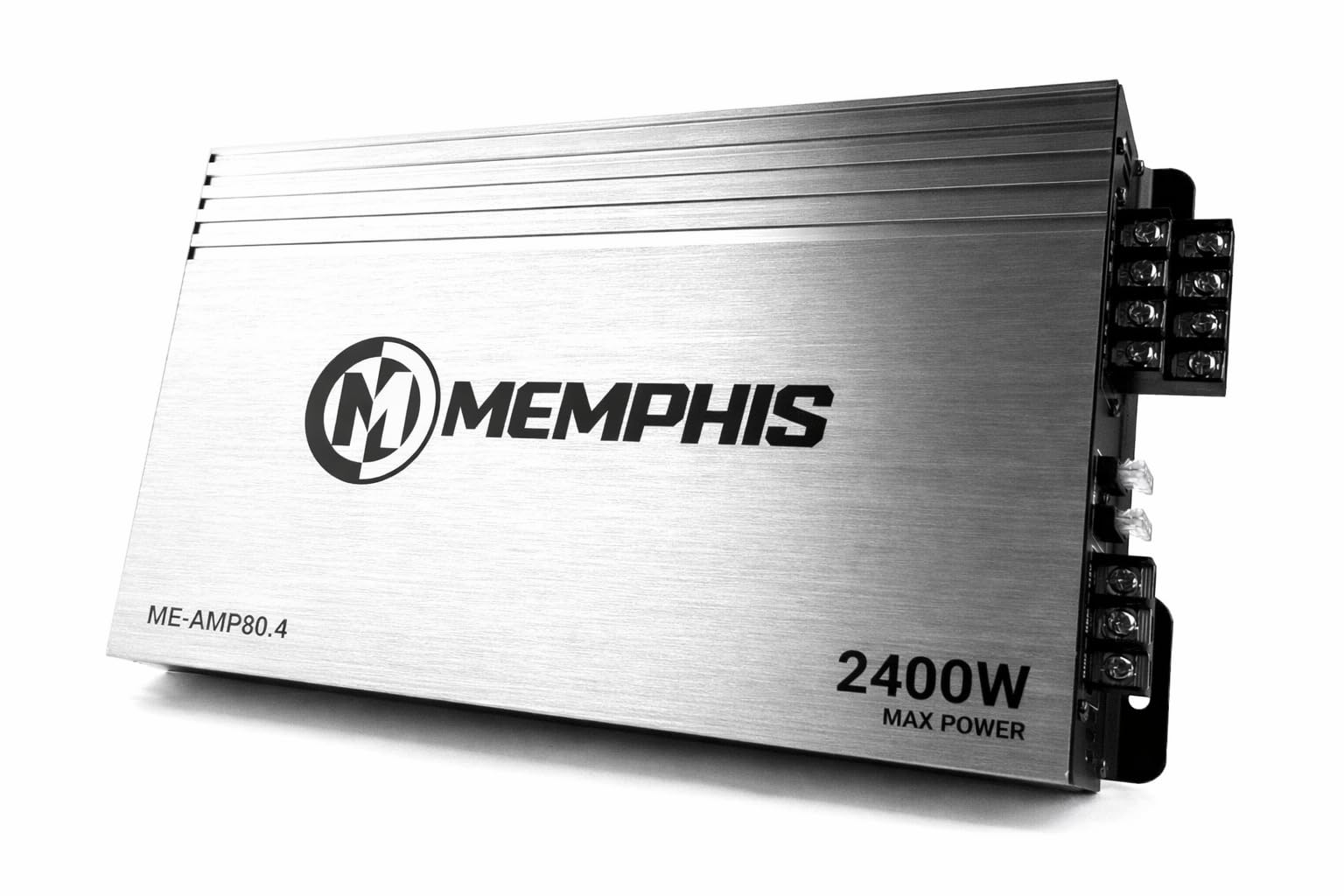
Figure 4.1: Top view of the Memphis ME-AMP80.4 Class D 4-Channel Amplifier, showcasing its brushed aluminum finish and branding.
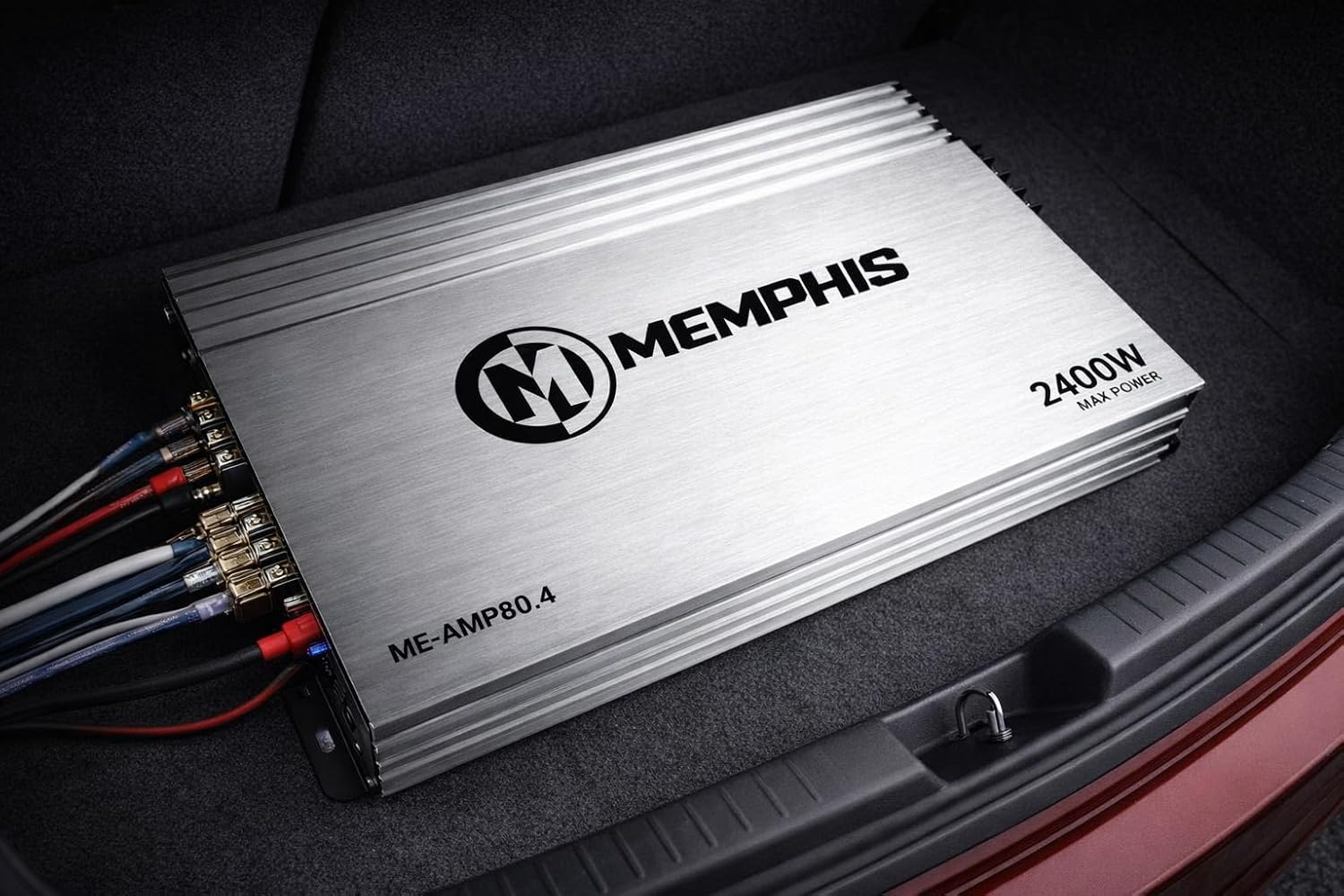
Figure 4.2: The Memphis ME-AMP80.4 amplifier installed in a vehicle's trunk, demonstrating its compact size and integration with car audio wiring.
5. Setup and Installation
Proper installation is crucial for optimal performance and safety. Follow these steps carefully:
5.1 Mounting Location
Choose a dry, well-ventilated location away from direct heat sources and moisture. Ensure sufficient space around the amplifier for air circulation. Common locations include under seats, in the trunk, or behind panels.
5.2 Wiring Connections
Refer to Figure 5.1 for the rear panel connections and Figure 5.2 for the front panel controls.

Figure 5.1: Rear panel of the amplifier showing power, ground, remote, fuse, and speaker output terminals.
- Power (BATT+): Connect a direct wire from the positive terminal of the vehicle's battery. Use an appropriate gauge wire (e.g., 8 AWG or larger) and install an in-line fuse (not supplied) within 18 inches of the battery.
- Ground (GND): Connect a short wire (same gauge as power) from the amplifier to a clean, unpainted metal surface on the vehicle's chassis. Ensure a good electrical connection.
- Remote (REM): Connect a thin wire from the amplifier's remote terminal to the remote output of your head unit. This turns the amplifier on and off with your car stereo.
- Speaker Outputs (FL, FR, RL, RR): Connect your speakers to the corresponding terminals. Ensure correct polarity (+ to + and - to -) for each speaker. This amplifier is designed for speakers, not subwoofers.
- Fuses: The amplifier includes integrated fuses. Do not attempt to bypass or replace with higher-rated fuses.
5.3 Audio Input
Connect your head unit's RCA outputs to the amplifier's RCA inputs (IN). Ensure left and right channels are correctly matched.
6. Operating Instructions
The ME-AMP80.4 features various controls to fine-tune your audio system. Refer to Figure 6.1 for control locations.
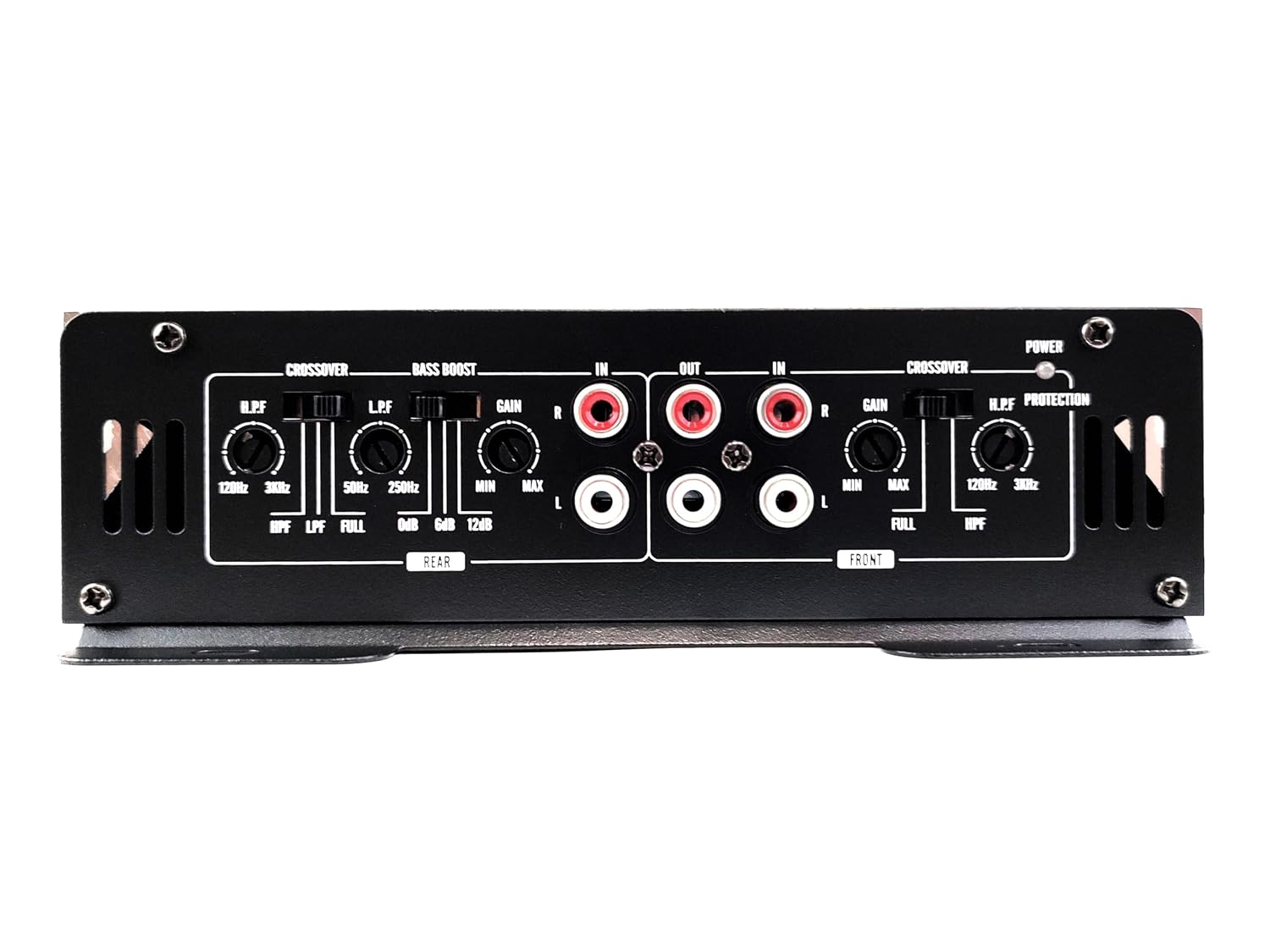
Figure 6.1: Front panel of the amplifier showing input, output, gain, crossover, and bass boost controls.
- Gain Control (GAIN): Adjusts the input sensitivity of the amplifier to match the output level of your head unit. Start with the gain at minimum and slowly increase it until you achieve clear, undistorted sound at your desired volume.
- Crossover (CROSSOVER): This amplifier features selectable crossover modes for each channel pair (FRONT/REAR).
- LPF (Low Pass Filter): Allows only frequencies below the set point to pass through. Typically used for subwoofers (though this amplifier is speaker-focused, this setting might be available for specific speaker configurations).
- HPF (High Pass Filter): Allows only frequencies above the set point to pass through. Ideal for full-range speakers to prevent distortion from low frequencies.
- FULL: Bypasses the crossover, allowing the full frequency range to pass through.
- Bass Boost (BASS BOOST): Provides an adjustable boost to low frequencies. Use sparingly to avoid distortion.
7. Maintenance
The Memphis ME-AMP80.4 amplifier requires minimal maintenance:
- Periodically check all wiring connections to ensure they are secure and free from corrosion.
- Keep the amplifier clean by wiping it with a soft, dry cloth. Do not use harsh chemicals or abrasive cleaners.
- Ensure that the amplifier's cooling fins are free from dust and debris to maintain proper heat dissipation.
8. Troubleshooting
If you experience issues with your amplifier, refer to the following common problems and solutions:
| Problem | Possible Cause | Solution |
|---|---|---|
| No Power / Amplifier does not turn on | Blown fuse; Loose power/ground/remote wire; Faulty remote turn-on signal | Check and replace fuses; Verify all power, ground, and remote connections are secure; Test remote wire for 12V signal. |
| No Sound Output | Loose RCA cables; Incorrect gain setting; Speaker wires disconnected or shorted; Head unit not sending signal | Check RCA connections; Adjust gain; Inspect speaker wiring for shorts or disconnections; Verify head unit output. |
| Distorted Sound | Gain set too high; Improper crossover settings; Damaged speakers; Poor ground connection | Reduce gain; Adjust crossover settings; Inspect speakers for damage; Ensure a solid ground connection. |
| Amplifier Overheating (Protection Mode) | Insufficient ventilation; Speaker impedance too low; Prolonged high volume use | Ensure adequate airflow around the amplifier; Check speaker impedance; Reduce volume or allow amplifier to cool down. |
9. Specifications
| Feature | Specification |
|---|---|
| Model | ME-AMP80.4 |
| Amplifier Class | Class D |
| Number of Channels | 4 |
| Maximum Output Power | 1600W |
| RMS Power per Channel | 80W x 4 |
| Operating Voltage | 12 Volts (DC) |
| Dimensions (L x W x H) | 30 x 17.8 x 5.1 cm (11.8 x 7 x 2 inches) |
| Weight | 1.5 Kilograms (3.3 lbs) |
| Material | Aluminum |
10. Warranty and Support
10.1 Warranty Information
This product comes with a 30-day warranty from the date of purchase. This warranty covers manufacturing defects. Damage resulting from improper installation, misuse, accident, or unauthorized modification is not covered. Please retain your proof of purchase for warranty claims.
10.2 Customer Support
For technical assistance, troubleshooting beyond this manual, or warranty inquiries, please contact your authorized Memphis dealer or the seller from whom you purchased the product. Provide your model number (ME-AMP80.4) and a detailed description of the issue when seeking support.


