
Introduction
The Timekettle W4 Pro AI Interpreter Earbuds are designed to facilitate seamless communication across language barriers. These earbuds offer real-time, bidirectional translation in 52 languages and 106 accents, ensuring natural and spontaneous conversations. Equipped with triple-microphone noise cancellation, the W4 Pro accurately captures your voice, even in noisy environments. Key features include a Listen & Play mode for enhanced meeting experiences, instant media and call translation, and reliable offline translation capabilities for 13 language pairs across 8 major languages. The device is built for all-day use, providing up to 6 hours of continuous translation per charge, extendable to 18 hours with the charging case.
Setup
1. Unboxing and Initial Charge
Upon receiving your Timekettle W4 Pro earbuds, carefully unbox all components. It is recommended to fully charge the earbuds and the charging case before first use. Connect the charging case to a power source using the provided USB-C cable.

Image: The Timekettle W4 Pro earbuds in their charging case, ready for initial setup.
2. App Installation
Download the official Timekettle application from your device's app store (iOS or Android). The app is essential for configuring settings, managing languages, and utilizing all translation features.
3. Pairing the Earbuds
- Open the Timekettle app on your smartphone.
- Ensure Bluetooth is enabled on your smartphone.
- Open the charging case of the W4 Pro earbuds. The earbuds should automatically enter pairing mode.
- Follow the on-screen instructions in the Timekettle app to connect your W4 Pro earbuds.
Video: Demonstration of connecting the Timekettle W4 Pro earbuds to a smartphone for use with the translation app.
Operating Instructions
1. Real-Time Conversation Mode
The W4 Pro supports fluent, bidirectional translation in 52 languages and 106 accents. This mode is ideal for one-on-one conversations, allowing both parties to speak and be translated simultaneously without interruption.
- In the Timekettle app, select the "One-on-One" conversation mode.
- Each user wears one earbud.
- Speak naturally. The earbuds will translate and relay the conversation in real-time.
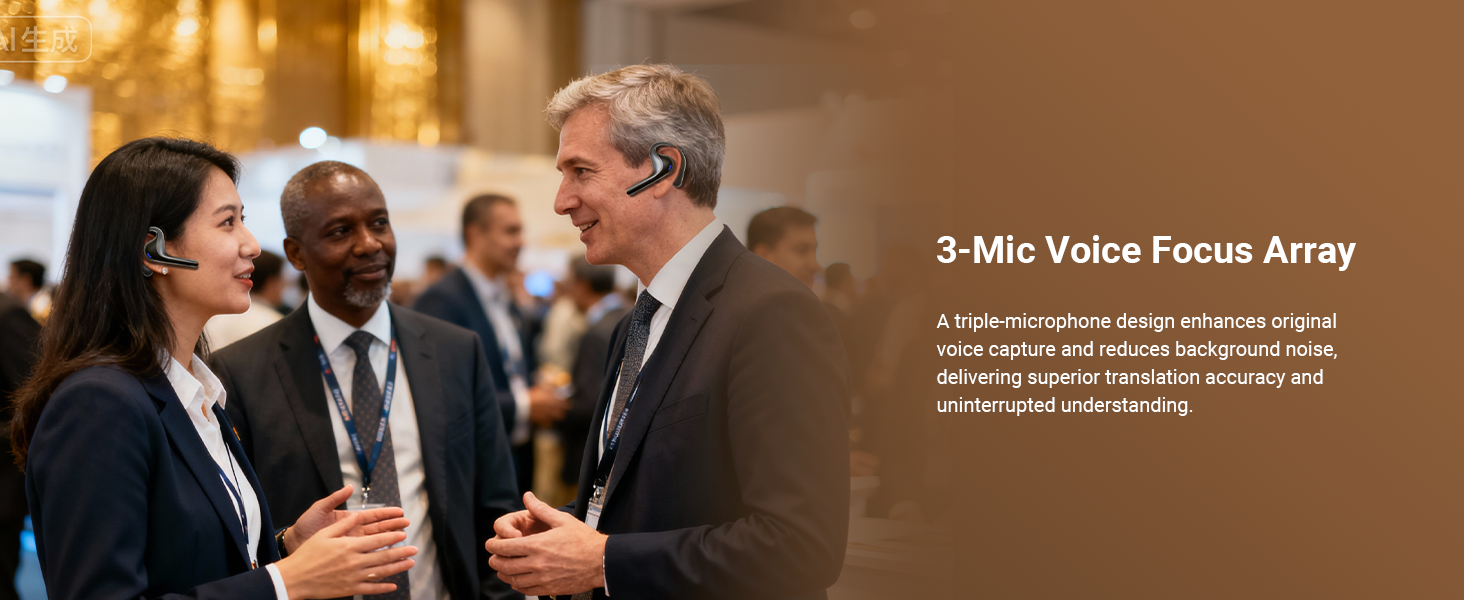
Image: Two people engaged in a conversation, each wearing a Timekettle W4 Pro earbud, demonstrating bidirectional translation.
2. Listen & Play Mode for Meetings
This mode is designed for multilingual meetings, allowing seamless switching between listening and speaking. It includes AI Semantic Segmentation to focus on key content and AI Memo for summarizing discussions.
- Activate "Listen & Play" mode within the Timekettle app.
- The earbuds will translate spoken content, and you can contribute by speaking when prompted or by tapping the earbud.
- All sessions are recorded, and AI Memo provides key takeaways.
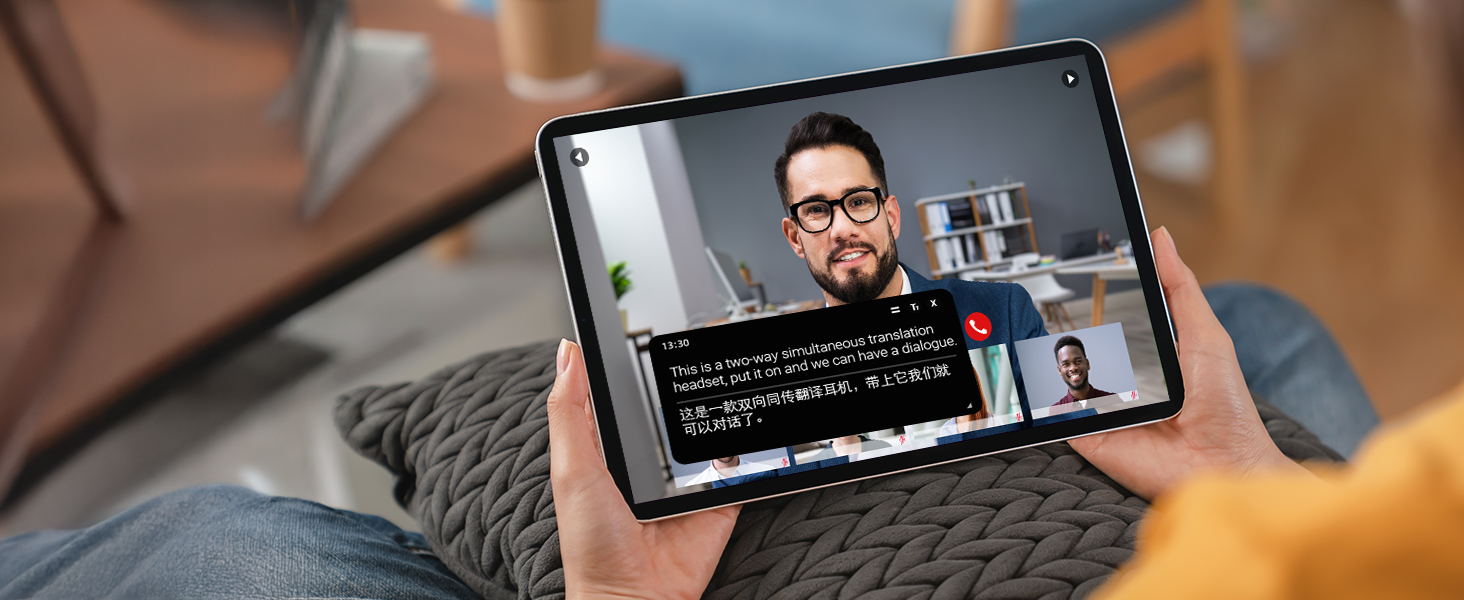
Image: A user wearing Timekettle W4 Pro earbuds during a meeting, with a phone displaying real-time translation and 'Listening'/'Speaking' options.
3. Media & Call Translation
Translate audio from videos, online content, or phone calls in real-time.
- Select "Media Translation" or "Call Translation" in the Timekettle app.
- Play media or answer a call. The translation will be delivered through your earbuds.

Image: A person using Timekettle W4 Pro earbuds to translate a video call, with the translated text visible on the phone screen.
4. Offline Translation
The W4 Pro supports offline translation for 13 language pairs across 8 major languages, including English to Spanish, Chinese, French, German, and Japanese. This feature allows translation without an internet connection.
- Download the required offline language packages via the Timekettle app while connected to the internet.
- Once downloaded, activate offline mode in the app.
- Proceed with translation as usual; the device will use the downloaded packages.
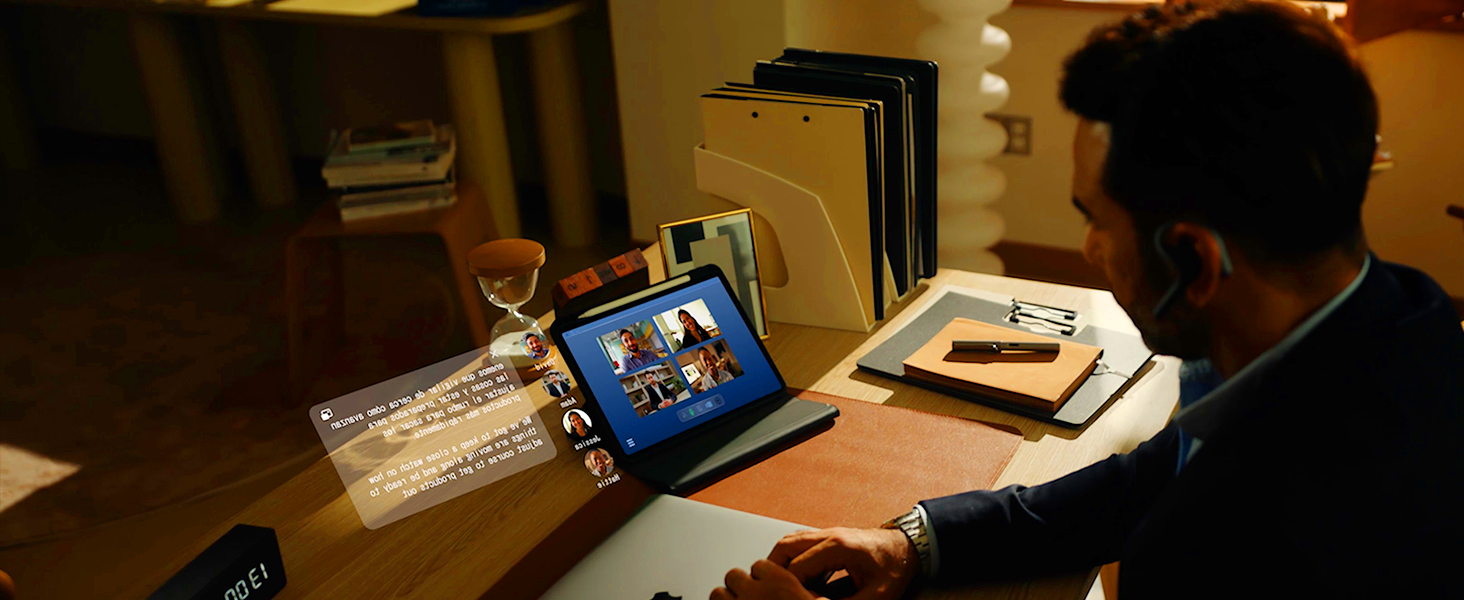
Image: An illustration of the Timekettle W4 Pro earbud surrounded by flags of countries, indicating support for offline translation in various languages.
Video: A short demonstration of the Timekettle W4 Pro's offline translation feature.
Maintenance
1. Cleaning
Regularly clean your earbuds and charging case to ensure optimal performance and hygiene. Use a soft, dry, lint-free cloth to wipe down the surfaces. Avoid using abrasive materials or harsh chemicals.
2. Storage
When not in use, store the earbuds in their charging case to protect them from dust and damage. Keep the device in a cool, dry place, away from extreme temperatures and direct sunlight.
3. Battery Care
To prolong battery life, avoid fully discharging the earbuds and charging case frequently. Charge them regularly, even if not in constant use. The device offers up to 6 hours of continuous translation, with the charging case extending total usage to 18 hours.
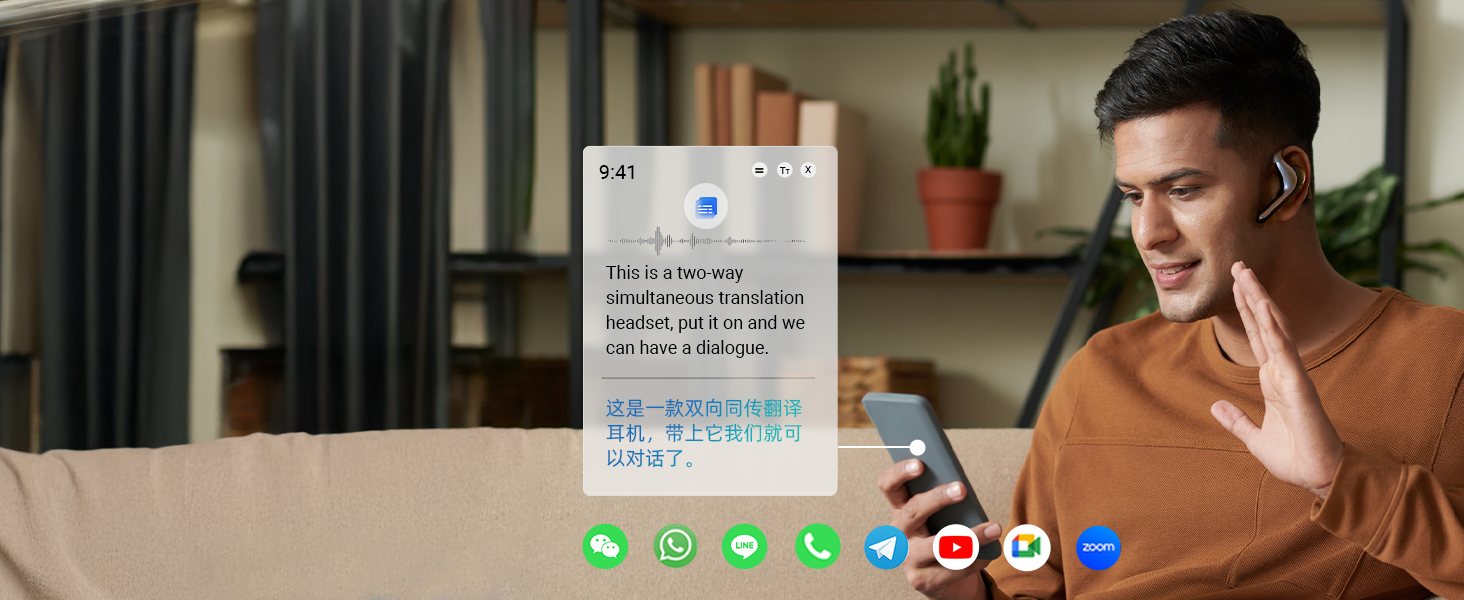
Image: An infographic showing the extended battery life of the Timekettle W4 Pro earbuds and charging case.
Troubleshooting
If you encounter issues with your Timekettle W4 Pro earbuds, refer to the following tips:
- Language Setting: Ensure the earphone you wear corresponds to the language you speak. If the language of the left and right earbuds is set opposite to the language spoken by the interlocutor, it may result in incorrect sound pickup and translation.
- Wearing Method: Avoid wearing both left and right earbuds on your own ears when using Simul/Touch mode. The distance between the two parties should be at least 1 meter, and the earphone handle should not point to the other party's mouth.
- Environment Setting: Adjust the "Ambient Noise" setting in the app according to your speaking speed and the surrounding environment (quiet or noisy). In a noisy environment, it is recommended to move to the right "Noise" setting.
- Speaking Speed Setting: Adjust a suitable Pause Duration and Translation Audio Playback speed according to your speaking speed. A suggestion for Pause Duration is to move to "Shorter", and Translation Audio Playback is set at 1.25x.
- Network Environment: Check your network connection when using online translation. A poor network may result in longer latency and inaccuracy.
- Accents Setting: For specific languages with several accents, select the correct accent when speaking in that language.
- Clarity of Speech: To maintain the integrity of the sentence when speaking, speak at a normal volume and speed. Avoid using slang, professional vocabulary, or proprietary vocabulary that may not be recognized by the translation engine.
Specifications
| Feature | Detail |
|---|---|
| Brand | Timekettle |
| Model Number | W4 PRO |
| Color | Gray |
| Ear Placement | Open Ear |
| Form Factor | Open Ear |
| Impedance | 16 ohm |
| Item Weight | 6.56 ounces |
| Connectivity Technology | Bluetooth |
| Bluetooth Version | 5.3 |
| Bluetooth Range | 56 meters |
| Battery Average Life | 6 hours (earbuds), 18 hours (with charging case) |
| Battery Charge Time | 1.5 hours |
| Control Method | App |
| Compatible Devices | Cellphones |
| Additional Features | Fast Charging |
Warranty Information
The Timekettle W4 Pro AI Interpreter Earbuds come with a 1-year manufacturer's warranty. Please retain your proof of purchase for any warranty claims. For detailed terms and conditions, refer to the official Timekettle website or contact customer support.
Support
For further assistance, technical support, or to access frequently asked questions, please visit the official Timekettle website. You can also contact Timekettle customer service directly for personalized support.
Online Resources: Timekettle Official Website


