
1. Introduction
This manual provides essential information for the safe and efficient operation of your Voltas 1 Ton 2 Star Fixed Speed Window Air Conditioner, Model 122FS PLATINA. Please read this manual thoroughly before installation and use, and retain it for future reference.
2. Product Features
The Voltas 122FS PLATINA Window AC is designed for efficient cooling and user convenience. Key features include:
- Fixed Speed Compressor: Operates at a constant speed for consistent cooling performance.
- Anti-Dust Filter: Helps filter out dust particles from the air.
- 2-Way Air Swing: Ensures uniform air distribution across the room.
- Memory Restart: Automatically resumes the previous settings after a power interruption.
- Sleep Mode: Adjusts temperature for comfortable sleep and energy saving.
- Anti-Freeze Thermostat: Prevents ice build-up on the evaporator coil for smooth operation.
- Stabilizer-Free Operation: Designed to operate within a voltage range of 110-285V.
- Digital Temperature Display: Provides clear temperature readings.
- Copper Condenser Coil: Offers efficient heat transfer and requires low maintenance.
- R32 Refrigerant: An environmentally friendly refrigerant with no ozone depletion potential.
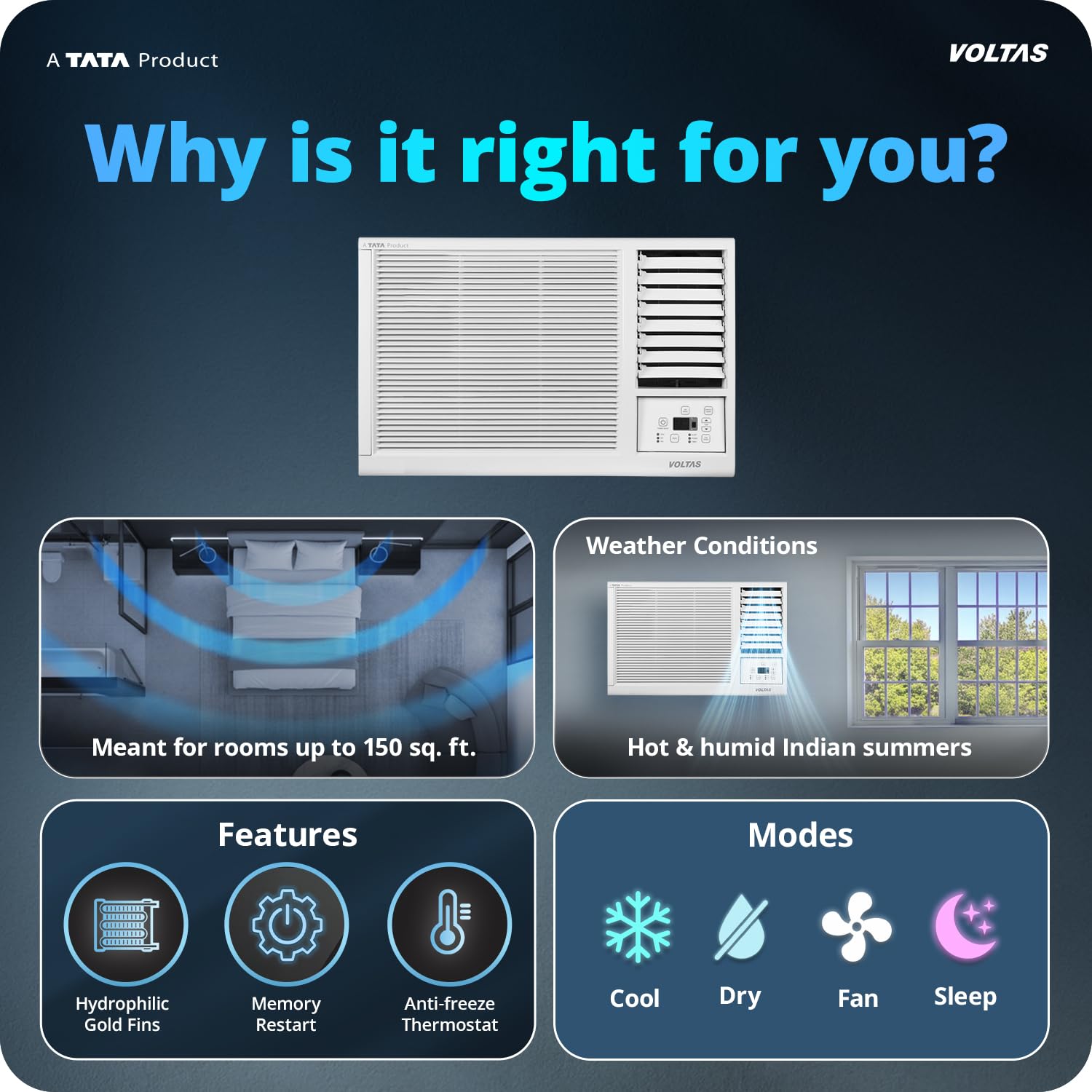
Image: Overview of key features including room suitability, weather conditions, and operating modes (Cool, Dry, Fan, Sleep).

Image: Illustration of the fixed speed compressor, which maintains a constant operating speed for cooling.
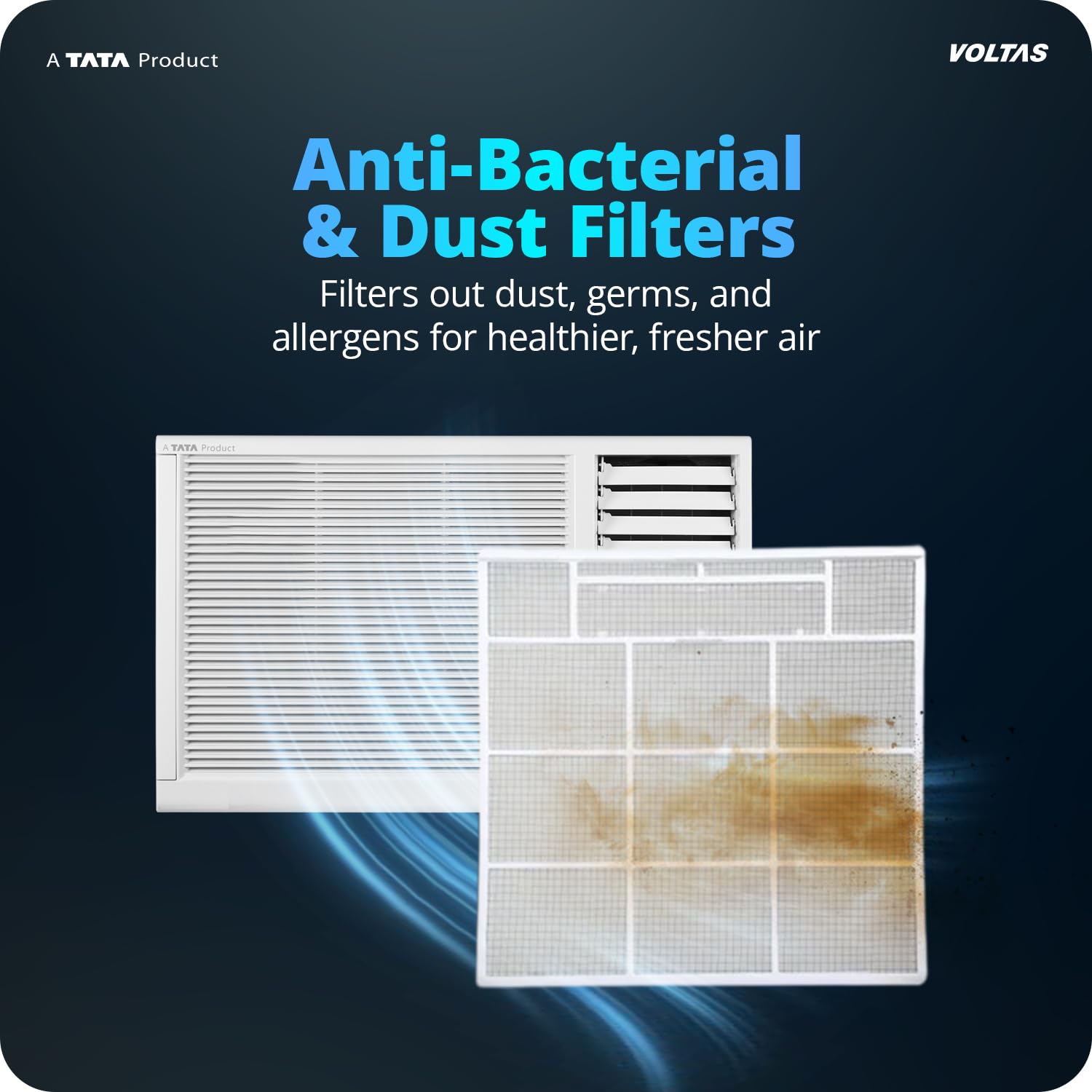
Image: Depiction of the anti-dust filter, designed to capture dust and other airborne particles.

Image: Visual representation of the Memory Restart function, which restores settings after a power outage.

Image: Illustration of the Sleep Mode, which adjusts the temperature for optimal comfort during sleep.

Image: Close-up view of the anti-freeze thermostat, which prevents ice formation on internal components.

Image: Depiction of the anti-corrosive coating on the condenser, enhancing durability.
3. Safety Information
Always follow basic safety precautions when using electrical appliances to reduce the risk of fire, electric shock, or injury. Ensure the unit is properly grounded. Do not operate the AC with wet hands. Keep children away from the unit. Refer to the separate owner's manual for detailed safety guidelines.
4. Installation Guide
The Voltas 122FS PLATINA is a window-mounted air conditioner, designed for easy installation. Professional installation is recommended to ensure proper setup and optimal performance.
4.1 What's in the Box
- 1 Window AC Unit
- 1 Owners Manual
- 1 Remote Control
- 2 AAA Remote Batteries
- 1 Drain Tray

Image: Contents of the product packaging, including the AC unit, remote, and small accessories.
4.2 Unit Dimensions
Ensure your window opening meets the required dimensions for proper fit and sealing.
- Item Dimensions (D x W x H): 58D x 55.8W x 37.5H Centimeters
- Window Opening Minimum Width: 55.8 Centimeters
- Window Opening Maximum Width: 55 Centimeters (Note: There seems to be a discrepancy in the provided data for min/max width. Please refer to the physical product manual for exact measurements.)

Image: Diagram showing the physical dimensions of the Voltas 122FS PLATINA window AC unit.
4.3 Installation Steps (General)
- Prepare the window opening, ensuring it is clean and free of obstructions.
- Carefully lift and place the AC unit into the window opening.
- Secure the unit using the provided mounting brackets and screws.
- Seal any gaps around the unit to prevent air leakage.
- Install the drain tray as per instructions.
- Plug the unit into a dedicated, properly grounded electrical outlet.
5. Operating Instructions
Your Voltas AC is controlled via the included remote control. Ensure batteries are correctly inserted.
5.1 Remote Control Functions

Image: Diagram illustrating the buttons and display of the remote control for the AC unit.
- LCD Display: Shows current settings.
- Power (ON/OFF): Turns the unit on or off.
- Temperature Controls (+/-): Adjusts the desired temperature.
- Mode Button: Cycles through operating modes (Auto, Cool, Dry, Fan).
- Fan Speed Adjustment: Changes fan speed (Low, Medium, High).
- V.SWING / H.SWING: Controls vertical and horizontal air swing.
- Sleep Mode: Activates the sleep function.
- Timer ON/OFF: Sets a timer for the unit to turn on or off.
- Turbo: Engages maximum cooling speed for rapid temperature reduction.
- Anti Freeze: Activates or deactivates the anti-freeze function.
5.2 Operating Modes
- Cool Mode: Provides cooling to reach the set temperature.
- Dry Mode: Reduces humidity in the room.
- Fan Mode: Circulates air without cooling.
- Sleep Mode: Gradually increases the temperature over time for comfortable sleep and energy efficiency.
6. Maintenance
Regular maintenance ensures optimal performance and longevity of your AC unit. Always disconnect power before performing any maintenance.
6.1 Cleaning the Anti-Dust Filter
The anti-dust filter should be cleaned regularly, typically every two weeks, or more often depending on usage and air quality.
- Open the front panel of the AC unit.
- Carefully remove the anti-dust filter.
- Clean the filter using a vacuum cleaner or wash it with lukewarm water and mild detergent.
- Rinse thoroughly and allow it to dry completely in a shaded area before re-installing.
- Re-install the dry filter and close the front panel.
6.2 General Cleaning
Wipe the exterior of the unit with a soft, damp cloth. Do not use harsh chemicals or abrasive cleaners.
7. Troubleshooting
If you encounter issues with your AC, refer to the following common troubleshooting steps. For more complex problems, contact customer support.
| Problem | Possible Cause | Solution |
|---|---|---|
| AC does not turn on | No power, remote batteries dead, power cord unplugged | Check power supply, replace remote batteries, ensure cord is plugged in securely. |
| Insufficient cooling | Dirty air filter, blocked air intake/outlet, room too large, doors/windows open | Clean air filter, clear obstructions, ensure room size is appropriate, close doors/windows. |
| Unusual noise | Loose parts, unit not level, foreign object inside | Check for loose parts, ensure unit is level, inspect for foreign objects. |
| Water leakage | Blocked drain pipe, improper installation | Clear drain pipe, check installation for proper tilt. |
8. Specifications
Detailed technical specifications for the Voltas 122FS PLATINA Window AC:
| Specification | Value |
|---|---|
| Model Number | 122FS PLATINA |
| Capacity | 1 Ton |
| Cooling Power | 3.1 Kilowatts (3100W) |
| Energy Rating | 2 Star BEE Rating |
| Annual Energy Consumption | 774.11 kWh per year |
| ISEER Value | 3.30 Wh |
| Noise Level | 54 Decibels |
| Refrigerant | R-32 |
| Voltage | 230 Volts |
| Item Dimensions (D x W x H) | 58D x 55.8W x 37.5H Centimeters |
| Item Weight | 40.5 Kilograms |
| Suitable Room Size | 110 to 111 sq ft (Small sized rooms) |

Image: Energy efficiency label showing 2 Star rating, ISEER value, and annual energy consumption.
9. Warranty and Support
Your Voltas AC comes with comprehensive warranty coverage and dedicated customer support.
9.1 Warranty Information
- Product Warranty: 1 year on the entire product.
- Compressor Warranty: 10 years on the Fixed Speed RAC Compressor with gas charging.
- PCB Warranty: 5 years on the PCB.

Image: Details regarding the comprehensive warranty provided for the AC unit.
9.2 Customer Support
For any queries, service requests, or technical assistance, please contact Voltas customer support:
- Phone: +919650694555 / 1860-599-4555
- Email: vcare@voltas.com

Image: Information on Voltas customer support, including contact numbers and email address.