
1. Introduction
Thank you for choosing GenXenon AI Smart Glasses. These innovative glasses combine advanced technology with a stylish design, offering features such as AI-powered translation, Bluetooth audio, photochromic lenses, and hands-free communication. This manual provides essential information for setting up, operating, and maintaining your smart glasses to ensure optimal performance and longevity.
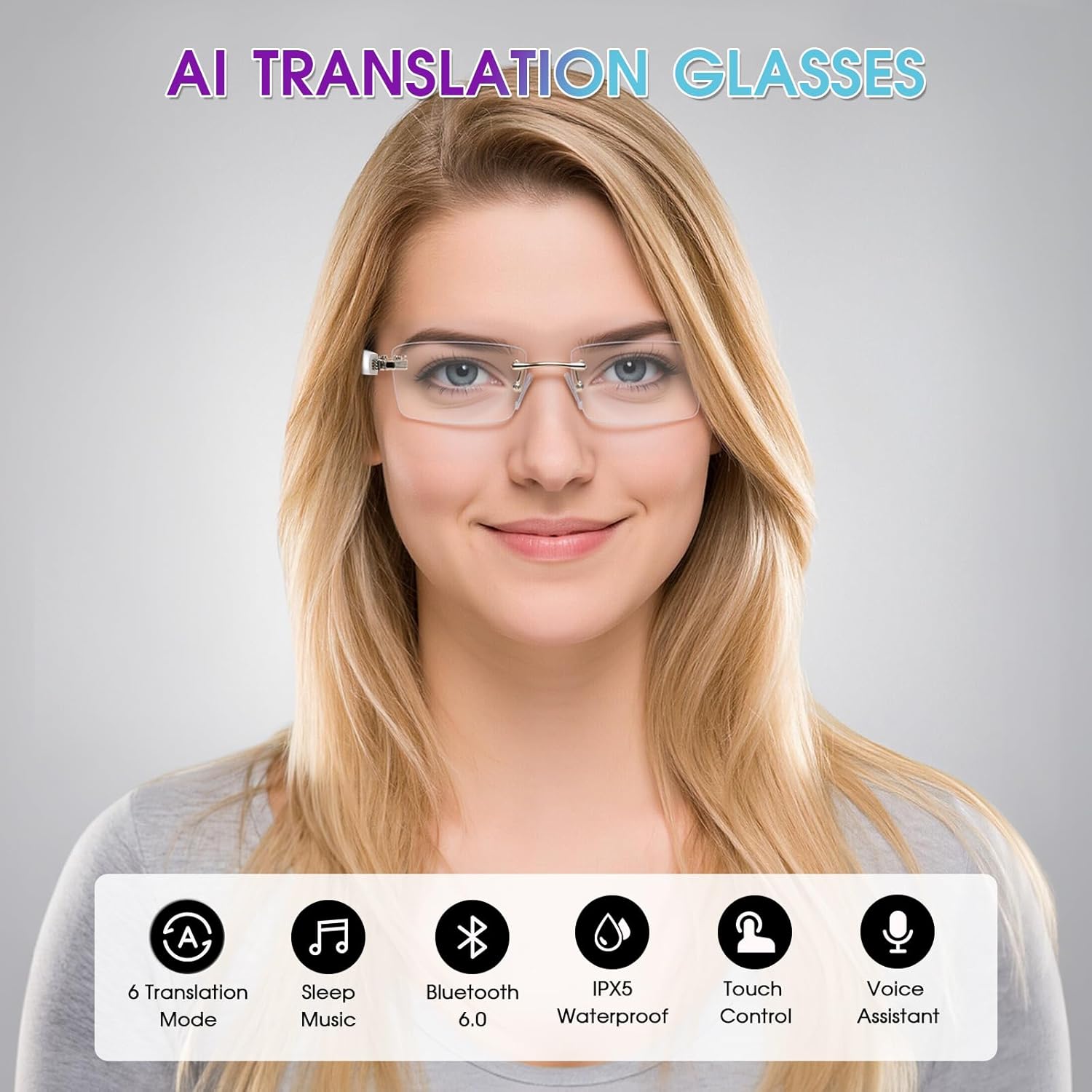
GenXenon AI Smart Glasses with key features highlighted.
2. What's in the Box
Please check the package contents upon unboxing:
- GenXenon Smart Glasses
- Charging Cable
- Cleaning Cloth
- User Manual

Contents of the GenXenon Smart Glasses package.
3. Product Overview
The GenXenon AI Smart Glasses are designed for versatility and comfort. Key features include:
- AI Translation: Supports 6 versatile translation modes and 164 languages.
- Bluetooth 6.0: Ensures stable and efficient wireless connectivity.
- Open-Ear Speakers: Integrated speakers for audio playback and calls without blocking ambient sound.
- Photochromic Lenses: Lenses automatically adjust tint based on UV light, also filtering blue light indoors.
- Frameless Design: Lightweight and comfortable with spring hinges for a secure fit.
- IPX5 Water Resistance: Protected against splashes and sweat.
- Long Battery Life: Dual 70mAh batteries provide 4-6 hours of music playback.

Detailed features of the GenXenon AI Smart Glasses.
4. Setup
4.1 Charging the Glasses
Before first use, fully charge your smart glasses. Connect the magnetic charging cable to the charging port on the glasses and a USB power source. A full charge takes approximately 1 hour.
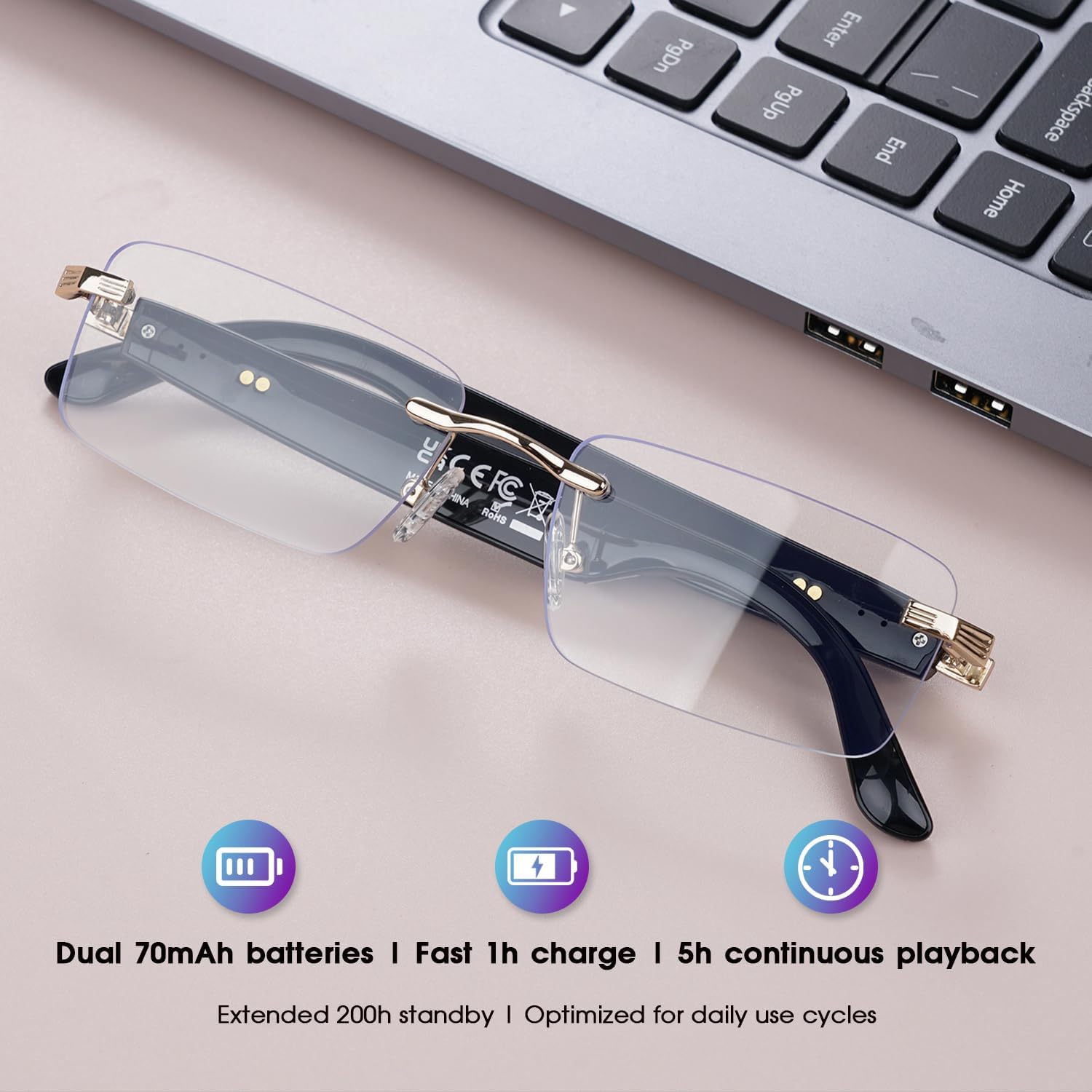
Charging the GenXenon Smart Glasses.
4.2 App Installation and Bluetooth Pairing
To access all features, including AI translation, you must install the "Ear Dance" application on your smartphone (compatible with Android and iOS devices). The app is free and requires no subscription.
- Download the Ear Dance App: Scan the QR code below or visit the provided link to download the application from the Play Store, App Store, or Android APK.
- Activate Bluetooth: Enable Bluetooth on your smartphone.
- Connect Device: Open the Ear Dance app. The app will guide you through connecting your GenXenon Smart Glasses via Bluetooth.
- Access Tutorial: Click on the icon in the upper right corner within the app to view the in-app tutorial.

Ear Dance App download and pairing instructions. Download link: https://download.watchfun.cn/?code=eardance
5. Operating Instructions
5.1 Smart Controls
The smart glasses feature intuitive touch controls on the temples:
- Power On: Press and hold for 3 seconds.
- Power Off: Press and hold for 5 seconds.
- Play/Pause Music: Double-click.
- Voice Assistant: Triple-click.
- Increase Volume: Long press.
- Decrease Volume: Long press.
- Answer/End Call: Double-click.
- Reject Call: Press and hold for 3 seconds.

Smart control gestures for GenXenon AI Smart Glasses.
5.2 AI Translation Modes
The Ear Dance app unlocks 6 versatile translation modes:
- Free Talk: For natural, spontaneous conversations.
- Translation Machine Mode: Direct translation for specific phrases.
- Glasses + Phone Mode: Integrates glasses audio with phone display.
- Voice Note Mode: Transcribes and translates spoken notes.
- Simultaneous Interpretation: Real-time translation for ongoing discussions.
- Photo Translation: Translates text from images.
- Audio and Video Translation Mode: Translates audio from media.
- AI Chat Mode: For real-time conversation with AI and live transcription.

Overview of translation modes available in the Ear Dance app.
5.3 Photochromic Lenses
The lenses automatically adapt to light conditions. Indoors, they remain clear while filtering blue light. Outdoors, they darken to grey under UV exposure, reducing glare and protecting your eyes from harmful UV rays.

Photochromic lenses adapting to different light conditions.
6. Maintenance
- Cleaning: Use the provided cleaning cloth to gently wipe the lenses and frame. Avoid harsh chemicals or abrasive materials.
- Storage: Store the glasses in their case when not in use to protect them from scratches and dust.
- Water Resistance: The glasses are IPX5 water-resistant, meaning they can withstand splashes. Do not submerge them in water.
- Temperature: Avoid exposing the glasses to extreme temperatures, both hot and cold.
7. Troubleshooting
| Problem | Possible Cause | Solution |
|---|---|---|
| Glasses do not power on. | Low battery. | Charge the glasses for at least 1 hour. |
| Cannot connect via Bluetooth. | Bluetooth is off on the phone or glasses are not in pairing mode. | Ensure Bluetooth is enabled on your phone. Power cycle the glasses. Re-open the Ear Dance app and follow pairing instructions. |
| Translation not working. | Ear Dance app not installed or not connected. Internet connection issue. | Ensure the Ear Dance app is installed and the glasses are connected. Verify your phone has an active internet connection for translation services. |
| Audio quality is poor. | Low battery. Obstruction of speakers. | Charge the glasses. Ensure speakers are not blocked and are positioned correctly on your ears. |
| Lenses not changing tint. | Insufficient UV exposure. | Ensure the glasses are exposed to direct sunlight (UV light) for the photochromic effect to activate. |
8. Specifications
| Feature | Detail |
|---|---|
| Model Number | UF-05-Silver-AI |
| Brand | GenXenon |
| Connectivity Technology | Bluetooth 6.0 |
| Battery Capacity | 140 mAh (2 x 70 mAh) |
| Battery Type | Lithium-polymer |
| Average Battery Life | 5 hours (music playback) |
| Charging Time | 1 hour |
| Water Resistance Level | IPX5 (Waterproof) |
| Weight | 30 Grams |
| Supported Application | Ear Dance |
| Compatible Devices | Smartphones (Android, iOS) |
| Special Features | Photochromic Lenses, Open-Ear Speakers, Frameless Design, Hands-Free Calls |
9. Warranty and Support
GenXenon Smart Glasses come with a 1-year manufacturer's warranty. This warranty covers defects in materials and workmanship under normal use. It does not cover damage caused by misuse, accidents, unauthorized modifications, or normal wear and tear.
For warranty claims or technical support, please contact your retailer or visit the official GenXenon website for contact information. Please have your proof of purchase and model number ready when contacting support.
10. Safety Information
- Do not attempt to disassemble, repair, or modify the device yourself. This may void the warranty and cause damage.
- Keep the device away from extreme heat, direct sunlight, and open flames.
- Avoid exposing the device to strong magnetic fields.
- Use only the provided charging cable. Using unauthorized chargers may damage the device or pose a safety risk.
- Do not use the glasses while driving or operating heavy machinery if they distract you or impair your vision.
- Keep out of reach of children.