
1. Introduction
Thank you for purchasing the TOPPING E50II Compact Desktop DAC. This device is designed to provide high-fidelity audio decoding for various digital sources. It features an AK4497S DAC chip, supports high-resolution audio formats up to PCM768kHz and DSD512, and offers versatile connectivity options including USB, optical, coaxial, RCA, and TRS balanced outputs. This manual provides essential information for proper setup, operation, and maintenance of your E50II.
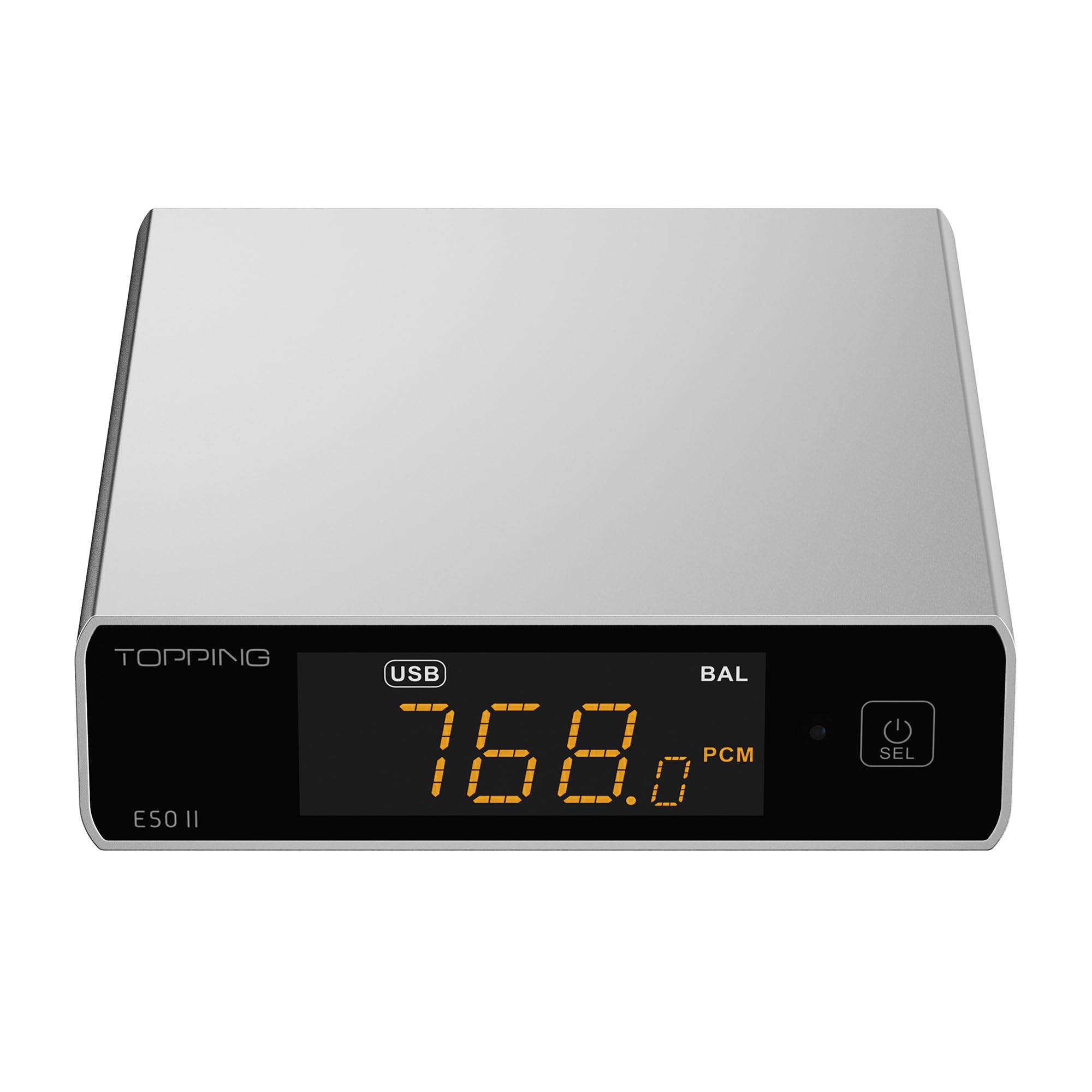
Image 1.1: The TOPPING E50II Compact Desktop DAC in silver finish.
2. Safety Information
- Do not disassemble or modify the device. Unauthorized modifications may void the warranty and pose safety risks.
- Keep the device away from water, moisture, and high temperatures.
- Use only the provided power adapter or a compatible 5V power supply.
- Ensure proper ventilation around the device to prevent overheating.
- Avoid placing heavy objects on the device.
- Disconnect the power cable during lightning storms or when unused for extended periods.
3. Package Contents
Please check that all items are present in the package:
- TOPPING E50II Unit
- Remote Control
- USB Cable (Type-A to Type-C)
- USB Power Cable (Type-A to Type-C)
- Bluetooth Antenna
- User Manual (this document)
- Warranty Card

Image 3.1: Included accessories: remote control, USB cables, and Bluetooth antenna.
4. Product Overview
4.1 Front Panel

Image 4.1: Front panel of the E50II, showing the display and control button.
- Display Screen: Shows current input, sample rate, volume, and other status information.
- Multi-function Button: Press to power on/off, select input, or adjust settings.
4.2 Rear Panel

Image 4.2: Rear panel of the E50II, illustrating various input and output ports.
- RCA Outputs (L/R): Unbalanced analog audio output.
- TRS Balanced Outputs (L/R): Balanced analog audio output.
- Coaxial Input: Digital audio input.
- Optical Input: Digital audio input.
- USB-C Input: For connecting to a computer or other digital source.
- USB-C Power Input: For connecting to a 5V power supply.
- Bluetooth Antenna Connector: For attaching the Bluetooth antenna.
5. Setup
5.1 Power Connection
Connect the provided USB power cable to the E50II's "POWER" USB-C port and then to a 5V power adapter (not included) or a USB port on your computer. The E50II requires a stable 5V power supply for optimal performance.
5.2 Audio Connections
Choose the appropriate input and output connections based on your audio system:
- USB Input: Connect the E50II's "USB" port to your computer or other USB audio source using the provided USB data cable.
- Optical/Coaxial Input: Connect your digital audio source (e.g., CD player, TV) to the E50II's "OPTICAL" or "COAXIAL" input.
- RCA Output: Connect the E50II's "SE" RCA outputs to your amplifier or active speakers using RCA cables.
- TRS Balanced Output: Connect the E50II's "BAL" TRS outputs to your balanced amplifier or active speakers using 6.35mm TRS cables. The E50II supports simultaneous output from both RCA and TRS ports.

Image 5.1: Close-up of the balanced TRS and unbalanced RCA output connections.
5.3 Bluetooth Antenna Installation
Screw the provided Bluetooth antenna onto the antenna connector on the rear panel of the E50II.
5.4 Driver Installation (for Windows)
For Windows operating systems, a dedicated driver is required for USB audio playback up to PCM768kHz and DSD512. The driver can be downloaded from the official TOPPING website. Follow the on-screen instructions for installation. macOS and Linux typically do not require a separate driver.
6. Operating Instructions
6.1 Basic Operation

Image 6.1: A hand interacting with the multi-function button on the E50II's front panel.
- Power On/Off: Press and hold the multi-function button for 3 seconds to power on or off.
- Input Selection: Briefly press the multi-function button to cycle through available inputs (USB, Optical, Coaxial, Bluetooth).
- Volume Control: Rotate the multi-function button to adjust the volume.
6.2 Using the Remote Control
The included remote control provides convenient access to various functions:
- Power Button: Turns the unit on/off.
- Input Selection Buttons: Dedicated buttons for USB, Optical, Coaxial, and Bluetooth inputs.
- Volume Up/Down: Adjusts the output volume.
- Mute: Mutes/unmutes the audio output.
- EQ Button: Cycles through PEQ presets.
- Filter Button: Cycles through digital filter modes.
- Gain Button: Switches between Low and High gain modes.
6.3 TOPPING Home App Control
The E50II is compatible with the "TOPPING Home" app, allowing control from your smartphone or tablet via Bluetooth. This app enables input switching, EQ settings, and volume adjustment remotely.

Image 6.2: Smartphone displaying the TOPPING Home app interface for controlling the E50II.
6.4 Bluetooth Operation
To connect via Bluetooth:
- Switch the E50II input to Bluetooth mode. The display will show "BT".
- On your mobile device, search for "TOPPING E50II" in the Bluetooth settings and pair.
- Once connected, audio from your device will be streamed to the E50II. The E50II supports LDAC, aptX-Adaptive, aptX HD, aptX, AAC, and SBC codecs.
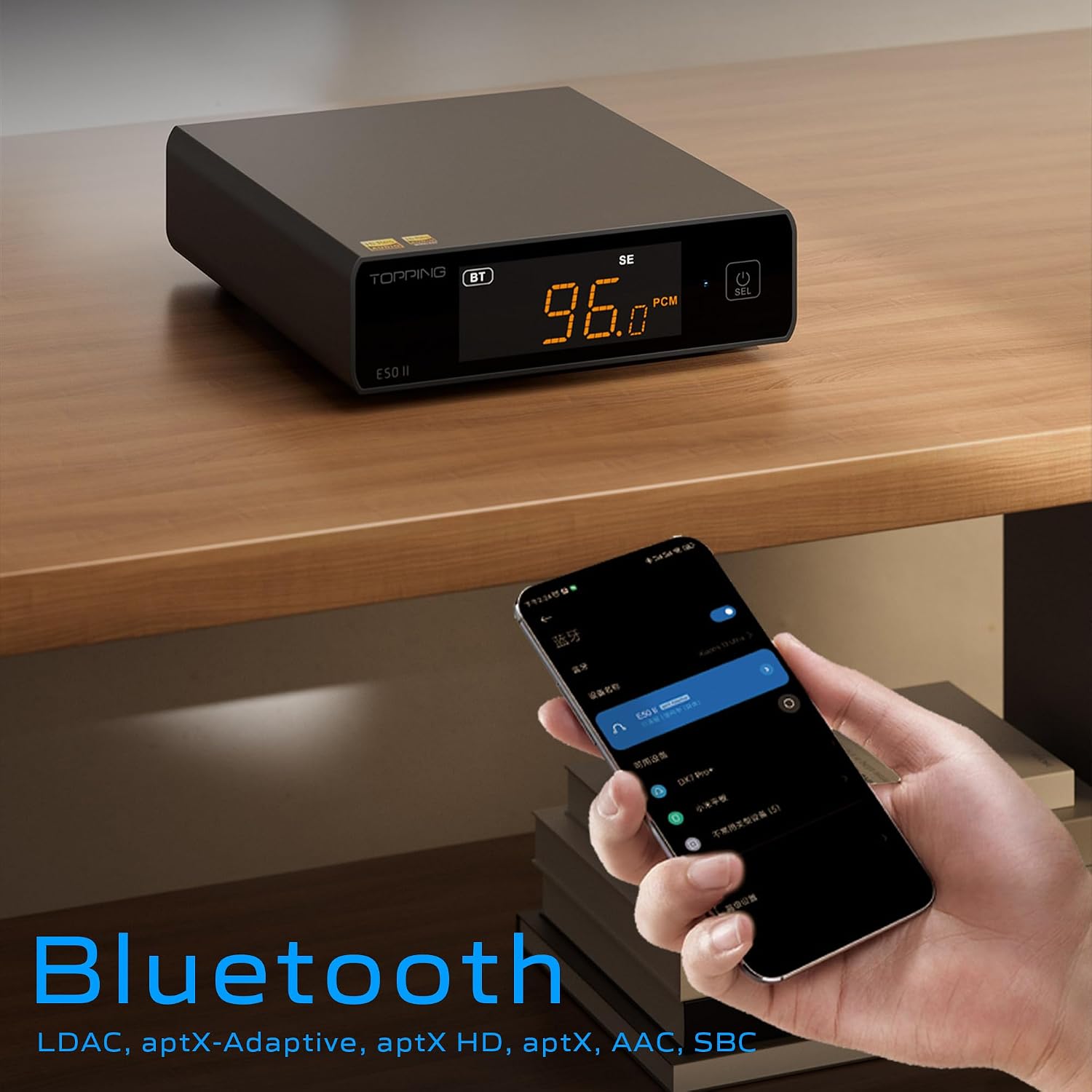
Image 6.3: A black E50II unit with a smartphone showing Bluetooth connection status.
6.5 PEQ (Parametric Equalizer) Function
The E50II features a 10-band Parametric Equalizer (PEQ) for precise sound customization. You can adjust frequency, gain, and bandwidth for each band. This function is accessible via the TOPPING Home app or dedicated PC software.

Image 6.4: Screenshot of the TOPPING TUNE FOR PC software interface, showing the 10-band PEQ settings.
6.6 Preamp Function
The E50II can function as a preamplifier, allowing direct connection to a power amplifier or active speakers. In this mode, the volume can be controlled via the remote or the TOPPING Home app, providing precise output level control to prevent overload or under-driving of connected equipment.
7. Maintenance
- Clean the device with a soft, dry cloth. Do not use liquid cleaners or aerosols.
- Keep the ventilation openings clear of dust and debris.
- Store the device in a cool, dry place when not in use.
8. Troubleshooting
| Problem | Possible Cause | Solution |
|---|---|---|
| No sound output | Incorrect input/output selection, loose cables, muted volume. | Check input source, ensure cables are securely connected, unmute or increase volume. |
| Device does not power on | Power cable not connected, faulty power adapter. | Ensure power cable is connected to a working 5V source. Try a different power adapter. |
| Bluetooth connection issues | E50II not in Bluetooth mode, device not paired, interference. | Switch E50II to Bluetooth input. Re-pair the device. Ensure no strong interference sources nearby. |
| Distorted audio | Input signal too high, incorrect gain setting, faulty cables. | Reduce source volume. Adjust E50II gain setting. Try different audio cables. |
| Windows USB driver not working | Incorrect driver installation, driver conflict. | Reinstall the latest driver from the TOPPING website. Check for other conflicting audio drivers. |
9. Specifications
- Brand: TOPPING
- Model: E50II
- DAC Chip: AK4497S
- USB Interface: XMOS XU316
- Max USB Decoding: PCM 768kHz / DSD512
- Optical/Coaxial Decoding: Up to 192kHz
- Bluetooth Codecs: LDAC, aptX-Adaptive, aptX HD, aptX, AAC, SBC
- Audio Output Mode: Stereo
- Output Interfaces: RCA (unbalanced), 6.35mm TRS (balanced)
- Input Interfaces: USB, Optical, Coaxial, Bluetooth
- Features: 10-band PEQ, Preamp function, TOPPING Home App control, Top Sync circuit for low jitter.
10. Warranty and Support
The TOPPING E50II is covered by the manufacturer's or authorized agent's warranty regulations. Please refer to the warranty card included in your package for specific terms and conditions. For technical support, driver downloads, or service inquiries, please visit the official TOPPING website or contact your local authorized dealer.
Official TOPPING Website: www.toppingaudio.com


