
Introduction
This manual provides detailed instructions for the ZYHKON Z9pro Wireless Earbuds. Please read this guide thoroughly to ensure proper use, optimal performance, and longevity of your device. The Z9pro earbuds feature advanced Hybrid Active Noise Cancellation (ANC), Environmental Noise Cancellation (ENC), a smart touchscreen charging case, Bluetooth 5.4 connectivity, and IPX7 waterproofing.
Package Contents
Verify that all items are present in your package:
- ZYHKON Z9pro Wireless Earbuds (L/R) x 1 pair
- Portable Charging Case with Touch Screen x 1
- USB-C Charging Cable x 1
- User Manual x 1
- Silicone Eartips (S/M/L) x 3 pairs
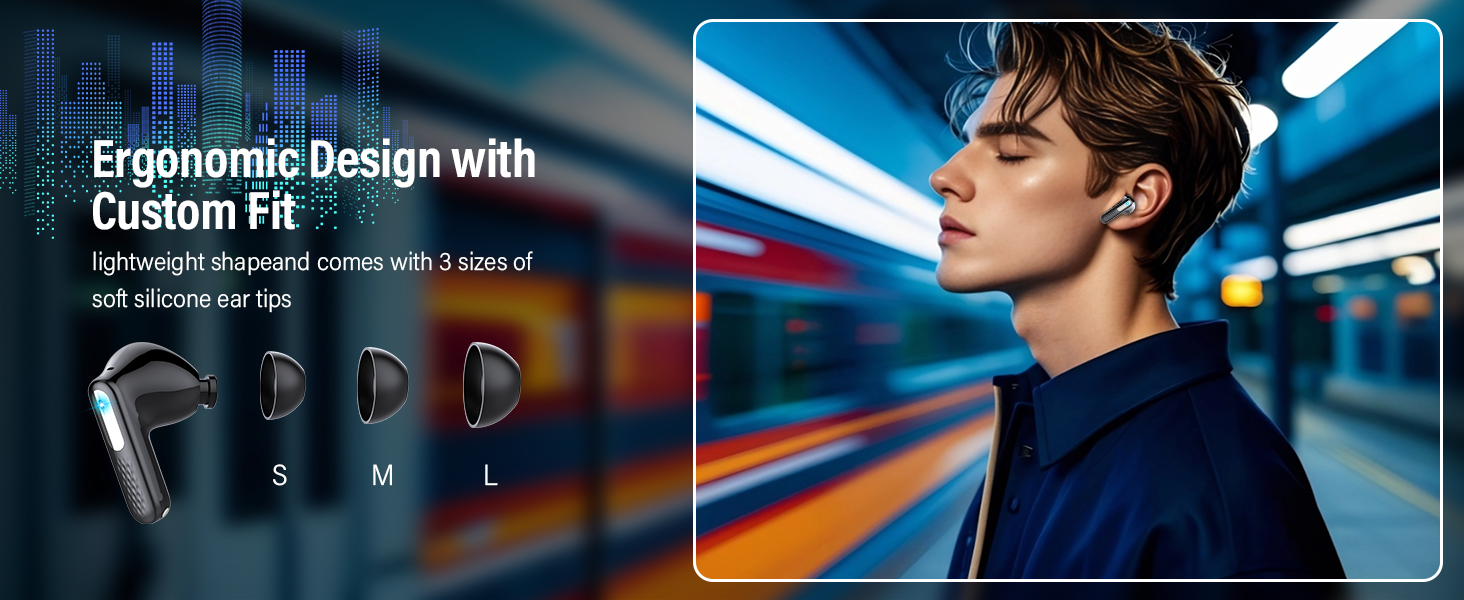
Figure 1: ZYHKON Z9pro Package Contents. Includes earbuds, charging case, USB-C cable, user manual, and various sized eartips.
Setup
1. Charging the Earbuds and Case
Before first use, fully charge the earbuds and charging case. Connect the provided USB-C cable to the charging case and a power source. The touchscreen display on the case will show the battery levels for both the case and individual earbuds. A full charge provides 6-8 hours of listening time for the earbuds, and the charging case extends total playtime up to 48 hours.
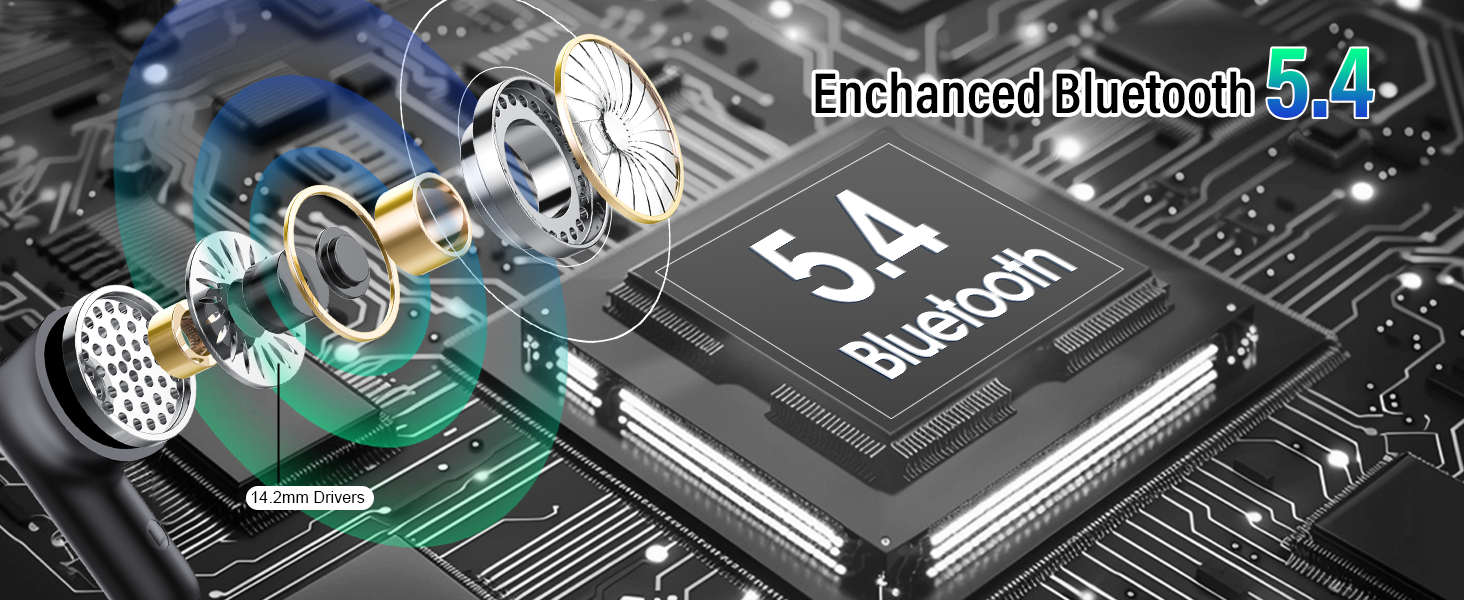
Figure 2: Charging the Z9pro Earbuds and Case. The image highlights the USB-C charging port and the extended battery life of up to 48 hours with the charging case.
2. Pairing with Your Device
- Ensure your earbuds are charged.
- Open the charging case. The earbuds will automatically enter pairing mode.
- On your device (smartphone, tablet, laptop), enable Bluetooth and search for available devices.
- Select "ZYHKON Z9pro" from the list of discovered devices to connect.
- Once paired, the earbuds will automatically connect to your device when the case is opened, provided Bluetooth is enabled on your device.
The Z9pro earbuds utilize Bluetooth 5.4 for fast, stable, and universal compatibility with iOS, Android, Windows, and other Bluetooth-enabled devices.
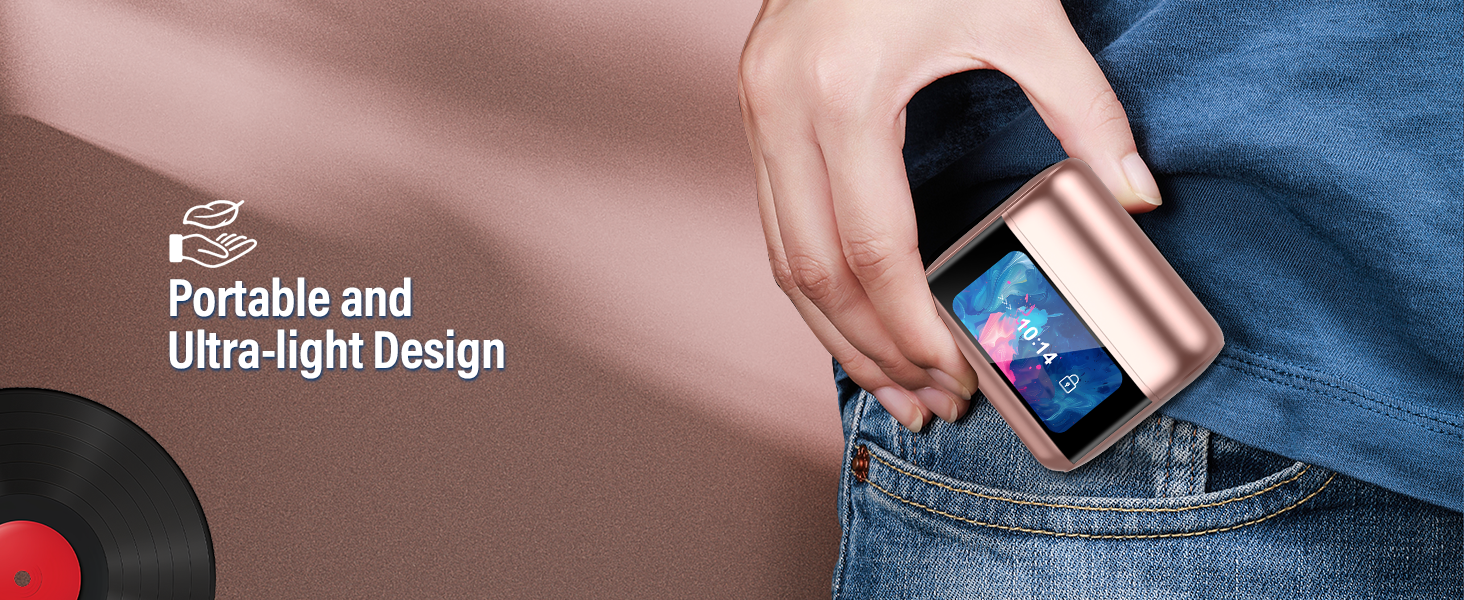
Figure 3: One-Step Auto Pairing. The earbuds connect seamlessly with iOS, Android, and Windows devices upon opening the charging case.
3. Wearing the Earbuds
Choose the silicone eartips (S, M, L) that provide the most comfortable and secure fit for your ears. A proper fit is crucial for optimal sound quality and noise cancellation. Gently insert the earbuds into your ear canal and twist slightly to secure them.
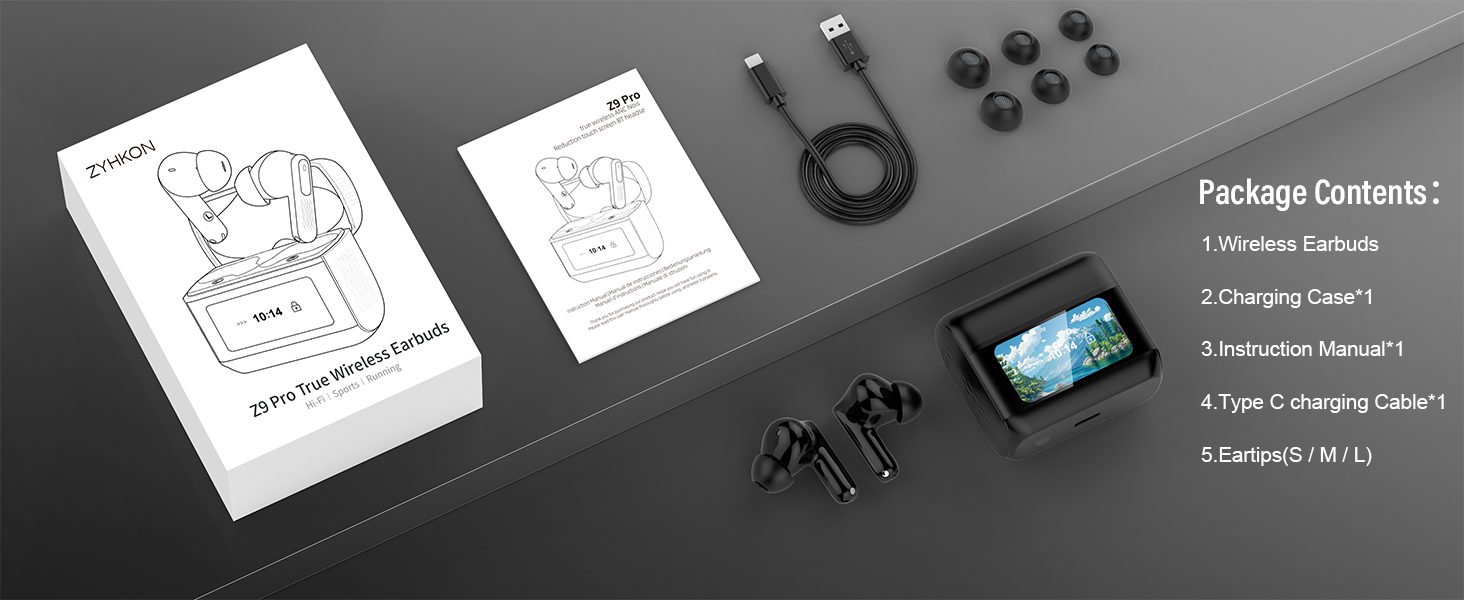
Figure 4: Ergonomic Design and Custom Fit. Select the appropriate ear tip size for comfort and secure placement.
Operating Instructions
1. Earbud Touch Controls
The Z9pro earbuds feature intuitive touch controls on each earbud. Refer to the diagram below for specific functions:
- Click 1 time: Play/Pause music, Answer/End calls
- Click 2 times: Next Song (Right earbud), Previous Song (Left earbud)
- Click 3 times: Switch ANC modes (Normal, Noise Cancellation, Transparency)
- Click 4 times: Hang up call
- Long press 2 seconds: Activate Voice Assistant (Siri, Google Assistant, etc.)
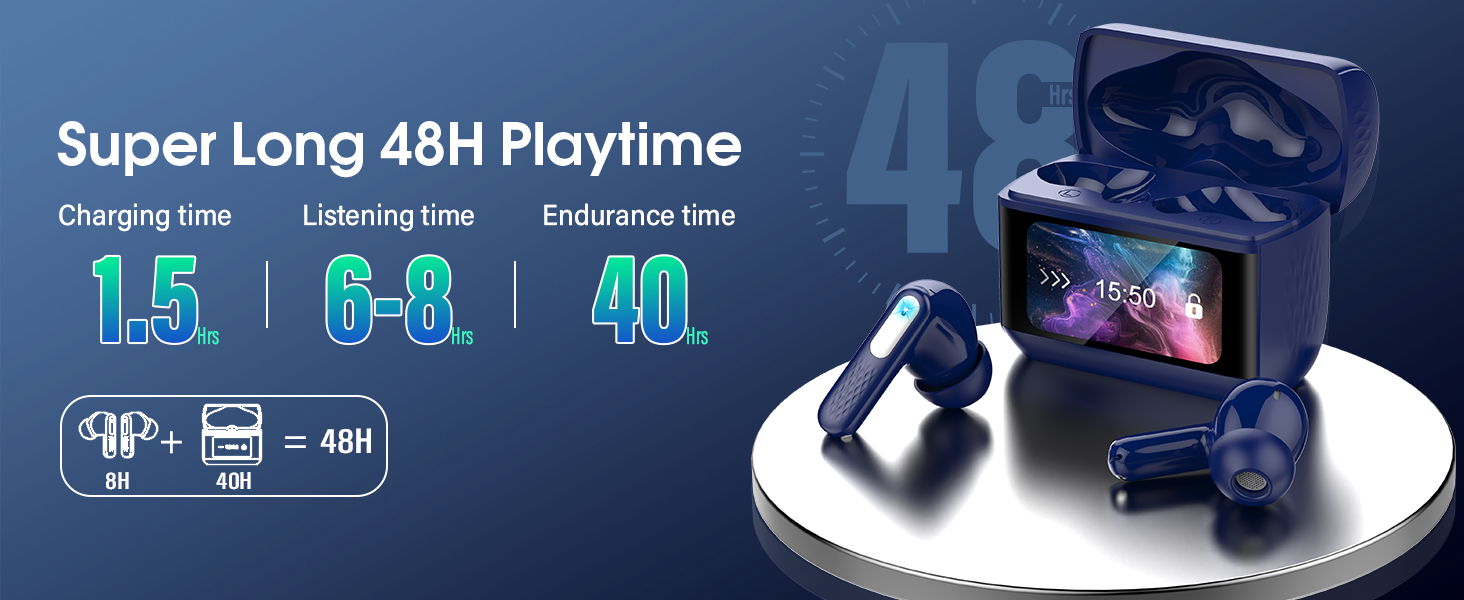
Figure 5: Earbud Smart Touch Controls. A visual guide to managing music, calls, and ANC modes directly from the earbuds.
2. Touch Screen Case Functions
The charging case features a full-color LED touch screen for enhanced control without needing your phone. Swipe left or right on the screen to navigate through various interfaces and functions:
- Noise Reduction: Switch between ANC, Transparency, and Normal modes.
- Volume Control: Adjust playback volume.
- EQ Modes: Select from 5 equalizer presets.
- Find My Earphone: Locate misplaced earbuds by emitting a sound.
- Flashlight Function: Activate a built-in flashlight.
- Camera Control: Remotely trigger your phone's camera shutter.
- Time Display: View current time and date.
- Battery Display: Monitor battery levels of both earbuds and the case.
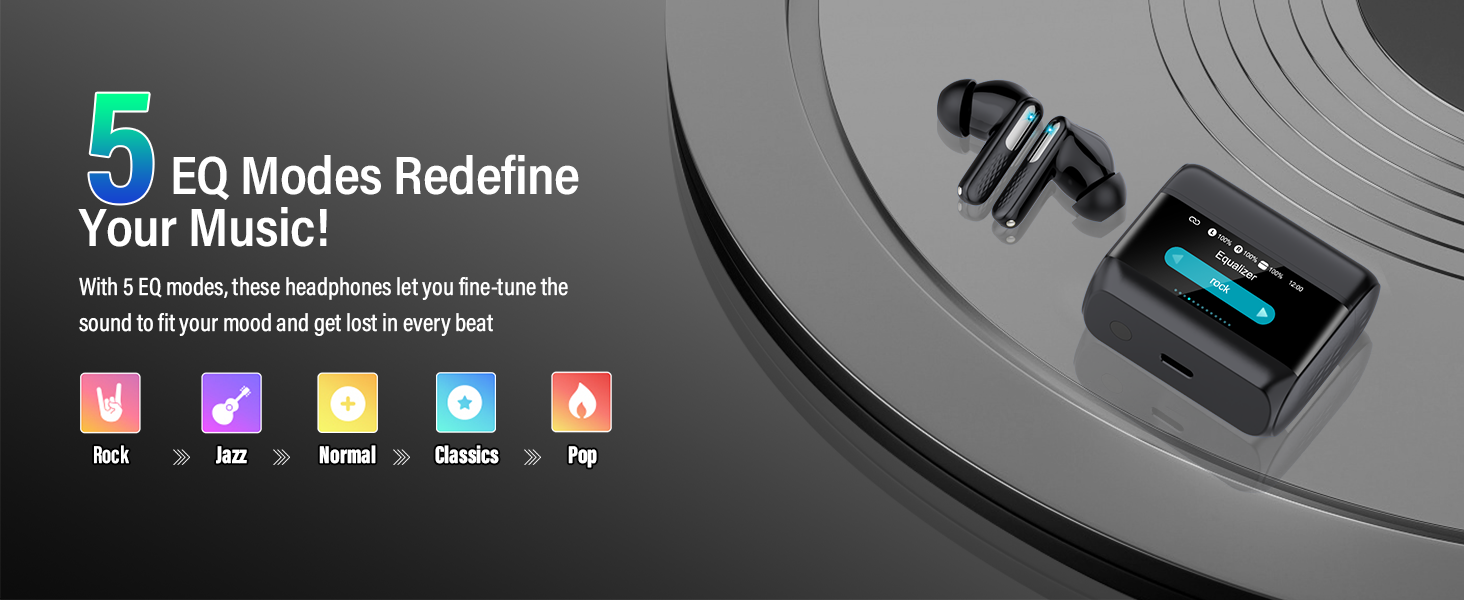
Figure 6: Multi-Function Touch Screen Case. The case provides comprehensive control over earbud settings and additional utilities.
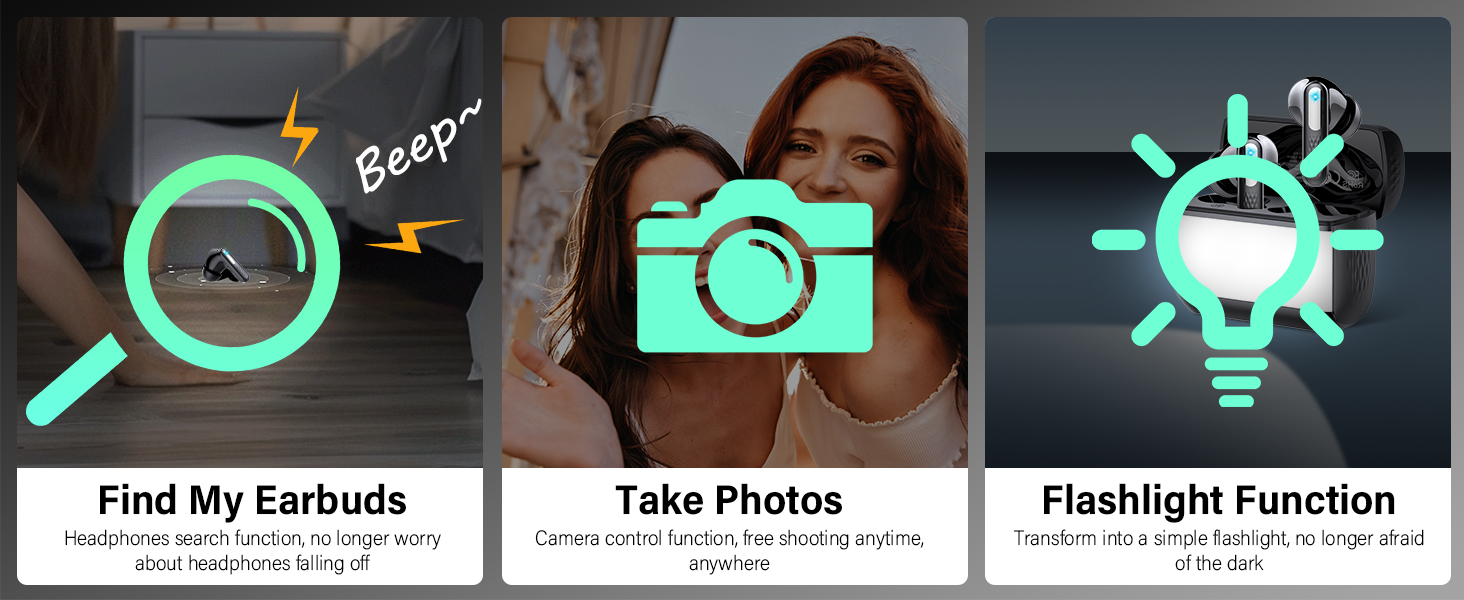
Figure 7: Additional Case Functions. Features like 'Find My Earbuds', remote camera control, and a flashlight are available.
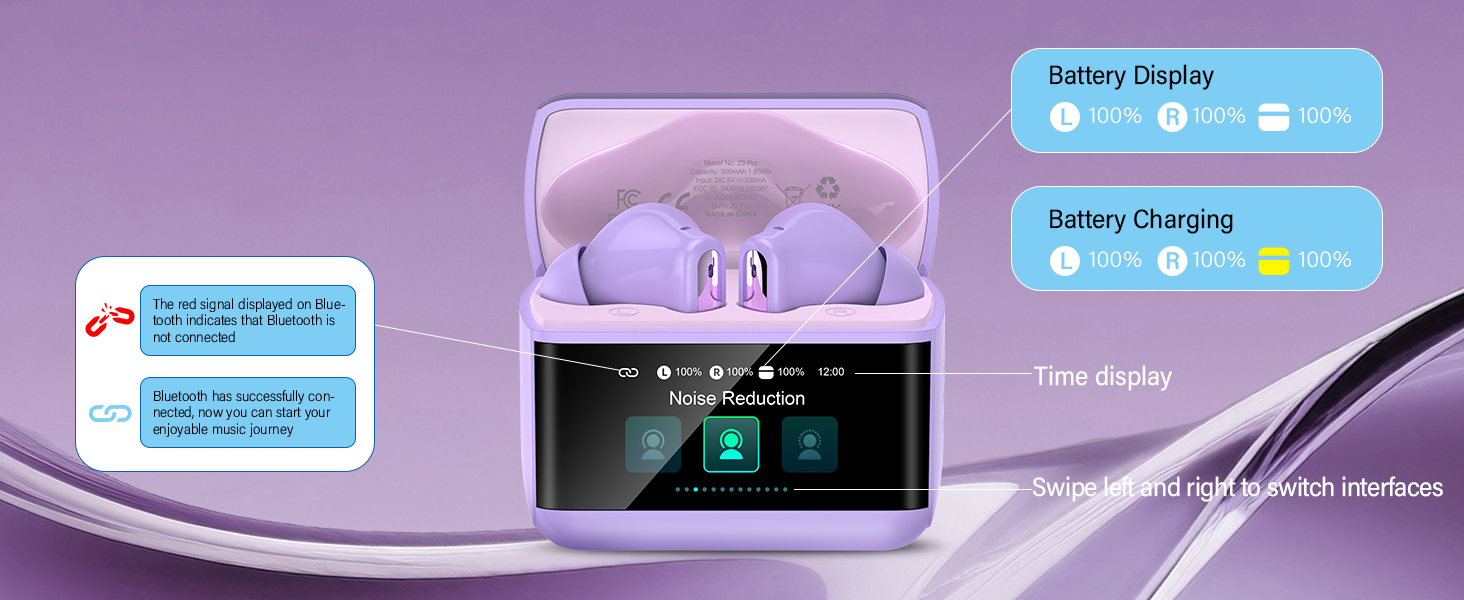
Figure 8: Case Display Information. Real-time battery status and time are shown, with swipe functionality for navigation.
3. Active Noise Cancellation (ANC) and Transparency Mode
The Z9pro earbuds feature 38dB Hybrid ANC to reduce ambient noise and ENC for clear calls. You can switch between three modes:
- Noise Cancellation Mode: Blocks out external sounds for an immersive audio experience.
- Transparency Mode: Allows you to hear your surroundings while listening to audio, useful for awareness.
- Normal Mode: Standard audio playback without noise cancellation or transparency.
Switch modes using the earbud touch controls (triple tap) or via the charging case touchscreen.
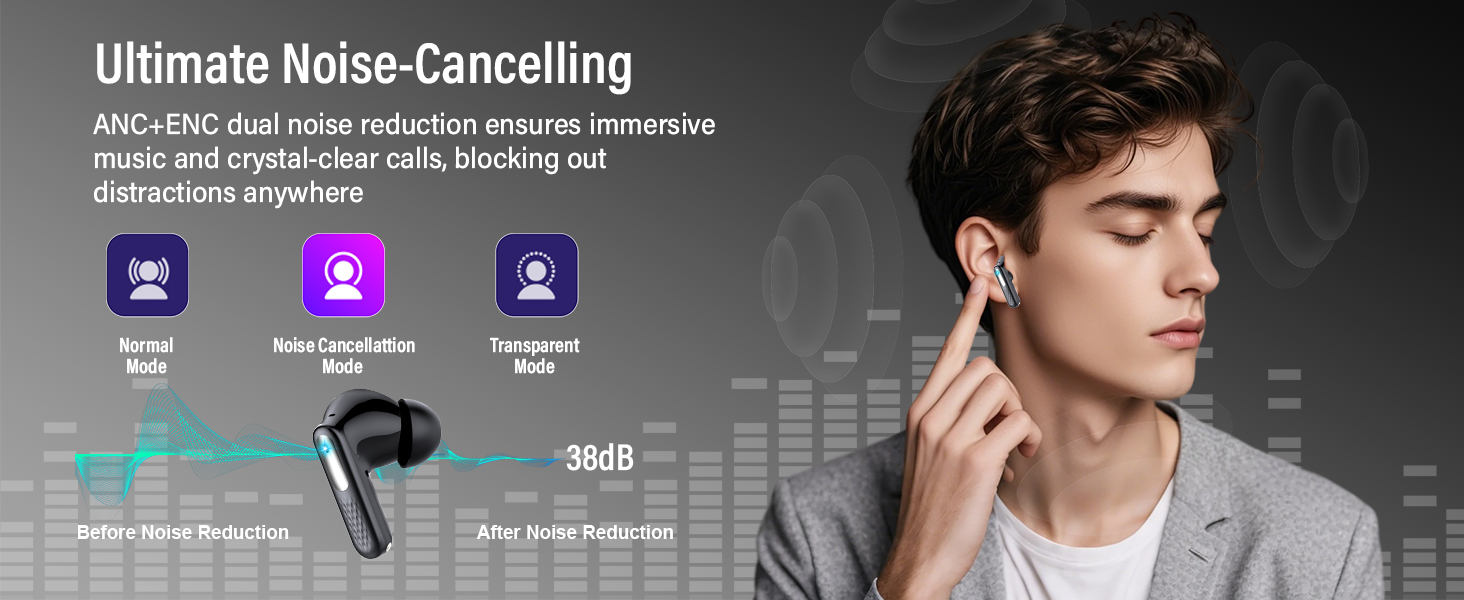
Figure 9: ANC and Transparency Modes. Choose your preferred listening environment with active noise cancellation or ambient sound passthrough.
4. EQ Modes
Customize your audio experience with 5 built-in equalizer modes. These modes can be selected directly from the charging case touchscreen:
- Standard
- Rock
- Jazz
- Pop
- Classic
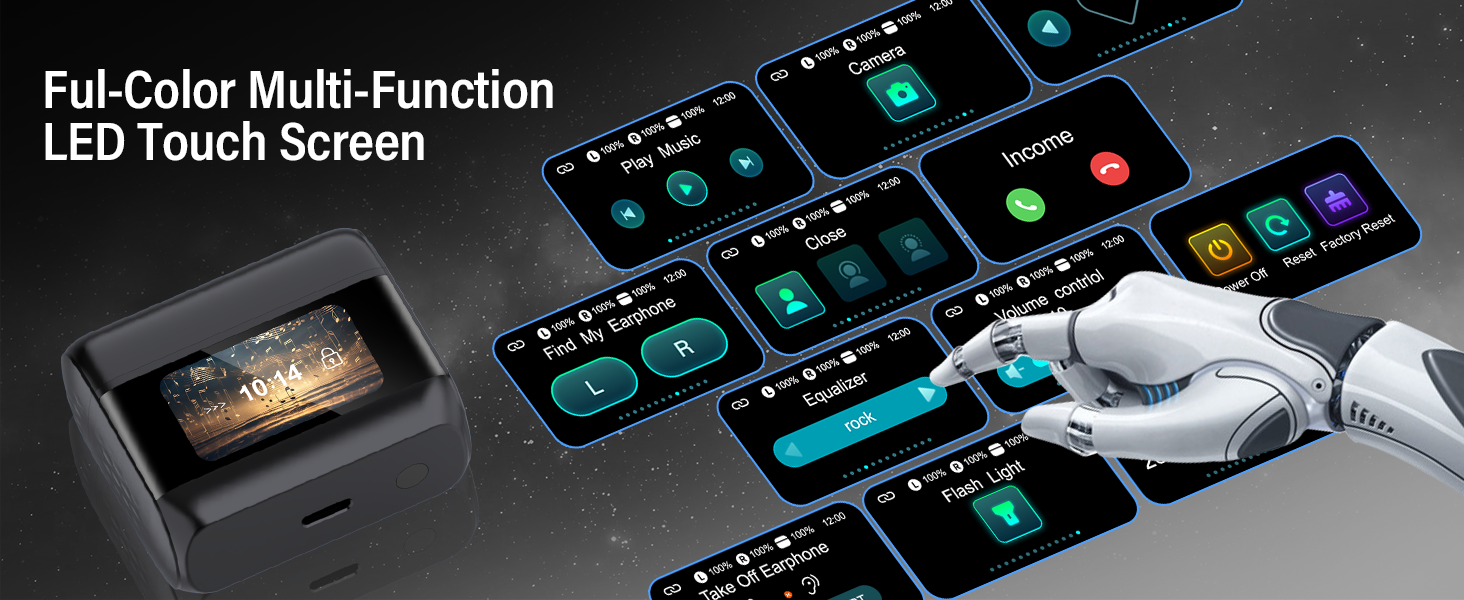
Figure 10: 5 EQ Modes. Select an equalizer preset to match your music genre or personal preference.
Maintenance
1. Cleaning
Regularly clean your earbuds and charging case to maintain optimal performance and hygiene.
- Use a soft, dry, lint-free cloth to wipe the earbuds and charging case.
- Gently remove any earwax or debris from the eartips and speaker mesh using a small, soft brush or cotton swab.
- Do not use abrasive materials, alcohol, or chemical cleaners.
2. Storage
When not in use, store the earbuds in their charging case to protect them from dust, damage, and to keep them charged. Avoid exposing the device to extreme temperatures or direct sunlight.
3. Water Resistance
The Z9pro earbuds are IPX7 waterproof, meaning they can withstand sweat, rain, and splashes. They are not designed for swimming or submersion in water. Ensure the earbuds are dry before placing them back into the charging case to prevent damage.

Figure 11: IPX7 Waterproof Rating. The earbuds are resistant to sweat, rain, and splashes, suitable for workouts and outdoor use.
Troubleshooting
If you encounter issues with your ZYHKON Z9pro earbuds, try the following solutions:
| Problem | Solution |
|---|---|
| Earbuds not pairing | Ensure earbuds are charged. Turn off and on your device's Bluetooth. Place earbuds back in case, close, then reopen to re-enter pairing mode. |
| Only one earbud working | Place both earbuds back in the charging case, close the lid for 5 seconds, then open again. Check battery levels for both earbuds. |
| No sound or low volume | Check device volume and earbud volume via the charging case. Ensure earbuds are properly seated in your ears. Clean any debris from speaker mesh. |
| Charging case not charging | Ensure the USB-C cable is securely connected to both the case and power source. Try a different cable or power adapter. |
| Unresponsive touch controls | Ensure earbuds are clean and dry. Restart the earbuds by placing them in the case and closing the lid. |
| Factory Reset | If issues persist, perform a factory reset. This option is available on the charging case touchscreen. Refer to Figure 5 for visual guidance on the reset option. |

Figure 12: Factory Reset Option. The charging case touchscreen provides a 'Factory Reset' option for resolving persistent issues.
Specifications
| Brand | ZYHKON |
| Model | Z9pro |
| Bluetooth Version | 5.4 |
| Noise Control | Hybrid Active Noise Cancellation (ANC), Environmental Noise Cancellation (ENC) |
| Audio Driver | 14.2mm Dynamic Driver |
| Earbud Battery Life | 6-8 hours (single charge) |
| Total Playtime (with Case) | Up to 48 hours |
| Charging Port | USB-C |
| Water Resistance | IPX7 |
| Control Type | Touch Control (Earbuds & Case) |
| Compatibility | iOS, Android, Tablets, Laptops, Smart TVs |
| Material | Acrylonitrile Butadiene Styrene (ABS), Silicone |
Warranty and Support
Warranty Information
The ZYHKON Z9pro Wireless Earbuds come with a 24-month warranty from the date of purchase. This warranty covers manufacturing defects and ensures reliable performance. Please retain your proof of purchase for warranty claims.
Customer Support
For any questions, technical assistance, or warranty inquiries, please contact ZYHKON customer support through the retailer where you purchased the product or visit the official ZYHKON website for contact information. Our support team is available to assist you with any issues you may encounter.