
Introduction
This manual provides detailed instructions for the setup, operation, and maintenance of your KEEPONFIT Smart Watch K53-futi. Please read this manual thoroughly before using your device to ensure proper function and to maximize its features.
What's in the Box
Upon opening the package, verify that all items listed below are present:
- Smart watch
- Watch Band (typically includes both steel and silicone straps)
- User Manual
- Magnetic Charging Cable

Image: Contents of the product packaging, showing the smartwatch, two watch bands (steel and silicone), the user manual, and the magnetic charging cable.
Setup Guide
1. App Installation
To utilize all features of your KEEPONFIT Smart Watch, you must download and install the VeryFit application on your smartphone. The app is compatible with iOS 9.0 and above, and Android 6.0 and above devices.
- Scan the QR code displayed on your watch screen or in the user manual.
- Alternatively, search for "VeryFit" in the Apple App Store (for iOS) or Google Play Store (for Android).
- Download and install the application.
2. Device Pairing
After installing the VeryFit app, follow these steps to pair your smartwatch with your phone:
- Ensure your smartphone's Bluetooth is enabled.
- Open the VeryFit application.
- Follow the in-app instructions to search for and connect to your KEEPONFIT Smart Watch.
- Confirm the pairing request on both your phone and the smartwatch.

Image: Visual guide showing the three steps to connect the smartwatch: downloading the VeryFit app, ensuring Bluetooth is on, and pairing the device through the app.
Operating Instructions
Basic Navigation
The smartwatch features a 1.27-inch round full touch screen. Swipe across the screen to navigate through menus and tap to select options. The side button typically serves as a home button or to access the app list.
Bluetooth Calling & Notifications
Once paired, your smartwatch supports Bluetooth calls and notifications.
- Making/Receiving Calls: Use the built-in microphone and speaker to make or answer calls directly from your watch.
- Notifications: Receive SMS, Facebook, WhatsApp, Instagram, and Twitter notifications. Configure which app notifications appear on your watch via the VeryFit app.
- AI Voice Feature: Use voice commands to control music playback, check weather, set alarms, and timers.

Image: A user demonstrating the Bluetooth call function, showing the watch face with call interface and surrounding icons.

Image: The smartwatch screen showing different types of notifications such as incoming calls, text messages, and activity reminders.
Health Monitoring
The smartwatch provides comprehensive health monitoring features:
- Heart Rate Monitoring: Continuously tracks your heart rate throughout the day.
- Blood Oxygen (SpO2) Monitoring: Measures your blood oxygen levels.
- Sleep Monitoring: Automatically monitors your sleep status, providing data on deep sleep, light sleep, and awake times.
- Stress Monitoring: Helps you understand and manage your stress levels.
- Menstrual Period Tracking: Records and predicts women's menstrual cycles.

Image: Four smartwatch screens showing health metrics: heart rate (36 bpm), blood oxygen (28%), pressure (56), and sleep duration (8h 30min).

Image: A smartwatch screen showing a menstrual cycle calendar, indicating menstrual days, expected menstruation, and ovulation periods.

Image: The smartwatch screen showing sleep monitoring data, detailing deep sleep, light sleep, and awake durations.
Sports Modes
The watch offers over 100 sports modes to accurately track your activities, including walking, running, swimming, hiking, cycling, mountaineering, and yoga.

Image: A user engaged in running, with various sports mode icons surrounding the image, indicating the watch's multi-sport tracking capabilities.

Image: The smartwatch interface showing a selection of sports modes and options for running courses.
Watch Faces & Customization
Personalize your smartwatch with a variety of watch faces. You can choose from many pre-installed faces or upload your own photos via the VeryFit app to create custom watch faces.
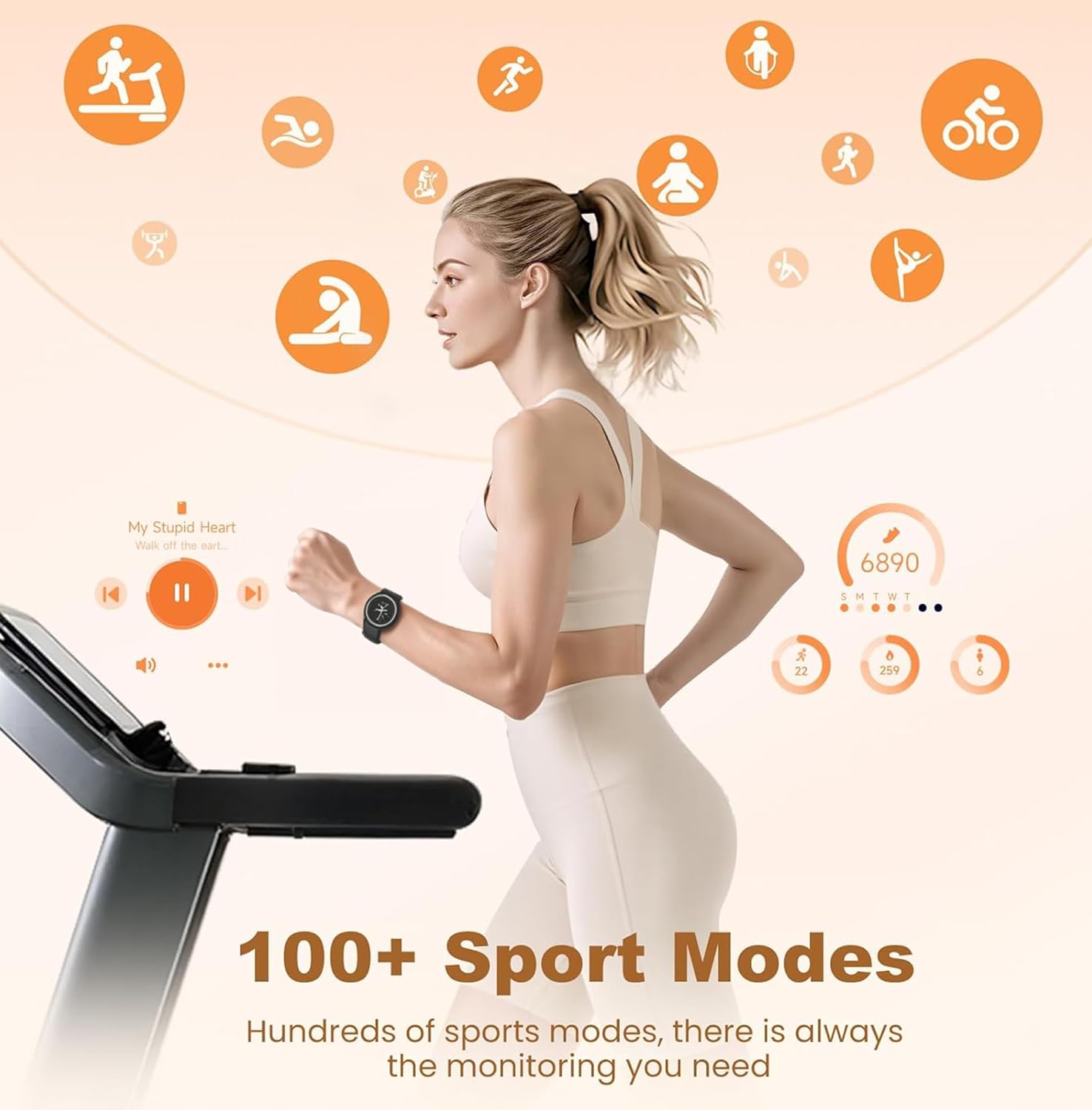
Image: A display of various watch faces available, including options to customize with personal pictures.
Other Features
- Music Control: Play, pause, or skip tracks on your phone directly from your watch.
- Remote Camera Control: Use your watch as a remote shutter button for your phone's camera.
- Weather Forecast: Get real-time weather updates and 6-day forecasts.
- Alarms & Timers: Set alarms and use stopwatch/timer functions.
- Sedentary Reminders: Receive alerts to move after periods of inactivity.
- Find Phone: Locate your paired smartphone.
- Adjustable Brightness: Customize screen brightness for optimal viewing.

Image: The smartwatch showcasing music control, remote camera functionality, and weather forecast display.
Maintenance
Water Resistance Guidelines
Your KEEPONFIT Smart Watch has an IP68 waterproof rating, meaning it is resistant to dust and can withstand immersion in water up to 5 meters deep. You can safely wear it for swimming, washing hands, and showering.
Important:
- It is not recommended for use in hot water environments such as saunas or hot tubs.
- Avoid contact with seawater or deep diving.

Image: A user wearing the smartwatch while in a swimming pool, illustrating its IP68 waterproof design.

Image: The smartwatch shown in a swimming environment, emphasizing its suitability for water activities.
Charging
The smartwatch is equipped with a 290 mAh Lithium Ion battery. Use the provided magnetic charging cable to charge the device.
- Connect the magnetic end of the cable to the charging points on the back of the watch.
- Connect the USB end to a standard USB power adapter (not included) or a computer USB port.
- A full charge typically takes approximately 2 hours.
- The battery provides 5-7 days of typical use and up to 7 days of ultra-long standby.

Image: The smartwatch being charged with its magnetic cable, showing battery life and charging duration details.
Troubleshooting
If you encounter issues with your smartwatch, refer to the following common solutions:
| Problem | Solution |
|---|---|
| Watch not turning on | Ensure the watch is fully charged. Connect it to the magnetic charging cable and allow it to charge for at least 30 minutes before attempting to power on. |
| Unable to pair with phone |
|
| Notifications not appearing |
|
| Inaccurate health data | Ensure the watch is worn snugly on your wrist, about one finger's width above the wrist bone. Clean the sensor on the back of the watch regularly. |
Specifications
| Feature | Detail |
|---|---|
| Model Name | K53-futi |
| Operating System Compatibility | Android 6.0+ and iOS 9.0+ |
| Screen Size | 1.27 Inches |
| Display Type | LCD |
| Connectivity Technology | Bluetooth |
| Battery Capacity | 290 mAh (Lithium Ion) |
| Water Resistance Rating | IP68 (Waterproof up to 5 meters) |
| Special Features | Activity Tracker, Alarm Clock, Daily Workout Memory, Notifications, Bluetooth Calls, Heart Rate, SpO2, Sleep, Stress, Menstrual Cycle Monitoring, 100+ Sports Modes, AI Voice Assistant, Music Control, Remote Camera, Weather Forecast |
| Metrics Measured | Blood Oxygen (SpO2), Calories Burned, Distance, Heart Rate, Stress |
| Human Interface Input | Microphone, Touchscreen |
| Band Width | 18 Millimeters |
Warranty and Support
Your KEEPONFIT Smart Watch K53-futi comes with a 1-year warranty from the date of purchase.
For any questions, technical assistance, or warranty claims, please contact our professional technical support team. We are committed to providing assistance within 24 hours.
Please refer to the contact information provided in the packaging or on the official KEEPONFIT website for support details.