
1. Introduction
The Retevis RM01P is a handheld marine radio designed for reliable communication in marine environments. Its lightweight and compact design ensures ease of portability and use, even during demanding operations. Key features include IP67 waterproofing, a floating design for easy retrieval, and vibration water draining functionality, enhancing its durability and performance on the water.
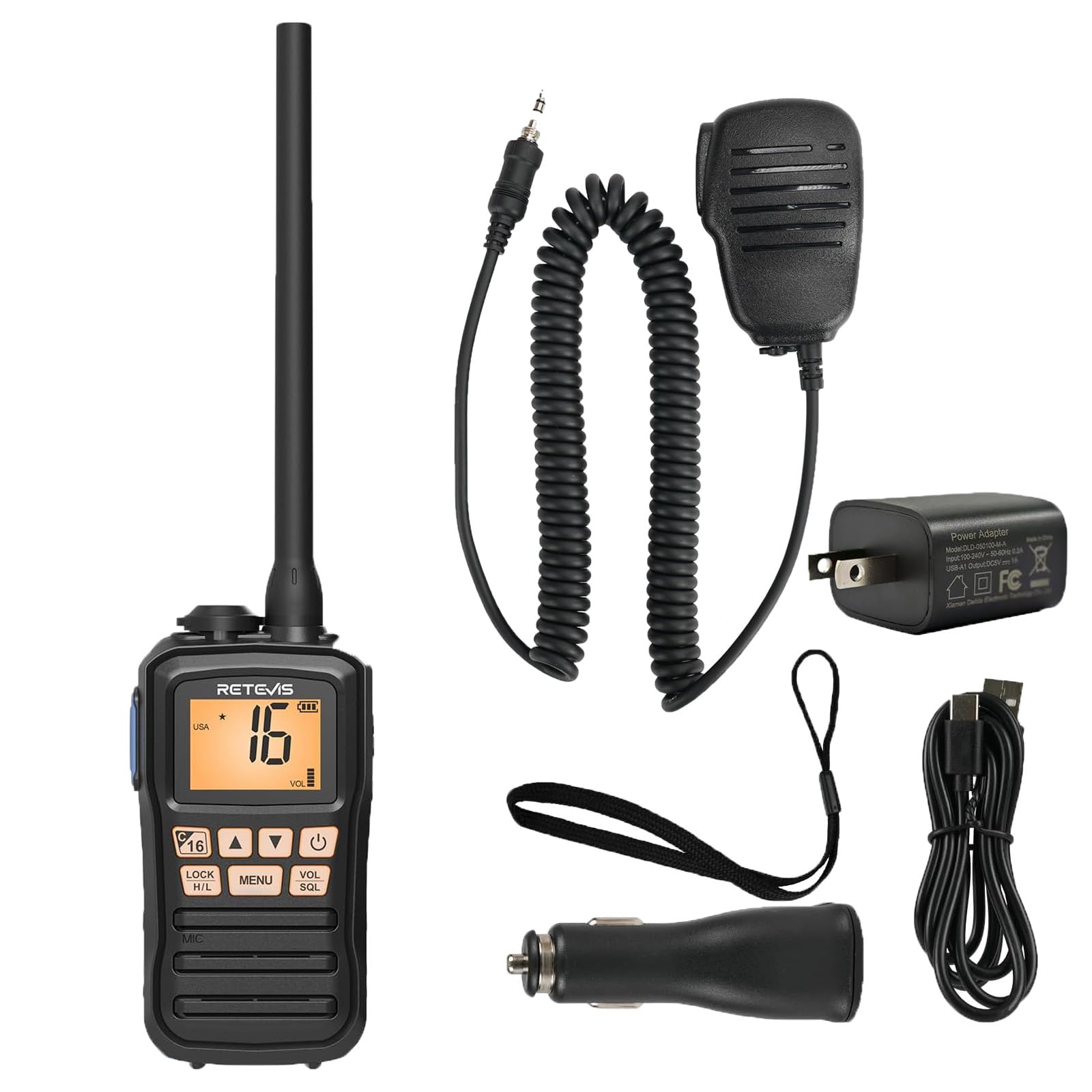
Image 1.1: The Retevis RM01P radio, highlighting its lightweight (136g) and portable design with dimensions (4.69in height, 2.48in width, 1.38in depth).
2. Package Contents
Verify that all items are present in the package:
- RM01P Marine Walkie Talkie (1)
- Battery (1)
- Car Charger (1)
- Belt Clip (1)
- User Manual (1)
- Power Adapter (1)
- Type-C Charging Cable (1)
- Lanyard (1)
- Speaker Microphone (1)

Image 2.1: Visual representation of the complete package contents.
3. Safety Information
- IP67 Waterproof Rating: The RM01P is designed to withstand immersion in water up to 1 meter (3.3 feet) for 30 minutes. Ensure all covers and ports are securely sealed before exposure to water.
- Floating Design: If the radio is accidentally dropped into water, its design allows it to float on the surface, making it easier to locate and retrieve.
- Vibration Water Draining: After exposure to water, utilize the vibration water draining function to expel water from the speaker and microphone for optimal performance.
- Do not attempt to disassemble or modify the radio. This can void the warranty and cause damage.
- Use only Retevis-approved accessories and charging equipment.

Image 3.1: The RM01P demonstrating its floating capability and IP67 waterproof rating.
4. Setup
4.1 Battery Installation
- Align the battery with the compartment on the back of the radio.
- Gently push the battery into place until it clicks securely.
- Ensure the battery cover is properly sealed to maintain the IP67 rating.
4.2 Charging the Battery
The RM01P features a Type-C charging port for convenience.
- Connect the Type-C charging cable to the radio's charging port.
- Connect the other end of the cable to the provided power adapter, car charger, or a compatible power bank/USB interface.
- The charging indicator on the radio will show the charging status. A full charge typically takes several hours.
- The 1750mAh battery provides approximately 15 hours of continuous use and 66 hours on standby.

Image 4.1: Charging options for the RM01P, featuring Type-C connectivity.
4.3 Attaching the Speaker Microphone
The included speaker microphone connects via a 3.5mm 1-pin jack.
- Locate the 3.5mm audio jack on the side of the radio.
- Insert the 3.5mm 1-pin connector of the speaker microphone firmly into the jack.
- The speaker microphone features a 360° rotatable collar clip for convenient attachment to clothing.
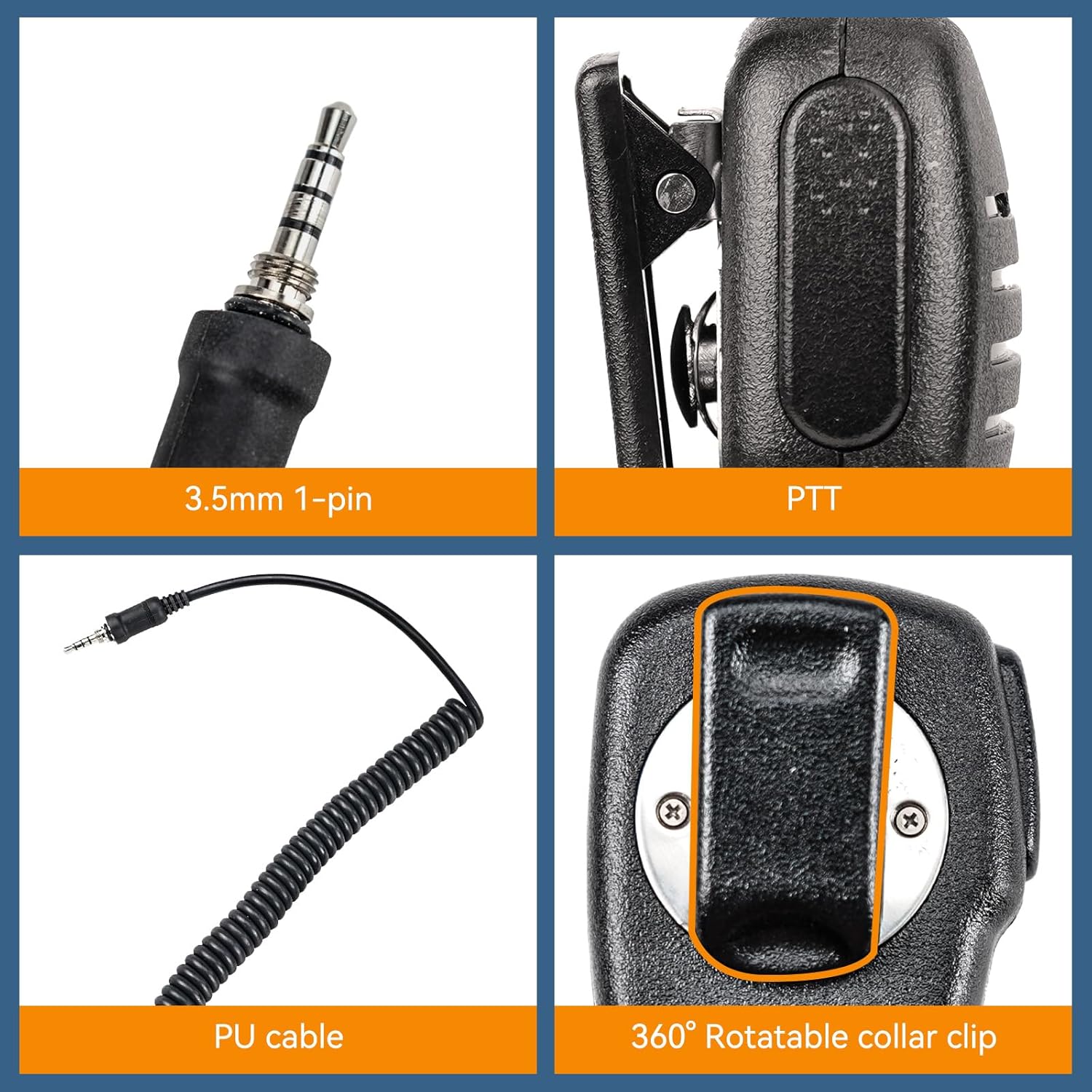
Image 4.2: Details of the 3.5mm 1-pin speaker microphone.
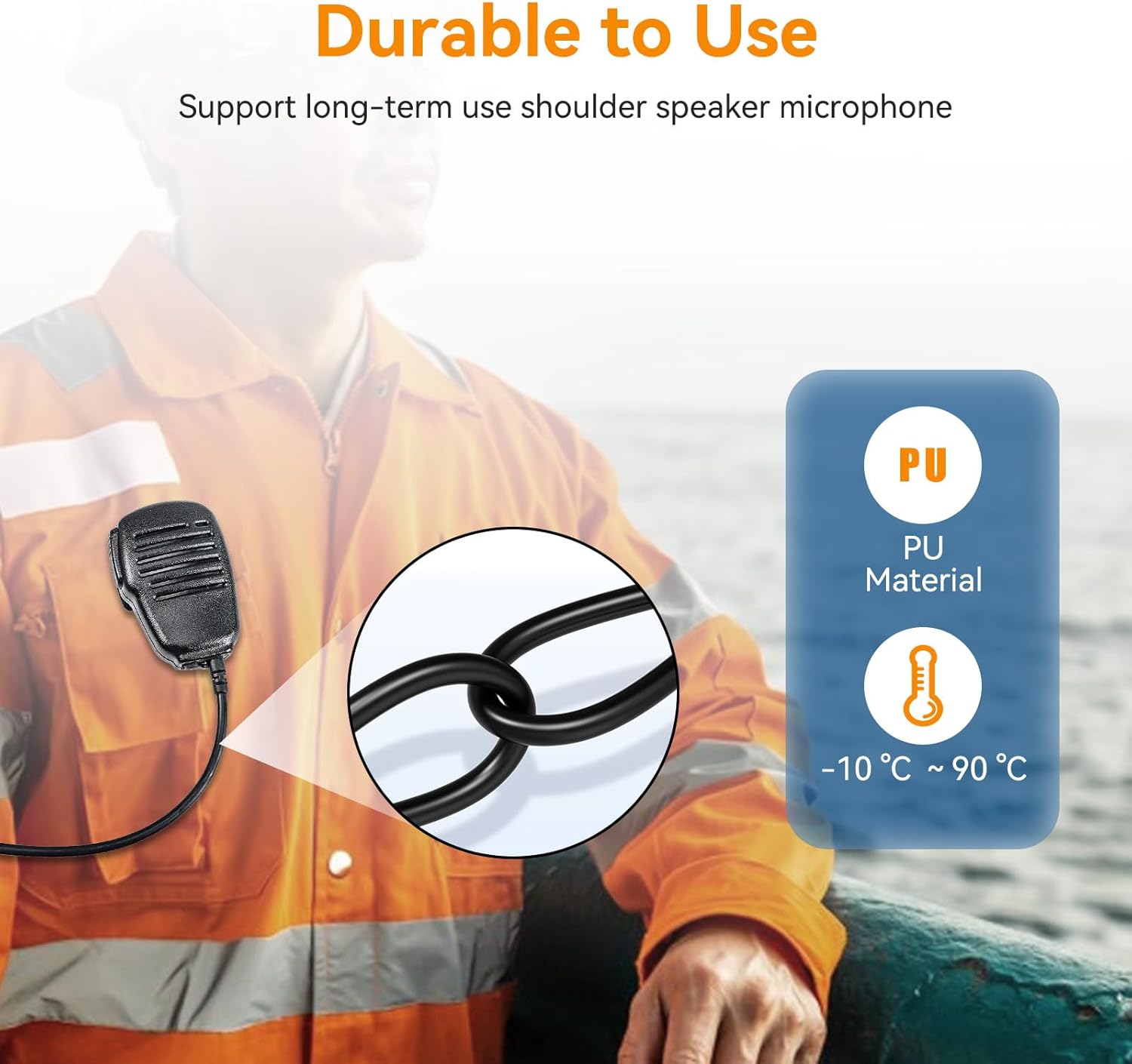
Image 4.3: Durability features of the speaker microphone, including PU material.
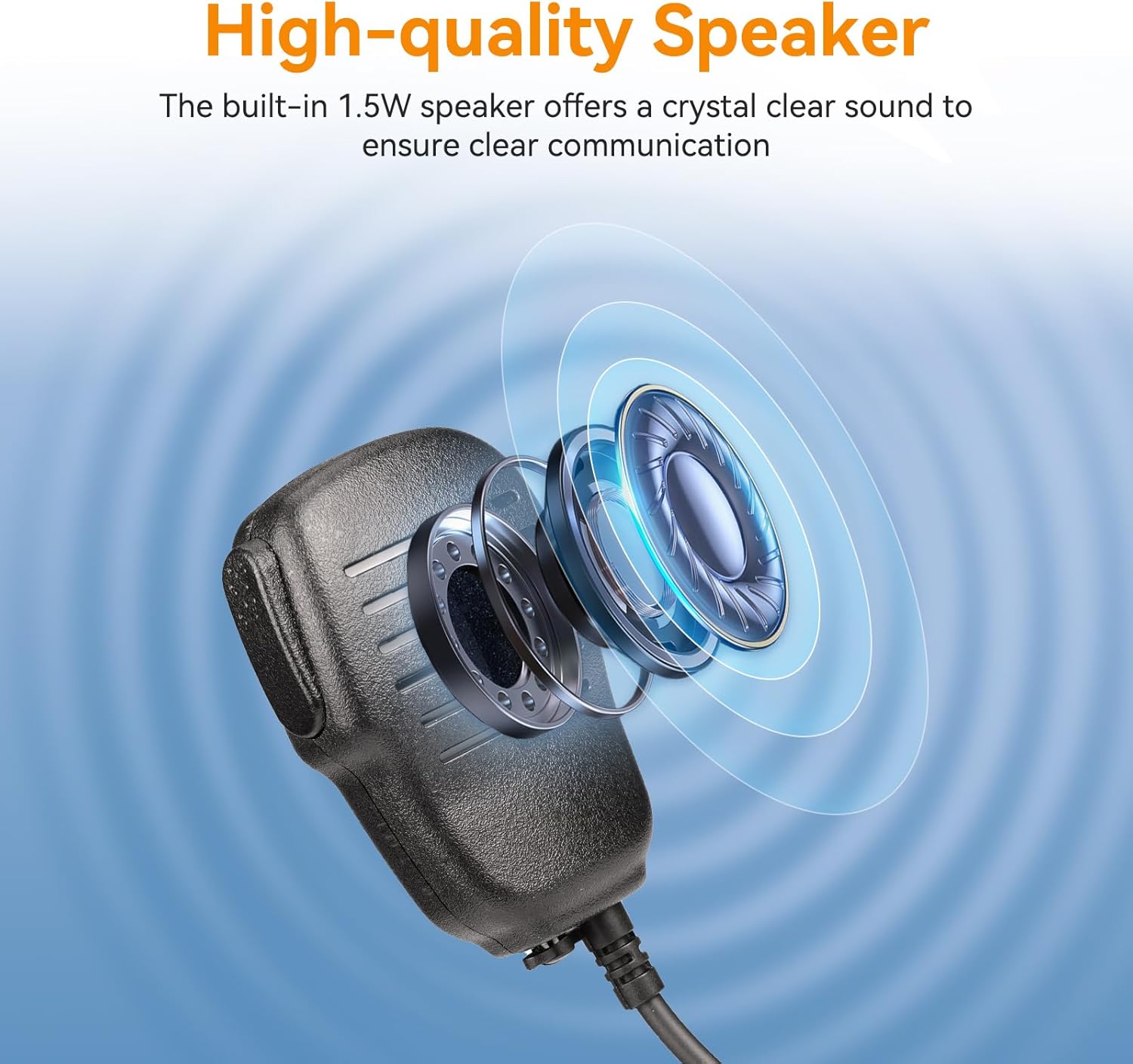
Image 4.4: High-quality speaker design for clear audio.
5. Operating Instructions
5.1 Power On/Off
Press and hold the Power button (usually marked with a power symbol) to turn the radio on or off.
5.2 Volume Adjustment
Use the VOL (Volume) up/down buttons or knob to adjust the listening volume.
5.3 Channel Selection
Use the UP/DOWN arrow buttons to navigate through available marine channels. The current channel number will be displayed on the screen.
5.4 Transmitting and Receiving
- To transmit, press and hold the PTT (Push-To-Talk) button on the side of the radio or speaker microphone. Speak clearly into the microphone.
- Release the PTT button to stop transmitting and return to receive mode.
- Ensure you are on an appropriate channel for communication.
5.5 Squelch Adjustment (SQL)
The SQL (Squelch) function filters out weak signals and background noise. Adjust it to a level where only clear signals are heard, minimizing static.
5.6 Lock Function (LOCK)
Press the LOCK button to prevent accidental changes to settings or channels. Press it again to unlock.
5.7 NOAA Weather Channels
The RM01P supports 10 NOAA Weather Channels, providing real-time weather alerts to help avoid storms and hazards.
- Access NOAA channels through the menu or a dedicated button (refer to the radio's display for specific indicators).
- Monitor these channels for critical weather information relevant to your location.

Image 5.1: Radio display indicating NOAA Weather Channel functionality.
6. Maintenance
- Cleaning: Wipe the radio with a soft, damp cloth. Do not use harsh chemicals or abrasive cleaners.
- Water Draining: After exposure to water, activate the vibration water draining function to clear water from the speaker and microphone grille. This helps maintain audio clarity.
- Storage: Store the radio in a cool, dry place when not in use. Remove the battery if storing for extended periods.
- Battery Care: Avoid fully discharging the battery frequently. Charge the battery regularly to prolong its lifespan.
7. Troubleshooting
| Problem | Possible Cause | Solution |
|---|---|---|
| Radio does not power on. | Battery is low or not installed correctly. | Charge the battery. Reinstall the battery, ensuring it is securely seated. |
| No sound or distorted sound. | Volume too low, squelch too high, or water in speaker/mic. | Increase volume. Adjust squelch (SQL) level. Use water draining function if exposed to water. |
| Cannot transmit or receive. | Incorrect channel, out of range, or PTT button issue. | Verify channel selection. Move closer to the other radio. Ensure PTT button is fully pressed. |
| Radio is locked. | Lock function is activated. | Press the LOCK button again to unlock the radio. |
8. Specifications
- Model: Retevis RM01P
- Waterproof Rating: IP67 (Submersible up to 1m for 30 minutes)
- Battery Capacity: 1750mAh
- Battery Life: Approx. 15 hours (continuous use), 66 hours (standby)
- Charging Port: Type-C (5V input voltage)
- Speaker Output Power: 1.5W
- Microphone Sensitivity: -38dB±3dB
- Speaker Sensitivity: 88dB±3dB
- Speaker Microphone Pin: 3.5mm 1-pin
- Speaker Microphone Material: PU
- Speaker Microphone Operating Temperature: -10 °C to 90 °C (14 °F to 194 °F)
- NOAA Weather Channels: 10
9. Warranty and Support
For warranty information and technical support, please refer to the official Retevis website or contact your local dealer. Keep your purchase receipt for warranty claims.
Seller: Retevis Direct
Return Policy: 30 days (refund/replacement)
For further assistance, visit the Retevis Store on Amazon.