
1. Introduction
Thank you for choosing the EcoVolt PowerMax 3600 PE Portable Power Station. This device is designed to provide reliable power for various applications, from home emergency backup to outdoor adventures. Featuring a 2016Wh LiFePO4 battery and a 3600W output, it offers versatile charging and powering capabilities. Please read this manual thoroughly before use to ensure safe and optimal operation.
2. Safety Information
- Do not disassemble, repair, or modify the unit. Incorrect reassembly may cause fire or electric shock.
- Do not place the unit near fire or expose it to direct sunlight.
- Do not charge, use, or store the unit in a bathroom or an area exposed to water.
- Use only the provided or approved accessories.
- Keep the unit away from children and pets.
- Ensure proper ventilation during use and charging to prevent overheating.
- Avoid dropping, heavy impacts, or strong vibrations.
- In case of fire, use a dry powder fire extinguisher.
3. Package Contents
Verify that all items are included in your package:
- EcoVolt PowerMax 3600 PE Power Station
- 200W Solar Panel (if purchased as a bundle)
- AC Charging Cable
- Car Charging Cable
- Solar Charging Cable
- User Manual
4. Product Overview
The PowerMax 3600 PE features a robust design with multiple output ports and an intuitive display. Familiarize yourself with the unit's components.
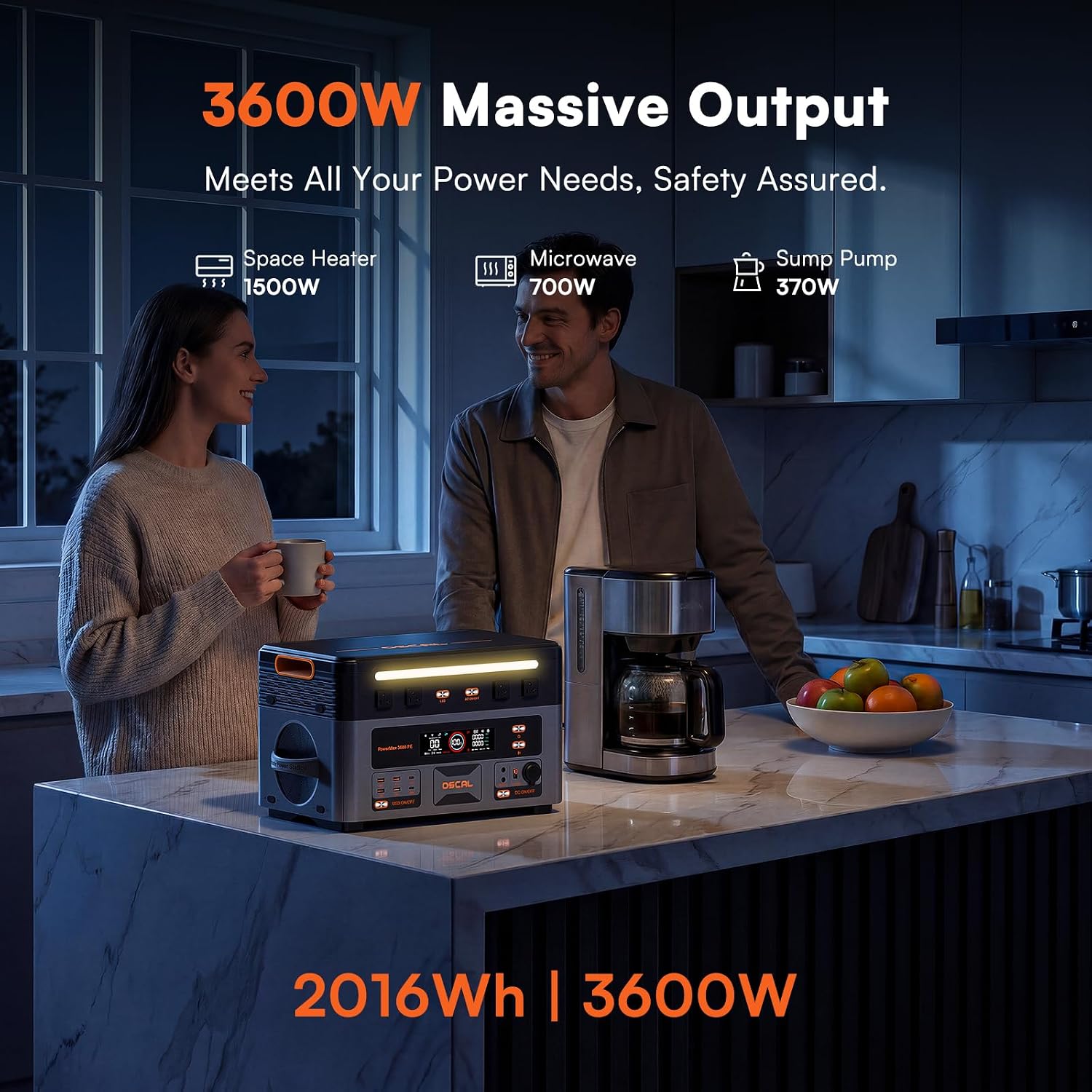
Figure 4.1: Front view of the PowerMax 3600 PE Portable Power Station.

Figure 4.2: Detailed diagram of the 14 versatile output ports, including AC, USB-A, USB-C, DC5521, Anderson, and Car Power ports.
5. Setup
Before first use, fully charge the power station. This ensures the battery is calibrated and ready for optimal performance.
- Unpacking: Carefully remove all components from the packaging.
- Initial Charge: Connect the AC charging cable to the power station and then to a wall outlet. The display will indicate charging status.
- Solar Panel Connection (Optional): If using the included 200W solar panel, connect it to the power station using the solar charging cable. Ensure the panel is placed in direct sunlight for efficient charging.
6. Operating Instructions
The PowerMax 3600 PE is designed for ease of use. Follow these steps to operate your power station:
- Power On/Off: Press and hold the main power button for a few seconds to turn the unit on or off. The display will illuminate.
- AC Output: To use the AC outlets, press the AC power button. The AC indicator on the display will light up. Plug your devices into the 120V AC outlets.
- DC Output: To use the DC5521 ports or the 12V car lighter socket, press the DC power button. The DC indicator will light up.
- USB Output: The USB-A and USB-C ports are typically always active when the unit is on. Simply plug in your USB-powered devices.
- Monitoring: The integrated display provides real-time information on battery level, input/output wattage, and remaining run/charge time.

Figure 6.1: The PowerMax 3600 PE providing 3600W massive output to various household appliances.
7. Charging Options
The PowerMax 3600 PE offers multiple flexible charging methods to keep your unit powered up.
- AC Fast Charging: Supports 1500W AC input, allowing a full charge in approximately 1.5 hours.
- Solar Charging: Supports up to 1600W max solar input. With optimal sunlight and sufficient panels, it can charge from 0 to 100% in about 1.2 hours.
- Car Charging: Charge your power station using your vehicle's 12V outlet.
- Triple-Input Charging: Combine Solar, AC, and Car charging for the fastest possible recharge.

Figure 7.1: Solar charging setup for the PowerMax 3600 PE, demonstrating 1600W solar input capability.

Figure 7.2: AC fast charging of the PowerMax 3600 PE, achieving 100% charge in 90 minutes.
8. Smart App Control
Manage and monitor your PowerMax 3600 PE remotely using the dedicated mobile application.
- Download: Search for the "OSCAL" app in your device's app store.
- Connect: Follow the in-app instructions to connect your power station via Bluetooth or Wi-Fi.
- Features: The app allows you to check real-time battery status, adjust input/output power settings, select charging modes, update firmware, and receive alerts for any system abnormalities.

Figure 8.1: Remote management of the PowerMax 3600 PE via the Smart App Control interface.
9. Emergency Power Supply (EPS)
The PowerMax 3600 PE features an intelligent Emergency Power Supply (EPS) function to ensure uninterrupted power for critical devices.
- Automatic Switchover: In the event of a mains power failure, the unit automatically switches to battery backup within 0.01 seconds (less than 10ms).
- Critical Device Protection: This rapid switchover prevents interruptions for sensitive electronics such as refrigerators, medical equipment (like CPAP machines), and security systems.

Figure 9.1: The PowerMax 3600 PE providing uninterrupted power for an office setup with its 8ms EPS feature.

Figure 9.2: The PowerMax 3600 PE ensuring continuous operation of essential medical devices like CPAP machines during power outages.
10. Battery Information
The PowerMax 3600 PE is equipped with advanced LiFePO4 battery technology.
- LiFePO4 Cells: Utilizes automotive-grade A-quality LiFePO4 cells for enhanced safety and longevity.
- Long Lifespan: Offers over 6,000 charge cycles, providing a service life of more than 15 years with daily use. This is up to 8 times longer than standard lithium batteries.
- Battery Management System (BMS): An advanced BMS provides 11 safety protections, continuously monitoring voltage, temperature, and short-circuit risks to ensure complete safety and optimal battery health.

Figure 10.1: Internal view of the PowerMax 3600 PE's LiFePO4 battery cells, highlighting its 15-year lifespan and 4,000+ cycles.
11. Maintenance
Proper maintenance ensures the longevity and performance of your power station.
- Storage: Store the unit in a cool, dry place away from direct sunlight and extreme temperatures. For long-term storage, charge the unit to 50-80% every 3-6 months.
- Cleaning: Use a dry, soft cloth to clean the exterior of the unit. Do not use harsh chemicals or abrasive materials.
- Ventilation: Ensure the ventilation openings are clear of dust and debris to prevent overheating.
12. Troubleshooting
If you encounter issues with your PowerMax 3600 PE, refer to the following common problems and solutions:
| Problem | Possible Cause | Solution |
|---|---|---|
| Unit does not power on | Battery is depleted; Power button not pressed correctly | Charge the unit; Press and hold the power button firmly for 3 seconds. |
| AC output not working | AC output not enabled; Overload protection triggered | Press the AC power button; Reduce connected load, then restart AC output. |
| Slow charging via solar panel | Insufficient sunlight; Panel not positioned correctly; Dirty panel | Ensure direct sunlight; Adjust panel angle; Clean panel surface. |
| App connection issues | Bluetooth/Wi-Fi off; App not updated | Enable Bluetooth/Wi-Fi on your device; Update the app to the latest version. |
If the problem persists, please contact customer support.
13. Specifications
| Feature | Detail |
|---|---|
| Model Name | PowerMax 3600 PE |
| Battery Capacity | 2016Wh |
| Rated Output Power | 3600W |
| Peak Output Power | 7200W |
| Battery Type | LiFePO4 |
| AC Charging Input | Max 1500W |
| Solar Charging Input | Max 1600W |
| AC Output Voltage | 120V |
| Total Power Outlets | 14 (4x AC, 4x USB-A, 2x USB-C, 1x 12V Car, 2x DC5521, 1x Anderson) |
| EPS Switchover Time | <10ms (0.01 seconds) |
| Dimensions (L x W x H) | 20.8" x 11.4" x 11.8" (53 x 29 x 30 cm) |
| Net Weight | 52 lbs (24 kg) |
| Material | High-strength ABS |
14. Warranty and Support
EcoVolt stands by the quality of its products.
- Warranty: The PowerMax 3600 PE comes with a 5-year core component coverage.
- Technical Support: For any technical assistance or inquiries, please contact our 24/7 technical support team. Refer to the contact information provided on our official website or in your product packaging.
15. Product Video
Watch the official product video for a visual guide to the EcoVolt PowerMax 3600 PE Portable Power Station.
Video 15.1: Official overview of the OSCAL 3600W Portable Power Station, demonstrating its features and applications.