
Product Overview
The OTTOCAST Mini Nova is a compact 2-in-1 wireless adapter designed to convert your vehicle's existing wired CarPlay or Android Auto system into a wireless connection. This device facilitates automatic, stable, and low-latency connectivity for your smartphone, enhancing your in-car experience.

Image: The OTTOCAST Mini Nova adapter, illustrating its ability to convert wired CarPlay and Android Auto to wireless functionality.
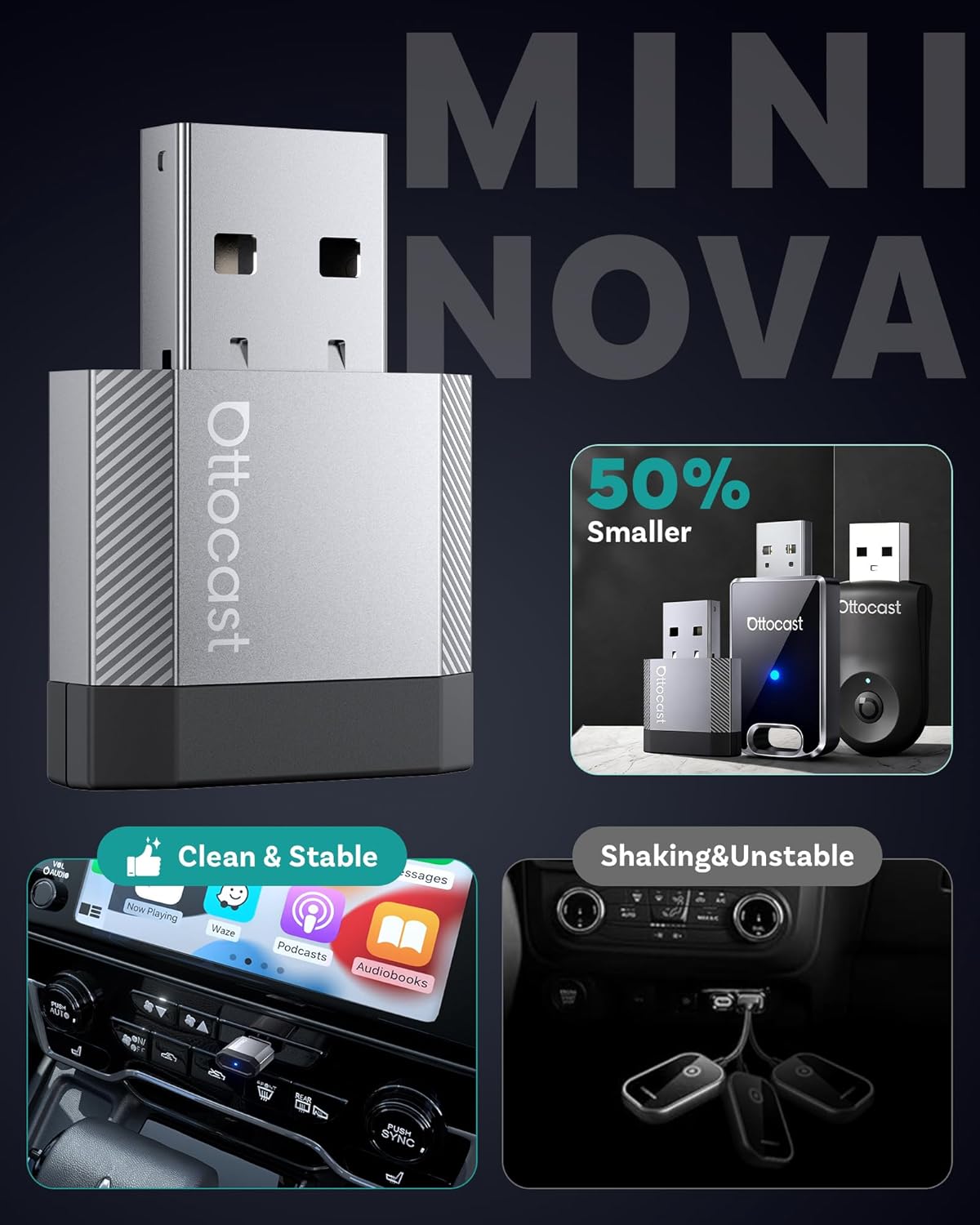
Image: A visual representation of the compact size of the OTTOCAST Mini Nova adapter, highlighting its discreet design.
Setup Instructions
Follow these steps to set up your OTTOCAST Mini Nova adapter:
- Compatibility Check: Ensure your vehicle has a factory-installed wired CarPlay or Android Auto system. The adapter is not compatible with vehicles that lack these systems.
- Plug In: Connect the OTTOCAST Mini Nova adapter into your car's USB port. Use the provided USB-A to USB-C adapter if your car has a USB-C port. The adapter will power on, indicated by an LED light.
- Pair with Phone: On your iPhone or Android device, enable Bluetooth and Wi-Fi. Search for the adapter's Bluetooth name (e.g., "CAR-XXXX" or "OTTOCAST-XXXX") and pair with it.
- Confirm Connection: Once paired, your phone will prompt you to enable CarPlay or Android Auto. Confirm the connection. The car's infotainment screen should display the wireless CarPlay or Android Auto interface.
- Automatic Reconnection: After the initial setup, the adapter will automatically reconnect to your phone each time you start your vehicle, provided Bluetooth and Wi-Fi are enabled on your phone.
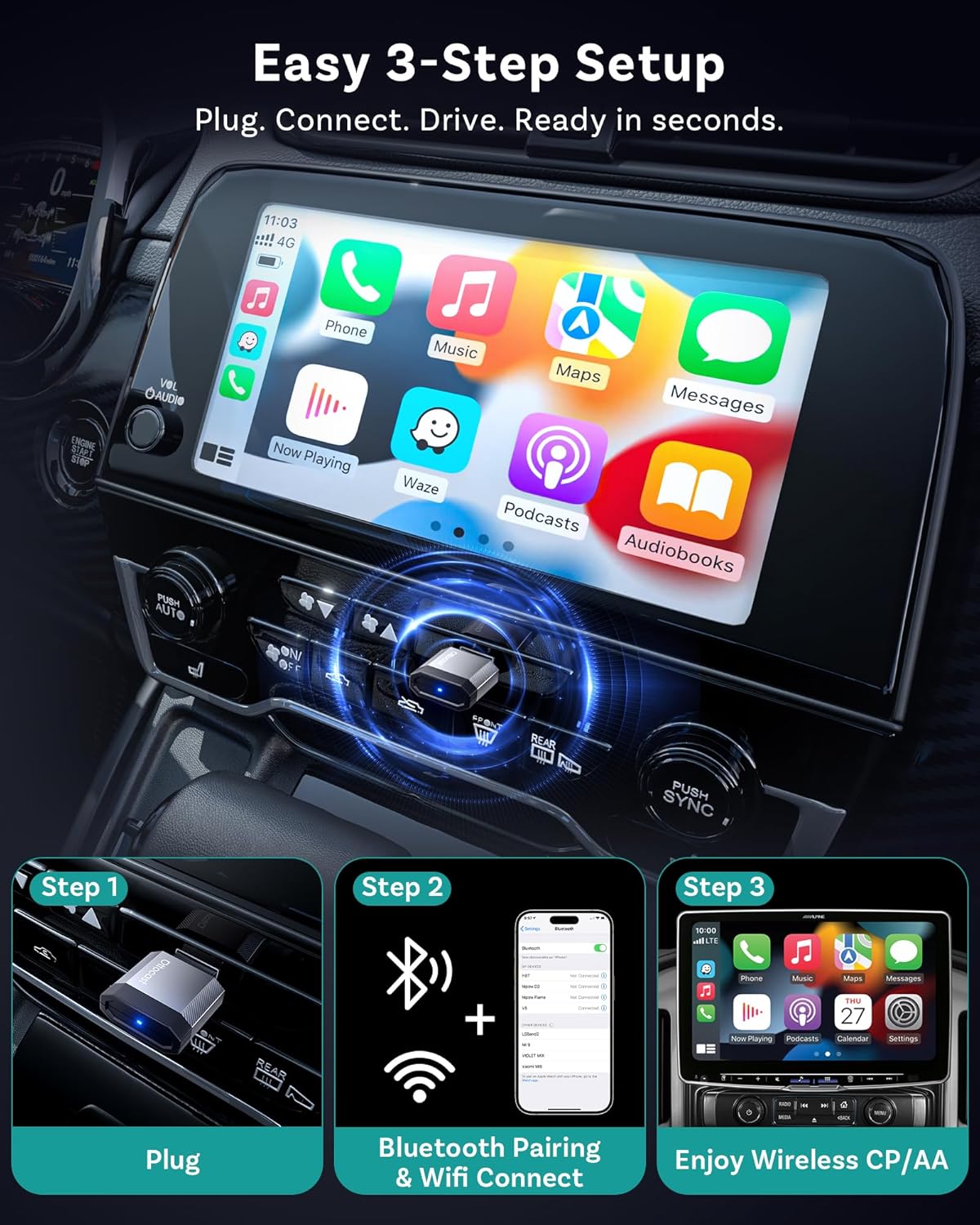
Image: A visual guide demonstrating the three simple steps to set up the OTTOCAST Mini Nova: Plug, Connect, Drive.

Image: The OTTOCAST Mini Nova adapter shown with both USB-A and USB-C connectivity options, illustrating its broad compatibility with various car ports.
Video: Official OTTOCAST demonstration on how to convert wired CarPlay to wireless using the Mini Nova adapter.
Operating Instructions
Once connected, the OTTOCAST Mini Nova provides a seamless wireless experience for CarPlay and Android Auto:
- Access Apps: All your favorite CarPlay or Android Auto applications, including navigation (Maps, Waze), music streaming (Spotify, Apple Music), and communication (Phone, Messages), will be accessible on your car's infotainment screen.
- Control Methods: You can interact with the system using various methods:
- Voice Control: Use Siri or Google Assistant for hands-free commands (e.g., "Hey Siri, navigate to home," "Hey Google, play music").
- Touch Control: Directly interact with the car's touchscreen display.
- Button/Knob Control: Utilize your vehicle's physical buttons and control knobs for navigation within the interface.
- Stable Connection: The adapter uses Bluetooth 4.2 for initial pairing and Wi-Fi 5 (5GHz) for data transmission, ensuring a fast, stable connection with minimal latency for audio and video.
- Discreet Design: The ultra-mini design of the adapter keeps your dashboard tidy and clutter-free.

Image: Illustration of the four control methods available with the OTTOCAST Mini Nova: voice, button, touch, and knob control.

Image: Depiction of the stable and fast connection provided by the OTTOCAST Mini Nova, utilizing Bluetooth 4.2 for pairing and Wi-Fi 5 for high-speed data transmission.
Maintenance
To ensure the longevity and optimal performance of your OTTOCAST Mini Nova adapter, consider the following:
- Keep Clean: Periodically wipe the adapter with a dry, soft cloth to remove dust or debris.
- Avoid Moisture: Protect the device from water and excessive humidity.
- Temperature Control: Avoid exposing the adapter to extreme temperatures, as this can affect its performance and lifespan.
- Firmware Updates: Regularly check for and install firmware updates to ensure compatibility and performance improvements. Updates are typically performed via a web interface accessible through your phone's Wi-Fi connection to the device.

Image: A visual guide illustrating the Over-The-Air (OTA) firmware update process for the OTTOCAST Mini Nova, emphasizing the need to maintain Wi-Fi connection during the update.
Troubleshooting
If you encounter issues with your OTTOCAST Mini Nova adapter, refer to the following common solutions:
- No Connection/Pairing Issues:
- Ensure your vehicle has factory-wired CarPlay or Android Auto. The adapter requires this existing functionality.
- Verify Bluetooth and Wi-Fi are enabled on your phone.
- Try forgetting the device from your phone's Bluetooth settings and re-pairing.
- Restart your car's infotainment system and your phone.
- Overheating:
- While some warmth is normal, excessive heat may indicate an issue. Ensure the adapter is not obstructed and has adequate ventilation.
- If overheating persists, discontinue use and contact support.
- Firmware Update Failure:
- During firmware updates, ensure your phone remains connected to the adapter's Wi-Fi network. Disconnecting can interrupt the process.
- If the update appears to fail, try again, ensuring a stable connection throughout.
- Lag or Disconnections:
- Check for any potential Wi-Fi interference in your vehicle.
- Ensure your phone's operating system is up to date.
- Perform a firmware update on the adapter if available.
Specifications
| Feature | Detail |
|---|---|
| Model Name | Mini Nova |
| Brand | OTTOCAST |
| Connectivity Technology | Bluetooth 4.2, Wi-Fi 5 (802.11ac) |
| Compatible Devices | Android 11+, Car with Factory wired CarPlay, iOS 10+, iPhone 17 |
| Power Source | Corded Electric (5 Volts) |
| Material | Aluminum |
| Special Features | Hands-Free Calls, Low Latency |
| Control Method | Touch, Voice |
| Hardware Interface | USB 2.0 Type A, USB 3.0 Type C |
| Item Dimensions (L x W x H) | 0.83"L x 0.35"W x 1.3"H |
| Item Weight | 5.9 Grams |
What's in the Box:
- 1 x Ottocast Mini Nova Adapter
- 1 x USB A to USB C adapter

Image: Contents of the OTTOCAST Mini Nova package, including the adapter, USB-A to USB-C adapter, user manual, and package box.
Warranty
The OTTOCAST Mini Nova adapter comes with a 2-Year Warranty from the date of purchase. This warranty covers manufacturing defects and ensures product reliability. Please retain your proof of purchase for warranty claims.
Support
For further assistance, technical support, or warranty inquiries, please contact OTTOCAST customer service through their official website or the contact information provided in your product packaging. When contacting support, please have your product model (Mini Nova) and purchase details ready.