
Introduction
This manual provides detailed instructions for the setup, operation, and maintenance of your JOWLURK M7 Projector. Please read this manual thoroughly before using the product to ensure proper function and to prevent damage.
The JOWLURK M7 Projector combines advanced electric focusing, auto keystone correction, and native 1080p resolution with 4K support. It features Wi-Fi 6 and Bluetooth 5.3 for seamless connectivity and a high-quality viewing experience.
What's in the Box
- JOWLURK M7 Projector
- Power Cord
- Remote Control
- User Manual (this document)
- AV Cable (RCA to 3.5mm)

Image: Contents of the JOWLURK M7 Projector package, including the projector unit, power cord, remote control, and AV cable.
Setup
1. Placement
Position the projector on a stable, flat surface. Ensure there is adequate ventilation around the unit. The projector can be placed on a tabletop, mounted on the ceiling, or used with a tripod or wall mount. For optimal performance, avoid areas with excessively bright ambient light.
The projector supports a maximum image size of 450 inches and a minimum of 35 inches, with throw distances ranging from 3.3 feet to 29.6 feet.

Image: The JOWLURK M7 Projector projecting a large image onto a screen, demonstrating its maximum projection size capability.
2. Power Connection
Connect the provided power cord to the projector's power input port and then plug it into a standard electrical outlet (120 Volts).
3. Initial Power On
Press the power button on the projector or the remote control to turn on the device. The projector will initiate its startup sequence.
Video: This video demonstrates the unboxing, power connection, and initial power-on process of the JOWLURK M7 Projector, followed by a demonstration of its features like electric focus and auto keystone correction.
4. Electric Focus & Auto Keystone Correction
The JOWLURK M7 Projector features an advanced electric focusing system and a built-in smart sensor for automatic keystone correction. The auto keystone correction adjusts the screen automatically when the projector is placed at an angle of less than 15°. For precise focus, use the remote control. The electric focus system responds quickly, achieving a sharp image in approximately 3 seconds. Ensure the device is in focus for optimal viewing.

Image: A visual representation of the JOWLURK M7 Projector's electric focus and auto keystone correction features, showing a clear, rectangular projection.
Operating Instructions
1. Signal Source Selection
After powering on, the projector will display the main interface. Use the remote control to navigate and select your desired input source. Available options include USB, AV, HDMI1, HDMI2, Android Mirroring, and iOS Wi-Fi Mirroring.

Image: The JOWLURK M7 Projector displaying a smart TV interface, illustrating its compatibility with various devices and streaming services.
2. Wireless Connectivity (Wi-Fi 6 & Bluetooth 5.3)
- Wi-Fi Connection: Navigate to the Wi-Fi settings on the projector's interface. Select your network and enter the password to connect. The projector supports Wi-Fi 6 for high-speed wireless connectivity, enabling smooth online streaming and screen mirroring.
- Bluetooth Connection: The projector features Bluetooth 5.3 for connecting external audio devices. Go to the Bluetooth settings, enable Bluetooth, and pair with your desired speaker or headphones. The projector's built-in HiFi speaker can also function as a standalone Bluetooth speaker for direct music playback. Adjust volume using the remote control.
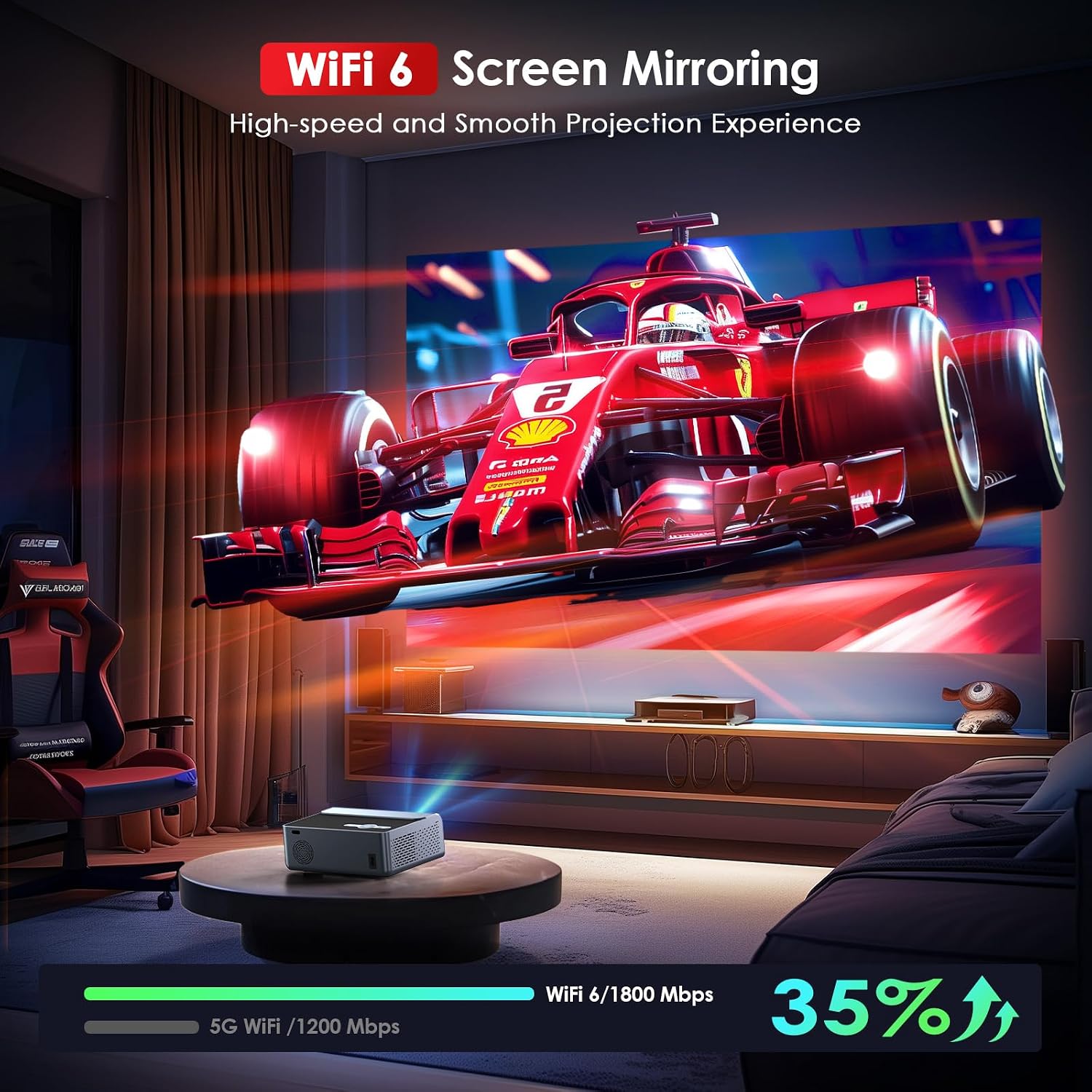
Image: The JOWLURK M7 Projector displaying a high-speed racing scene, highlighting its Wi-Fi 6 and screen mirroring capabilities for a smooth projection experience.
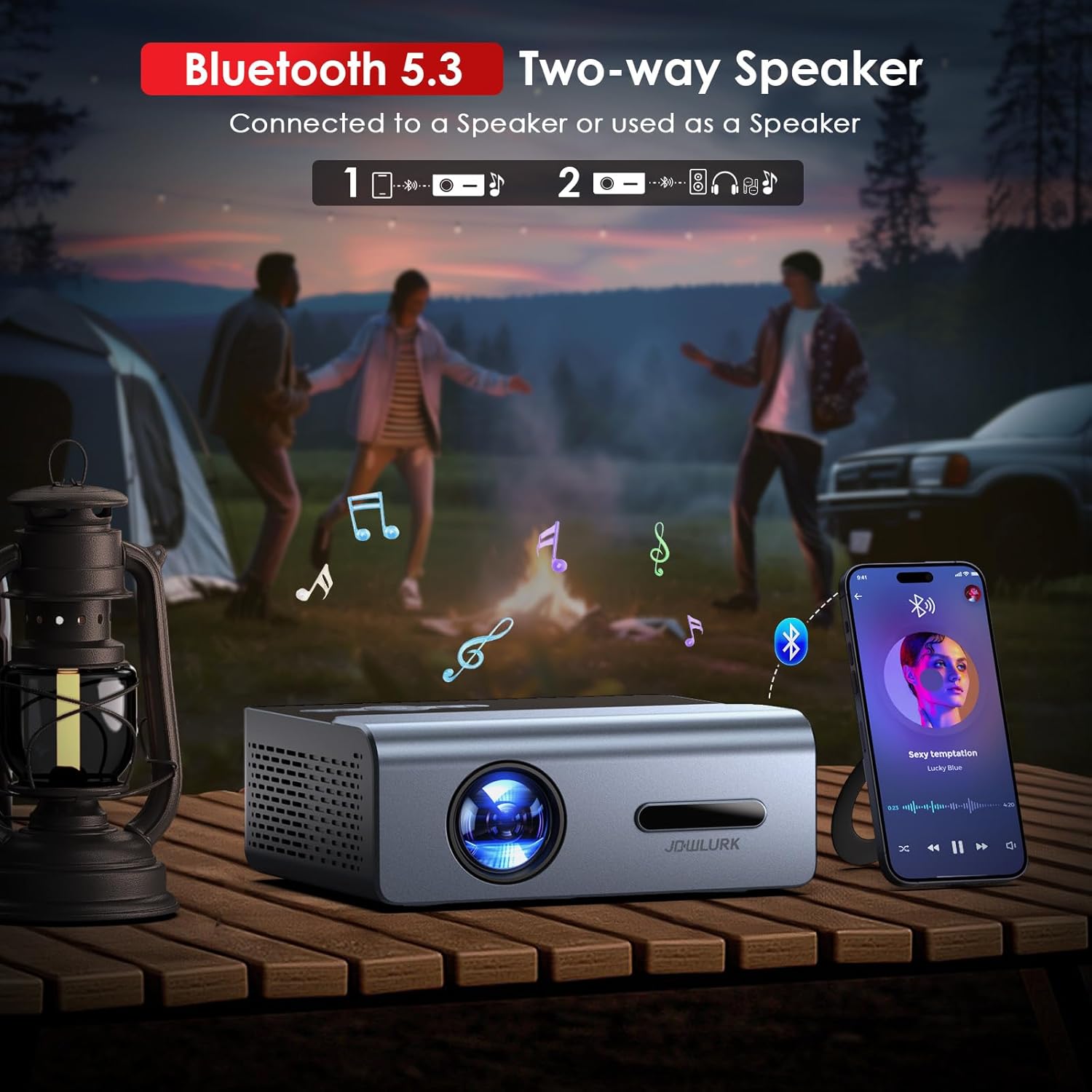
Image: The JOWLURK M7 Projector in an outdoor setting, illustrating its Bluetooth 5.3 two-way speaker functionality, capable of connecting to external speakers or playing music directly.
3. Screen Mirroring
The projector supports both Android and iOS Wi-Fi mirroring. Select the appropriate mirroring option from the main interface and follow the on-screen instructions to connect your smartphone or tablet.
4. Zoom Function
The projection size can be adjusted using the zoom function. This allows you to scale the image to fit your screen or wall, whether you need a wide vision for large-screen viewing or a smaller image for narrow spaces. Access the zoom function through the projector's menu settings.
5. Image Quality
The JOWLURK M7 Projector delivers native 1080p resolution with 4K compatibility and 22000 lumens of brightness. High contrast technology ensures full color and detailed images. For the best experience, ensure the room is adequately darkened, especially for critical viewing.

Image: A detailed view of the JOWLURK M7 Projector's lens and internal structure, emphasizing its 4K support resolution and ability to project bright, detailed images.
Maintenance
1. Thermal Cooling System
The projector is equipped with an efficient thermal cooling system and a powerful cooling fan. This design ensures the projector can operate for extended periods without overheating. To maintain optimal cooling, ensure that the ventilation vents are not blocked and keep the projector in a well-ventilated area.
2. Cleaning
- Lens: Gently clean the projector lens with a soft, lint-free cloth specifically designed for optical surfaces. Do not use abrasive cleaners or excessive force.
- Exterior: Wipe the exterior of the projector with a soft, dry cloth. Avoid using liquid cleaners directly on the device.
- Vents: Periodically check and clean the ventilation vents to prevent dust buildup, which can impede airflow and lead to overheating. Use a soft brush or compressed air.
Troubleshooting
No Image or Blurry Image
- Power: Ensure the projector is properly connected to a power source and turned on. Check the power indicator light.
- Focus: Use the remote control to adjust the electric focus until the image is clear.
- Keystone: Verify that auto keystone correction is functioning. If the image is still distorted, manually adjust the projector's position.
- Source: Confirm that the correct input source (HDMI, USB, etc.) is selected.
- Ambient Light: Reduce ambient light in the room for better image visibility.
No Sound or Low Sound
- Volume: Increase the volume using the remote control.
- Bluetooth: If using external Bluetooth speakers, ensure they are properly paired and their volume is adjusted.
- Source Audio: Check the audio settings on your connected device (laptop, TV stick, etc.).
Connectivity Issues (Wi-Fi/Bluetooth)
- Restart: Try restarting both the projector and the device you are trying to connect.
- Signal Strength: Ensure the projector is within range of your Wi-Fi router or Bluetooth device.
- Interference: Minimize interference from other wireless devices.
Specifications
| Brand | JOWLURK |
| Model Number | M7 |
| Native Resolution | 1920 x 1080 (1080p) |
| Display Resolution Maximum | 1920 x 1080 Pixels (4K Support) |
| Brightness | 22000 Lumen |
| Contrast Ratio | 20000:1 Pixels |
| Connectivity Technology | WiFi 6, Bluetooth 5.3, HDMI, USB, 3.5mm Jack |
| Special Feature | Electric Focus, Auto Keystone Correction |
| Maximum Image Size | 450 Inches |
| Minimum Image Size | 35 Inches |
| Maximum Throw Distance | 29.6 Feet |
| Minimum Throw Distance | 3.3 Feet |
| Light Source Operating Life | 120000 Hours |
| Compatible Devices | iOS, Android, TV Stick, HDMI device, USB Laptop, DVD player, PS5 |
| Mounting Type | Ceiling, Tabletop, Tripod, Wall Mount |
| Item Dimensions L x W x H | 12.2"L x 8.66"W x 4.96"H |
| Voltage | 120 Volts |
| Wattage | 75 Watts |
Warranty Information
The JOWLURK M7 Projector comes with a 2-year limited warranty from the date of purchase. This warranty covers manufacturing defects and malfunctions under normal use. It does not cover damage caused by misuse, accidents, unauthorized modifications, or improper installation. Please retain your proof of purchase for warranty claims.
Support
For further assistance, technical support, or warranty inquiries, please contact JOWLURK customer service. Refer to the contact information provided on the product packaging or the official JOWLURK website.
Online Resources: Visit the official JOWLURK website for FAQs, updated drivers, and additional support materials.