
Baseus E00294
Baseus AC22 20000mAh 45W Mini Power Bank User Manual
Model: E00294
Introduction
The Baseus AC22 Mini Power Bank is a compact, high-capacity portable charger designed for convenience and efficiency. With a 20000mAh battery and 45W Power Delivery (PD) fast charging, it provides reliable power for various devices, including smartphones and tablets. Its integrated USB-C cable enhances portability and ease of use. This manual provides essential information for the safe and effective operation of your power bank.
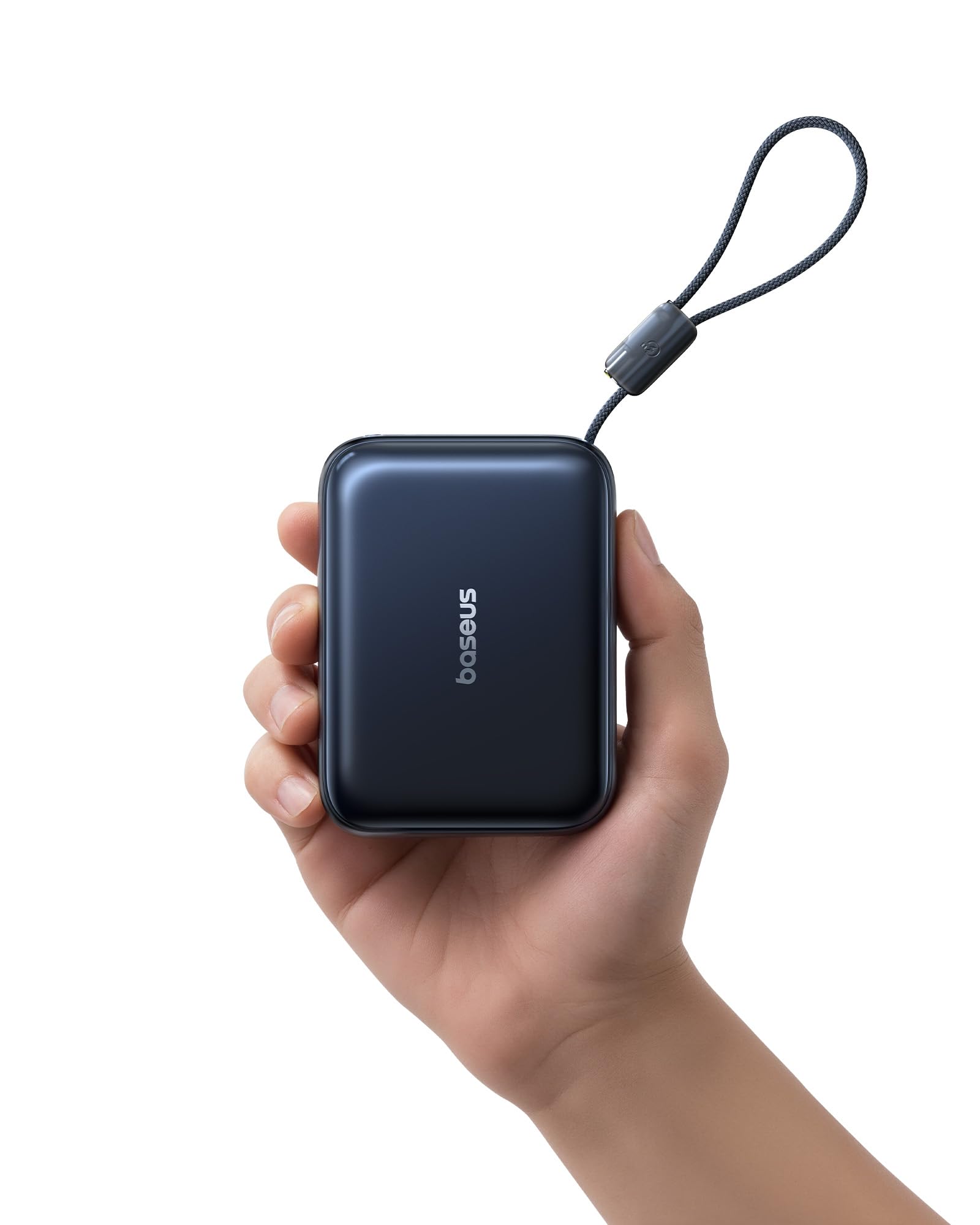
Image: The Baseus AC22 Mini Power Bank, showcasing its compact design and integrated cable.
Setup
1. Initial Charging of the Power Bank
Before first use, fully charge your Baseus AC22 Mini Power Bank.
- Connect the integrated USB-C cable or an external USB-C cable to the power bank's input port.
- Connect the other end of the cable to a compatible USB-C wall charger (not included).
- The digital display will show the charging progress. Charge until the display shows 100%. A full charge takes approximately 3.3 hours with a 45W charger.
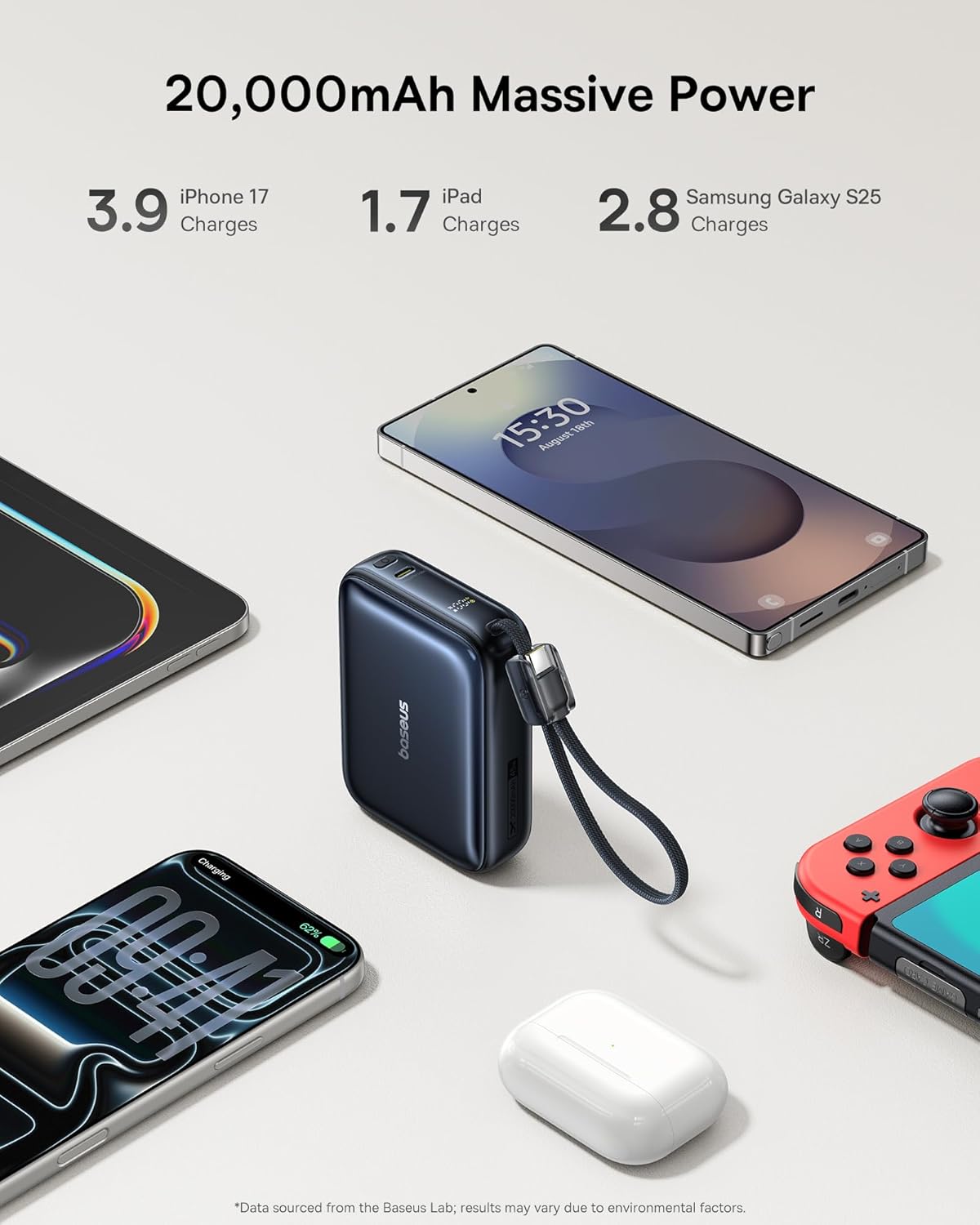
Image: The Baseus AC22 Mini Power Bank connected to a wall charger for recharging. The display shows 100% charge after 3.3 hours.
Operating Instructions
1. Charging Devices
The Baseus AC22 offers two methods for charging your devices:
Using the Integrated USB-C Cable:
- Unclip the integrated USB-C cable from its storage position.
- Connect the USB-C connector to your device's charging port.
- The power bank will automatically begin charging your device. The digital display will show the remaining battery percentage.
Using the Additional USB-C Port:
- Connect a compatible USB-C to USB-C cable (not included) to the additional USB-C output port on the power bank.
- Connect the other end of the cable to your device's charging port.
- The power bank will automatically begin charging your device.
Note: You can charge two devices simultaneously using both the integrated cable and the additional USB-C port. The power bank supports 45W fast charging, capable of charging an iPhone 17 Pro Max up to 67% or a Samsung Galaxy S25 up to 62% in 30 minutes.

Image: The Baseus AC22 Mini Power Bank connected to a smartphone, illustrating 45W two-way fast charging capabilities. Charging times for iPhone 17 Pro Max and iPad Air are shown.

Image: The integrated USB-C cable of the Baseus AC22 Mini Power Bank, highlighting its dual function as a charging cable and a convenient carrying strap. The cable is 20cm long and has been tested for durability.
2. Understanding the Digital Display
The intelligent digital indicator on the side of the power bank shows the exact percentage of battery remaining and the real-time charging status. This allows you to monitor the power bank's charge level and your device's charging progress.
Image: The Baseus AC22 Mini Power Bank charging various devices like a smartphone, iPad, and Nintendo Switch, demonstrating its 20,000mAh capacity and ability to provide multiple charges.
Maintenance
- Storage: Store the power bank in a cool, dry place away from direct sunlight and extreme temperatures.
- Cleaning: Use a soft, dry cloth to clean the exterior of the power bank. Do not use harsh chemicals or abrasive materials.
- Battery Care: To prolong battery life, fully charge the power bank at least once every three months if not in regular use. Avoid completely draining the battery frequently.
- Safety: Do not disassemble, crush, puncture, or short-circuit the power bank. Keep away from water and fire.
Troubleshooting
- Power bank not charging:
- Ensure the charging cable is securely connected to both the power bank and the wall charger.
- Verify that the wall charger is functioning correctly and connected to a live power outlet.
- Try using a different USB-C cable or wall charger.
- Device not charging from power bank:
- Check if the power bank has sufficient charge (digital display should show more than 0%).
- Ensure the integrated USB-C cable or external USB-C cable is securely connected to both the power bank and your device.
- Try pressing the power button on the power bank to initiate charging if it doesn't start automatically.
- Verify that your device's charging port is clean and undamaged.
- Slow charging:
- Ensure both the power bank and your device support fast charging protocols.
- Use a high-quality USB-C cable that supports fast charging.
- Charging multiple devices simultaneously may reduce the charging speed for individual devices.
- Power bank feels warm during use:
- It is normal for the power bank to become slightly warm during fast charging or discharging.
- If it becomes excessively hot, disconnect it immediately and contact customer support. The power bank has multiple safety protections against overheating.
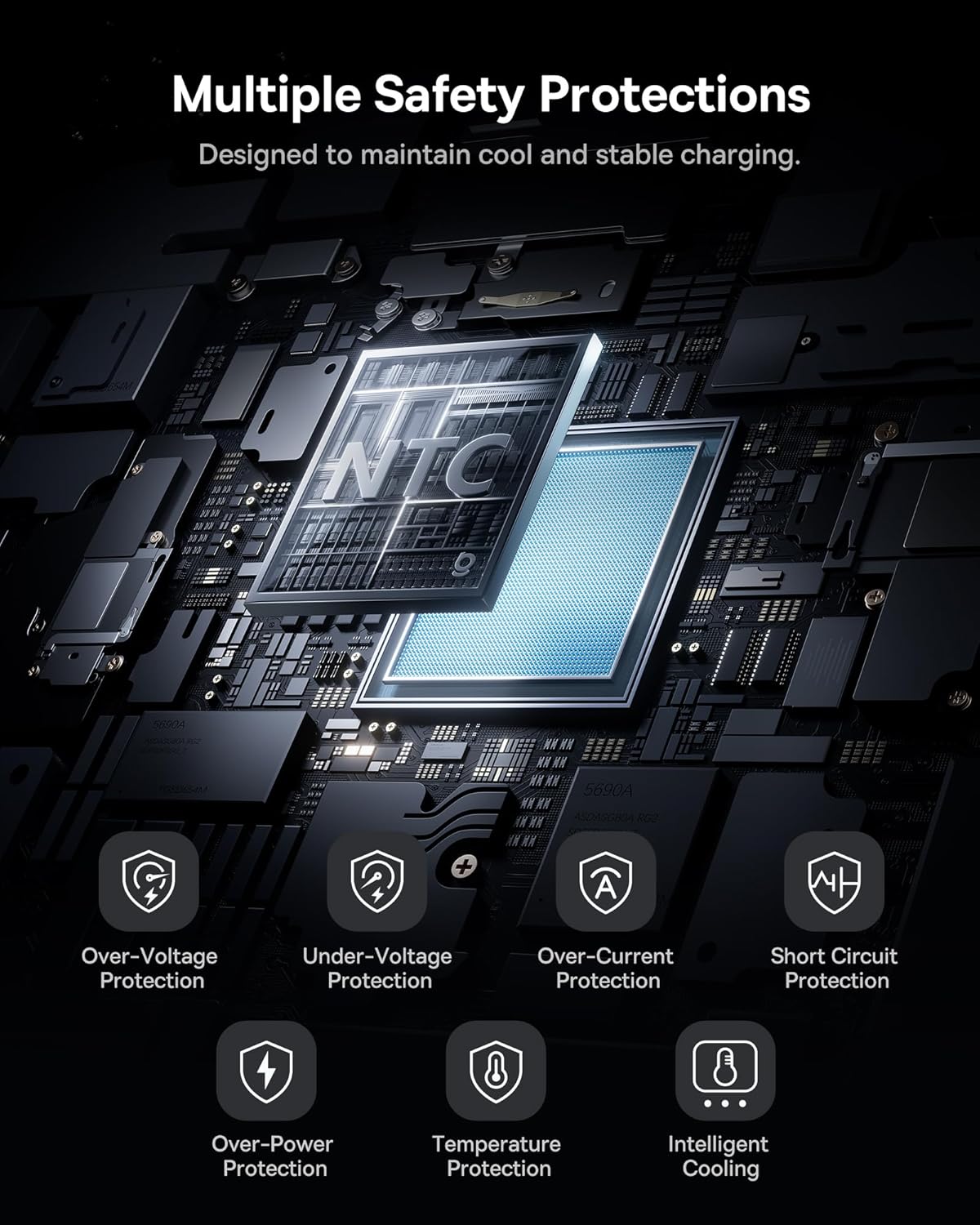
Image: An internal diagram illustrating the multiple safety protections integrated into the Baseus AC22 Mini Power Bank, including over-voltage, under-voltage, over-current, short circuit, over-power, and temperature protection, along with intelligent cooling.
Specifications
| Feature | Detail |
|---|---|
| Model Number | E00294 |
| Battery Capacity | 20000 mAh |
| Output Power | Up to 45W (Power Delivery) |
| Input Power | Up to 45W (USB Type-C) |
| Connector Type | USB Type-C (integrated cable and additional port) |
| Dimensions (L x W x H) | 10.5 x 7 x 1.8 cm |
| Weight | 311 g |
| Battery Type | Lithium Ion |
| Compatible Devices | iPhone 17/16/15/14/13/Pro/Pro Max Series, Samsung S26/S25 Ultra, iPad Pro/Air/Mini, and other USB-C devices. |
| Special Features | Pocket size, digital display, integrated USB-C cable, airline approved. |
Warranty and Support
The Baseus AC22 Mini Power Bank comes with a 24-month warranty. We also offer lifetime customer service and a 45-day money-back guarantee.
For any product inquiries, technical support, or warranty claims, please contact Baseus customer service through the retailer where you purchased the product or visit the official Baseus website for support contact information.
Travel Information
This power bank is designed to be portable and travel-friendly. It complies with airline safety standards, making it safe to carry on flights. Always check with your specific airline for their latest regulations regarding portable power banks.

Image: The Baseus AC22 Mini Power Bank next to a passport at an airport, signifying its approval for air travel and compact, portable design.
Related documentsE00294


Ask a question about this manual
Ask about setup, troubleshooting, compatibility, parts, safety, or missing instructions. Manuals+ will review the question and use this page’s manual context to help answer it.