Product Overview
The ICEVOKE 4-in-1 Water Dispenser with built-in ice maker provides hot, cold, and room-temperature water, along with ice cubes. Designed for convenience and efficiency, it features a bottom-loading design, self-cleaning function, and child safety lock for hot water.
This appliance is ETL, FCC, and UL Certified, ensuring safety and quality. All materials in contact with water are food-grade.

Image: The ICEVOKE 4-in-1 Water Dispenser, showcasing its sleek black design and integrated functions.

Image: Diagram illustrating the smart integrated design, combining a water cooler dispenser and ice maker, offering hot water, cold water, room temperature water, and ice cubes.
Setup Instructions
- Unpacking: Carefully remove the dispenser from its packaging. Place it on a flat, stable surface away from direct sunlight and heat sources.
- Positioning: Ensure there is adequate space around the unit for ventilation.
- Initial Rest Period: Allow the dispenser to stand upright for at least 24 hours before plugging it in. This allows the compressor fluids to settle.
- Water Bottle Installation (Bottom Loading):
- Open the bottom compartment door.
- Place a standard 3 or 5-gallon water bottle into the compartment.
- Insert the water probe into the bottle opening, ensuring a secure fit.
- Close the compartment door.
- Power Connection: Plug the power cord into a grounded electrical outlet.
- Initial Water Flow: Before using, dispense water from all spouts (hot, cold, room temperature) until water flows smoothly to remove any air from the lines.

Image: Illustration of the bottom-loading mechanism for 3-5 gallon water bottles, highlighting the ease of installation without heavy lifting.
Video: Demonstrates the process of installing a water bottle into a bottom-loading water cooler with an ice maker.
Operating Instructions
Control Panel Overview
The dispenser features an easy-to-use touch screen control panel for all functions.

Image: Close-up of the control panel, showing touch screen buttons for various functions including ECO mode, child lock, hot water, fresh water, cold water, and on/off.
Dispensing Water
- Cold Water: Place your cup under the cold water spout and press the 'Cold Water' button. Press again to stop.
- Hot Water: For safety, the hot water function has a child safety lock. Press and hold the 'Child Lock' button, then press the 'Hot Water' button to dispense. Press again to stop.
- Room-Temperature Water: Place your cup under the room-temperature water spout and press the 'Fresh Water' button. Press again to stop.
Ice Making and Dispensing
- The built-in ice maker can produce 9 bullet-shaped ice cubes in 7-15 minutes, with a daily capacity of 22 lbs.
- To activate ice making, press the 'Making Ice' button on the control panel. The machine will automatically stop when the ice basket is full.
- To dispense ice, place your cup under the ice dispenser and press the lever or button (depending on model variation) to release ice.
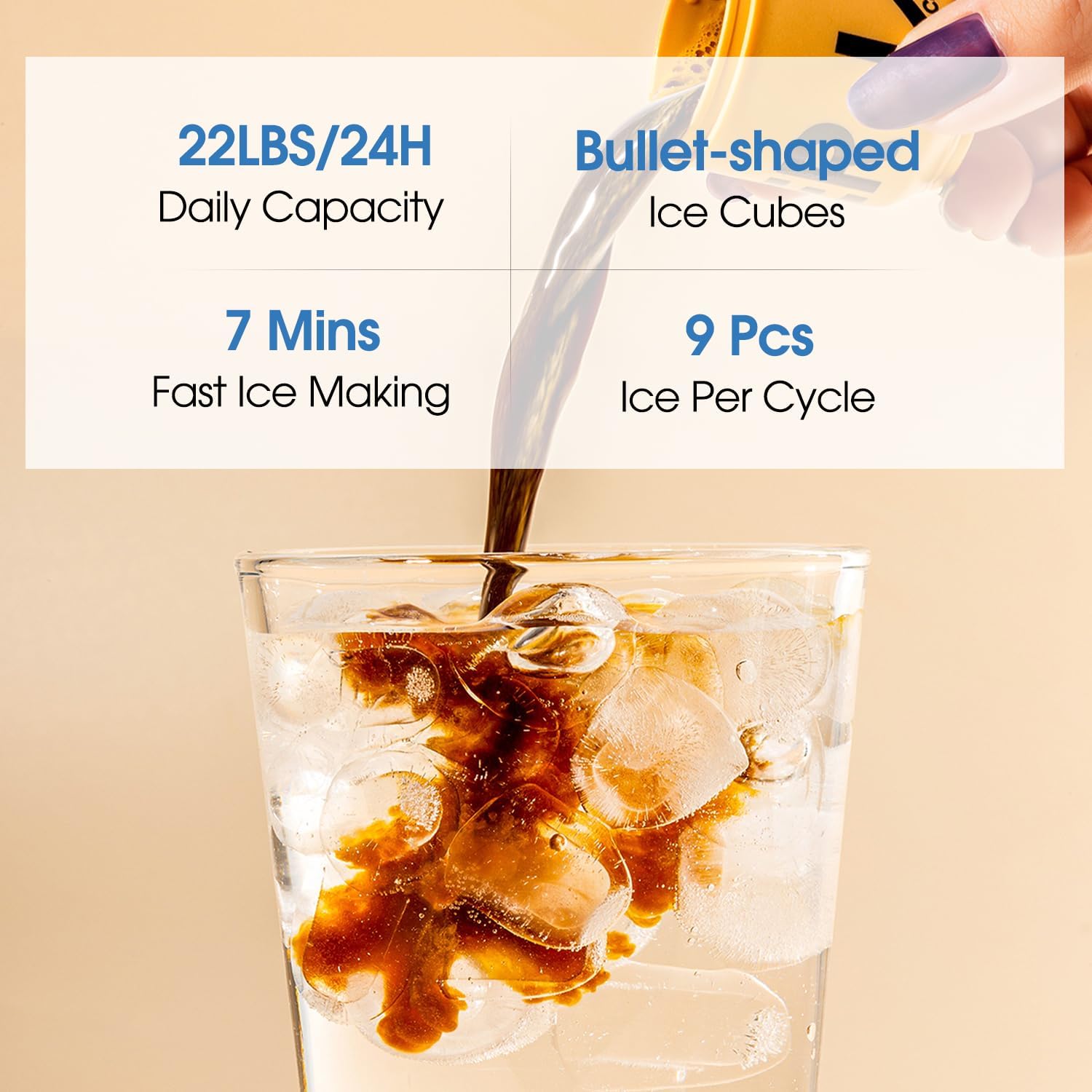
Image: Details on ice making, showing a daily capacity of 22 lbs, 7 minutes for fast ice making, and 9 bullet-shaped ice cubes per cycle.
Video: Shows the internal ice making process and how to scoop ice from the dispenser.
Special Features
- ECO Mode: Activate ECO mode for energy saving. The machine will stop heating water at night to reduce unnecessary consumption.
- Nightlight: The integrated nightlight illuminates the operating area and water outlet, providing visibility in dark environments and preventing spills.

Image: The nightlight feature illuminating the dispensing area, making it convenient to use in low-light conditions.
Video: An overview of the 4-in-1 water dispenser, demonstrating its various functions including water and ice dispensing.
Video: A detailed overview of the 3-in-1 water dispenser, showcasing its features and ease of use.
Maintenance
- Self-Cleaning (UV-Infused): The dispenser features UV-infused cleaning technology to reduce harmful contaminants in water and tanks, improve water taste, and minimize maintenance. Follow the instructions on the control panel to activate the self-cleaning cycle.
- Water Shortage Reminder: The water shortage indicator light will prompt you to replace the water bucket in a timely manner, which helps extend the service life of the water pump.
- Drip Tray: Regularly empty and clean the drip tray to prevent overflow and maintain hygiene.

Image: Diagram explaining the UV-infused cleaning technology, which reduces contaminants, improves water taste, and minimizes maintenance.
Troubleshooting
- No Water Dispensing: Check if the water bottle is correctly installed and not empty. Ensure the unit is plugged in and powered on.
- No Ice Production: Verify that the ice making function is activated and there is sufficient water in the reservoir. Allow adequate time for the first batch of ice to form.
- Water Leaks: Ensure the water bottle and probe are correctly seated. Check for any visible cracks or damage to the water lines.
- Unusual Noise: Some operational noise from the compressor is normal. If the noise is excessive or unusual, ensure the unit is level and not touching any walls or furniture.
Specifications
| Feature | Detail |
|---|---|
| Brand | ICEVOKE |
| Model Number | LYCZ628B-0224 |
| Color | Black |
| Material | Acrylonitrile Butadiene Styrene (ABS), Stainless Steel |
| Capacity | 5 Gallons (water bottle) |
| Product Dimensions | 16.54"D x 12.2"W x 40.75"H |
| Style | Modern |
| Installation Type | Freestanding |
| Access Location | Bottom |
| Power Source | Corded Electric |
| Item Weight | 37.5 pounds |
| Ice Making Capacity | 22 lbs/Day (9 ice cubes in 7-15 minutes) |
| Certifications | ETL, FCC, UL |

Image: Visual representation of the product dimensions (16.54"D x 12.2"W x 40.75"H) and ETL certification logo.
Warranty and Support
For warranty information, technical support, or service inquiries, please refer to the warranty card included with your product or contact ICEVOKE customer service directly. Keep your purchase receipt for warranty claims.
Contact Information: Please visit the official ICEVOKE website or refer to the contact details provided in your product packaging for assistance.