
Introduction
This manual provides essential information for setting up, operating, maintaining, and troubleshooting your TCL 55QM64L Series Mini LED QLED 4K HDR Smart Fire TV. Please read these instructions carefully before using your television to ensure proper functionality and safety.
Setup
What's in the Box
Verify that all components are present before proceeding with the setup.
- TCL TV with Fire TV
- TV Stands (2)
- Power Cable
- TV Remote + Batteries (2 AAA batteries required)
- Warranty Card
- Quick Start Guide (not included in this digital manual)

Image: The TCL 55QM64L television, its remote control, and stand, with a diagram illustrating the product dimensions and a list of included accessories.
Physical Dimensions and Ports
The TCL 55QM64L TV measures approximately 11.6 inches deep, 48.4 inches wide, and 30.5 inches high (with stand). It features multiple connectivity options for various devices.
- USB 3.0 Flash Drive Port: For easy access to pictures and movies.
- USB 2.0 Flash Drive Port: For easy access to pictures and movies.
- Ethernet (Internet Router) Port: For the fastest, most stable internet connection.
- HDMI 1, HDMI 2, HDMI 3 Ports: For cable box, Blu-ray player, and other HDMI devices.
- HDMI 4 (eARC) Port: HDMI with ARC/eARC audio return channel for soundbars or receivers.
- Cable/Antenna Port: For over-the-air viewing.
- Optical Audio Out: Digital output for soundbars or receivers.

Image: A detailed side view of the TCL 55QM64L television, highlighting the various input and output ports including USB, Ethernet, HDMI, Cable/Antenna, and Optical Audio Out.
Attaching the TV Stands
To attach the included TV stands:
- Carefully place the TV screen-down on a soft, clean surface to prevent damage.
- Align each stand with the corresponding slots on the bottom of the TV.
- Secure the stands using the provided screws. Ensure they are tightened firmly.

Image: A side profile view of the TCL 55QM64L television, illustrating the slim design and the attached stand.

Image: A close-up view of the TV stand securely attached to the bottom frame of the TCL 55QM64L television.
Wall Mounting
If you choose to wall mount your TV, ensure you use a VESA-compatible wall mount (75 x 75 mm standard) and follow the wall mount manufacturer's instructions carefully. Professional installation is recommended.
Connecting Power and Initial Setup
Connect the power cable to the TV and then to a power outlet. Follow the on-screen instructions to complete the initial setup, including network connection and Fire TV account login.
Operating Your TV
Remote Control
The included remote control allows you to navigate the Fire TV interface, control volume, change channels, and access various features. Ensure the two AAA batteries are correctly inserted.

Image: The remote control for the TCL 55QM64L television, featuring dedicated buttons for streaming services and voice control.
Fire TV Interface and Streaming
Your TCL 55QM64L TV features the Fire TV operating system, providing access to a wide range of streaming applications and content. Navigate using the remote control's directional pad and select button.
- Access Apps: Enjoy apps like Prime Video, Netflix, Disney+, Hulu, and HBO Max.
- Free Streaming: Stream content from Fire TV Channels, Pluto TV, Tubi, and more.
- Content Search: Use Fire TV Search to find movies, shows, and games by actor, plot, or quotes.
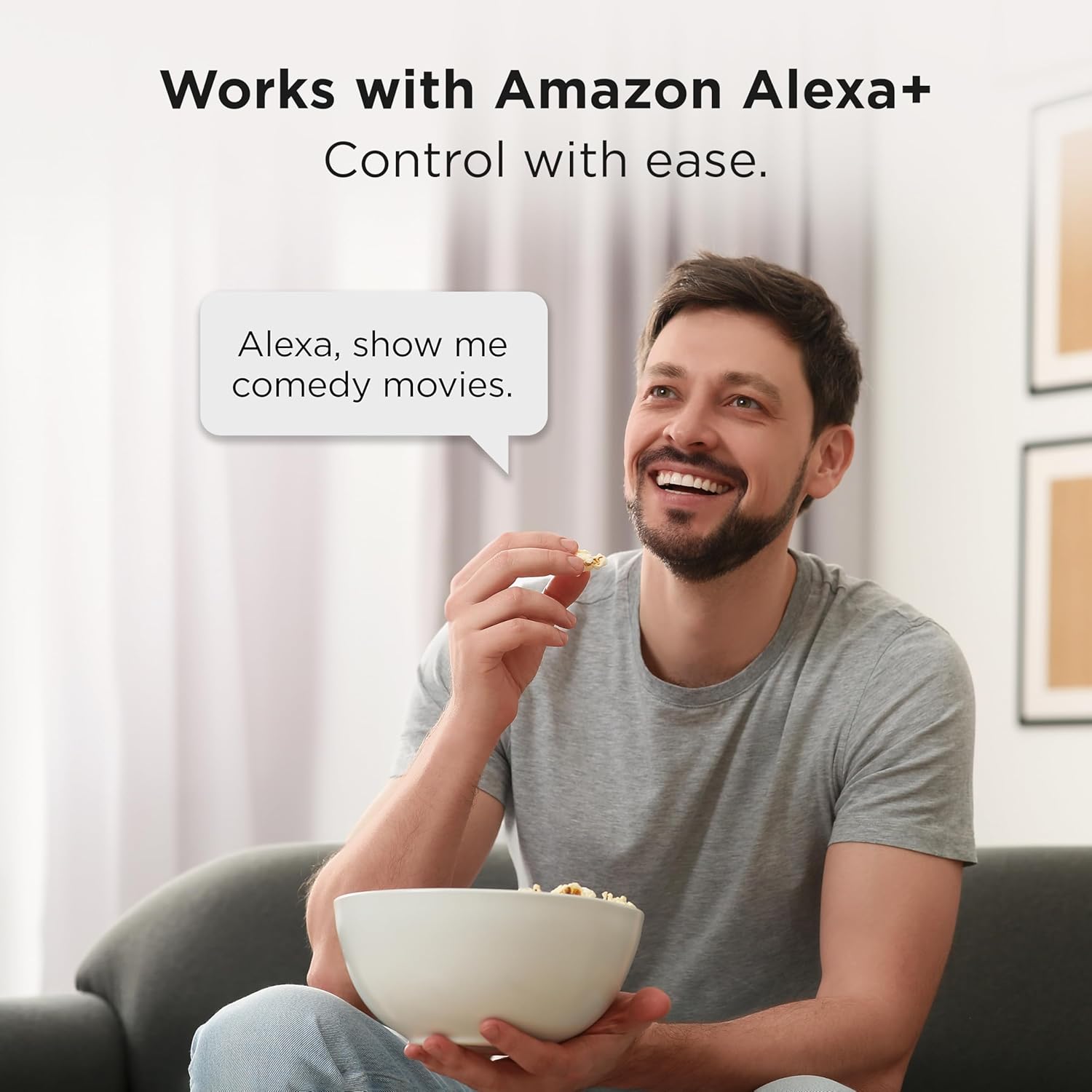
Image: The TCL 55QM64L television screen showing the Fire TV home interface, with a selection of streaming applications and content recommendations.
Alexa+ Voice Remote and Smart Home Integration
The Alexa+ Voice Remote allows for voice control of your TV and compatible smart home devices.
- Voice Commands: Use voice commands to search for content, control playback, and manage settings.
- Smart Home Hub: Pair your Fire TV with compatible smart devices to view live camera feeds, control lighting, and adjust thermostats using Alexa+.

Image: A man sitting on a couch, speaking a voice command to his TCL Fire TV, demonstrating the Alexa+ integration.
Picture and Sound Settings
Your TV offers advanced picture and sound technologies for an optimized viewing experience.
- QD-Mini LED & Halo Control System: Provides high-quality viewing with precise lighting and "Halo-Free" images.
- Local Dimming Pro: Dynamically adapts to on-screen content for deep blacks and enhanced contrast.
- High Brightness Pro: Ensures a clear picture in various room lighting conditions.
- Enhanced QLED: Delivers vibrant colors and realism, reproducing nearly all the DCI-P3 color space.
- 4K UltraHD Resolution: Offers incredible detail with four times the resolution of 1080p Full HDTVs.
- 144Hz Native Refresh Rate: Provides smooth video playback and motion clarity.
- TCL AIPQ PRO Processor: Optimizes picture clarity, contrast, color, motion, upscaling, and backlighting using AI.
- ONKYO 2.1 Speaker System with Subwoofer: Delivers high-performance spatial sound with Dolby Atmos and DTS Virtual:X.

Image: Graphic illustrating the QD-Mini LED technology, emphasizing its visual and visionary capabilities.

Image: A comparison graphic showing a conventional display versus TCL's Halo Control System, demonstrating precision lighting for ultimate performance.

Image: Illustration of Local Dimming Pro, showing adaptive local dimming for deep blacks and great contrast.

Image: A comparison graphic demonstrating High Brightness Pro, showing a great picture in virtually any room lighting environment.

Image: A comparison graphic illustrating the High Contrast HVA Panel technology, providing incredible contrast for stunning pictures.

Image: A graphic comparing colors without QLED versus with QLED, highlighting more vibrant and realistic colors.

Image: A living room scene with the TCL 55QM64L TV displaying a high-resolution 4K image, demonstrating the clarity of 4K UltraHD Resolution.

Image: A graphic comparing a scene without 144Hz Native Refresh Rate versus with it, showing enhanced fluidity and clarity for gaming and sports.

Image: An illustration of the TCL AIPQ PRO Processor chip, representing its role in optimizing picture quality with AI.

Image: A graphic depicting a living room with the TCL TV and sound waves emanating from it, illustrating the immersive audio experience of the Onkyo 2.1 Speaker System with Subwoofer.
Gaming Features
- Game Accelerator 288 (240 on 55”): Provides blistering fast Variable Refresh Rate (VRR) for lag-free gaming.
- Auto Game Mode (ALLM) with AMD FreeSync Premium Pro: Automatically enables game mode for the lowest input lag and latency.

Image: A scene from a video game, illustrating the smooth and lag-free experience provided by Game Accelerator 288.

Image: A gaming scene demonstrating the benefits of Auto Game Mode (ALLM) with AMD FreeSync Premium Pro for optimized gaming performance.
Apple AirPlay 2
Share videos, photos, music, and more directly from your Apple devices to your TCL 55QM64L Smart TV using Apple AirPlay 2.

Image: A graphic showing an iPhone screen mirroring content to the TCL TV via Apple AirPlay 2.
Maintenance
Cleaning Your TV
- Always unplug the TV before cleaning.
- Use a soft, dry cloth to wipe the screen and cabinet.
- For stubborn marks, lightly dampen the cloth with water or a mild, non-abrasive screen cleaner. Do not spray cleaner directly onto the screen.
- Avoid using alcohol, benzene, thinners, or other volatile substances, as they may damage the TV.
Software Updates
Your Fire TV will periodically check for and install software updates automatically when connected to the internet. Ensure your TV remains connected to a stable internet connection to receive these updates, which can improve performance and add new features.
Troubleshooting
If you encounter issues with your TV, refer to the following common solutions:
No Power / TV Not Turning On
- Ensure the power cable is securely plugged into both the TV and a working electrical outlet.
- Check if the power outlet is functional by plugging in another device.
- Press the power button on the TV itself, not just the remote, to rule out a remote issue.
No Picture / Poor Picture Quality
- Verify that the correct input source is selected (e.g., HDMI 1, Cable/Antenna).
- Check all cable connections (HDMI, antenna) to ensure they are secure.
- If using an external device, ensure it is powered on and functioning correctly.
- Adjust picture settings (brightness, contrast, color) in the TV menu.
- If experiencing "halo" effects or poor local dimming, ensure the latest software is installed and consider adjusting picture modes.
No Sound / Poor Sound Quality
- Increase the volume on both the TV and any connected audio devices (soundbar, receiver).
- Check audio cable connections (HDMI ARC, Optical).
- Ensure the TV's mute function is not activated.
- Verify audio output settings in the TV menu (e.g., internal speakers, external audio system).
Remote Control Not Responding
- Replace the batteries with new AAA batteries.
- Ensure there are no obstructions between the remote and the TV's IR sensor.
- Point the remote directly at the TV's sensor.
- If the remote is paired via Bluetooth, try re-pairing it according to the on-screen instructions.
Network / Internet Connectivity Issues
- Restart your Wi-Fi router and modem.
- Check the TV's network settings to ensure it is connected to the correct Wi-Fi network and the password is entered correctly.
- If using an Ethernet cable, ensure it is securely connected to both the TV and the router.
- Try moving the TV closer to the router or using a Wi-Fi extender if the signal is weak.
Specifications
| Feature | Detail |
|---|---|
| Brand | TCL |
| Model Name | QM64L |
| Model Number | 55QM64L |
| Screen Size | 55 inches |
| Display Technology | QLED, Mini-LED Backlight |
| Resolution | 4K UltraHD (3840 x 2160) |
| Refresh Rate | 144 Hz Native |
| HDR Format Supported | HDR10, HDR10+, Dolby Vision IQ, HLG |
| Motion Enhancement Technology | Motion Rate 480, Game Accelerator 240 |
| Processor | TCL AIPQ PRO Processor |
| Audio System | ONKYO 2.1 Speaker System with built-in subwoofer |
| Integrated Surround Sound | Dolby Atmos, DTS Virtual:X |
| Operating System | Fire TV |
| Connectivity Technology | Bluetooth, HDMI (4 ports), USB (2 ports), Wi-Fi, Ethernet |
| HDMI Ports | 4 (including 1 eARC) |
| USB Ports | 2 (1x USB 3.0, 1x USB 2.0) |
| Special Features | Ambient Light Sensor, Bezel-Less Design, Game Mode, Wide Viewing Angle, Apple AirPlay 2, Alexa+ Voice Remote |
| Product Dimensions (with stand) | 11.6"D x 48.4"W x 30.5"H |
| VESA Mount Standard | 75 x 75 mm |
| Included Components | Power Cable, Remote Control, Stand, Warranty Card |
| Batteries Required | 2 AAA batteries for remote |
Warranty Information
Your TCL 55QM64L Series TV comes with a 1 Year Manufacturer Warranty. Please refer to the included Warranty Card for full terms and conditions. Keep your proof of purchase for warranty claims.
Customer Support
For further assistance, technical support, or service inquiries, please contact TCL Customer Support. Contact information can typically be found on the TCL official website or on your Warranty Card.
Before contacting support, please have your TV model number (55QM64L) and serial number ready.


