
1. Introduction
This manual provides essential information for the safe and efficient use of your vivo T4x 5G smartphone. Please read this manual thoroughly before using your device to ensure optimal performance and longevity. Keep this manual for future reference.
2. Setup
2.1 Package Contents
Ensure all items are present in the package:
- vivo T4x 5G Smartphone
- Charger (44W FlashCharge compatible)
- USB Type-C Cable
- SIM Ejector Tool
- Quick Start Guide
- Safety Information
2.2 Device Overview
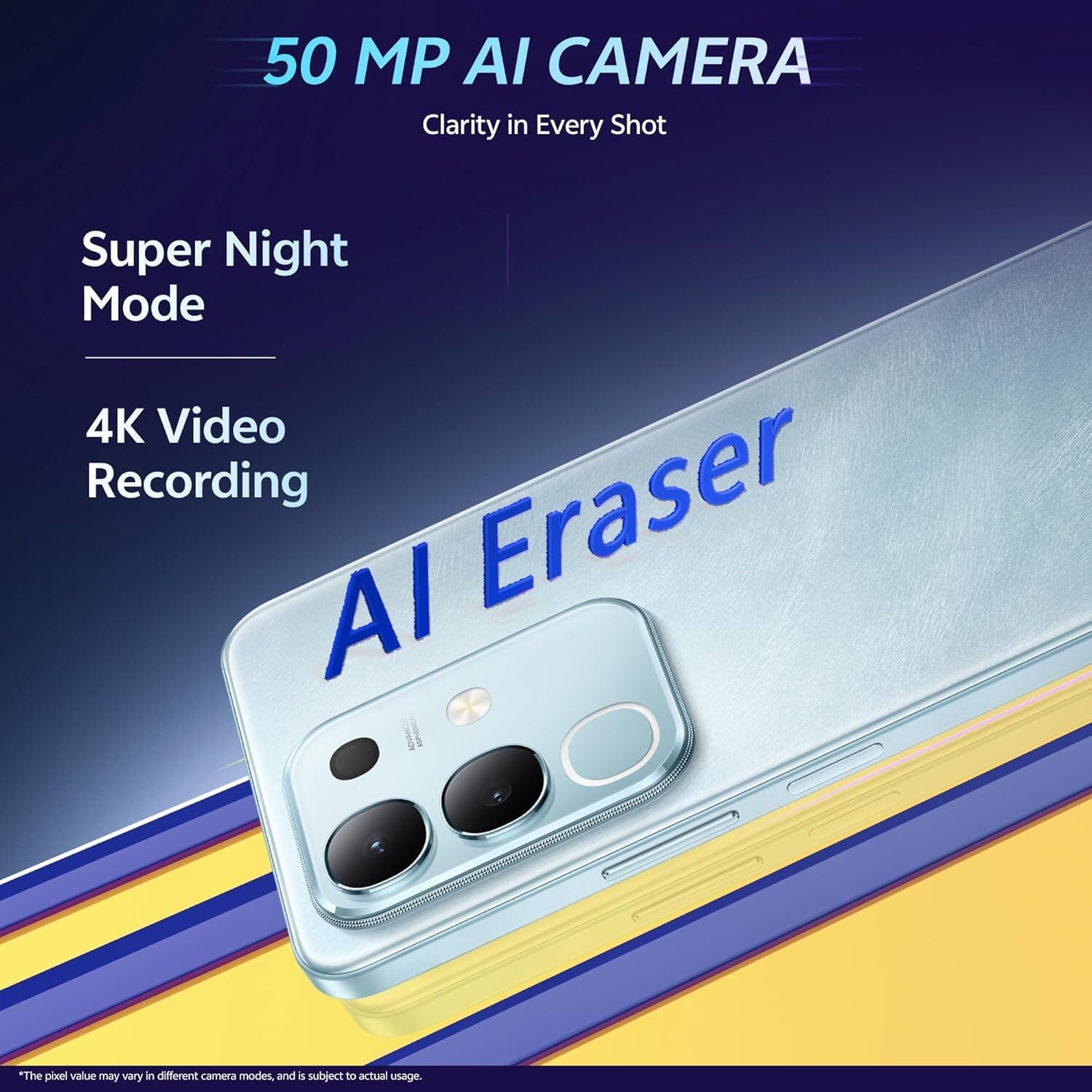
Image: Front view of the vivo T4x 5G smartphone, showing the display and front camera.

Image: Back view of the vivo T4x 5G smartphone, highlighting the dual camera module and textured finish.
Familiarize yourself with the physical layout of your device, including buttons, ports, and camera placement.
2.3 SIM Card Installation
- Power off the device.
- Locate the SIM card tray on the side of the phone.
- Insert the SIM ejector tool into the small hole next to the tray and press firmly until the tray pops out.
- Place your Nano-SIM card(s) and/or microSD card into the designated slots on the tray. Ensure the gold contacts face downwards.
- Carefully reinsert the tray into the phone until it clicks into place.
2.4 Initial Power On and Configuration
- Press and hold the Power button until the vivo logo appears.
- Follow the on-screen instructions to select your language, region, connect to Wi-Fi, and set up your Google account.
- You will be guided through setting up security features like fingerprint unlock or face unlock.
3. Operating Your vivo T4x 5G
3.1 Display and Navigation
The vivo T4x 5G features a 6.72-inch Full HD+ LCD display with a 120 Hz refresh rate for smooth scrolling and visual experience. Navigate using touch gestures or the on-screen navigation bar.
3.2 Camera Features
Your device is equipped with a versatile camera system:
- Rear Camera: 50 MP main sensor + 2 MP depth sensor.
- Front Camera: 8 MP sensor.
- Video Recording: Supports 4K video recording.
- Super Night Mode: Enhances low-light photography.
- AI Photo Enhance: Utilizes artificial intelligence to improve photo quality.
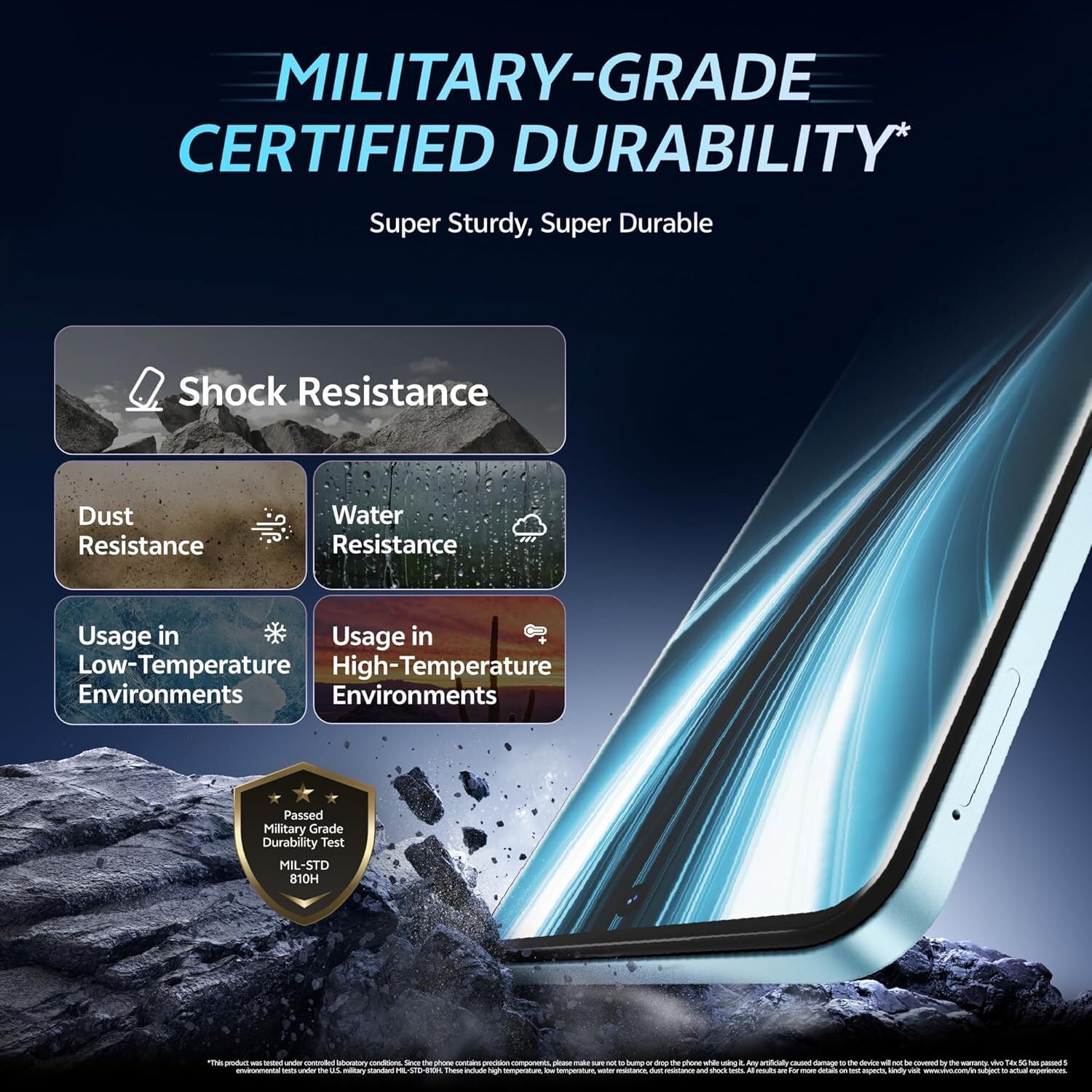
Image: Visual representation of the 50 MP AI Camera capabilities, highlighting Super Night Mode and 4K Video Recording.

Image: Demonstration of the AI Photo Enhance feature, displaying a blurred "Before" image and a clear "After" image of a group of people.
3.3 Battery Management
The device is powered by a 6500 mAh battery, designed for extended use. It supports 44W FlashCharge for rapid recharging.
- 44W FlashCharge: Use the provided charger and cable for optimal charging speed.
- Overnight Charging Protection: Helps preserve battery health during overnight charging.
- Super Battery Saver Mode: Extends battery life by limiting background activity and visual effects.

Image: Illustration of the 6500mAh battery capacity and 44W FlashCharge technology, along with Overnight Charging Protection and Super Battery Saver Mode icons.
3.4 Performance and Gaming
Equipped with the MediaTek Dimensity 7300 chipset (4nm process, 2.5 GHz peak clock speed), the T4x 5G delivers efficient performance.
- Ultra Game Mode: Optimizes system resources for an enhanced gaming experience.
- Dual Stereo Speakers: Provides immersive audio.
- 4D Game Vibration: Offers haptic feedback for supported games.

Image: Diagram showing the MediaTek Dimensity 7300 processor, highlighting its 4nm process technology and 2.5 GHz peak clock speed.

Image: Visuals illustrating the Ultra Gaming Experience with features like New Ultra Game Mode, 400% Volume from Dual Stereo Speakers, and 4D Game Vibration.
3.5 Connectivity and Operating System
The device supports 5G cellular technology and features Dual SIM capability. It uses a USB Type-C connector for charging and data transfer. The operating system is Android 15 with Funtouch OS 15.
4. Maintenance
4.1 Durability and Protection
The vivo T4x 5G is designed with military-grade certified durability and an IP64 rating, offering resistance against dust and splashes.
- Shock Resistance: Designed to withstand accidental drops.
- Dust Resistance: Protects against dust ingress.
- Water Resistance: Offers protection against splashes (IP64 rating). Avoid submerging the device.
- Temperature Resistance: Operates reliably in low and high-temperature environments.
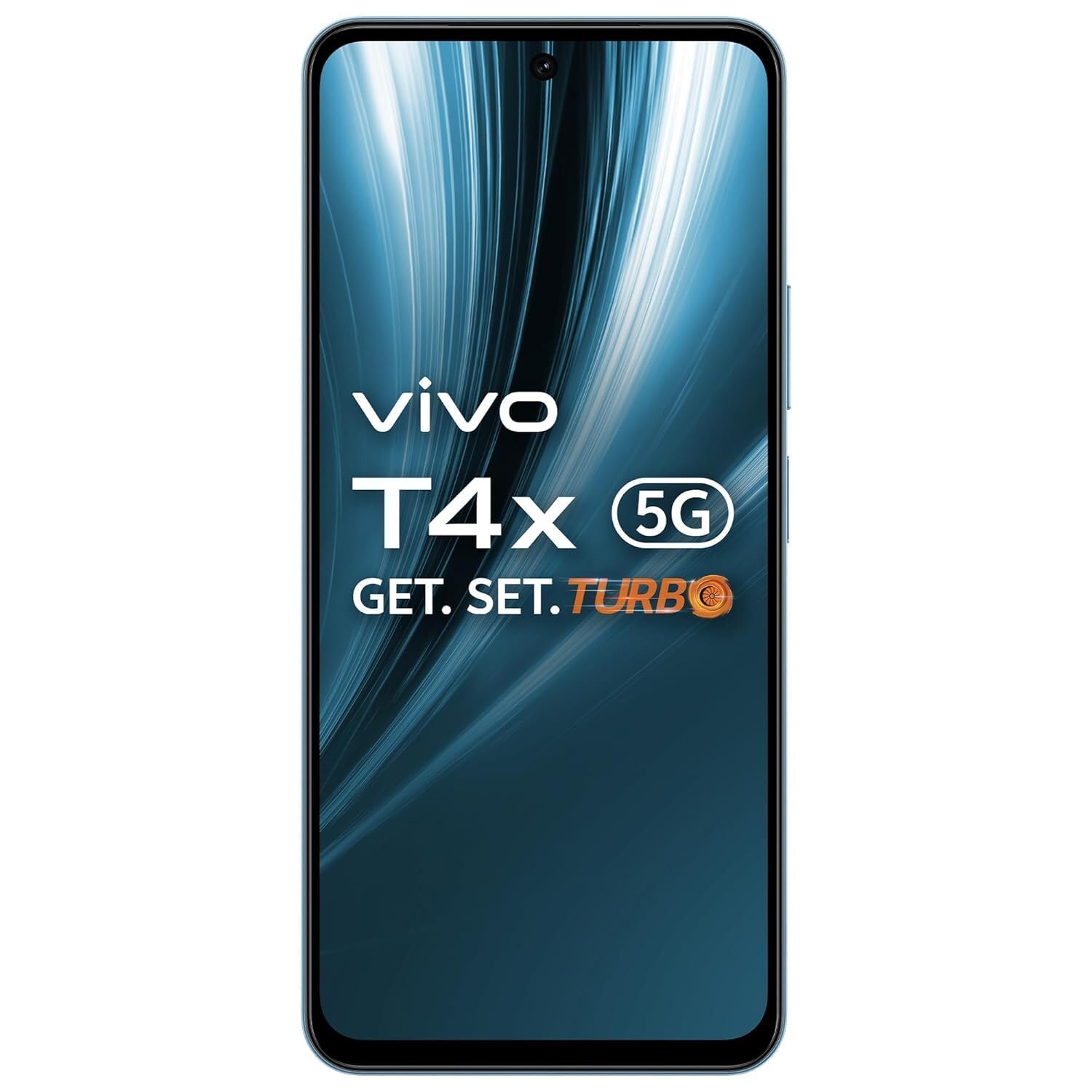
Image: Infographic detailing the Military-Grade Certified Durability of the phone, showing resistance to shock, dust, water, and extreme temperatures.
4.2 Cleaning Your Device
To clean your phone, power it off and gently wipe the screen and body with a soft, lint-free cloth. Avoid using harsh chemicals or abrasive materials.
4.3 Software Updates
Regularly check for and install software updates to ensure your device has the latest features, security patches, and performance improvements. Go to Settings > System > System update.
5. Troubleshooting
If you encounter issues with your device, try the following common solutions:
- Device not powering on: Ensure the battery is charged. Connect to the charger for at least 15 minutes before attempting to power on.
- Apps crashing or freezing: Close the app and reopen it. If the issue persists, clear the app's cache (Settings > Apps > [App Name] > Storage & cache > Clear cache).
- Poor network signal: Check your SIM card installation. Move to an area with better network coverage. Restart the device.
- Battery draining quickly: Reduce screen brightness, disable unnecessary background apps, and limit location services. Review battery usage in Settings > Battery.
- Touchscreen unresponsive: Restart the device. If the issue continues, perform a factory reset (back up your data first).
For more complex issues, refer to the official vivo support website or contact customer service.
6. Specifications
| Brand | vivo |
| Model Series | T4x 5G |
| Operating System | Android 15 + Funtouch OS 15 |
| Processor | Mediatek Dimensity 7300 (Octa Core, 2.5 GHz) |
| RAM | 8 GB |
| Internal Storage | 256 GB |
| Display | 6.72 Inches LCD, 2408 x 1080 Pixels, 120 Hz Refresh Rate, 4500 Nits Peak Brightness |
| Rear Camera | 50 MP + 2 MP |
| Front Camera | 8 MP |
| Battery Capacity | 6500 mAh |
| Charging | 44W FlashCharge |
| Connectivity | 5G, Dual SIM, USB Type C |
| Durability | IP64 Water Resistant, Military-Grade Certified Durability |
| Dimensions | 16.6 x 7.6 x 0.8 Centimeters |
| Weight | 204 Grams |
| Model Year | 2024 |
7. Warranty Information
Your vivo T4x 5G smartphone comes with a 1 Year Warranty from the date of purchase. This warranty covers manufacturing defects under normal use. It does not cover damage caused by misuse, accidents, unauthorized modifications, or natural disasters.
Please retain your proof of purchase for warranty claims. For detailed terms and conditions, refer to the warranty card included in your product package or visit the official vivo website.
8. Customer Support
For further assistance, technical support, or service inquiries, please contact vivo customer support through the following channels:
- Official Website: Visit the official vivo website for FAQs, support articles, and contact options.
- Service Centers: Locate authorized vivo service centers in your region for in-person assistance.
- Customer Service Hotline: Refer to your regional vivo website for the appropriate contact number.
Manufacturer Contact Information: Vivo Mobile India Private Limited PLOT NO 8, SECTOR 24, YAMUNA EXPRESSWAY AREA, GAUTAM BUDDHA NAGAR, UP INDIA-201310


