
1. Introduction
This manual provides detailed instructions for the operation and maintenance of your Vikye Ebook Reader with an integrated Handwriting Pad. Please read this manual thoroughly before using the device to ensure proper functionality and to maximize your reading and writing experience. This device combines a 5-inch high-definition e-reader with a responsive handwriting board, offering a versatile tool for digital content consumption and note-taking.
2. Package Contents
Verify that all items listed below are included in your package:
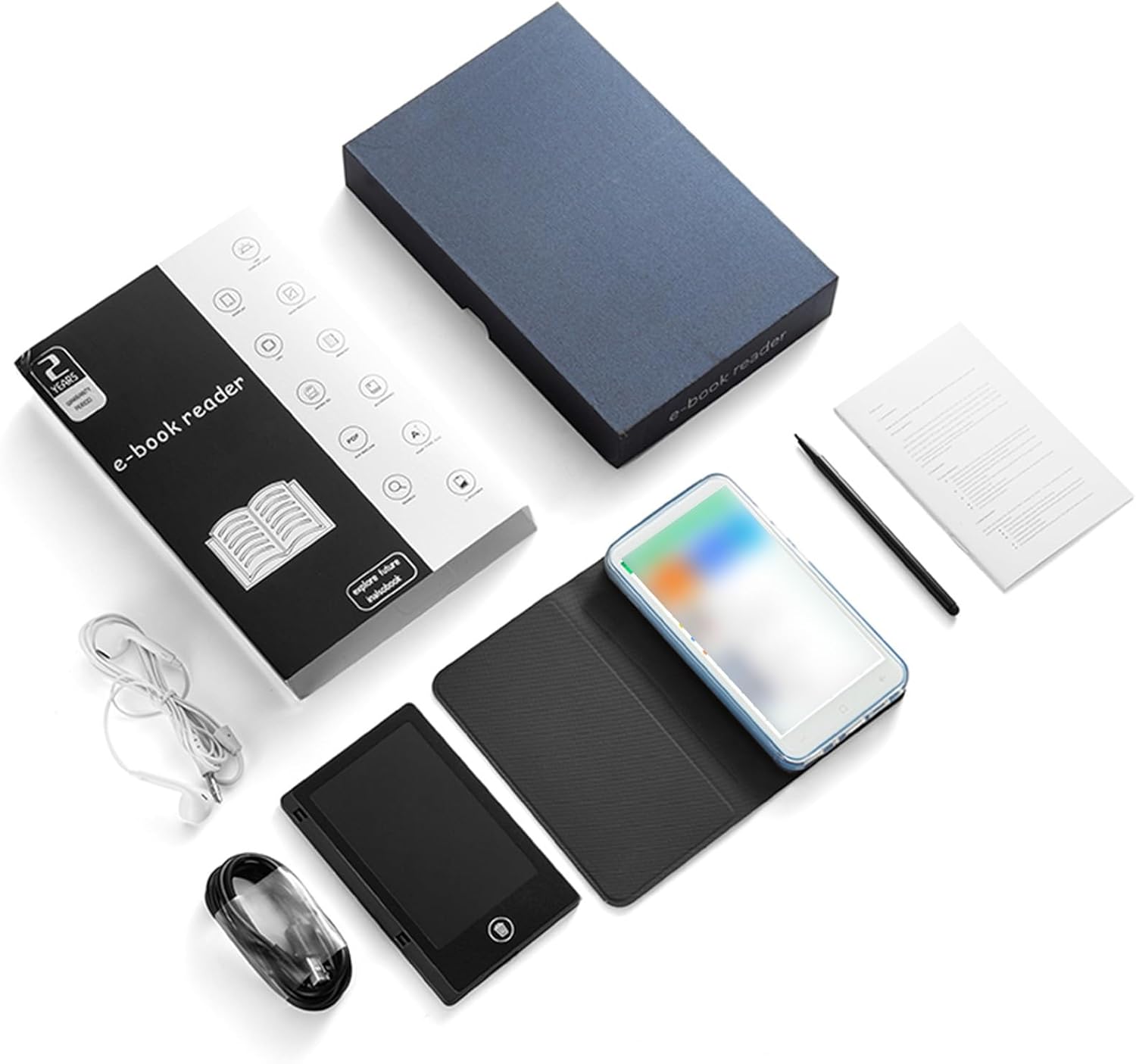
- 1 x Vikye E-Reader
- 1 x Earphones
- 1 x Charging Cable (Type-C)
- 1 x Writing Pad
- 1 x Capacitive Pen
- 1 x Screen Protector
- 1 x Protective Case
- 1 x User Manual (this document)

3. Product Overview
The Vikye Ebook Reader is designed for comfortable and versatile use. Key features include:
- Display: 5-inch HD Capacitive Touchscreen (480*854 resolution) with eye-guard technology for reduced eye fatigue.
- Handwriting Pad: Integrated writing board for notes and sketches using the included capacitive pen.
- Camera: 5MP with flash for clear photos.
- Physical Buttons: Volume +/-, Camera, Power.
- Connectivity: Wireless-Fidelity (Wi-Fi) and Bluetooth 4.0LE.
- Memory: 1GB RAM + 8GB internal storage.
- Battery: E-reader 2500mAh (built-in), Handwriting Board 25mAh.
- Ports: Type-C USB interface, 3.5mm headphone jack.
- Supported Formats:
- Image: JPG, JPEG, BMP, GIF, PNG
- Sound: MP3, MP2, AMR, APE, M4A, MIDI, OGG, WAV, FLAC, 3GP
- Video: MPEG4-SP, H.264/AVC, H.263, 3GP, 3G2, MP4, MKV, AVI, WEBM
- E-book: PDF, EPUB, EPUB3, MOBI, DjVu, FB2, DOC, DOCX, TXT, RTF, CBR, CBZ, HTML


4. Setup
4.1 Initial Charging
Before first use, fully charge the e-reader using the provided Type-C charging cable and a compatible USB power adapter (not included). The charging indicator will show the charging status.
4.2 Power On/Off
- To Power On: Press and hold the Power button for 1-3 seconds until the screen illuminates.
- To Power Off: Press and hold the Power button, then select 'Power Off' from the options that appear on the screen.
4.3 Language Selection
Upon initial startup, or if you wish to change the language, navigate to the device's settings menu. Select 'Language & Input' (or similar) and choose your preferred language from the available options.
5. Operating Instructions
5.1 Basic Navigation
The device features a capacitive touchscreen for navigation. Tap to select items, swipe to scroll, and use pinch-to-zoom gestures where applicable. The physical buttons provide additional control:
- Volume Buttons: Adjust audio volume.
- Camera Button: Activates the camera and takes photos.
- Power Button: Powers on/off the device and locks/unlocks the screen.
5.2 Reading E-books
To read an e-book:
- Transfer your desired e-book files (PDF, EPUB, MOBI, TXT, etc.) to the device's internal storage.
- Open the pre-installed e-book reader application.
- Select the book you wish to read from your library.
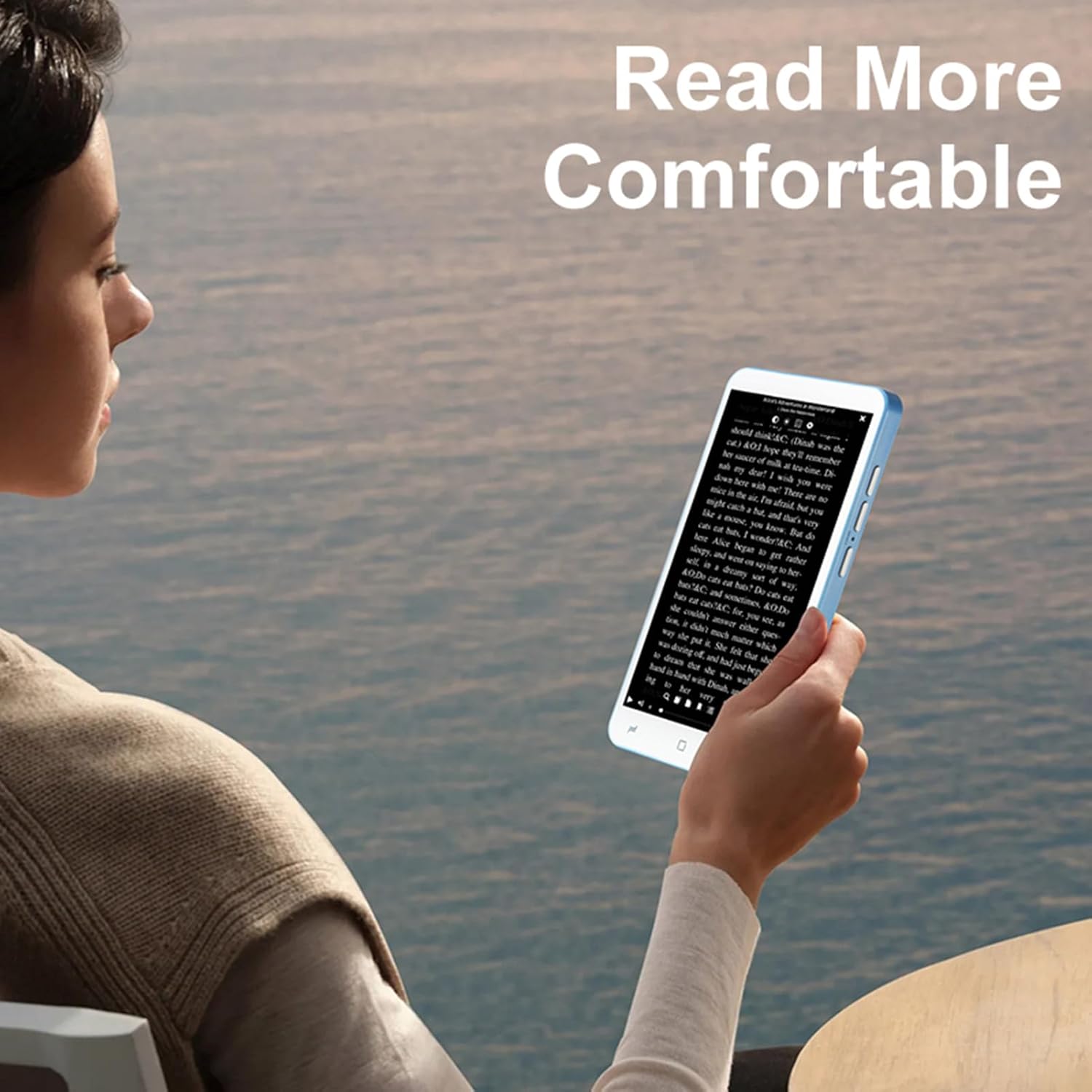
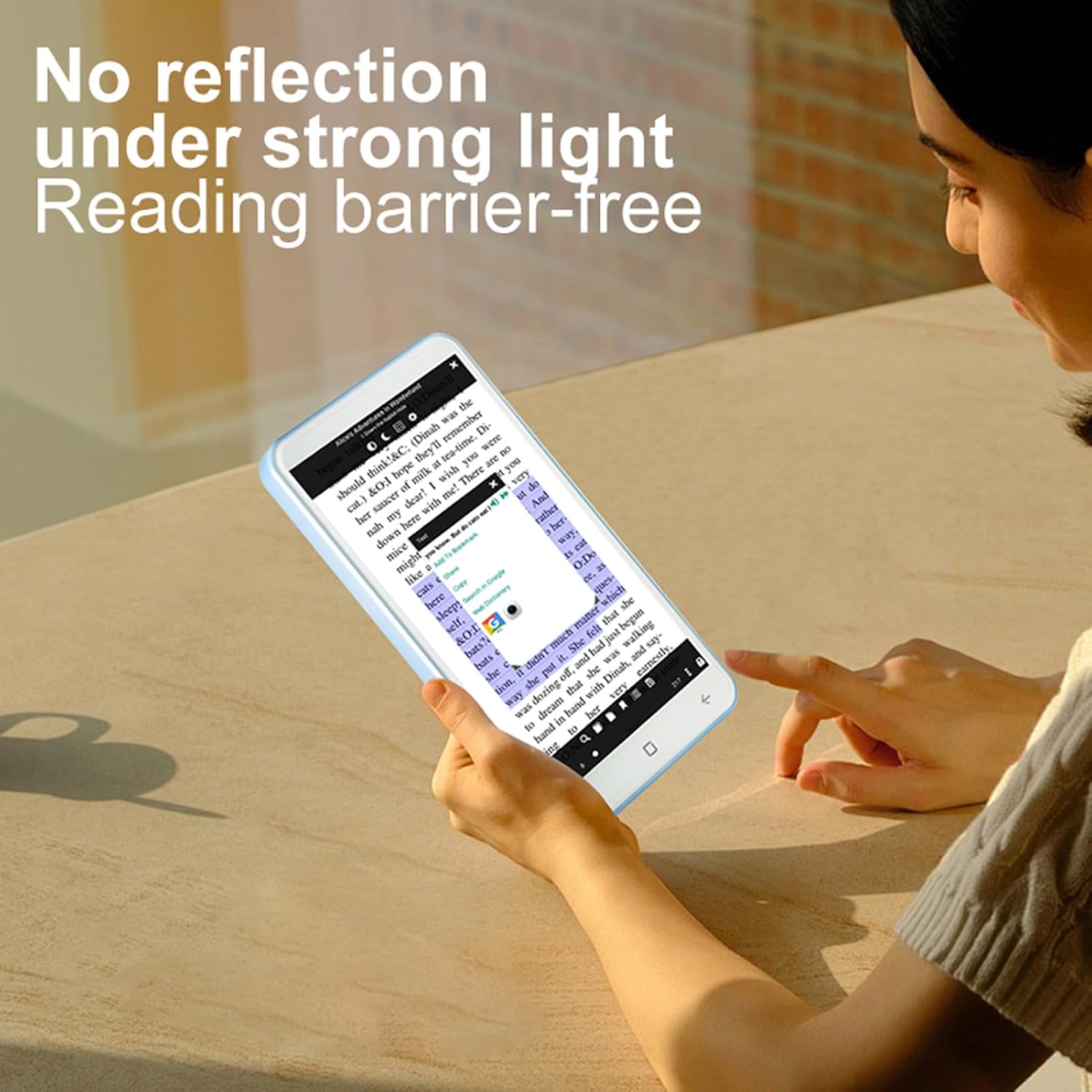
- Tap the left or right side of the screen to turn pages. Adjust font size, line spacing, and screen brightness through the in-app settings for optimal comfort.
5.3 Connecting to Wireless Networks (Wi-Fi)
To connect to a Wi-Fi network:
- Go to 'Settings' from the home screen.
- Select 'Wireless-Fidelity' (Wi-Fi).
- Toggle Wi-Fi to 'On'. The device will scan for available networks.
- Select your desired network and enter the password if prompted.
5.4 Bluetooth Connectivity
To pair with a Bluetooth device (e.g., headphones, speakers):
- Go to 'Settings' from the home screen.
- Select 'Bluetooth'.
- Toggle Bluetooth to 'On'.
- Put your Bluetooth device into pairing mode.
- Select your device from the list of available devices on the e-reader and confirm pairing.
5.5 Using the Camera
The device includes a 5MP camera with flash. To use:
- Open the Camera application from the home screen.
- Frame your shot using the screen as a viewfinder.
- Press the dedicated Camera button or tap the on-screen shutter icon to take a photo.
6. Handwriting Pad Usage
The integrated handwriting pad allows for digital note-taking and sketching. Use the provided capacitive pen for interaction.
- Open the dedicated 'Handwriting Pad' application.
- Use the capacitive pen to write or draw on the pad.
- The pad's content can be saved or cleared as needed within the application.
7. Media Playback
7.1 Audio Playback
The device supports various audio formats. You can listen to audio files using the built-in speaker or by connecting the provided earphones to the 3.5mm jack, or via Bluetooth headphones.
- Transfer audio files to the device.
- Open the Music or Audio Player application.
- Select and play your desired audio file.
7.2 Video Playback
The device supports various video formats. You can watch videos on the 5-inch screen.
- Transfer video files to the device.
- Open the Video Player application.
- Select and play your desired video file.
8. Maintenance
8.1 Cleaning
Use a soft, lint-free cloth to clean the screen and body of the device. Do not use abrasive cleaners or solvents, as these may damage the surfaces.
8.2 Battery Care
To prolong battery life:
- Avoid exposing the device to extreme temperatures.
- Charge the device regularly, but avoid leaving it fully charged or fully depleted for extended periods.
- Use only the provided charging cable.

9. Troubleshooting
If you encounter issues with your Vikye Ebook Reader, try the following steps:
- Device not turning on: Ensure the battery is charged. Connect the device to a power source and try again.
- Screen unresponsive: Restart the device by holding the Power button. If unresponsive, allow the battery to fully drain and then recharge.
- Cannot connect to Wi-Fi/Bluetooth: Ensure Wi-Fi/Bluetooth is enabled in settings. Restart the device and your router/Bluetooth accessory.
- E-books not displaying correctly: Verify the e-book file format is supported. Try opening a different e-book.
- Handwriting pad not responding: Ensure the capacitive pen is in good condition and the handwriting pad application is open.
For further assistance, please refer to the support section or contact customer service.
10. Specifications
| Item Type | E-reader with Handwriting Board |
| LCD Specification | 5-inch, 480*854 Touchscreen |
| Touchscreen Specification | COF 6PIN |
| Camera | 5M with flash |
| Physical Buttons | Volume +/-, Camera, Power |
| E-reader Battery | 2500mAh (Built-in) |
| Handwriting Board Battery | 25mAh |
| USB Interface | Type-C |
| Headphone | 3.5mm (L-R-G-M) |
| Data Link | Wireless-Fidelity (Wi-Fi)/BT 4.0LE |
| Hardware Platform | MT6580, Quad-core 1.3GHz, ARM Cortex-A7 |
| Memory | 1GB RAM + 8GB Storage |
| Sensors | G-sensor |
| FM | Support |
| Speaker | 2030 Single Magnetic Speaker |
| MIC | Support |
| Language | Support multiple languages |
| Item Size | 13x7x1cm / 5.12x2.76x0.39in |
| Item Weight | 114g / 4.02oz |
11. Warranty and Support
11.1 Warranty Information
The Vikye Ebook Reader (Model Vikyeb6sokfe8n2) comes with a manufacturer warranty for 90 days from the date of purchase. This warranty covers manufacturing defects and malfunctions under normal use. It does not cover damage caused by misuse, accidents, unauthorized modifications, or external factors.
11.2 Customer Support
For technical support, warranty claims, or any questions regarding your Vikye Ebook Reader, please contact the retailer or manufacturer's customer service department. Refer to your purchase documentation for specific contact details.