
Introduction
This manual provides essential information for the safe and effective use of your Hyper Tough 20V Max 2.0Ah Lithium-Ion Battery Pack. This battery pack is designed to power Hyper Tough 20V tools and features integrated USB-A and USB-C ports for charging compatible electronic devices. Please read these instructions carefully before use and retain them for future reference.
Safety Information
WARNING: Read all safety warnings and instructions. Failure to follow the warnings and instructions may result in electric shock, fire, and/or serious injury.
Battery Pack Safety
- RISK OF FIRE AND BURNS. Do not open, crush, heat above 100°C (212°F), or incinerate.
- Follow manufacturer's instructions for charging and use.
- Store indoors in a cool, dry place, away from direct sunlight and moisture.
- RISK OF ELECTRIC SHOCK. Do not expose the battery pack to water or rain.
- No user-serviceable parts inside. Do not attempt to disassemble or repair the battery pack.
- Ambient temperature for charging should be between 41°F to 104°F (5°C to 40°C).
- Charge only with Hyper Tough chargers (e.g., JS-22055-117UN) or other chargers specifically approved by Hyper Tough for this model.
- Do not short-circuit the battery terminals.
- Keep battery packs away from children.
- Dispose of used battery packs responsibly according to local regulations.
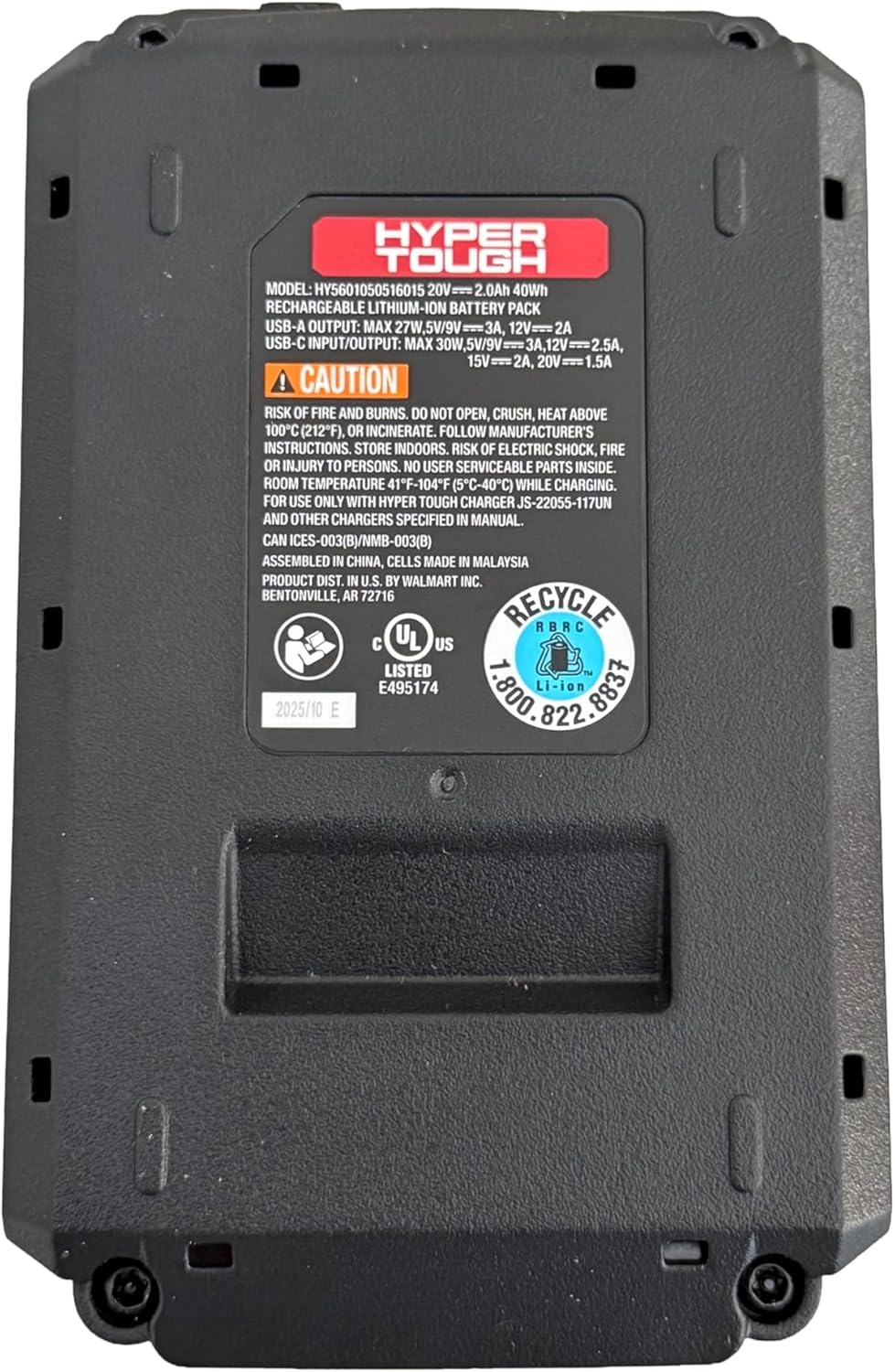
Image: Bottom view of the battery pack, displaying model information, USB port specifications, and critical safety warnings regarding fire, burns, and electric shock. It also shows recycling information and UL listing.
Product Overview
The Hyper Tough 20V Max 2.0Ah Lithium-Ion Battery Pack provides portable power for your Hyper Tough 20V tools and acts as a power bank for your electronic devices.
Key Components:
- Battery Pack: 20V Max 2.0Ah Lithium-Ion power source.
- Tool Interface: Connects to compatible Hyper Tough 20V power tools and garden tools.
- USB-A Port: For charging various electronic devices.
- 2-Way USB-C Port: For fast charging of electronic devices (30W Power Delivery) and potentially for charging the battery pack itself (if supported by a compatible charger).
- Battery Capacity Indicator: Displays the current charge level of the battery.

Image: Front view of the Hyper Tough battery pack, highlighting the 'HYPER TOUGH' branding and the clearly labeled USB-A and USB-C (IN/OUT PD) ports.
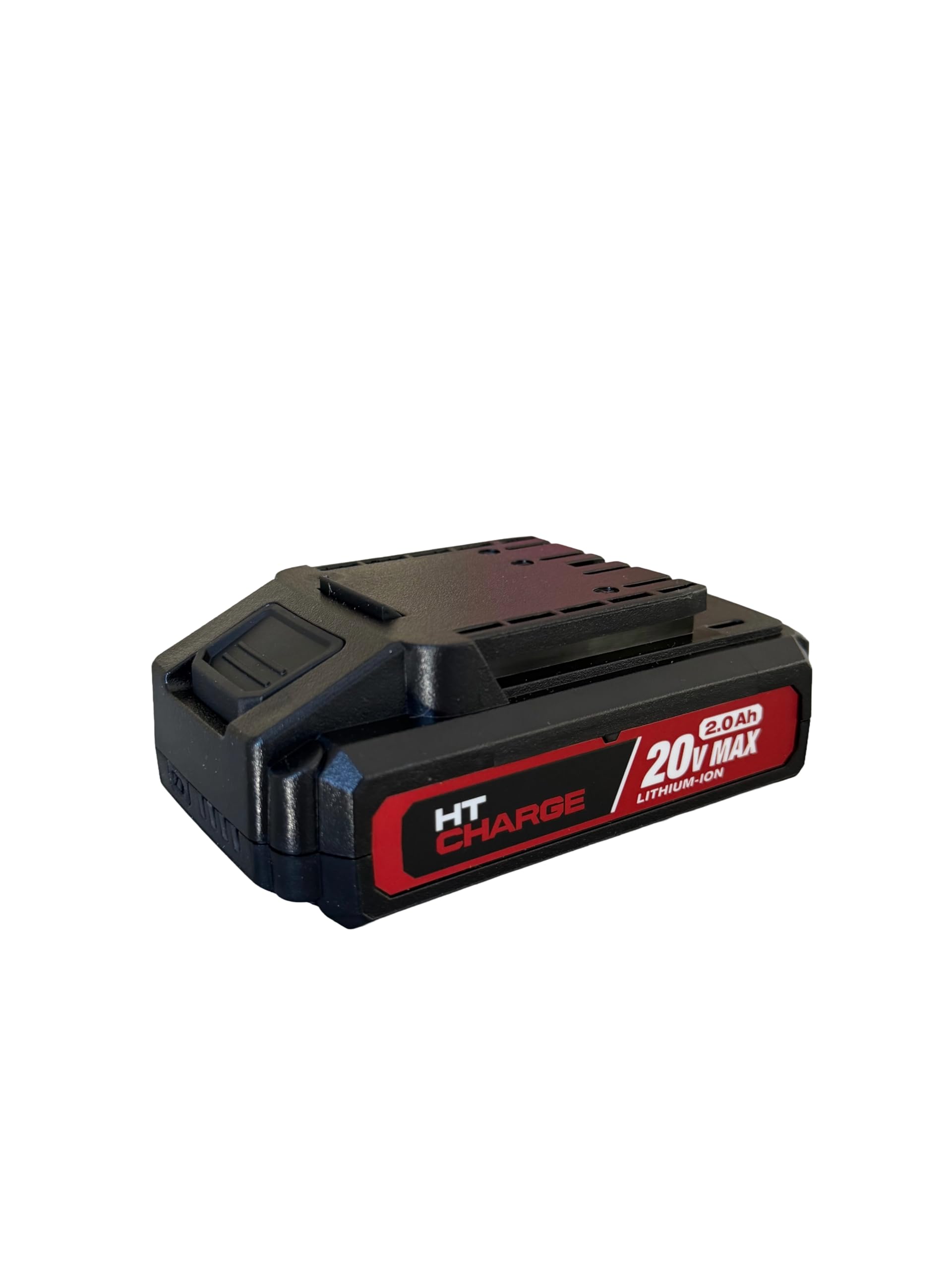
Image: Top view of the Hyper Tough battery pack, displaying the connection terminals and slide mechanism for attaching to compatible power tools.
Setup
Initial Charging
- Ensure the battery pack is fully charged before first use.
- Connect the Hyper Tough 20V Max 2.0Ah Lithium-Ion Battery Pack to a compatible Hyper Tough 20V battery charger.
- Plug the charger into a standard electrical outlet.
- The charger's indicator light will show the charging status. Refer to your charger's manual for specific indicator meanings.
- Once fully charged, disconnect the charger from the power outlet and remove the battery pack.
Attaching to a Tool
- Align the battery pack with the battery port on your Hyper Tough 20V power tool or garden tool.
- Slide the battery pack firmly into the tool until it clicks securely into place. Ensure it is fully seated to prevent accidental detachment during operation.
- To remove, press the battery release button (if present on the tool or battery) and slide the battery pack out.
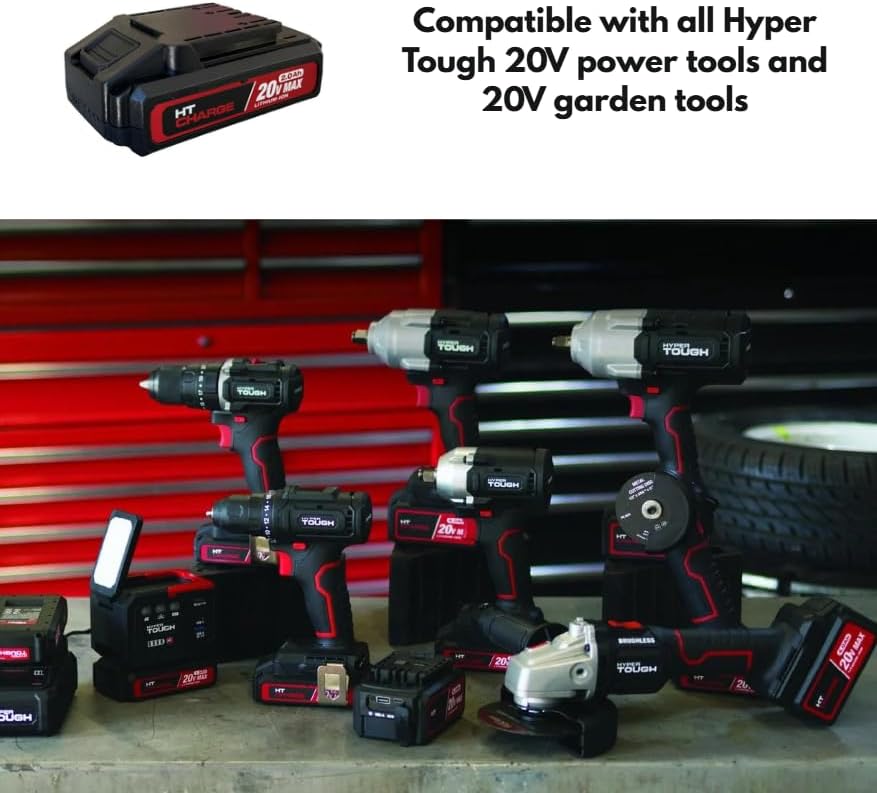
Image: The Hyper Tough 20V Max 2.0Ah Lithium-Ion Battery Pack displayed alongside a range of compatible Hyper Tough 20V power tools, including drills, impact wrenches, and grinders, illustrating its versatility.
Operating
Powering Tools
Once the battery pack is securely attached to a compatible Hyper Tough 20V tool, the tool is ready for operation. Refer to your specific tool's instruction manual for operating procedures.
Using USB Ports for Device Charging
The integrated USB-A and USB-C ports allow you to charge compatible electronic devices such as smartphones, tablets, or other USB-powered gadgets.
- USB-A Port: Connect your device's USB-A charging cable to the USB-A port on the battery pack.
- 2-Way USB-C Port: Connect your device's USB-C charging cable to the USB-C port on the battery pack. This port supports Power Delivery (PD) for faster charging of compatible devices.
- Ensure your device is compatible with the output specifications of the battery pack's USB ports.
Battery Capacity Indicator
Press the battery capacity indicator button on the battery pack to view the current charge level. A series of LED lights will illuminate, indicating the remaining power. Refer to the specific LED pattern on your battery for detailed charge level interpretation.
Maintenance
Cleaning
- Always remove the battery pack from any tool or charger before cleaning.
- Wipe the exterior of the battery pack with a clean, dry cloth.
- Do not use water, solvents, or harsh chemicals to clean the battery pack.
- Keep the battery terminals clean and free of debris.
Storage
- Store the battery pack in a cool, dry place, away from direct sunlight, heat sources, and moisture.
- Avoid storing the battery pack in temperatures below 41°F (5°C) or above 104°F (40°C).
- For long-term storage, it is recommended to charge the battery pack to approximately 50% capacity.
- Do not store the battery pack with metal objects that could short-circuit the terminals.
Troubleshooting
Battery Pack Not Charging
- Ensure the charger is properly plugged into a working electrical outlet.
- Verify that the battery pack is securely connected to the charger.
- Check the ambient temperature; charging should occur between 41°F (5°C) and 104°F (40°C).
- Confirm you are using a compatible Hyper Tough charger.
Battery Pack Not Powering Tool
- Ensure the battery pack is fully charged. Check the battery capacity indicator.
- Verify the battery pack is securely attached to the tool.
- Confirm the tool is compatible with Hyper Tough 20V battery packs.
USB Ports Not Charging Devices
- Ensure the battery pack has sufficient charge.
- Verify that the USB cable is functioning correctly and is securely connected to both the battery pack and the device.
- Confirm your device is compatible with the USB output specifications (voltage/current).
- Some devices may require specific charging protocols not supported by the battery pack.
Specifications
| Model Name | 20V 2.0Ah Battery Pack |
| Model Number | HT-CHARGE-20V-2AH |
| Battery Type | Lithium-Ion |
| Voltage | 20V Max |
| Capacity | 2.0Ah (40Wh) |
| USB-A Output | 27W Max, 5V/9V=3A, 12V=2A |
| USB-C Input/Output | 30W Max, 5V/9V=3A, 12V=2.5A, 15V=2A, 20V=1.5A |
| Recommended Charging Temperature | 41°F to 104°F (5°C to 40°C) |
| Compatibility | All Hyper Tough 20V power tools and garden tools |
Warranty and Support
For warranty information, please refer to the documentation provided with your original purchase or contact the retailer where the product was acquired. For technical support or further assistance, please contact Hyper Tough customer service through their official website or the contact information provided with your product.
