
BKVTOP TOP-350A-BL
BKVTOP Wireless GPS Bike Computer User Manual
Model: TOP-350A-BL
Brand: BKVTOP
Introduction
The BKVTOP Wireless GPS Bike Computer provides essential cycling information in a compact and easy-to-use design. It is suitable for commuting, leisure riding, and everyday outdoor cycling. This device features built-in GPS for tracking speed, distance, and time without external sensors. It also provides additional data such as temperature, altitude, and gradient.
The 2.4-inch LCD screen offers clear readability, enhanced by a green automatic backlight for low-light conditions. The Auto Start and Stop function simplifies ride recording. The device is lightweight at 50g, has a rechargeable battery offering up to 28 hours of runtime, and an IPX7 waterproof rating for use in various weather conditions.

Image: The BKVTOP Wireless GPS Bike Computer mounted on a bicycle handlebar, displaying speed and other metrics.
What's in the Box
Verify that all components are present in the package:
- 1 x Bike Computer (Main Unit)
- 1 x Charging Cable (USB-C)
- 1 x Standard Bike Mount
- 1 x Rubber Pad
- 2 x Rubber Rings (for mounting)
- 1 x User Manual

Image: All included components of the BKVTOP GPS Bike Computer package.
Video: A demonstration of unboxing the BKVTOP GPS Bike Computer and its included accessories.
Setup
Mounting the Bike Computer
- Place the rubber pad on your bicycle handlebar or stem at the desired mounting location.
- Position the standard bike mount on top of the rubber pad.
- Secure the mount and rubber pad to the handlebar/stem using the provided rubber rings. Ensure the mount is stable and does not rotate freely.
- Align the bike computer with the mount and twist it clockwise until it locks securely into place.

Image: An illustration detailing the function of the control buttons for power, settings, and data page navigation.
Video: A step-by-step guide on how to install the BKVTOP GPS Bike Computer mount and attach the device to a bicycle handlebar.

Image: A visual comparison highlighting the simplicity of installing the wireless GPS bike computer compared to a wired model.
Operating Instructions
Power On/Off
- To power on or off, press and hold the left button (Power/Play/Pause) for two seconds.
GPS Acquisition and Time Synchronization
- Upon powering on, the device will automatically search for satellite signals. This may take up to a minute.
- Once satellite signals are detected, the device will automatically synchronize the time based on the preset time zone.

Image: The bike computer display illustrating the automatic backlight function and time synchronization.
Navigating Data Pages
- Click the right button (Settings/Next Page) to move to the next data page and view different metrics.
Settings Adjustment
- To enter the settings page, press and hold the right button for two seconds.
- Within the settings menu, use the right button to navigate through options and the left button to change the current setting (e.g., Imperial/Metric units, Time Zone, 12/24 Hour Format).

Image: Display screens showing options for Imperial/Metric unit settings, time zone configuration, and 12/24 hour time format.
Auto Start/Stop
- The device features an Auto Start and Stop function, which automatically begins recording when movement is detected and pauses when stationary.
Video: The BKVTOP GPS Bike Computer in action, demonstrating its precision tracking capabilities during a ride.
Features & Data Display
The BKVTOP GPS Bike Computer provides a comprehensive array of cycling data:
- Speed Data: Current Speed, Average Speed, Maximum Speed
- Distance Data: Riding Distance, Total Mileage
- Time Data: Ride Time, Total Time, Clock
- Environmental Data: Temperature, Current Altitude, Gradient, Accumulated Ascent
- Display Features: 2.4-inch LCD screen, Green Auto Backlight

Image: The bike computer display showcasing various data types supported, such as ride time, distance, speed, altitude, and gradient.
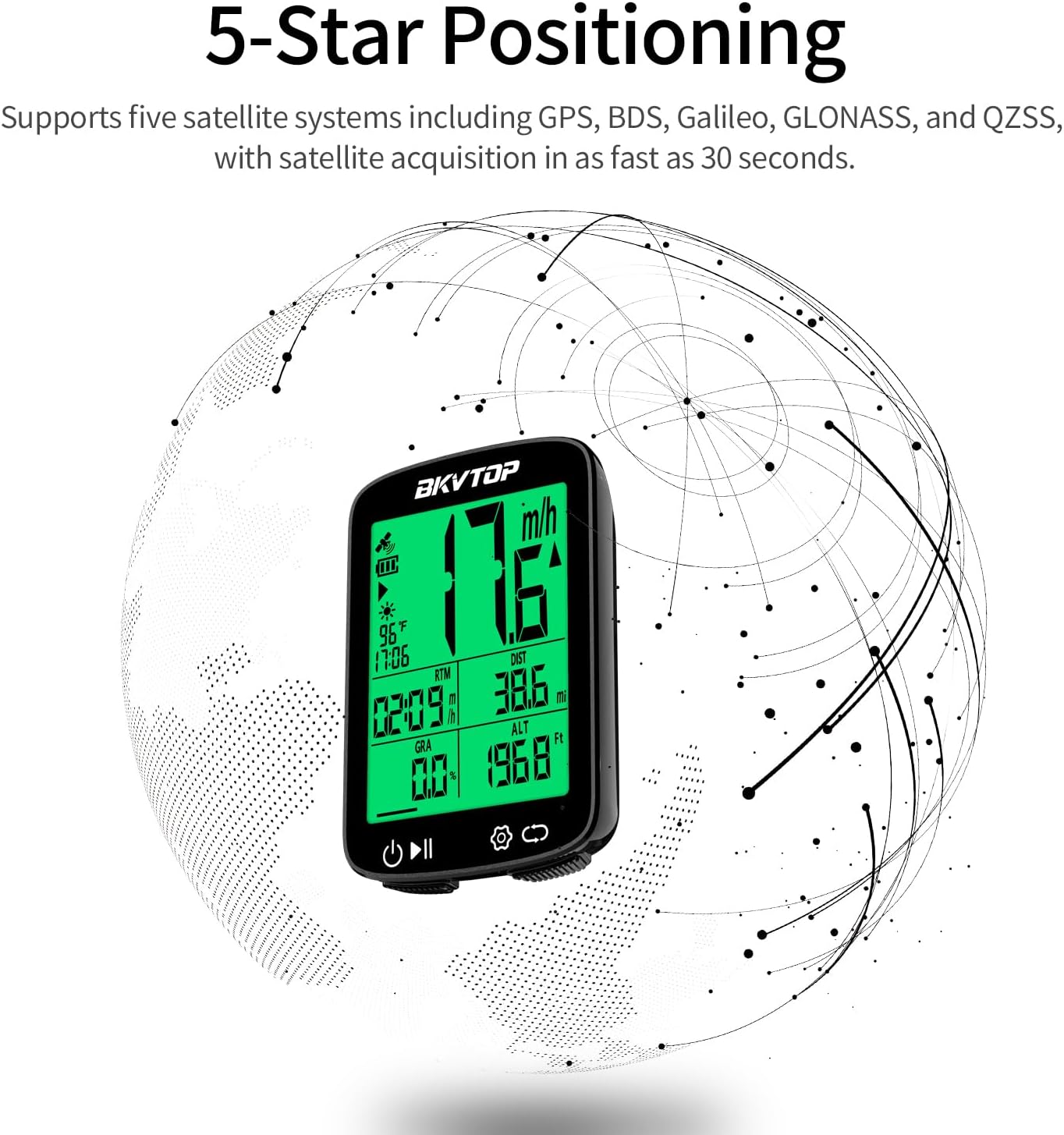
Image: The bike computer display with a graphic illustrating its 5-star positioning capability using multiple satellite systems for enhanced accuracy.

Image: A map graphic demonstrating the global 5-satellite positioning system (GPS, BDS, Galileo, GLONASS, QZSS) for faster and more accurate tracking.
Maintenance
- Cleaning: Wipe the device with a soft, damp cloth. Avoid using harsh chemicals or abrasive cleaners.
- Charging: Charge the device using the provided USB-C cable. Ensure the charging port is dry before connecting the cable.
- Storage: Store the bike computer in a cool, dry place when not in use. Avoid extreme temperatures.
- Water Resistance: The device has an IPX7 waterproof rating, meaning it can withstand splashes and brief immersion. However, it is not recommended for prolonged submersion. Ensure the USB-C port cover is properly sealed during wet conditions.

Image: A cyclist riding in rainy conditions, demonstrating the IPX7 tough waterproofing of the BKVTOP GPS Bike Computer.
Troubleshooting
- Device not powering on: Ensure the battery is charged. Connect to a power source using the USB-C cable.
- No GPS signal: Ensure you are in an open area with a clear view of the sky. Avoid areas with tall buildings or dense foliage that may obstruct satellite signals. Allow sufficient time (up to 1 minute) for satellite acquisition.
- Inaccurate speed/distance: Ensure the device has a stable GPS signal. Movement in areas with poor signal may result in less accurate data.
- Screen not visible: The automatic backlight activates in low-light conditions. If the screen is still dim, check battery level.
- Mount slipping: Ensure the rubber pad and rubber rings are securely fastened to the handlebar/stem. Tighten the rubber rings if necessary.
Specifications
| Attribute | Detail |
|---|---|
| Brand | BKVTOP |
| Model Number | TOP-350A-BL |
| Color | Black |
| Product Dimensions (L x W x H) | 1.77"L x 0.63"W x 2.76"H (45mm x 16mm x 70mm) |
| Item Weight | 50 g |
| Screen Size | 2.4 inches |
| Display Type | LCD |
| Battery Type | Lithium Ion |
| Battery Average Life | Up to 28 hours |
| International Protection Rating | IPX7 (Waterproof) |
| Sensor Type | GPS Sensor, Motion Sensor, Barometric Altimeter, Speed Sensor |
| Mounting Type | Standard Mount |
| Human Interface Input | Buttons |

Image: A diagram illustrating the physical dimensions and weight of the BKVTOP GPS Bike Computer.
Warranty & Support
The BKVTOP Wireless GPS Bike Computer comes with a 1-year warranty from the date of purchase. This warranty covers manufacturing defects and malfunctions under normal use.
For support, troubleshooting assistance, or warranty claims, please visit the official BKVTOP Store on Amazon: BKVTOP Store.
Ask a question about this manual
Ask about setup, troubleshooting, compatibility, parts, safety, or missing instructions. Manuals+ will review the question and use this page’s manual context to help answer it.