
ET2 E21351-BK
ET2 Lighting Dorian 4.5 Inch Black LED Wall Sconce
Instruction Manual
Introduction
The ET2 Lighting Dorian LED Wall Sconce is a modern, adjustable lighting fixture designed for various indoor applications such as bathrooms, hallways, and art lighting. It features a sleek design with rotating LED tubes for directional illumination, providing warm 3000K light with high color rendering (90 CRI).
Important Safety Instructions
- Read all instructions thoroughly before beginning installation.
- Always turn off the electrical power at the circuit breaker or fuse box before installing, servicing, or cleaning this fixture.
- Consult a qualified electrician if you are unsure about the installation process.
- Do not modify the fixture in any way. Any modifications may void the warranty and create a safety hazard.
- This fixture is designed for indoor use only.
- Avoid looking directly into the LED light source when illuminated.
Package Contents
Verify that all components are present before beginning installation:
- Dorian LED Wall Sconce (Model E21351-BK)
- Mounting Hardware
Setup and Installation
Before You Begin
- Ensure the power supply to the installation area is turned off at the circuit breaker.
- Gather necessary tools: screwdriver, wire strippers, electrical tape, safety glasses.
Mounting the Fixture
- Carefully unpack the fixture and its components.
- Attach the mounting bracket to the electrical junction box using the provided screws. Ensure it is securely fastened.
- Connect the fixture's electrical wires to the corresponding house wires: connect the black wire (Live) to the black wire, the white wire (Neutral) to the white wire, and the green or bare copper wire (Ground) to the ground wire. Secure connections with wire nuts and electrical tape.
- Carefully tuck all wires into the junction box.
- Align the fixture's backplate with the mounting bracket and secure it with the provided screws.
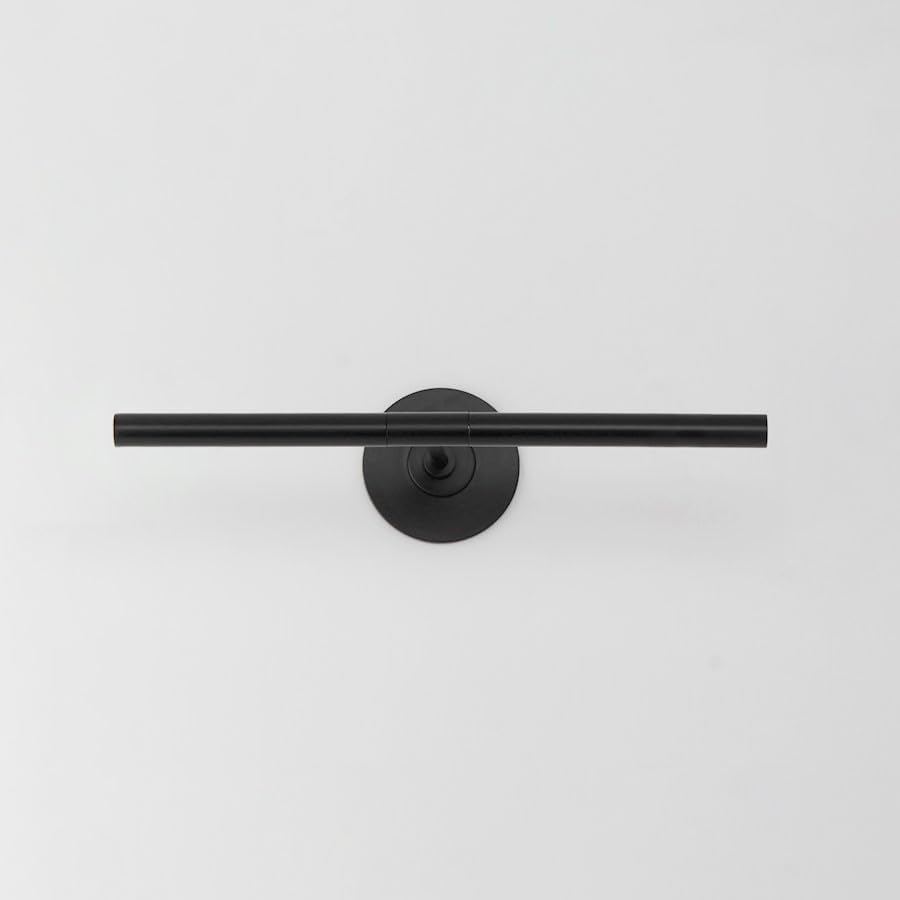
Figure 1: ET2 Dorian LED Wall Sconce (Model E21351-BK) - Front View.
Operation
Turning On/Off
The ET2 Dorian LED Wall Sconce is operated by a standard wall switch connected to the fixture's electrical circuit.
Adjusting Light Direction
The cylindrical LED tubes of the Dorian sconce can be rotated individually. Gently rotate the tubes to achieve the desired illumination angle. This feature allows for precise directional lighting, ideal for highlighting artwork, portraits, or providing focused task lighting.
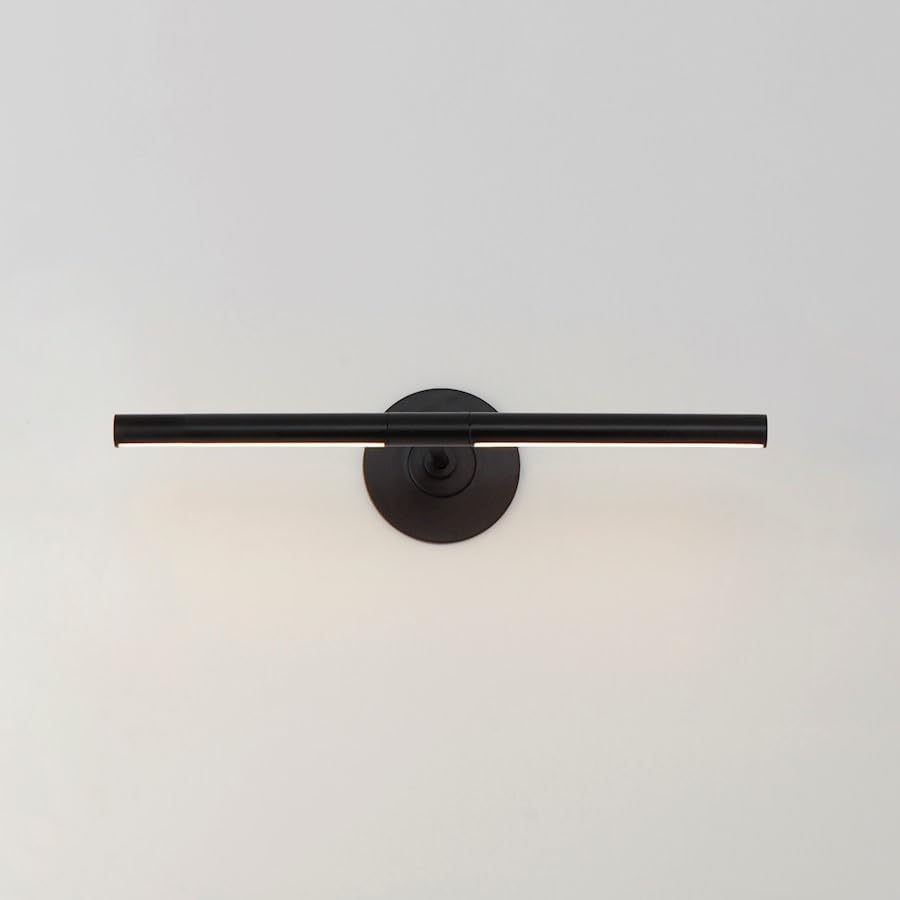
Figure 2: ET2 Dorian LED Wall Sconce with adjustable light tubes illuminated.
Care and Maintenance
Cleaning
To clean the fixture, ensure the power is off. Wipe the surface with a soft, dry, or slightly damp cloth. Do not use abrasive cleaners, solvents, or polishes as they may damage the finish or electrical components.
LED Lifespan
The integrated LED light source in this fixture is designed for long-term performance and is not user-replaceable. If the LED light source fails, the entire fixture may need to be replaced.
Troubleshooting
| Problem | Possible Cause | Solution |
|---|---|---|
| Light does not turn on. | No power to the fixture. Loose wire connections. Faulty wall switch. | Check the circuit breaker and ensure power is on. Verify all wire connections are secure (ensure power is off first). Test the wall switch with another device or replace it if faulty. |
| Light flickers or dims unexpectedly. | Loose wire connections. Incompatible dimmer switch (if applicable). | Ensure all wire connections are secure (ensure power is off first). If using a dimmer, ensure it is compatible with LED fixtures. Consult a qualified electrician. |
Product Specifications
| Brand: | ET2 |
| Model Number: | E21351-BK |
| Material: | Acrylic, Aluminum |
| Color: | Black |
| Dimensions (L x W x H): | 19"L x 1"W x 4"H |
| Item Weight: | 2 Pounds |
| Power Source: | Corded Electric |
| Indoor/Outdoor Usage: | Indoor |
| Light Source: | Integrated LED |
| Color Temperature: | 3000K |
| Color Rendering Index (CRI): | 90 |
Warranty Information
This ET2 Lighting product is covered by a 2-year manufacturer's warranty from the original date of purchase. This warranty covers defects in materials and workmanship under normal use. Please retain your proof of purchase for warranty claims.
Customer Support
For technical assistance, replacement parts, or warranty inquiries, please contact ET2 Lighting customer service. Refer to the product model number (E21351-BK) when contacting support.
Related documentsE21351-BK


Ask a question about this manual
Ask about setup, troubleshooting, compatibility, parts, safety, or missing instructions. Manuals+ will review the question and use this page’s manual context to help answer it.