
Horavie KC101C
Horavie KC101C Single Serve Coffee Maker User Manual
Model: KC101C | Brand: Horavie
Introduction
Thank you for choosing the Horavie KC101C Single Serve Coffee Maker. This manual provides essential information for the safe operation, maintenance, and troubleshooting of your new appliance. Please read it thoroughly before first use and keep it for future reference.

Image: The Horavie KC101C Single Serve Coffee Maker, a sleek stainless steel and black appliance designed for convenience.
Important Safety Instructions
- Read all instructions before using the appliance.
- Do not touch hot surfaces. Use handles or knobs.
- To protect against fire, electric shock, and injury to persons, do not immerse cord, plugs, or appliance in water or other liquid.
- Close supervision is necessary when any appliance is used by or near children.
- Unplug from outlet when not in use and before cleaning. Allow to cool before putting on or taking off parts, and before cleaning the appliance.
- Do not operate any appliance with a damaged cord or plug or after the appliance malfunctions, or has been damaged in any manner.
- The use of accessory attachments not recommended by the appliance manufacturer may result in fire, electric shock, or injury to persons.
- Do not use outdoors.
- Do not let cord hang over edge of table or counter, or touch hot surfaces.
- Do not place on or near a hot gas or electric burner, or in a heated oven.
- Always attach plug to appliance first, then plug cord into the wall outlet. To disconnect, turn any control to "off", then remove plug from wall outlet.
- Do not use appliance for other than intended use.
Product Overview
The Horavie KC101C is a versatile single-serve coffee maker designed for convenience and flexibility. It features multiple brewing options and cup sizes to suit your preferences.

Image: The compact design of the Horavie KC101C coffee maker, showing its dimensions and ability to accommodate various cup sizes by removing the drip tray.
Components:
- Water Reservoir: 50oz removable tank for easy refilling.
- Control Panel: Touchscreen interface with brew mode and size selection.
- Brew Head: Accommodates K-Cup pods and reusable ground coffee filter.
- Drip Tray: Removable for cleaning and to fit taller mugs.
- K-Cup Pod Holder: For single-serve K-Cup pods.
- Reusable Filter Basket: For brewing with ground coffee.
Setup and First Use
- Unpacking: Carefully remove all packaging materials and ensure all components are present.
- Cleaning: Wash the removable water reservoir, K-Cup pod holder, reusable filter basket, and drip tray in warm, soapy water. Rinse thoroughly and dry.
- Positioning: Place the coffee maker on a flat, stable surface. Ensure adequate clearance around the unit.
- Fill Water Reservoir: Remove the 50oz water tank from the back of the unit. Fill it with fresh, cold water up to the MAX line. Replace the tank securely.
- Initial Rinse Cycle:
- Place an empty mug on the drip tray.
- Ensure no K-Cup pod or ground coffee filter is in the brew head.
- Press the "ON/OFF" button to power on the machine.
- Select the largest brew size (14 oz).
- Press the "HOT BREW" button to start a rinse cycle.
- Discard the hot water. Repeat this process 2-3 times to clean the internal components.

Image: A hand removing the large 50oz water tank from the side of the coffee maker, highlighting its easy-to-refill design.
Operating Instructions
1. Brewing with K-Cup Pods or Ground Coffee

Image: A close-up view of the Horavie KC101C coffee maker's brew head, illustrating the K-Pod holder and the reusable filter basket for ground coffee.
- Power On: Press the "ON/OFF" button.
- Prepare for Brewing:
- For K-Cup Pods: Lift the handle, insert a K-Cup pod into the K-Cup pod holder. Close the handle firmly.
- For Ground Coffee: Lift the handle, place the reusable filter basket into the brew head. Fill the filter basket with your desired amount of medium-coarse ground coffee (do not overfill). Close the handle firmly.
- Place Mug: Position your mug on the drip tray. If using a taller mug (up to 6.5 inches), remove the drip tray.
- Select Brew Size: Use the "+" and "-" buttons on the control panel to select your desired brew size (6, 8, 10, 12, or 14 oz).
- Select Brew Mode: Choose one of the following:
- HOT BREW: For a standard hot coffee.
- STRONG: For a bolder, more intense hot coffee.
- OVER ICE: For iced coffee (only 6 or 8 oz options available).
- Start Brewing: Press the selected brew mode button (HOT BREW, STRONG, or OVER ICE) to begin brewing. The machine will beep when brewing is complete.
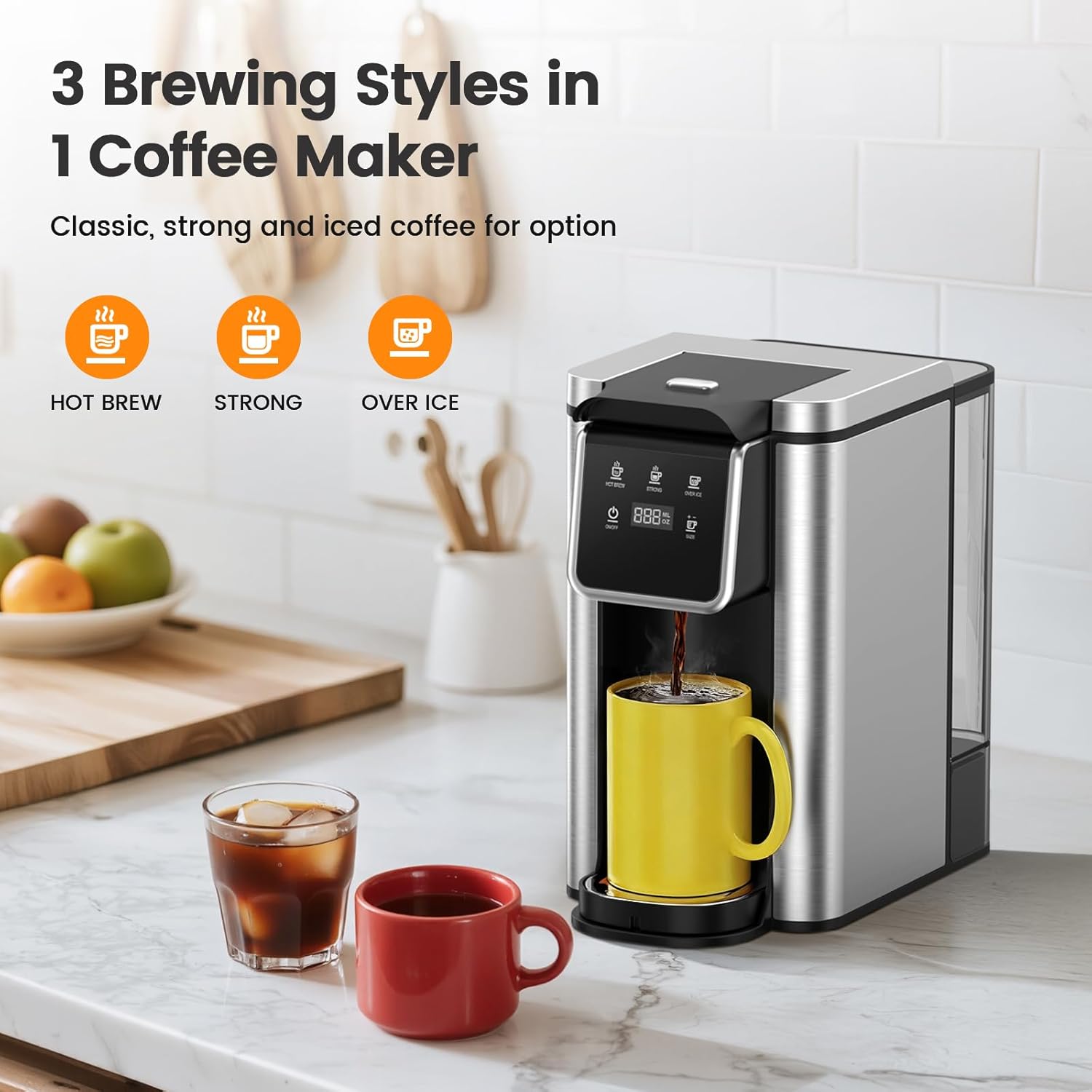
Image: The control panel of the Horavie KC101C coffee maker, displaying the three brewing options: Hot Brew, Strong, and Over Ice, along with cup size selection.
2. Over Ice Brewing Specifics
When using the "OVER ICE" mode, the machine dispenses 6 or 8 ounces of concentrated coffee. For optimal flavor and to prevent excessive dilution, add ice to your cup before brewing. A 1:1 ratio of coffee to ice is recommended initially, allowing the coffee to cool and dilute naturally.
3. Fast Brewing Feature
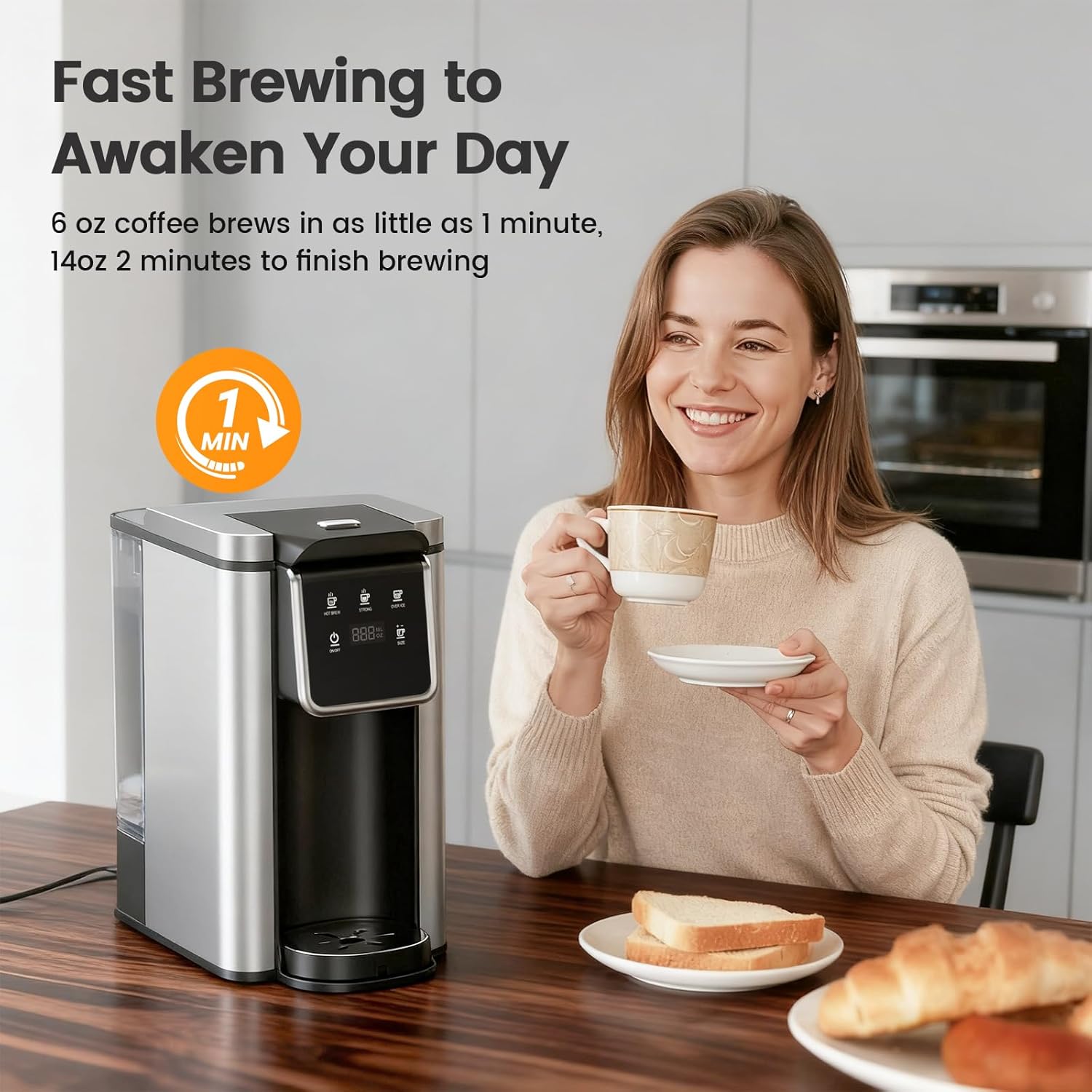
Image: The Horavie KC101C coffee maker quickly brewing coffee into a mug, illustrating its fast brewing capability.
The Horavie KC101C is designed for speed. A 6 oz cup of coffee can be brewed in as little as 1 minute, and a 14 oz cup in approximately 2 minutes, ensuring your coffee is ready quickly and at the ideal temperature.
4. Official Product Video: All-in-1 Single Cup Coffee Maker
Video: An official product video from Horavie Direct demonstrating the features and operation of the Horavie KC101C Single Serve Coffee Maker, including its K-Pod and ground coffee compatibility, fast brewing, and hot/iced coffee options.
Maintenance
1. Daily Cleaning
- Unplug the coffee maker before cleaning.
- Remove and empty the drip tray. Wash it with warm, soapy water.
- Remove the K-Cup pod holder or reusable filter basket. Discard used grounds/pod and wash with warm, soapy water.
- Wipe the exterior of the coffee maker with a damp cloth. Do not immerse the unit in water.
- The water reservoir can be removed and washed with warm, soapy water.
2. Descaling

Image: The control panel of the Horavie KC101C coffee maker, indicating the "HOT BREW" and "OVER ICE" buttons used to activate the descaling mode.
Regular descaling is crucial to prevent mineral buildup and maintain optimal performance. The machine has a built-in descaling mode.
- Prepare Descaling Solution: Mix 10 oz of white vinegar with 10 oz of water in the water reservoir.
- Enter Descaling Mode: With the machine powered on, press and hold both the "HOT BREW" and "OVER ICE" buttons simultaneously for 2 seconds. The display will indicate "dES" or a similar descaling indicator.
- Start Descaling: Press the "ON/OFF" button to start the descaling cycle. The machine will run the solution through.
- Rinse Cycles: After the descaling cycle is complete, empty the reservoir and fill it with fresh, clean water. Run 2-3 full water cycles (14 oz) to rinse out any remaining descaling solution.
Troubleshooting
| Problem | Possible Cause | Solution |
|---|---|---|
| Coffee not brewing. | Low water level; brew head not closed; clogged needle. | Fill water reservoir; ensure brew head is firmly closed; clean the needle with a paperclip. |
| "Add Water" alert flashing. | Water reservoir is empty or not properly seated. | Refill water reservoir and ensure it is correctly placed. |
| Coffee tastes weak. | Incorrect coffee-to-water ratio; wrong brew strength selected. | Use more ground coffee or a stronger K-Cup; select "STRONG" brew mode. |
| Coffee is not hot enough. | Machine needs descaling. | Perform a descaling cycle as per maintenance instructions. |
Specifications
| Feature | Detail |
|---|---|
| Brand | Horavie |
| Model Name | Hot & Iced Coffee Maker |
| Model Number | KC101C |
| Dimensions (D x W x H) | 11.1"D x 7.2"W x 11.2"H |
| Water Tank Capacity | 50 oz |
| Brew Sizes | 6, 8, 10, 12, 14 oz |
| Brew Modes | Hot Brew, Strong, Over Ice |
| Coffee Input Type | Ground, K-Cup Pod |
| Material | Plastic, Stainless Steel |
| Voltage | 120 Volts |
| Special Features | Adjustable Brew Strength, Auto Clean Function, Auto Shut-Off, Removable Tank, Single Cup Brew |
Warranty and Support
For warranty information and customer support, please refer to the documentation included with your product or visit the official Horavie website. Keep your purchase receipt as proof of purchase for any warranty claims.